Submagic and Descript both turn talking-head footage into captioned video, but they start from different places. Submagic starts from the finished short: you upload a clip and get animated captions, zooms and B-roll, and on its higher plans it also cuts silences and filler words. Descript starts from the recording: you edit the video by editing its transcript, and captions are one part of a full editor.
Pick Submagic if you film short talking-head clips, want captions and a finished look fast, and don't work with long recordings. Pick Descript if you edit long conversations, podcasts or tutorials, want to control every cut through the transcript, or need screen recording and multitrack audio. Both tools have a free option you can test before paying.
We make Sycamore, so it gets a short section at the end as a third option, and we say where it isn't the right pick. Prices and plan details below are as of October 2026, taken from each tool's own pricing page.
Submagic vs Descript at a glance
| Submagic | Descript | |
|---|---|---|
| Entry paid plan | Starter: $19 per member a month, or $12 a month billed yearly | Hobbyist: $24 a month, or $16 a month billed yearly |
| Other paid plans | Pro: $39 a month ($23 yearly). Business: $69 a month ($41 yearly). Custom plans by sales | Creator: $35 a month ($24 yearly). Business: $65 a month ($50 yearly). Enterprise: custom |
| Free plan or trial | Free trial: 3 short videos, no credit card. Exports carry a watermark | Free plan: 60 media minutes a month, no credit card. Exports at 720p with a watermark |
| Video length or allowance | Starter: 15 videos a month, each up to 2 minutes. Pro: up to 5 minutes per video. Business: up to 30 minutes | Hobbyist: 10 media hours a month. Creator: 30 media hours a month |
| Captions | Animated, word-by-word styles. Premium caption templates, custom fonts and brand kit from Pro | Stock caption styles you can change (font, colors, words). Captions follow the transcript |
| Cuts silences and filler words | From Pro | Remove filler words is included from Hobbyist |
| Does well | Fast path from raw clip to captioned short. B-roll, zooms, publishing | Full editing by text. Long recordings, podcasts, screen recording, multitrack audio |
| Missing or limited | Starter can't cut silences, and its 2-minute cap rules out longer raw footage. Long-video clipping is a paid add-on | Steeper learning curve. AI features run on a separate monthly AI credits allowance |
| Best for | Short-form creators who post many captioned clips | Podcasters, interviewers and anyone who edits long recordings |
Submagic's and Descript's paid plans both have a yearly price that is lower than the monthly one. The table shows both. Both tools price per person, so a team pays for each seat.
Submagic

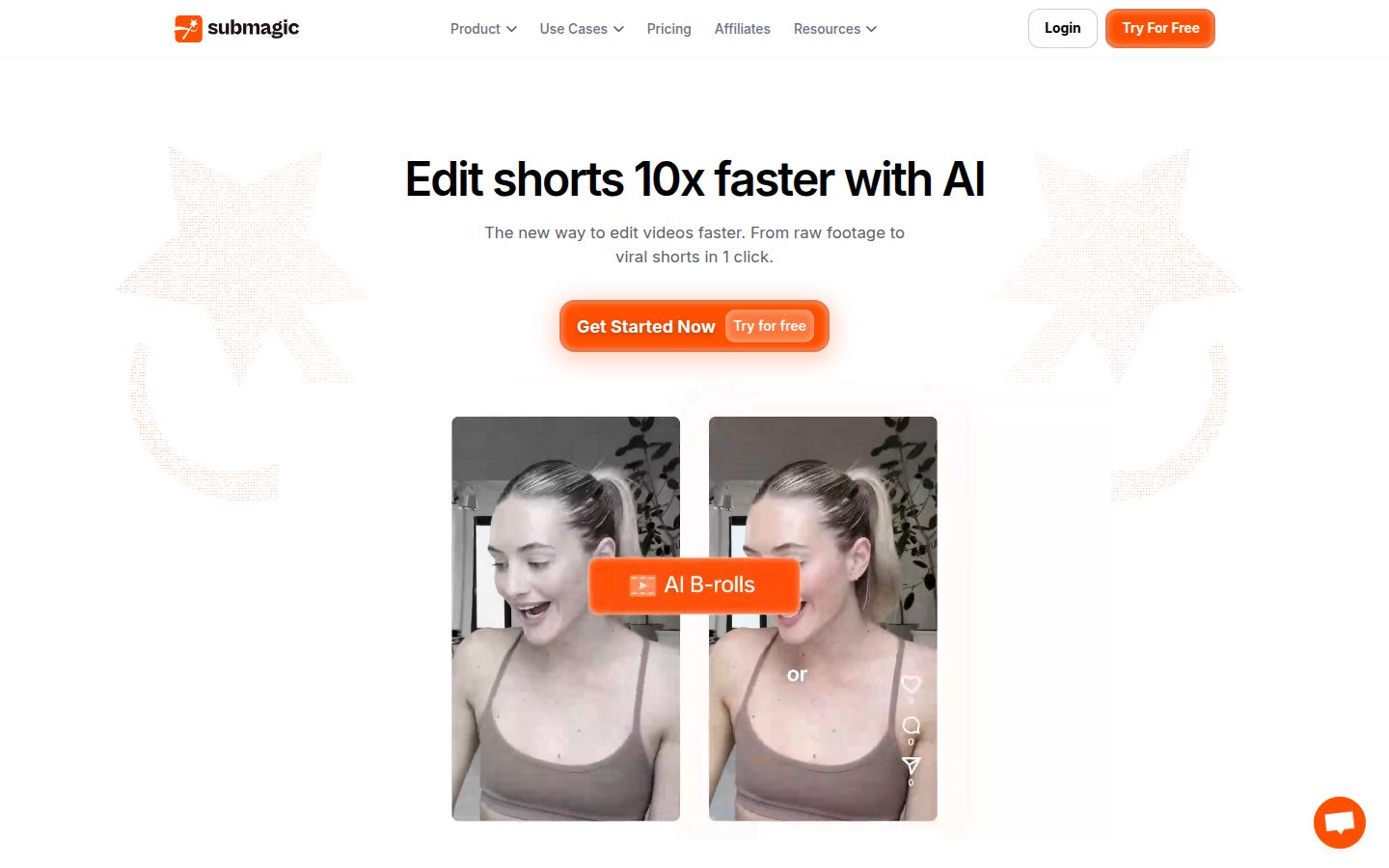
Submagic is a browser tool for short-form captions and quick edits. You upload a video, pick a caption style and get word-by-word animated captions. Its AI Auto Edit can trim dead air, filler words and bad takes in one click, with Natural, Fast and Extra Fast settings for how tight the cut should be.
Auto-zooms, transitions and B-roll are part of the same editor. The Starter plan includes free stock B-roll and audio. Submagic also has Magic Clips, which turns a longer video into several short clips for $19 a month on top of your plan, for 10 uploads. A publishing tool can post to social platforms: one profile per platform on Pro, three on Business.
The limits to know: Starter videos can run up to 2 minutes, Pro up to 5 and Business up to 30. Removing silences, bad takes and filler words starts on Pro. The free trial lets you edit 3 short videos without a card, and exports carry a watermark until you pay.
Submagic is a good fit for a creator who films a few short clips a week, wants them captioned and styled fast, and posts them to TikTok, Reels or Shorts. It also fits small teams who need several seats on the Business plan.
Descript

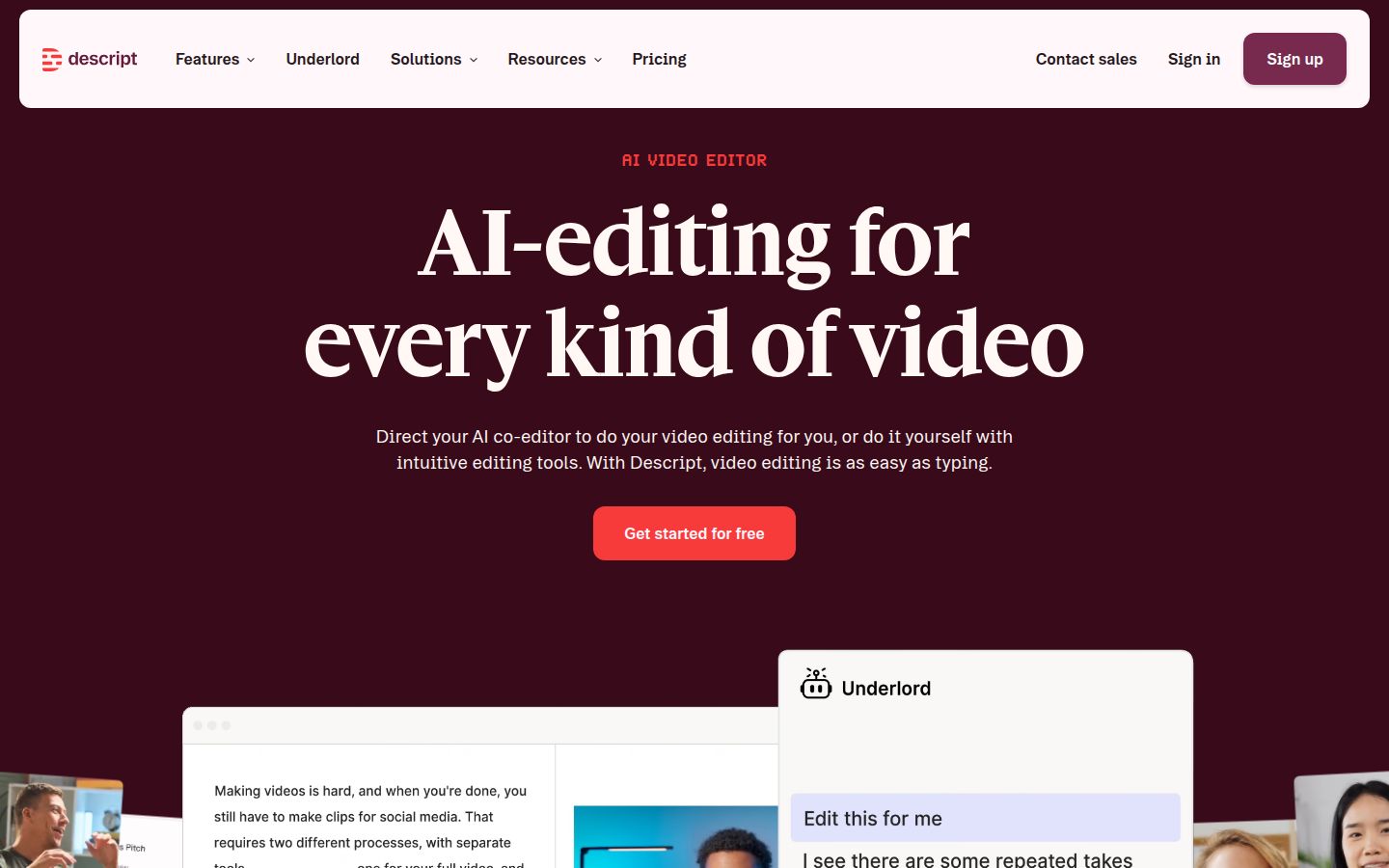
Descript is a full video and audio editor built around a transcript. You delete words in the script and the video cuts with them. It has a multitrack timeline, a screen recorder, Studio Sound for cleaning up audio, and Underlord, an AI assistant you can ask for edits in plain language.
For talking-head work, the useful parts are the filler-word tools and the captions. Descript marks "um" and "uh" in the script. Its Remove filler words tool opens a list of every detected word so you can review them before anything is removed. Captions come in stock styles, and you can change the font, colors and words. On Hobbyist and above, you export 1080p with no watermark. Create Clips, for pulling short clips out of a longer recording, is also in the AI tools from Hobbyist up.
The limits to know: the free plan exports at 720p with a watermark. AI features draw on a monthly allowance of AI credits, 400 a month on Hobbyist. Translation and dubbing in 30+ languages is on the Business plan. And because Descript is a full editor, there are more panels and settings to learn before your first short is done.
Descript is a good fit for podcasters, interviewers and educators who record long sessions and cut them down. It also suits people who want to edit by reading the transcript instead of scrubbing a timeline.
Editing: Submagic makes one pass, Descript lets you make every cut
Submagic's edit is one pass. You upload the clip, pick how tight the cut should be, and review the result. It removes the dead air and the filler words it finds and adds zooms and captions around what stays. That's the fastest route from a raw clip to a finished-looking short.
Descript's edit is built from the script. You read the transcript and delete the sentences or words you don't want. The timeline follows. This takes more attention than one click, but you decide each cut. If you record long takes and need to remove a whole tangent or a rambling answer, the transcript is the faster way to do it.
If you want to stay in control of the words, pick Descript. If you want the cuts made for you and a short to review, Submagic does that with less work from you.
Captions: Submagic leans into animated styles, Descript into the transcript
Captions are the main reason most talking-head creators try either tool. Submagic's captions are built for the short-form look. Animated, word-by-word styles are the default. The Starter plan has standard caption templates. Pro adds premium templates, custom fonts and a brand kit.
Descript's captions come from the transcript, so text you correct in the script carries into the captions. The stock styles can be changed for font, color and words. You get a clean, readable caption track, and you can tweak the look without leaving the editor.
Pick Submagic if the animated style is the look you want on every clip. Pick Descript if the captions need to match a transcript you're already editing.
Pricing: the cheapest plan doesn't buy the same thing
Both tools price per person per month, with a discount for yearly billing. Submagic's plans are priced per video and per length. Descript's are priced per media hour.
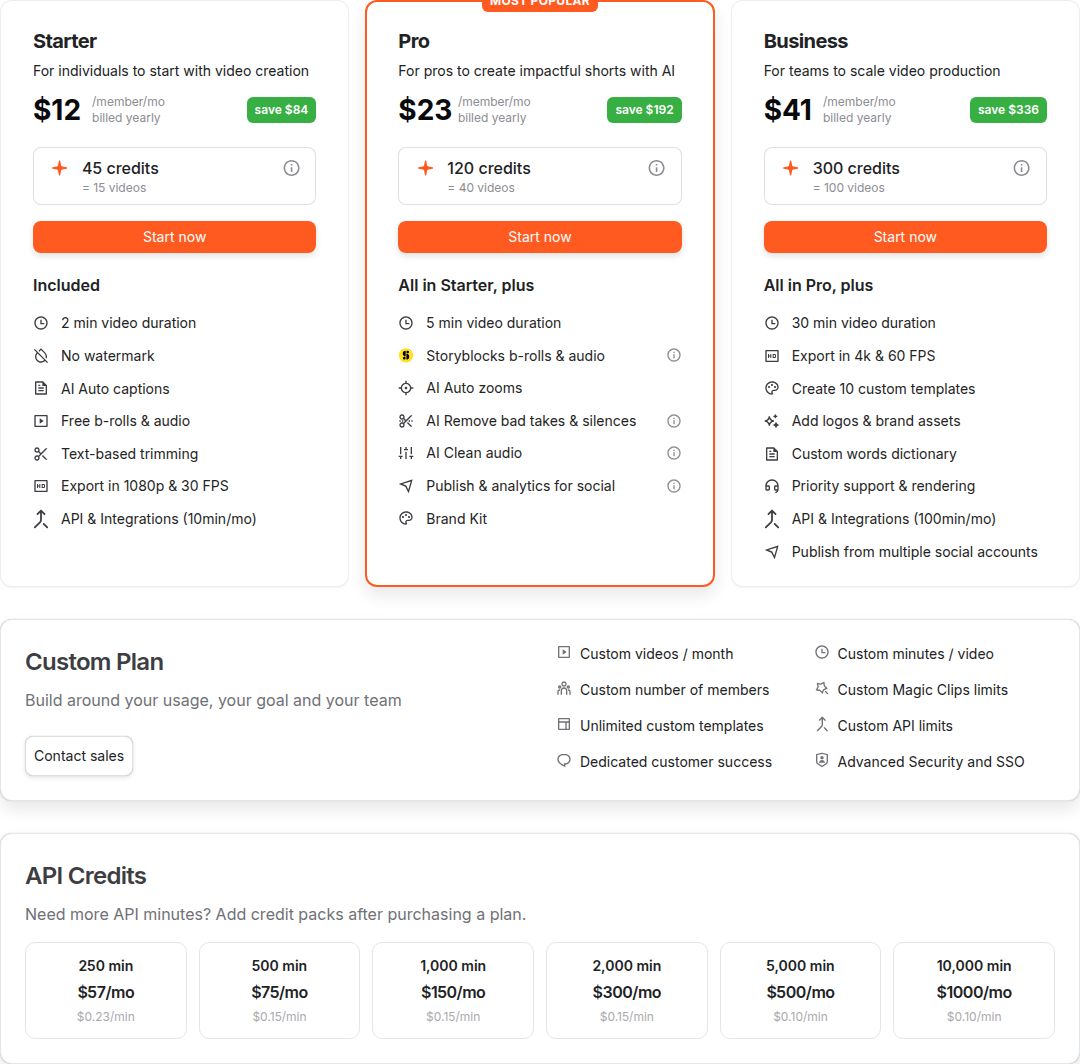 Submagic's pricing page, with the Starter, Pro and Business plans
On Submagic, the cheapest plan is Starter at $19 a month, or $12 a month billed yearly. It covers 15 videos a month, each up to 2 minutes. If your raw recordings run longer than 2 minutes, Starter won't take them, and Pro at $39 a month ($23 yearly) allows 5 minutes per video. Silence and filler cuts also start on Pro.
On Descript, the cheapest paid plan is Hobbyist at $24 a month, or $16 a month billed yearly. It includes 10 media hours a month, watermark-free 1080p export and Remove filler words. The free plan gives you 60 media minutes a month, with 720p exports that carry a watermark.
If you post short clips cut from long raw recordings, check the allowance that matches your footage. A creator with 2-minute clips can start on Submagic's Starter plan. A creator who edits 30-minute interviews every week will need Descript's hours, or Submagic's Business plan for longer uploads.
Ease of use: one click against a full editor
Submagic is built for one job, and the menus show it. Upload, pick a style, review and export. A new user can finish a first short in one session.
Descript is a complete editor. Its help center covers transcription, scenes, a timeline, effects, a recorder and more. The transcript makes the basic edit feel like working in a document, which many people find quick. The full set of tools is also what you pay for, so there's more to learn before you use all of it.
Which one should you pick
Pick the tool that matches the footage you have and the work you want to skip.
- You film 2-minute talking-head clips a few times a week. Start with Submagic Starter at $12 a month billed yearly. If you want silences and filler words cut automatically, move to Pro at $23 a month billed yearly.
- You post many shorts a week and want B-roll and publishing in one place. Submagic Pro or Business. Business adds more seats and 30-minute uploads.
- You record long interviews, podcasts or tutorials and cut them down. Descript Hobbyist at $16 a month billed yearly for 10 media hours. Creator at $24 a month billed yearly if you need 30 hours, 4K export or the stock library.
- You want to edit a video by reading its script. Descript. The transcript is the core of the tool.
- You need to pull several clips out of one long video. Submagic has Magic Clips as a $19 add-on. Descript has Create Clips from Hobbyist up. Test both on one of your recordings before you pay.
- You want to test before paying. Submagic's trial gives you 3 short videos. Descript's free plan gives 60 media minutes a month, with a watermark on export.
- You film with a team. Descript Creator covers up to 3 seats and Business up to 5, with each seat billed separately. Submagic's Business plan lets each member join at the full price.
Choose Descript over Submagic if your clips are longer than a few minutes, or if you want full control over every word. Choose Submagic if you want captioned, styled shorts quickly and your clips stay short.
Sycamore: a third option for talking-head creators

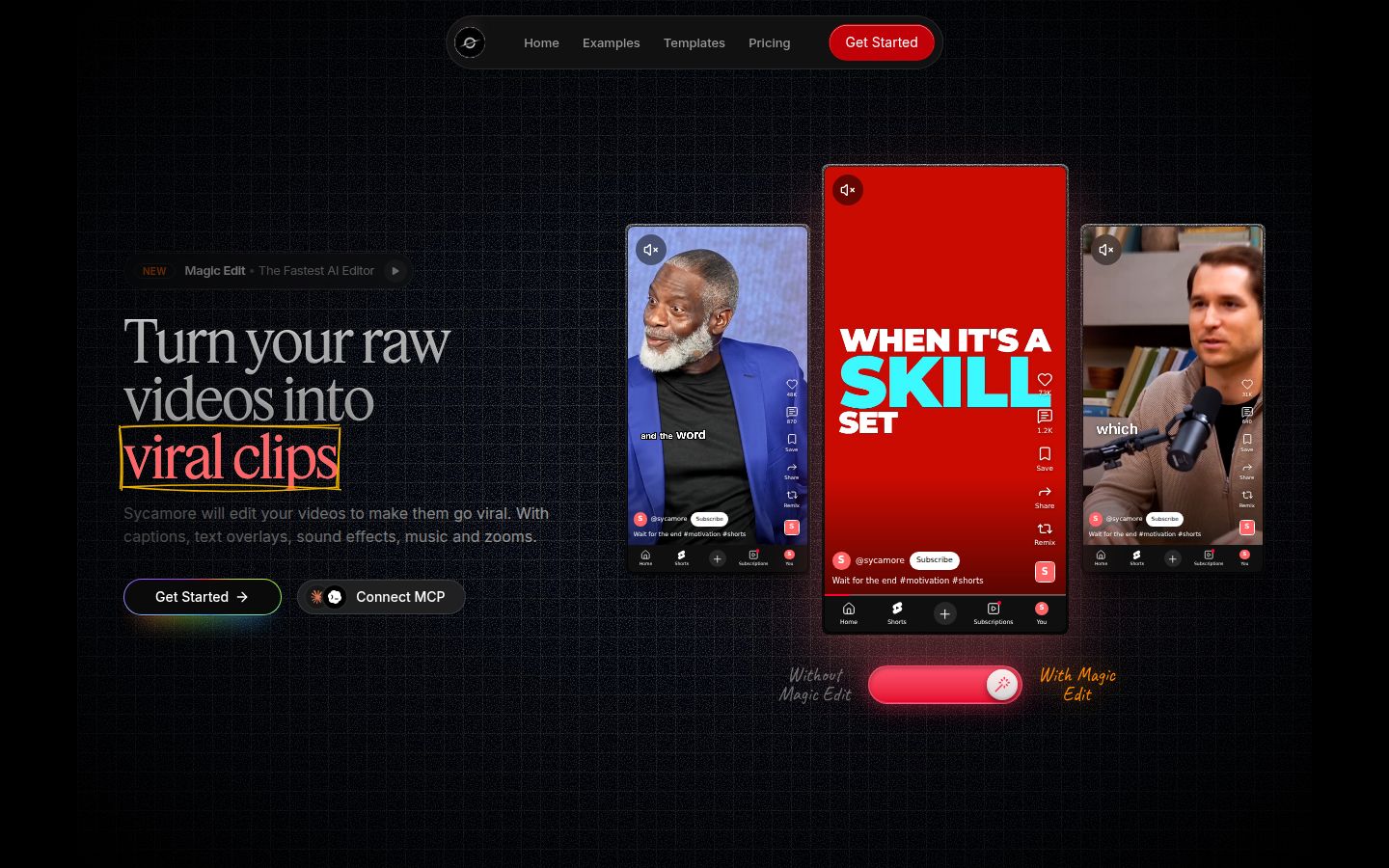
Sycamore is a web app that turns a raw talking-head recording into a finished, captioned short. It runs in the browser, so there's nothing to install. Its Magic Edit cuts silences and filler words, adds animated word-synced captions, emphasis on key lines, zooms and full-screen text for the big moments. You pick one of three edit styles, Apollo, Hermes or Athena, then review the edit before you export.
Every line of the edit is labeled in plain words, so you can set a line to Normal, Emphasis, Full screen, Number, List or Label. You can edit any caption word, change fonts, colors and animation, and save a look as a preset. Export is an MP4 in 9:16, 1:1 or 16:9.
Pricing is by minutes of video. The Free plan gives you 10 minutes once, with no card. Starter is $19 a month for 3 hours of video, and Growth is $39 a month for 10 hours, with priority rendering.
Sycamore's limits: transcription is English only. It edits the video you give it, so it doesn't turn a long recording into many shorts. It has no B-roll library, no publishing or scheduling, no SRT or VTT caption files, and no mobile app. The web app works in a phone's browser. There are no team features.
Sycamore suits a founder or coach who films a talking-head video, wants the edit done in one pass and wants to check it before export. If you need B-roll, scheduled posting or clips from an hour-long video, Submagic or Descript fits better.
If you're deciding between the three, our guide to the best apps for editing talking-head videos covers more options. For the way we'd set up a talking-head edit by hand, read how to edit talking-head videos.
FAQ
Is Submagic cheaper than Descript?
The entry plans are close. Submagic Starter is $19 a month, or $12 billed yearly, and Descript Hobbyist is $24 a month, or $16 billed yearly. Submagic Starter caps videos at 2 minutes and doesn't cut silences, so the cheaper plan fits fewer jobs.
Does Submagic have a free plan?
Submagic offers a free trial of 3 short videos without a credit card. Exports made on the trial carry a watermark, and removing it needs a paid plan.
Can Descript remove filler words automatically?
Yes. Descript marks words like um and uh in the script, and its Remove filler words tool lists the detected words so you can review them before removal. The tool is included from the Hobbyist plan.
Which tool is better for long videos?
Descript is the better fit for long recordings such as podcasts and interviews, because you edit the whole file through the transcript. Submagic handles longer uploads on Pro (5 minutes per video) and Business (30 minutes), and its Magic Clips add-on turns long videos into clips.
Which one should a beginner start with?
A beginner who films short clips and wants captions fast usually starts with Submagic, because the workflow is one pass from upload to export. A beginner who wants to edit by reading the script, or who records long sessions, will find Descript worth the learning time.
Do either of these tools post videos to social platforms?
Submagic has a publishing tool, with one social profile per platform on Pro and three on Business. Descript's paid plans are for editing and export, and Sycamore doesn't post or schedule.