If you film yourself talking to camera and post short videos, you will probably end up choosing between CapCut and Adobe Premiere Pro. Both can cut and caption a vertical video. They are built for different amounts of work.
CapCut suits most solo creators who post often from a phone or laptop and want captions and templates without a learning curve. Premiere Pro suits people who already edit in Adobe's apps, need precise control over every cut and export setting, or cut Shorts out of longer projects they edit on a desktop.
There is a third option for the job most talking-head creators have: Sycamore, a web app that takes a raw recording and makes the first full edit for you, then lets you review it. We make Sycamore, so we have tried to be as plain about its limits as about the other two.
At a glance
Prices are as of October 2026, taken from each tool's own pricing page.
| CapCut | Adobe Premiere Pro | Sycamore | |
|---|---|---|---|
| Price per month | Free. Standard $9.99. Pro $19.99 (US$179.99 a year on the public pricing reference) | $22.99 on an annual plan, billed monthly | Free for 10 minutes. Starter $19 for 3 hours a month. Growth $39 for 10 hours a month |
| Free plan or trial | Free plan with a watermark on premium assets | 7-day free trial, no free plan | 10 minutes of video, one time, no credit card |
| Does well | Fast editing, templates, auto captions, phone, desktop and web | Full timeline control, export settings, Creative Cloud apps | One pass over a talking-head recording, then a review before export |
| Missing for this job | Cuts are yours to make, and some features depend on the plan | Subscription only, steeper learning curve | English-only transcription, no mobile app, no clipping of long videos |
| Best for | Solo creators who post often and want a quick start | Editors who need precise control or already work in Adobe | Founders, coaches and educators who film themselves talking |
CapCut

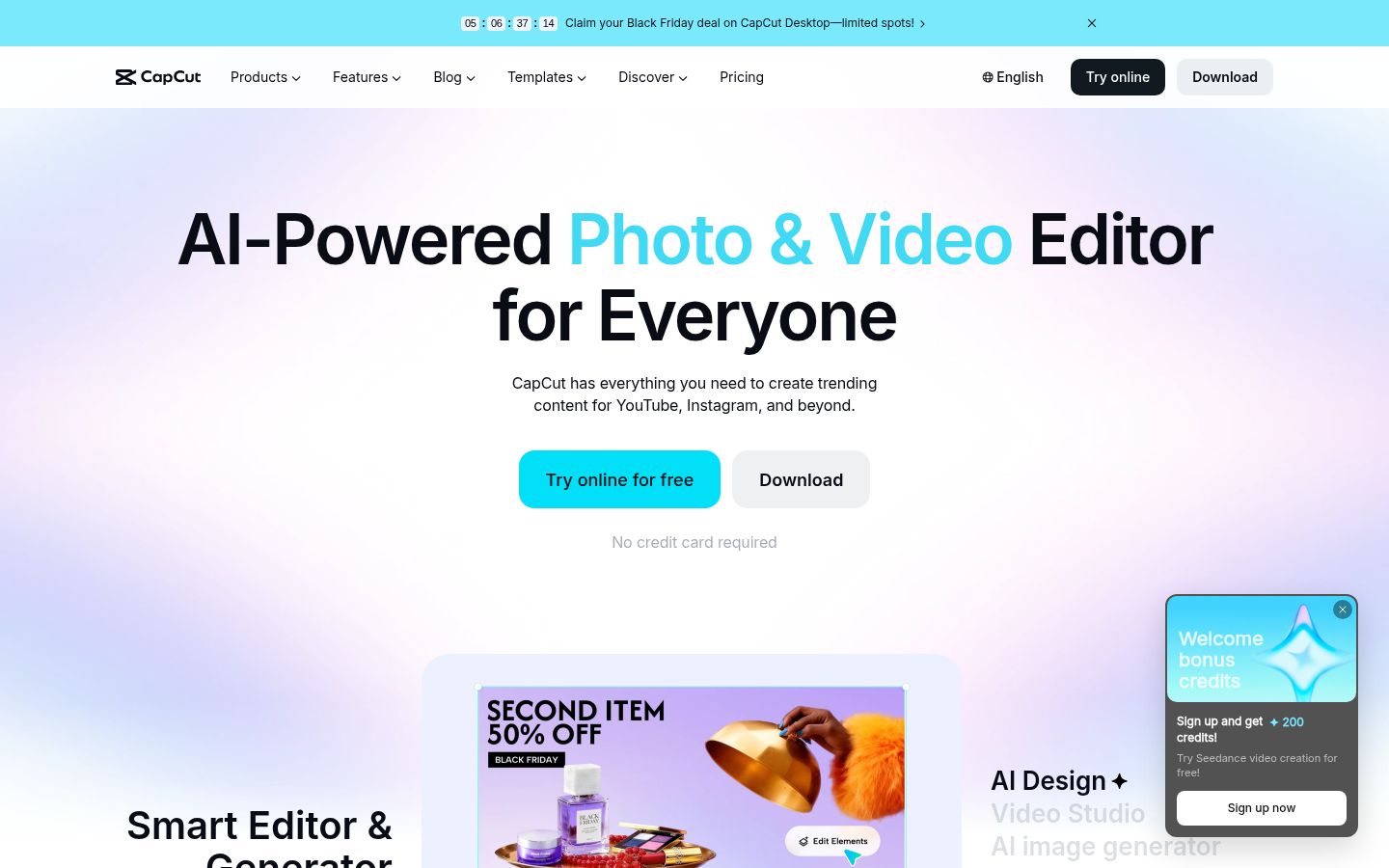
CapCut is a video editor from ByteDance, the company behind TikTok. You can use it on your phone, on desktop or in a browser. Its strength is speed. You get a large template library, caption styles, auto captions and effects in one place.
It also has a long-video-to-shorts tool, which helps when you start with one long recording and want several clips from it.
The free plan covers the core editor. Premium templates, effects and assets add a watermark to your export unless you have a paid plan. Standard is $9.99 a month in the US App Store listing. Pro is $19.99 a month on CapCut's pricing page and includes 1,200 AI credits a month and 1 TB of cloud storage.
Two limits to know. Auto captions depend on the spoken language you select, so set the language first or you can get no captions or wrong ones. And AI credits and some premium assets sit on the paid plans, so check which features your plan includes before you build a workflow around them.
Adobe Premiere Pro
 Visit adobe.com/products/premiere
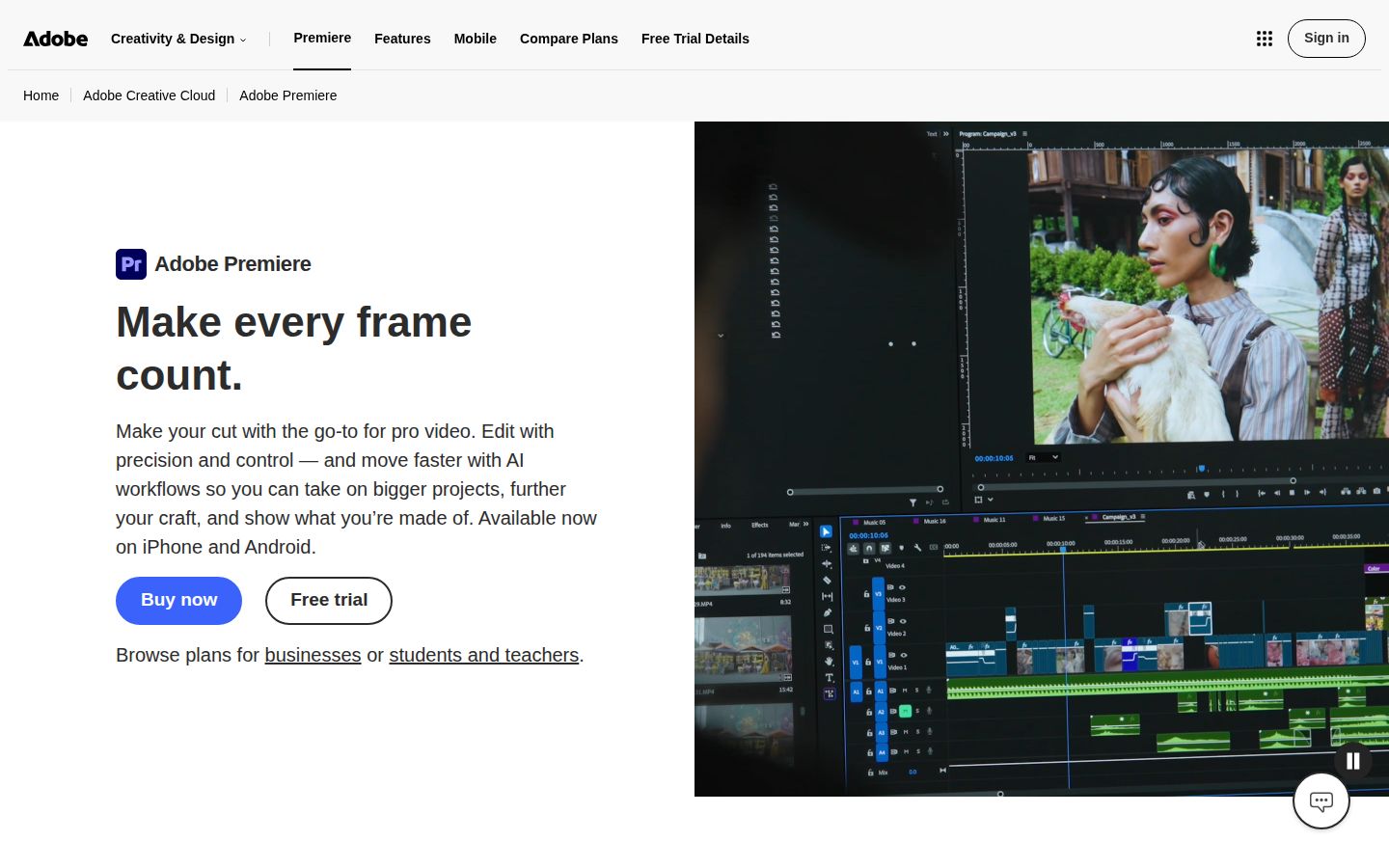
Premiere Pro is Adobe's professional video editor. It works on a timeline, and it is part of Creative Cloud. For short-form work, the useful parts are 9:16 sequences for vertical video, Speech to Text for transcripts and captions, and export settings you can control in detail. A 1080 x 1920 sequence is the usual setup for vertical Shorts.
The plan includes Premiere on desktop and mobile. Premiere is subscription only, with no free plan. Adobe offers a 7-day free trial. The single app is $22.99 a month when you take the annual plan and pay monthly. Premiere is also sold inside Creative Cloud plans that include other Adobe apps, at a higher price.
Two limits to know. The learning curve is real: panels, sequences and export settings take time to learn. And long projects with many layers need a computer with enough memory and graphics power to play back smoothly.
Sycamore

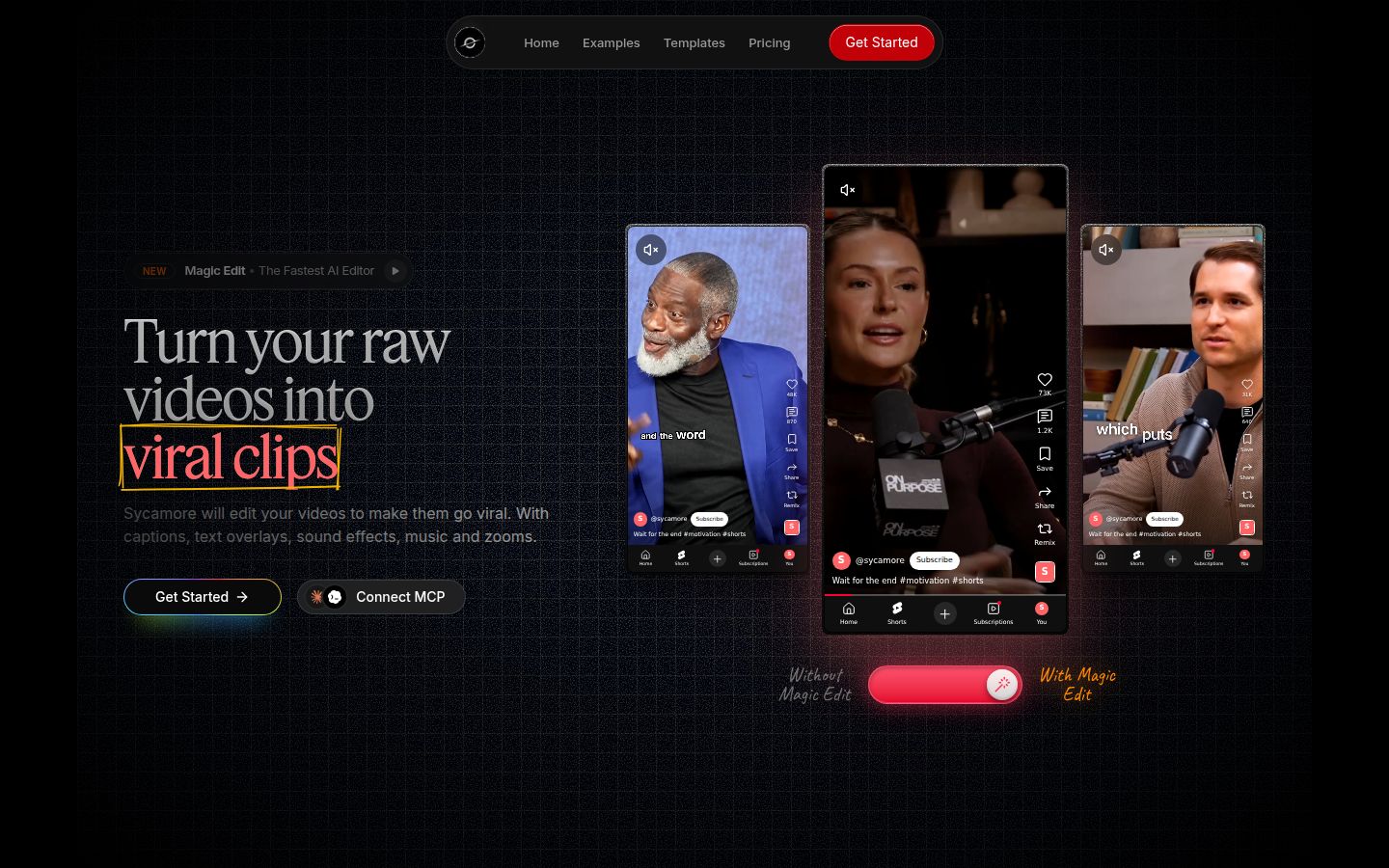
Sycamore is a web app for talking-head video. It runs in your browser, so there is nothing to install. You upload an MP4, MOV, WebM or MP3 file of up to 2 hours.
Magic Edit does the first pass. It cuts out silences and filler words, adds animated word-by-word captions, puts zooms on the lines that matter, and adds full-screen text on the big moments. You choose one of three edit styles, Apollo, Hermes or Athena. Then you review the edit, change any line, and export an MP4 in 9:16, 1:1 or 16:9.
Every line in the editor can be set to Normal, Emphasis, Full screen, Number, List or Label, so the controls use plain words, not timeline tracks. Every word is timed, so when you fix a misheard name the captions stay in sync. You can change fonts, colors, size, animation and position, and save a look as a preset for your next video.
Sycamore does best when you want one pass over the whole recording and a chance to check it before export. Pricing is by the minutes of video you use each month, and the free allowance needs no card.
Three limits matter for this comparison. Transcription is English only. Sycamore edits the video you give it, so it doesn't turn one long recording into several separate shorts. And it is a web app with no mobile app, although it works in a phone's browser.
Editing: who makes the first cut
With CapCut, you do the cutting on a timeline. Its auto captions come with a transcript, and on desktop you can review filler words from the captions panel, so you can cut from the text. You still decide each cut.
With Premiere Pro, you do the cutting too, and you get the most control over each trim, transition and frame. Nothing is done for you by default. That control is the reason many editors pick it, and it also means more time per video.
With Sycamore, the first full cut is made for you. Silences, filler words, zooms and emphasis are in place before you open the edit. Your job is to review it and fix what the software got wrong. If your recording is already clean, this step takes little time. If it has many false starts, the review takes longer.
Captions: the part most talking-head creators need
All three tools can caption a video, but they differ in how much setup each one needs.
In CapCut, auto captions are built into the editor on mobile, desktop and web. Pick the spoken language, let it transcribe, then correct any word that came out wrong. You can choose from caption templates for the look.
In Premiere Pro, Speech to Text creates a transcript from the audio, and you turn that into captions. Styling and animation are set up by you, which gives you full control and more steps.
In Sycamore, the captions are animated and word-by-word from the start. You edit any word, and you can save the style as a preset. Transcription is English only, so if you post in another language, check the language list of each tool before you choose.
Pricing as of October 2026
For a creator who posts a few videos a week, here is what each tool costs.
CapCut is free to start. Standard is $9.99 a month in the US App Store listing. Pro is $19.99 a month on CapCut's pricing page. CapCut's help center says prices vary by region, device and promotion, so check the price in your own checkout.
Premiere Pro is $22.99 a month on the annual plan billed monthly, which comes to about $276 over a year. There is a 7-day free trial and no free plan. If you need other Adobe apps, look at the Creative Cloud plans, which cost more.
Sycamore has a free allowance of 10 minutes of video, one time. Starter is $19 a month for 3 hours of video. Growth is $39 a month for 10 hours of video, with priority rendering. Three hours a month covers about 36 recordings of five minutes each. If you post daily from a long recording, the Growth plan is the one to check.
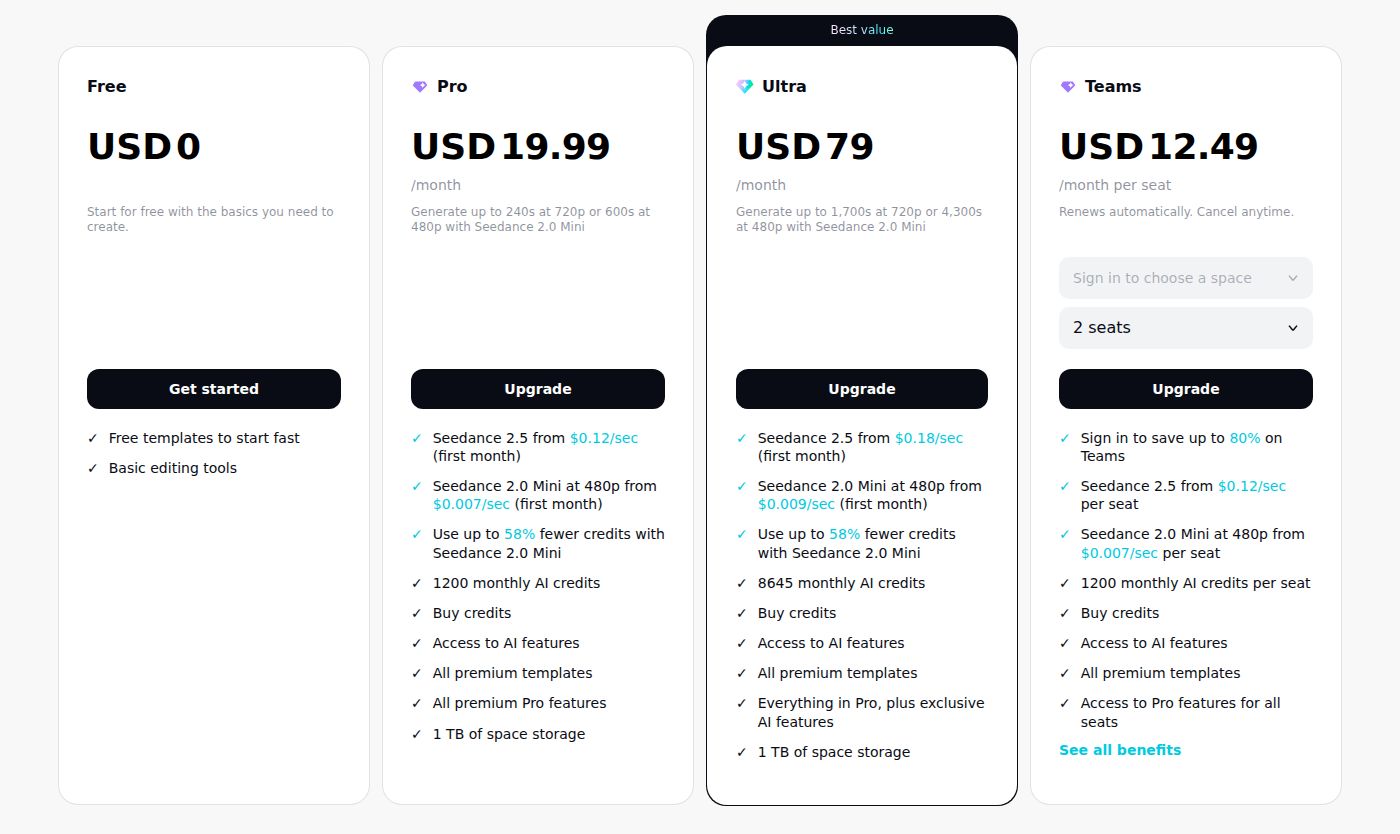 CapCut's pricing page showing the Pro plan
Ease of use and speed
CapCut is the easiest to start. Its buttons are labeled, and templates let you copy a finished look in a few taps. A first edit needs little more than picking a template and adding your clip.
Premiere Pro asks the most of you at the start. You will work with panels, sequences and presets before the first export feels natural. Once you know the tool, it is fast for editors who do this every day.
Sycamore has the fewest steps: upload, pick an edit style, review, export. The work is in the review, not in building the edit.
Output quality and control
Premiere Pro gives you the most control. You can set bitrate, codec and color settings, which matters when a client or a platform has exact specs.
CapCut exports a ready-to-post vertical video with a few presets, and that is enough for most short-form posts.
Sycamore exports MP4 in 9:16, 1:1 and 16:9. It is built around the export you post, not around custom codec settings.
For most short-form posts, the platform compresses your upload anyway. The biggest difference viewers notice usually comes from framing, lighting and audio, not from the editor you chose.
Which one should you pick
-
Pick CapCut if you film on a phone, post most days, and want templates, effects and captions in one app that has a free plan. CapCut is also the better pick if you want to turn one long video into several shorts, because it has a long-video-to-shorts tool and Sycamore does not clip long videos.
-
Pick Premiere Pro if you already edit long-form in Adobe, cut Shorts from longer projects you edit on a desktop, or deliver to clients who ask for exact export settings. CapCut is the better pick if you don't want a subscription, or if your work happens on a phone and you need to move fast.
-
Pick Sycamore if you film yourself talking, want raw footage to a captioned, reviewed short in a few steps, and post in English. CapCut is the better pick if you need templates, effects and a mobile app, or if you post in another language.
-
Pick Premiere Pro for team work. Premiere is sold in Creative Cloud team plans, which suit shared projects. Sycamore has no team or collaboration features. CapCut's pricing page lists a Teams plan, so check it if a team will share the work.
Pick the tool that matches your job, then test it on one real video. Time the whole job, from the raw file to the export. That number will tell you more than any table. If you want a step-by-step for the Sycamore route, our guide How to Edit Talking-Head Videos walks through the same edit order for each tool.
FAQ
Is CapCut free to use for short videos?
Yes. The free plan covers the core editor, but premium templates, effects and assets add a watermark to exports. Standard is $9.99 a month and Pro is $19.99 a month as of October 2026.
Does Adobe Premiere Pro have a free version?
No. Premiere Pro is subscription only and has no free plan. Adobe offers a 7-day free trial, and the single-app plan is $22.99 a month on an annual plan billed monthly.
Why do my CapCut auto captions come out wrong or missing?
Auto captions depend on the spoken language you select, so a wrong language setting can give you no captions or incorrect ones. Set the language first, then correct any misheard words.
Can Sycamore caption videos in languages other than English?
No. Sycamore's transcription is English only, so check the language before you upload a recording in another language.
What does Sycamore's free plan include?
Sycamore's free plan gives you 10 minutes of video, one time, with no credit card required. Paid plans start at $19 a month for 3 hours of video.
Which is better for talking-head shorts, CapCut or Premiere Pro?
For most solo creators who film on a phone and post often, CapCut is quicker to start. Premiere Pro is the better choice if you already edit in Adobe apps or need precise control over every cut and export setting.