If you want animated captions on talking-head videos and you're fine paying about $19 a month, Submagic is the more focused pick. It does one job well: it turns a video into a captioned, styled short with very little setup. If you already edit in CapCut, want a full editor that also runs on your phone, or want to keep spending low, CapCut is the better fit. Check first that auto captions are included in the plan you're on, because CapCut lists them under Pro.
Sycamore is ours, so we've put it last as a third option for talking-head creators. This post compares Submagic and CapCut fairly, then covers Sycamore in its own section. All prices and plan names are as of October 2026.
Submagic vs CapCut at a glance
| Submagic | CapCut | |
|---|---|---|
| Price, monthly | Starter $19, Pro $39, Business $69 per member. Yearly billing: $12, $23 and $41 a month | Pro $19.99 a month in the US. The editor itself has a free plan |
| Free option | A trial: upload and edit 3 short videos, no card. Downloads carry a watermark until you subscribe | Free plan with the editor. Auto captions are listed under Pro in CapCut's September 2026 plan guide |
| What it does well | Caption styles built for short-form, one-click AI editing, styled hook titles, captions in many languages | A full editor on desktop, web and mobile, with a large library of caption templates, effects, music and text |
| What it's missing or limits | No native mobile app (the phone browser works, but you finish edits on a computer). Silence and filler-word removal start on Pro | Auto captions sit on Pro for many accounts. A broad editor takes longer to learn than a caption-only tool |
| Best for | Creators who want polished captions with minimal work and do their editing on a computer | Creators who want a free full editor, work from a phone, or already use CapCut |
Submagic

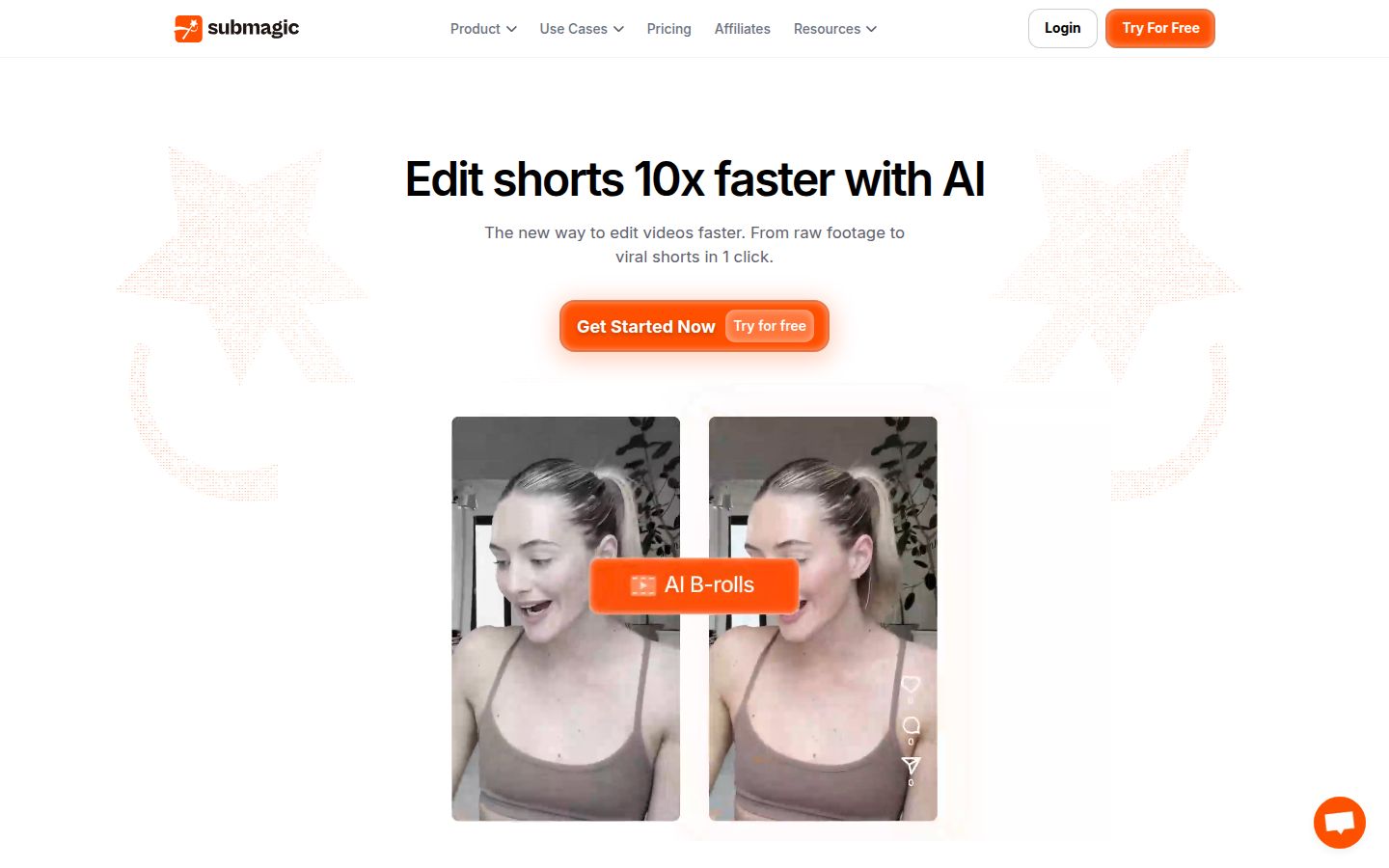
Submagic is a web app built around captions. You upload a video, choose "Generate AI Captions," pick the spoken language and the number of speakers, and the captions appear on the timeline. From there you can change the caption template, fix a misheard word, highlight key words, add emojis and generate a hook title for the start of the video.
The paid plans add more. Pro and Business include AI eye contact correction, auto zoom, clean audio, and removal of silences, bad takes and filler words. Custom caption templates and brand fonts are on Pro and Business too. B-roll comes from a stock library, and Submagic's Magic Clips feature, which finds clips inside a long recording, is a separate add-on at $19 a month for 10 uploads.
Two limits matter for most creators. The Starter plan caps each video at 2 minutes, so longer talking-head videos need Pro (5 minutes) or Business (30 minutes). And the editing happens in the web app on a computer, not in a phone app.
CapCut

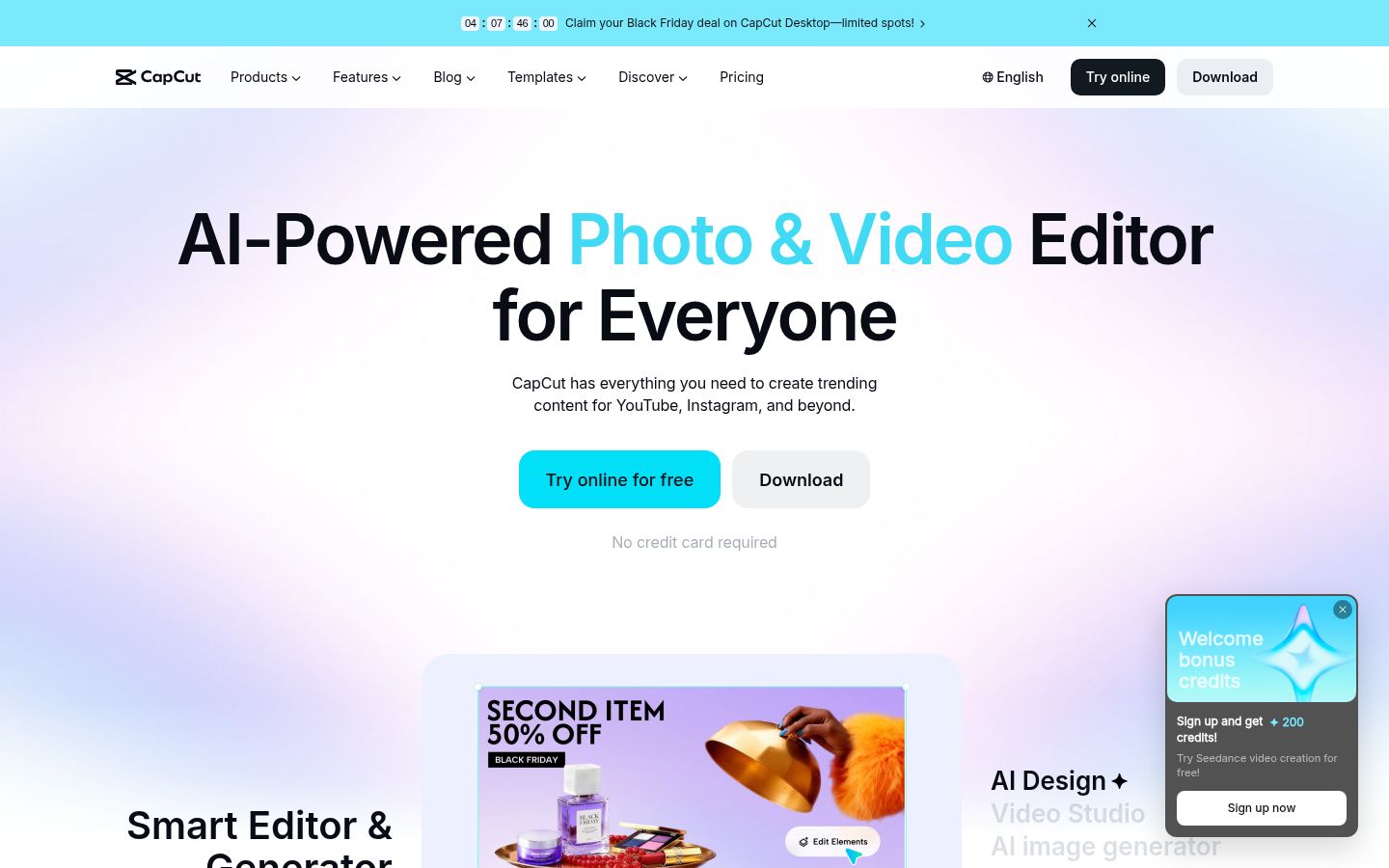
CapCut is a full video editor with desktop, web and mobile versions. Its auto caption tool asks you to choose the language spoken in the video, then generates a caption track you can edit and style. The same project gives you a timeline with transitions, effects, music, stickers, text tools and a long-video-to-shorts option.
The catch is the plan. CapCut's own September 2026 Standard vs Pro guide lists the auto caption generator among the Pro features. Some CapCut pages still describe captions as free, and CapCut doesn't publish a free-plan caption limit. If captions are the main thing you need, check your account before you plan a workflow around the free plan.
Editing: a full editor or a caption-first tool
Submagic and CapCut solve different problems in the edit. CapCut gives you more to work with. You place every clip, cutaway and sound yourself, and you can keep layering until the video looks the way you want. That's useful when you have b-roll, screen recordings or music to mix in.
Submagic gives you fewer decisions. On Pro, you can remove silences and filler words, add zooms and insert b-roll from the stock library in a few clicks, then fix what the tool got wrong. That suits a single talking-head clip that needs cleanup and captions, with no extra footage.
If your videos are mostly you talking to camera, Submagic's path is shorter. If your videos are built from many pieces, CapCut's timeline holds more.
Captions: which one looks better and which is quicker
Submagic's captions are its main product. Its caption templates are built for short-form video, with animated word highlights, emojis and styled hook titles. The Starter plan has standard templates, and Pro and Business add premium templates plus custom ones. Its AI caption page also lists captions in more than 100 languages and translation of captions, so it's the stronger pick if your audience doesn't all speak one language.
CapCut has a large library of caption templates and lets you change fonts, colors, size and animation for each caption block. You get more styling freedom, and the library is wider. The trade-off is that captions are one tool among many, so you'll spend more clicks getting to them.
Neither tool publishes an accuracy figure we could confirm. Test both on a clip with your own voice, your product names and any industry words. The fixes you need to make tell you more than a headline number.
Pricing: what each one costs in October 2026
Submagic prices per member, per month:
- Starter: $19 a month, or $12 a month billed yearly. 15 videos a month, each up to 2 minutes, exported in 1080p. Standard caption templates. No silence or filler-word removal.
- Pro: $39 a month, or $23 a month billed yearly. 40 videos a month, up to 5 minutes each, exported in 1080p or 2K. Premium templates, custom fonts, brand kit, silence and filler-word removal, auto zoom and clean audio.
- Business: $69 a month, or $41 a month billed yearly. 100 videos a month, up to 30 minutes each, exported up to 4K at 60 fps, with more API minutes and priority support.
CapCut's free plan includes the editor. Pro costs $19.99 a month or $179.99 a year in the US. Prices can differ by region and account, so check the figure at checkout.
At the monthly rate, Submagic Starter and CapCut Pro cost about the same. The difference is what you get for it. Starter is a caption tool with a 15-video monthly cap and a 2-minute length limit. CapCut Pro gives you the full editor, plus 1 TB of cloud storage. If you need silence removal on Submagic, you'll pay the Pro price of $39 a month.
Ease of use
Submagic is quicker for a first video. The steps follow the order you'd expect: upload, generate captions, pick a template, fix the text, export. A new user can finish one clip in a sitting without learning a timeline.
CapCut takes longer to learn, because it's a full editor with many menus. Once you know where things are, it's fast on a clip you've edited before, and the templates save time. If you open CapCut only for captions, you'll be using a fraction of what's on the screen.
Output quality
Both tools export vertical video for Shorts, Reels and TikTok. Submagic's export tiers are 1080p on Starter, 1080p or 2K on Pro, and up to 4K at 60 fps on Business. That matters if you post at high resolution or repurpose a video for a larger screen.
For CapCut, the result depends mostly on how much time you spend in the editor. A clip with careful timing, a few well-placed cutaways and a template you've adjusted can look as good as anything Submagic produces. A quick auto-caption pass looks more basic.
Which one should you pick
Pick Submagic if captions are the main job, you want polished caption styles with little setup, you do your editing on a computer, and you need captions in more than one language. Skip it if you need to finish videos on your phone, or if your videos run past 5 minutes and you won't pay for Business.
Pick CapCut if you want a free full editor, you work from your phone, you add b-roll, music or screen recordings to your talking-head clips, or you already know the app. Skip it, or go with Submagic, if captions are all you need and you don't want to pay $19.99 a month for an editor you won't use.
Pick neither if your talking-head footage needs cuts and captions in one pass and you want to stay in the browser. That's where Sycamore fits.
Sycamore

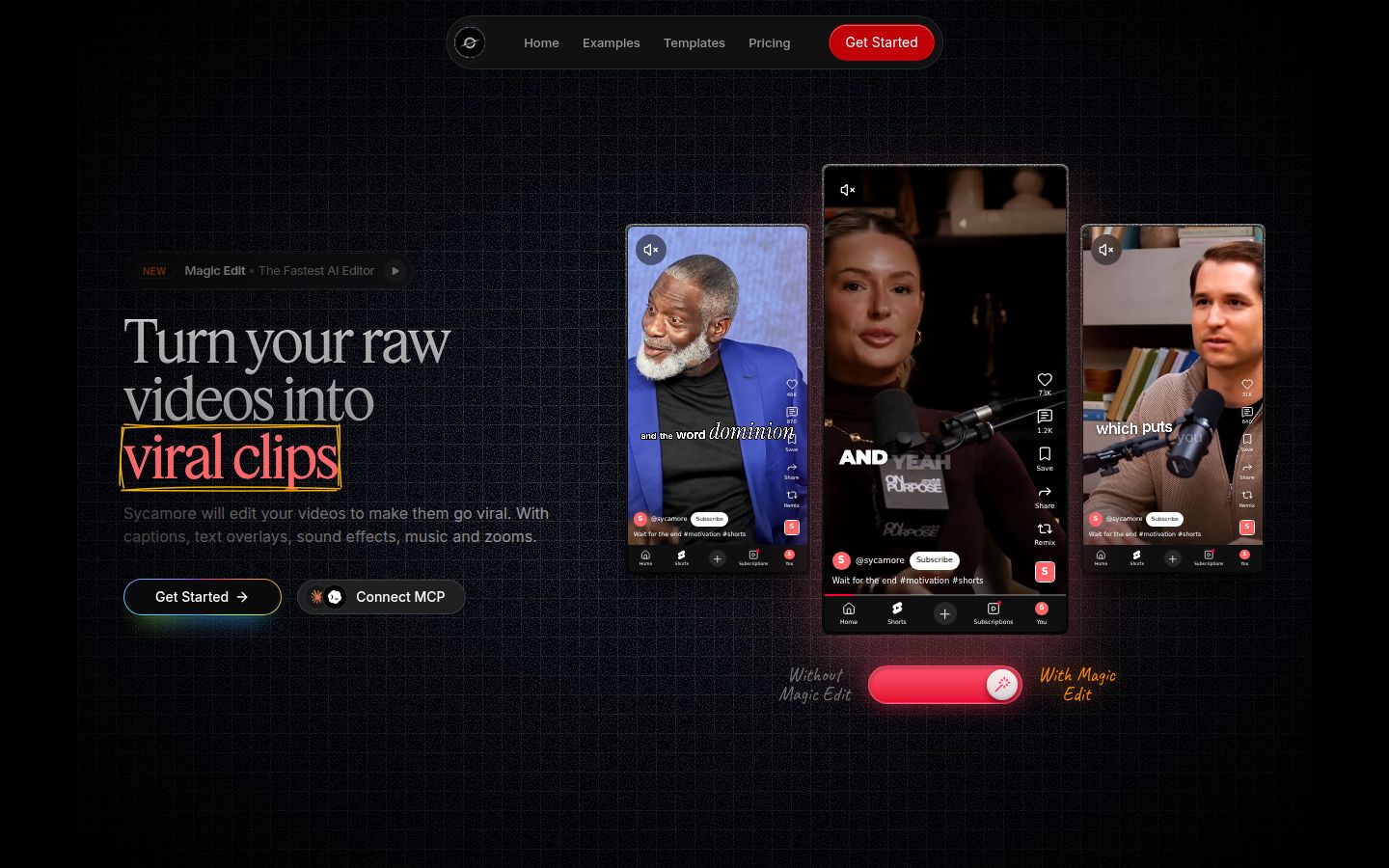
Sycamore is a web app for talking-head videos. Its Magic Edit takes a raw recording and does the first edit in one pass: it cuts silences and filler words, adds animated word-synced captions, puts emphasis on key lines, adds zooms and full-screen text cutaways for the big moments. You pick one of three edit styles, Apollo, Hermes or Athena, then review the result before you export.
The review step is where most of the control sits. Each line can be set to Normal, Emphasis, Full screen, Number, List or Label, so you can change how a line looks in plain words. Every word is timed on a transcript, and you can fix a misspelled name or drop a word without re-editing the timeline. You can also save a caption style and reuse it on later videos.
Sycamore's free plan gives you 10 minutes of video, one time, with no credit card. Starter is $19 a month for 3 hours of video, and Growth is $39 a month for 10 hours. Paid exports have no watermark. You can export 9:16 for Shorts, Reels and TikTok, 1:1 for the feed, or 16:9 for YouTube. Uploads can be MP4, MOV, WebM or MP3, up to 2 hours.
Sycamore has real limits, and they matter for some readers:
- Transcription is English only. If you need captions in other languages, pick Submagic.
- It edits the video you give it. It doesn't cut a long recording into many shorts, so CapCut's long-video option or Submagic's Magic Clips is the better tool for that.
- It's a web app with no mobile app. It runs in a phone's browser.
- It doesn't post or schedule to social platforms, and it doesn't export SRT or VTT caption files.
Sycamore suits a founder, coach or educator who films one talking-head video at a time and wants the cuts and captions done before they open the editor. If that's your workflow, the free 10 minutes is a good way to check the result on your own footage.
For more on how the tools compare, read Is Submagic Worth It? An Honest Review and How to Make Captions in CapCut.
FAQ
Is Submagic free?
Not permanently. Submagic offers a trial where you can upload and edit 3 short videos with no credit card, but downloads carry a watermark until you subscribe to a paid plan.
Does CapCut's free plan include auto captions?
CapCut's September 2026 Standard vs Pro guide lists the auto caption generator among Pro features, and CapCut doesn't publish a free-plan caption limit. Check your own account before you rely on the free plan for captions.
How much does CapCut Pro cost in 2026?
In the US, CapCut Pro costs $19.99 a month or $179.99 a year, as of October 2026. Prices can differ by region and account.
How much does Submagic cost per month?
Submagic's Starter plan is $19 a month, Pro is $39 and Business is $69, each per member. Billed yearly, those drop to $12, $23 and $41 a month.
Does Submagic have a mobile app?
No. Submagic doesn't have a native app for iOS or Android. You can upload from a phone browser, but you finish the edit in the web app on a computer.
Can Submagic or CapCut caption videos in other languages?
Submagic's AI caption page lists captions in more than 100 languages and caption translation. Sycamore's transcription is English only, so for multi-language captions Submagic or CapCut is the better pick.