If you film yourself talking and post Reels, CapCut and Edits are the two apps you'll see most often. Both are free to start, and both can caption a video in a few taps. The short answer: pick Edits if you shoot and edit on your phone and post to Instagram. Pick CapCut if you want to edit on a computer or you want a big library of effects, templates and AI tools.
Both are general-purpose editors. If your job is turning a raw talking-head take into a finished short with the silences and filler words already cut, a tool built for that job can save you steps. We cover one at the end, and we say where it is not the right pick.
CapCut vs Edits at a glance (as of October 2026)
| CapCut | Edits by Instagram | |
|---|---|---|
| Price | Free plan, plus paid Pro, Ultra and Teams plans. Check capcut.com/pricing for current Pro pricing. | Free app |
| Free plan or trial | Free plan with basic editing tools and free templates | Free, with no watermark on exports |
| Where it runs | Phone (iOS and Android), desktop app, and browser | Phone only (iOS and Android) |
| Auto captions | Yes, with caption templates and speech recognition | Yes, free and unlimited, with a bulk caption editor |
| Does well | Deep editing tools, large template library, AI tools, desktop and browser versions | Phone-first workflow from recording to posting, free captions, teleprompter |
| Missing or limited | Premium templates and Pro features need the paid plan. Many AI tools you may not need for talking-head videos. | No official desktop app yet. Built around the phone. |
| Best for | Editing on a computer, or making a lot of styled videos | Creators who film, edit and post Reels from one phone |
CapCut

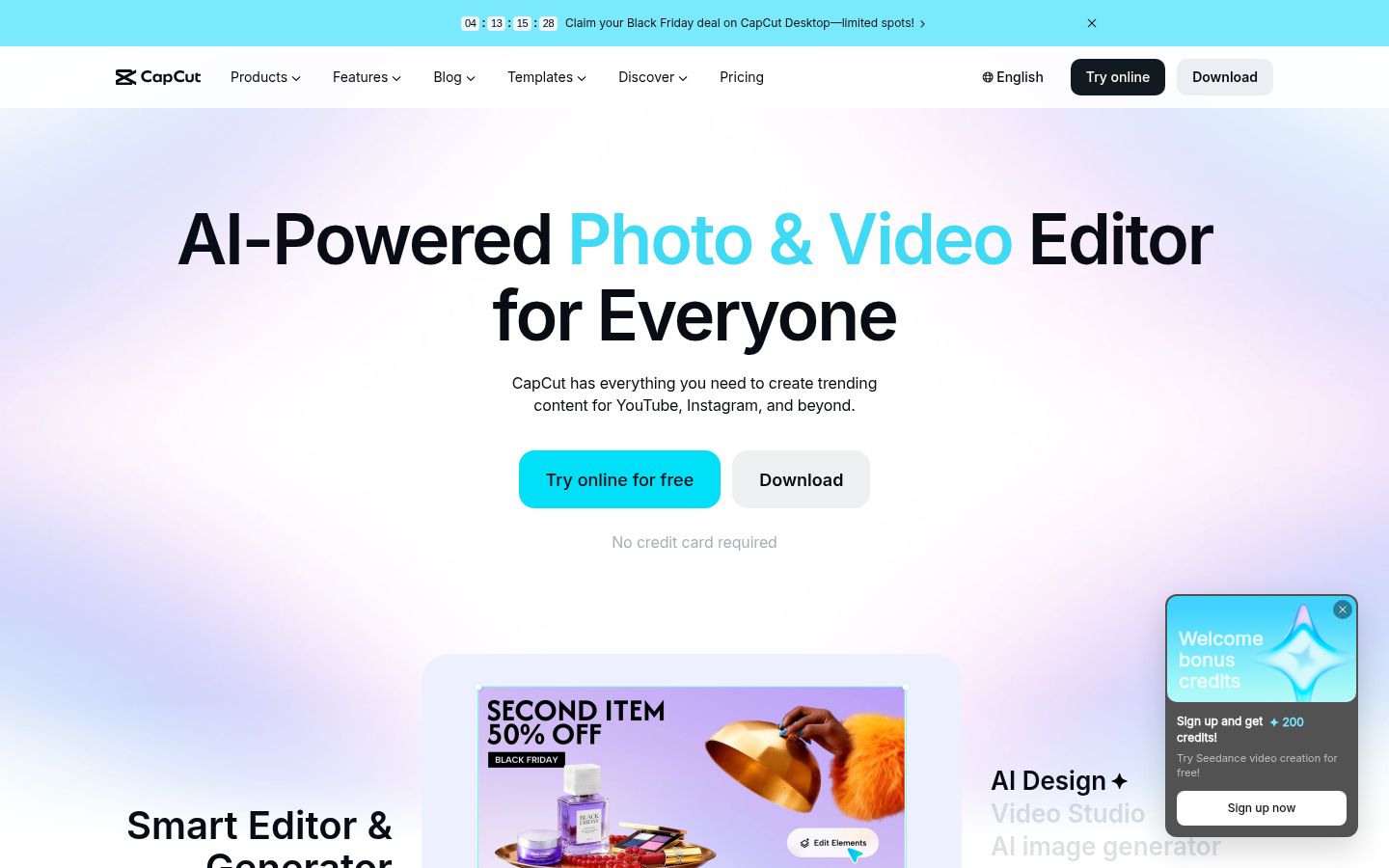
CapCut is a full video editor made by ByteDance. It runs as a desktop app for Windows and Mac, a mobile app, and an online editor in the browser. For talking-head work, its core strengths are the full timeline, a large set of text and caption styles, and auto captions with caption templates. It also has speech recognition, noise reduction for voice, and a transcript-based editing tool.
CapCut's plans are named Free, Pro, Ultra and Teams. The Pro plan adds premium templates, all premium Pro features, 1,200 monthly AI credits and 1 TB of cloud storage.
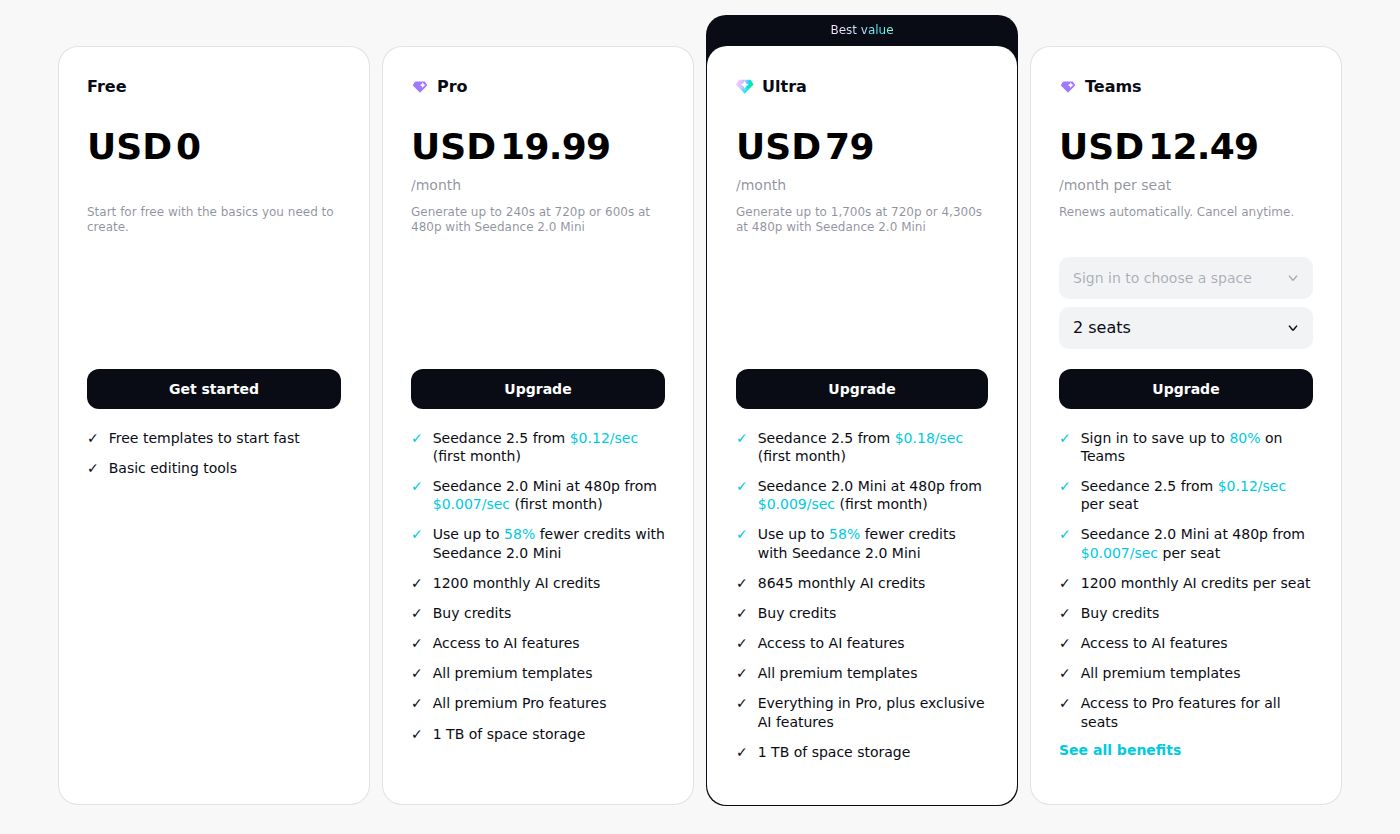 CapCut's pricing page showing the Free and Pro plans
CapCut's limits for this reader: the best templates and Pro features sit behind the paid plan, and its feature list is wide. Most of that list (AI avatars, AI dubbing, AI video generation) is not what a talking-head creator needs. CapCut also lists a tool that turns long videos into shorts, which Sycamore does not have.
Edits
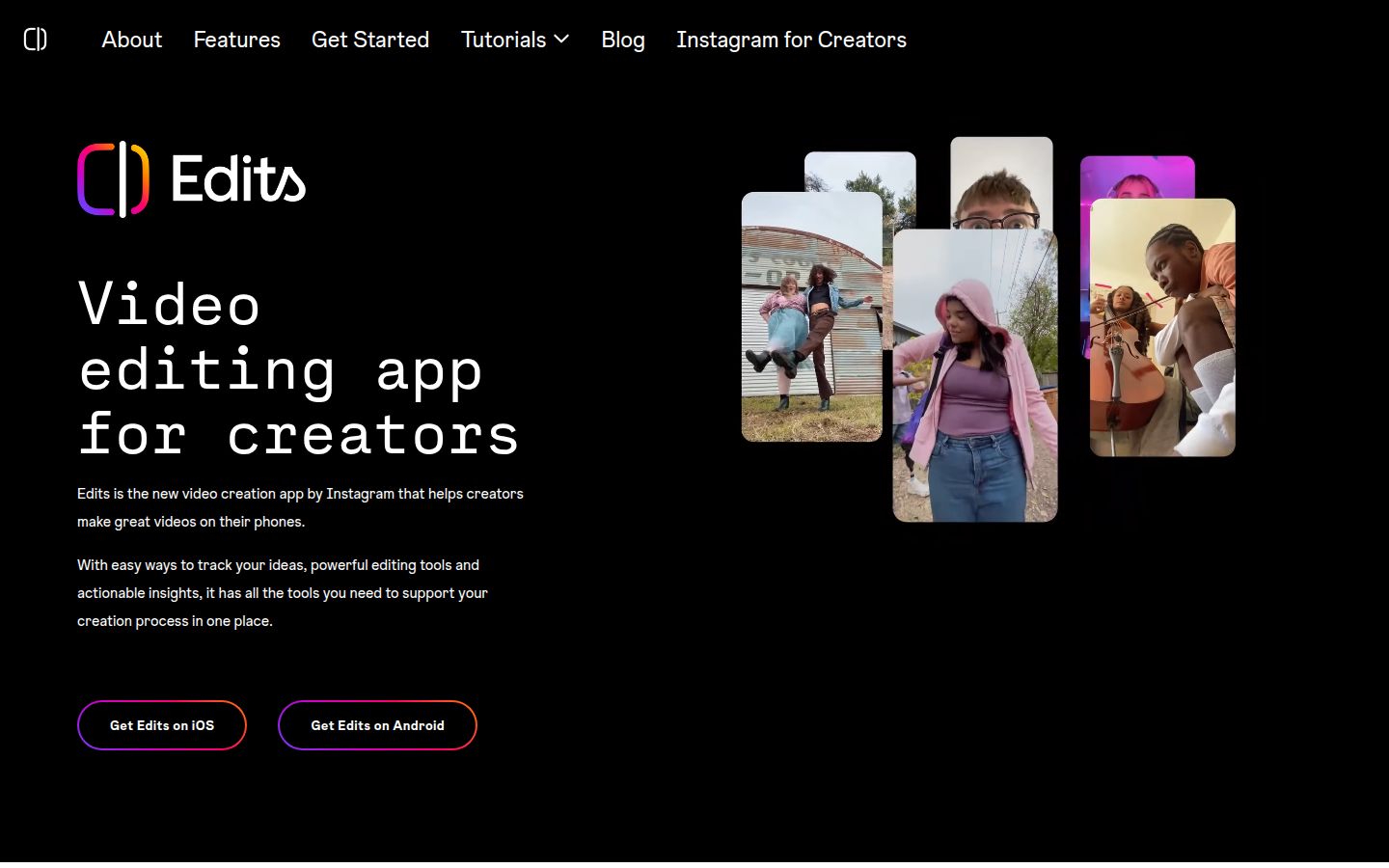
Edits is Instagram's own video app for phones, and it shares finished videos straight to Instagram. You can record in the app, edit on a timeline with clip-level precision, and export without a watermark. It also has a teleprompter that scrolls your script while you record, and an Ideas tab where you can plan posts.
The caption tool is the part most talking-head creators will use. Edits generates captions automatically, and its bulk editor lets you split, merge and correct caption lines in one place. You can change the font, color, line height and outline width. Edits says the caption tool is free and unlimited.
Edits also has audio tools that make voices clearer and remove background noise, plus green screen, cutout and AI image animation.
Edits' limits: it runs on iPhone and Android. Meta has said a desktop version is coming, but as of October 2026 there is no official Windows or Mac download. If you want to edit at a desk, Edits is not the app for that yet.
Editing: a full timeline or a phone-first workflow
The difference you'll feel first is where you work.
CapCut gives you the bigger workspace. On desktop you get a multi-track timeline, keyframes, and room to run several clips and text layers at once. Its desktop app is a good fit if you cut a lot of B-roll or make videos with many layers.
Edits gives you a faster loop on the phone. You record, cut and post in one app, with no file transfers. If your videos are a single talking-head take with a few cuts and captions, that loop is shorter than the desktop route.
For a plain talking-head Reel, both tools have what you need. The question is whether you want to sit at a computer to finish the edit.
Think about the first ten minutes of a typical edit. You watch the raw take, cut the false starts and dead air, add captions, then check the result. If that's your routine, the app where you can do all four steps without switching devices will feel faster, even if the other app has more features. For a longer workflow that starts from raw footage, see How to Edit Talking-Head Videos.
Captions: both are free to start, and both are customizable
Both apps make captions automatically. The difference is how much control you get and what it costs.
CapCut has auto captions and caption templates, and its captions sit on the same timeline as the rest of your edit. You can style captions, use text tools, and build a project with many layers.
Edits makes captions free, with no limit on how many you generate, and its bulk editor makes it fast to fix a long caption track in one screen. Its styling covers font, color, line height and outline.
If captions are the main thing you need, Edits is the cheaper route, because the caption tool costs nothing. If captions are one step in a bigger edit, CapCut's timeline gives you more room. Before you commit, run one of your own videos through each app and check the caption timing against your audio on a few lines, especially where you speak fast.
Pricing: Edits is free, CapCut has a paid Pro plan
Edits is free to download and use. Its caption tool and exports are free, and exports have no watermark.
CapCut has a free plan with basic editing tools and templates. Its paid plans are Pro, Ultra and Teams. Pro is the plan most creators look at first, because it includes the premium templates and Pro features. The exact monthly price is on capcut.com/pricing, and the price can change, so check there before you buy.
If you don't need premium templates or the desktop app, the free plans on both tools are enough for a lot of talking-head work.
Ease of use: Edits is simpler, CapCut has more to learn
Edits is easier to learn if you already post on Instagram. It has few menus, and its tools sit close to the record button. Most of the setup is already done for you.
CapCut has a lot more in it. That is a strength if you want to build styled videos with many layers. It means more to learn if you want to add captions and post. Expect a short learning curve on the timeline and in the text panel.
Output quality: both export clean video
Both apps export video you can post to Reels, TikTok and YouTube Shorts. Edits lists 4K export with no watermark. CapCut lists custom export resolution, including 4K at 60fps, in its App Store listing.
For talking-head videos, the quality of the audio matters more than the export setting. Both apps have noise reduction tools, and the Edits audio tools are built into the same app you record in. Test a noisy clip in each before you rely on it.
Sycamore

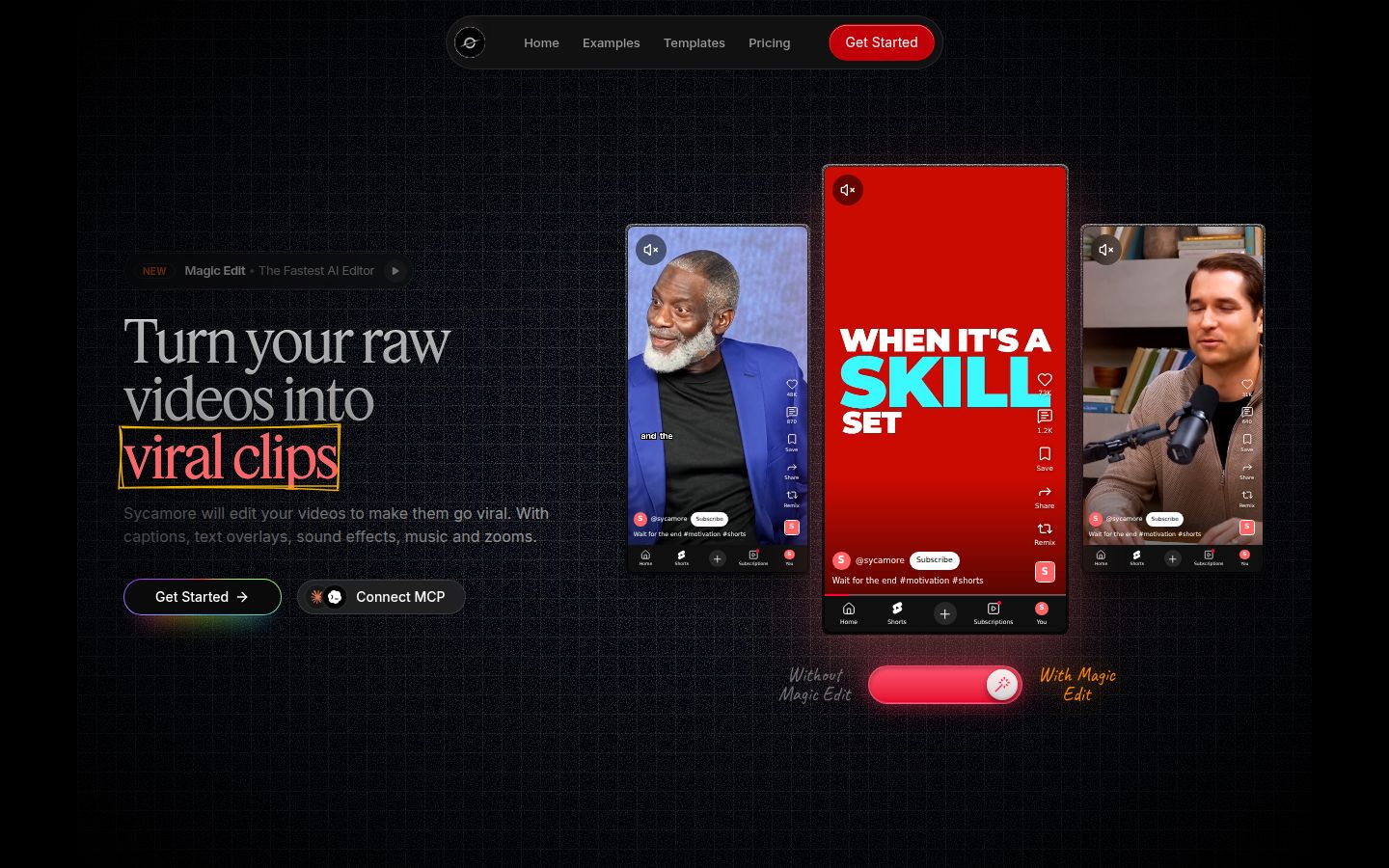
Sycamore is a web app that turns a raw talking-head recording into a finished, captioned short. You upload the video, pick an edit style, and Sycamore does the first edit. It runs in your browser, so there is nothing to install.
Sycamore's Magic Edit cuts silences and filler words, adds word-by-word animated captions, and adds emphasis on key lines, zooms and full-screen text cutaways. The three edit styles are Apollo, Hermes and Athena. You review the result, change any line, and export. Each line can be set to Normal, Emphasis, Full screen, Number, List or Label.
Sycamore is strongest when you want the whole raw recording edited in one pass, not just captioned. It is also simple to price. The free plan gives you 10 minutes of video once, with no credit card. Starter is $19 a month for 3 hours of video a month, and Growth is $39 a month for 10 hours, both with no watermark.
Sycamore's limits for this comparison: transcription is English only, and there is no mobile app, so you use it in your phone's browser. It also does not clip long videos into many shorts, and it does not export SRT or VTT caption files. If you need any of those, CapCut or Edits is the better pick.
Which one should you pick
Pick Edits if you film on your phone, post to Instagram, and want captions that cost nothing and export without a watermark. You can run the whole process in one app. Edits is also the better choice if you want a teleprompter in the same app you record in.
Pick CapCut if you want to edit at a computer, want a large library of templates and effects, or want AI features like long-video-to-shorts. CapCut is also the better pick if you post to many platforms and want styled layouts. Pay for Pro only if you use the premium templates or the desktop app often.
Pick Sycamore if your main job is turning a raw talking-head recording into a finished short, with silences and filler words already cut, and you post in English. Its free plan lets you test the full edit before you pay. Use the Sycamore pricing page to see current plans.
Check first if you need captions in a language other than English, or you need a tool that clips long videos into many shorts. Sycamore does not do either, and you should confirm what each of the other tools supports before you start.
If you're not sure, record one real video, then edit it in both apps. Time how long it takes you to get to a finished, captioned file. That number matters more than any feature list.
For more on this, see Best Apps for Editing Talking-Head Videos and How to Make Captions in CapCut.
FAQ
Is Edits better than CapCut for talking-head videos?
Edits is better if you film and post from a phone and want free, unlimited captions with no watermark on exports. CapCut is better if you edit on a computer or want a larger set of templates and effects.
Is Edits by Instagram free?
Yes. Edits is free to download and use, its caption tool is free and unlimited, and exports have no watermark.
Can I use Edits on a Windows or Mac computer?
Not with an official app as of October 2026. Meta has said a desktop version is coming, but there is no official Windows or Mac download yet.
How much does CapCut Pro cost?
CapCut lists Free, Pro, Ultra and Teams plans. Check capcut.com/pricing for the current Pro price before you buy, since prices can change.
Does Sycamore have a mobile app?
No. Sycamore is a web app that runs in your browser, including a phone's browser, so there is nothing to install.
How much free video can I edit in Sycamore?
The free plan includes 10 minutes of video, one time, with no credit card required. Starter is $19 a month for 3 hours of video, and Growth is $39 a month for 10 hours.
Does Sycamore support languages other than English?
No. Sycamore's transcription is English only, so pick CapCut or Edits if you need captions in another language, and confirm what each one supports first.