Submagic and Captions both turn talking-head footage into captioned short videos, and both let you start for free. They differ in where you do the work and how the money adds up.
Pick Submagic if you edit on a laptop or desktop, you want silence and filler-word cleanup next to your captions, and you post a set number of videos each month. Pick Captions if you film on an iPhone, want to record with a teleprompter, and want AI to do the whole edit on your phone. The AI editing tools start at $24.99 a month on Captions' Max plan.
Sycamore is a third option for talking-head creators. It edits the whole raw recording in one pass, prices by minutes of video, and gives you 10 free minutes with no card. Prices and plan names in this post are as of October 2026.
Submagic vs Captions at a glance
| Submagic | Captions | |
|---|---|---|
| Starting paid price | Starter: $19/month, or $12/month billed yearly | Basic: $9.99/month. AI Edit and AI video tools start at Max: $24.99/month |
| Plan names | Starter, Pro, Business, plus a Magic Clips add-on | Free, Basic (formerly Pro), Max, Frontier (formerly Scale), Enterprise |
| Free option | Free trial: upload and edit 3 short videos, no card. Downloads without the watermark need a paid plan | Free plan with 60 to 200 one-time credits and one caption template. No AI credits |
| How much you get | Videos a month: Starter 15 (up to 2 minutes each), Pro 40 (up to 5 minutes), Business 100 (up to 30 minutes) | Credits a month: Basic 200, Max 500. AI tasks use different amounts of credits |
| Caption looks | Standard templates on Starter. Premium templates on Pro and Business | 100+ caption templates on Max and above. One on Free |
| Cleanup | Silence, bad-take and filler-word removal on Pro and Business | AI Edit cuts scenes and adds B-roll and music on Max. Chat-based edits |
| Long video to clips | Magic Clips add-on: $19/month for 10 uploads | Turn a long video into a batch of clips on Max |
| Phone | No app. It opens in a phone browser, but you finish the edit on a computer | iPhone app with a built-in camera and teleprompter. Also on the web |
| Does well | Quick caption and cleanup edits on a computer, with clear monthly video limits | Recording, teleprompter and AI editing in one phone app. AI avatars and B-roll |
| Missing or limited | No mobile app. Silence removal and AI eye contact need Pro | AI features use credits. Prices shown are for iOS plans. You post the finished file yourself |
| Best for | Desktop-first creators who post a steady number of talking-head shorts | iPhone-first creators who want to shoot and AI-edit in one app |
Submagic

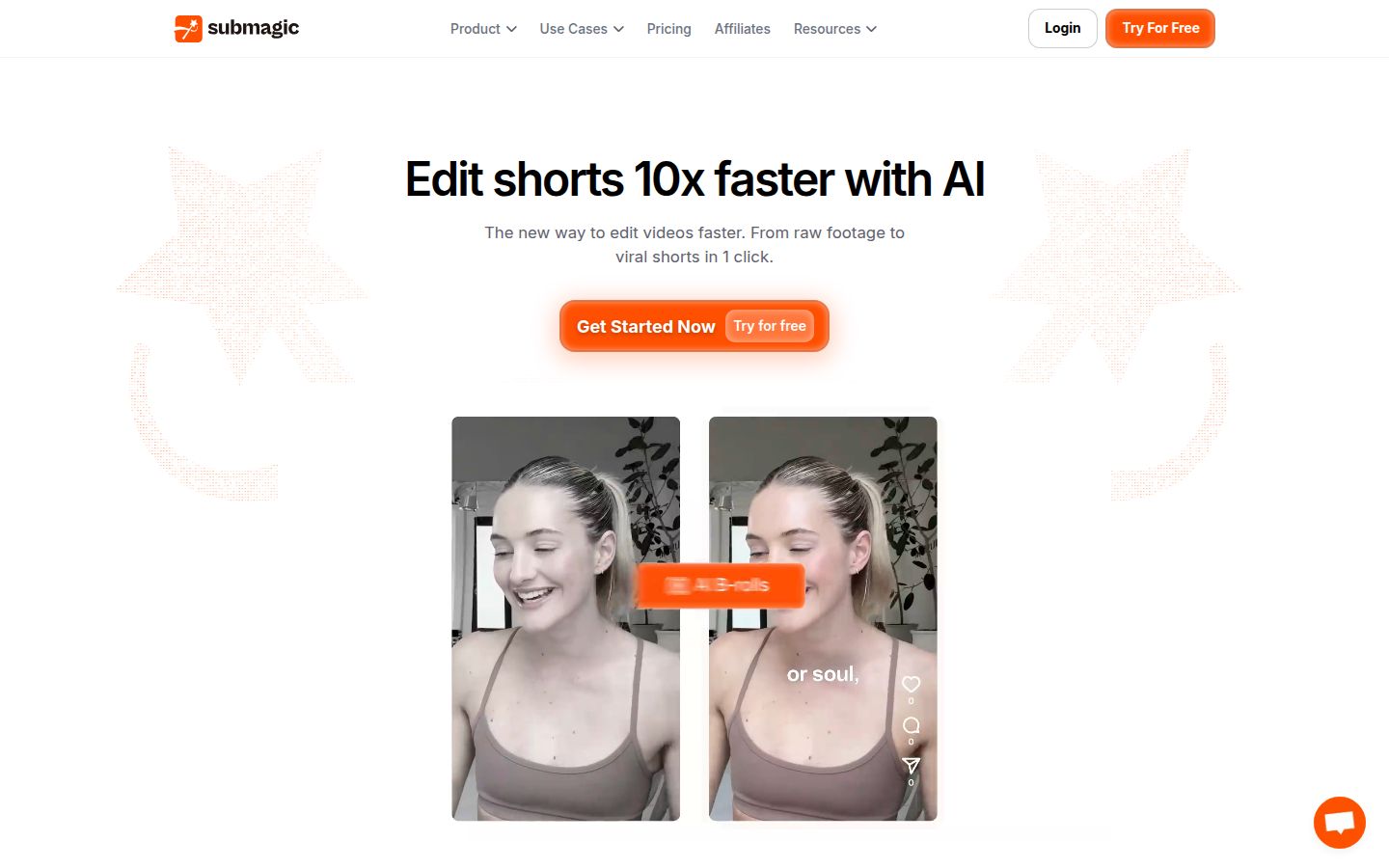
Submagic is a browser-based editor for short videos. You upload a talking-head clip, and it adds animated captions that you can edit word by word. Captions are the core of the product, and the Starter plan covers that alone.
On Pro and Business, Submagic also removes silences, bad takes and filler words. Pro adds AI eye contact correction, auto zoom, clean audio, custom fonts and a brand kit. Pro includes Storyblocks B-roll and audio. Starter includes free stock B-roll and audio.
Pro also includes publishing to one social profile per platform. Business raises that to three profiles per platform and adds priority support and rendering, 4K export at 60 fps, and 100 API minutes a month.
The limits that matter for this choice:
- No mobile app. You can upload from a phone browser, but the edit happens on a computer.
- Length caps by plan. Starter videos can run up to 2 minutes. If your recordings are longer, you need Pro (5 minutes) or Business (30 minutes).
- Silence removal is not on Starter. For cleanup, the entry plan is Pro.
Captions

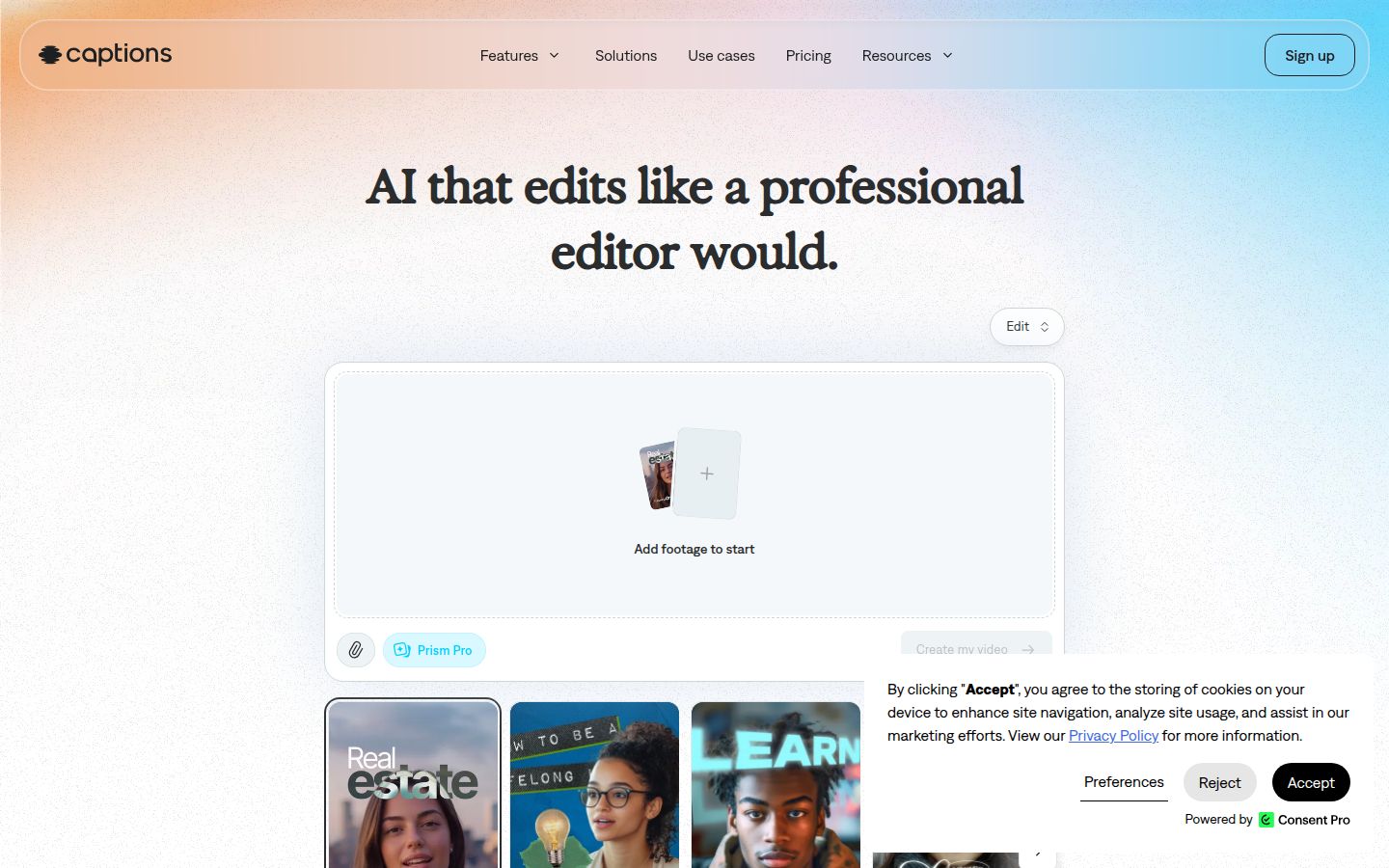
Captions is an AI video app that is built around the phone. You can record in the app with a built-in camera and teleprompter on iOS, then pick an AI Edit style. The web version does the same editing on a computer.
AI Edit works on the whole clip. You pick a style, and Captions cuts scenes, adds captions, and can overlay B-roll and music. You then ask for changes in the chat-based editor. The Max plan adds digital twins and custom AI actors, and it can turn a long video into a batch of post-ready clips.
Captions has its own credit system. The Free plan has no ongoing AI credits. Basic gives 200 credits a month and Max gives 500. Every AI task uses credits, so the number of videos you can make depends on which features you use. Captions' pricing page also says its prices and features reflect the iOS plans.
Editing: what each tool does to your raw footage
Editing is where these two tools differ most, so start here.
Submagic cleans up the recording and leaves the cuts visible
Submagic's Pro plan removes silences, bad takes and filler words. You can also trim by editing the transcript. Auto zoom adds punch-ins on the lines you want to stress. You stay in the timeline and can check each change before export.
This suits creators who already know how they want the video to look. You keep the structure and let the tool handle the cleanup and captions.
Captions writes the edit in one pass
With Captions, you choose an AI Edit style and the app builds the whole video. It cuts, adds B-roll and music, and layers captions. Then you tell the chat editor what to change, such as "add B-roll here" or a similar request.
This suits people who do not want to work on a timeline. If you like setting every cut yourself, look at the manual tools on the plan you're considering before you buy.
Captions on screen: how the words look
Both tools put animated captions on the video, and both offer ways to style them.
- Submagic: Standard caption templates on Starter, premium templates on Pro and Business. Pro adds custom fonts and a brand kit, so your captions can match your brand from one video to the next.
- Captions: One template on Free and more than 100 on Max and above. You can customize the captions, and the paid plans list captions in more than 100 languages.
Both list translation features. Check the language list on the plan you buy, because the list can change by plan.
Pricing: what a month of posting costs
Submagic (price per member, monthly, with yearly billing in brackets):
- Starter: $19 ($12 billed yearly). 15 videos a month, up to 2 minutes each. Standard templates.
- Pro: $39 ($23 billed yearly). 40 videos a month, up to 5 minutes each. Cleanup, AI eye contact and brand kit.
- Business: $69 ($41 billed yearly). 100 videos a month, up to 30 minutes each.
- Magic Clips add-on: $19 a month for 10 uploads.
Yearly billing on Submagic is up to 41% less than monthly.
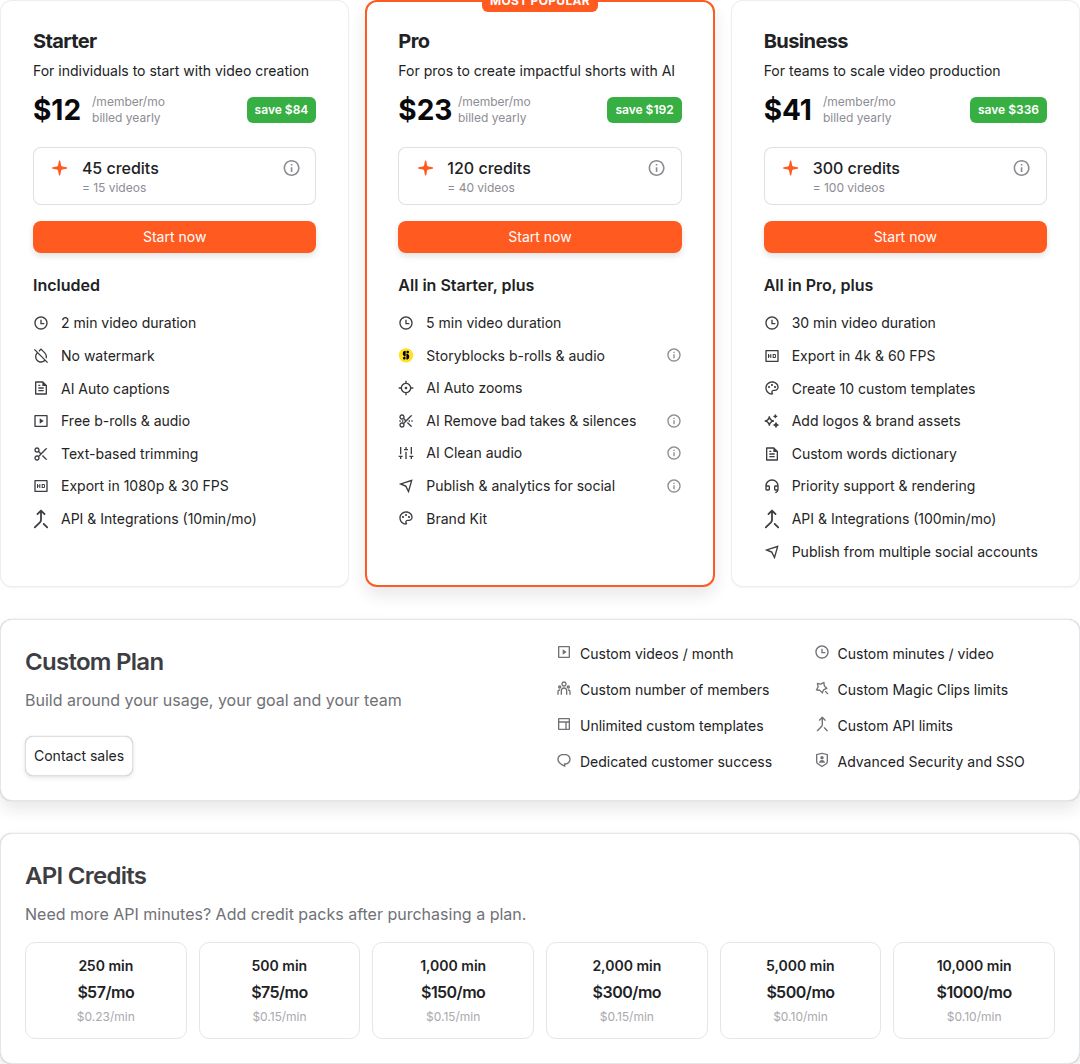 Submagic's pricing page
Captions (USD, on the iOS plans shown on its pricing page):
- Free: $0. One-time allowance of 60 to 200 credits, one caption template, and basic editing. No AI credits.
- Basic: $9.99 a month, 200 credits a month. Formerly called Pro.
- Max: $24.99 a month, 500 credits a month. The plan for AI Edit, digital twins and long-to-clip repurposing.
- Frontier: $69.99, $139.99 or $279.99 a month, for 1,400, 2,800 or 5,600 credits. Formerly called Scale.
Here is a simple way to compare. If you post four 90-second videos a month and want silence removal, Submagic's Pro plan at $39 covers that with room to spare. If you want AI Edit to build the whole video, Captions needs Max at $24.99 a month, and you should test how many credits one video uses before you commit.
Ease of use
Submagic works like a web editor. You upload a clip, review the captions and cuts, adjust the style, and export. It is the same routine each time, which helps when you post on a schedule.
Captions is built around the phone. You can record, read a script on the teleprompter, pick a style and export from one app. The trade-off is that the AI does more of the decisions for you, so the review step is where you keep control.
Neither tool is hard to start. Upload one of your own clips on the free plan or trial and time how long it takes to get a finished video. That tells you more than any feature list.
Output quality and export
Spec sheets do not settle output quality. Submagic publishes its export limits: 1080p on Starter, 1080p or 2K on Pro, and up to 4K at 60 fps on Business. For Captions, I could not confirm one export ceiling across all of its plans and devices, so check the export settings on the plan you plan to buy.
Submagic's free trial lets you upload and edit 3 short videos with no card. Use two or three of your own clips to compare caption timing, font choices and how the cuts feel on each tool. Judge the edit you would actually post.
Sycamore

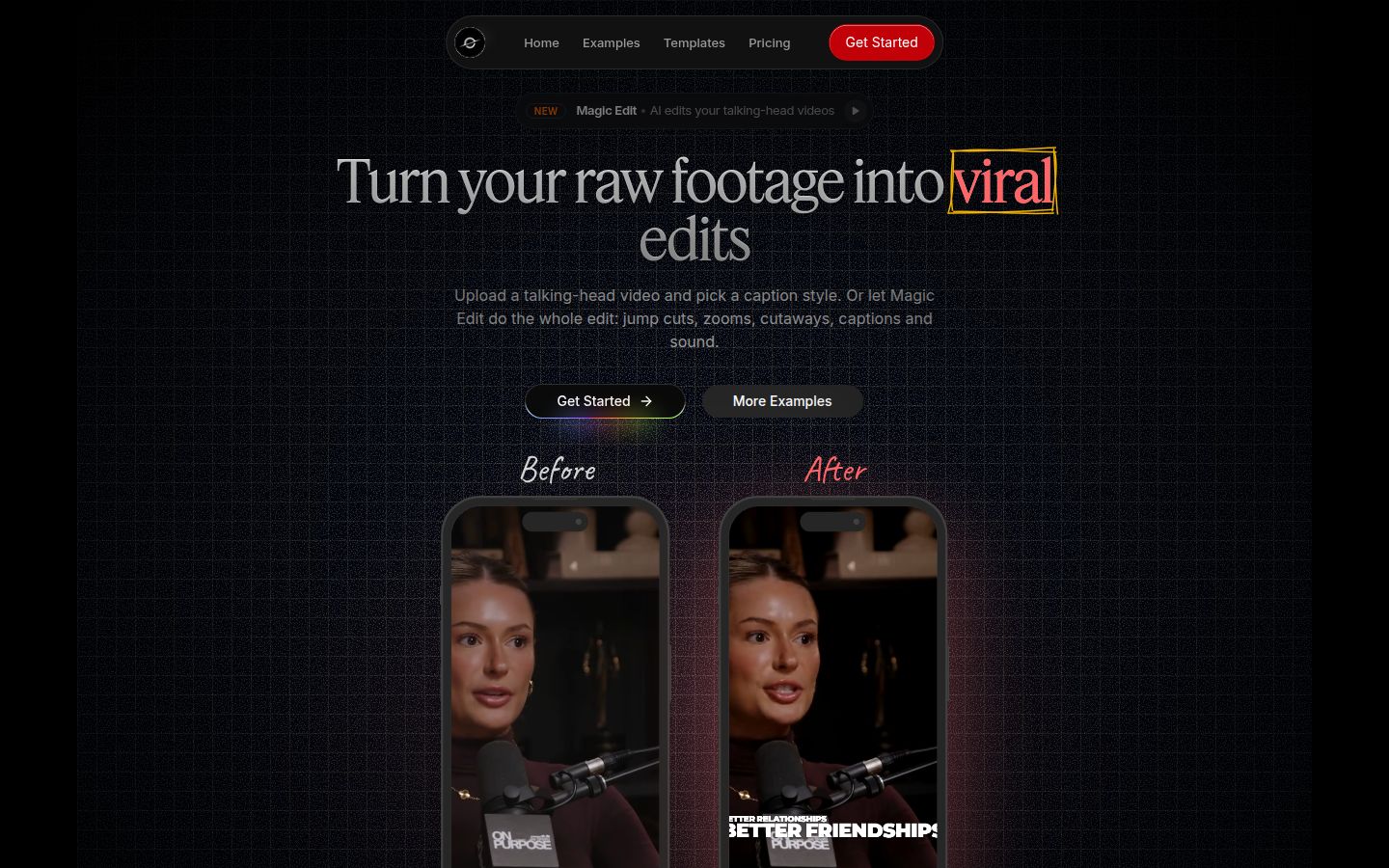
Sycamore is a web app that turns a raw talking-head recording into a finished, captioned video. Nothing to install, and it runs in your browser.
Its main feature is Magic Edit. You upload the raw video, pick one of three edit styles (Apollo, Hermes or Athena), and Sycamore cuts out silences and filler words. It adds captions, emphasis on key lines, zooms, and full-screen text for the big moments. You can then review the edit line by line. Each line can be set to Normal, Emphasis, Full screen, Number, List or Label. You can change anything before you export.
If you want more control over captions, Sycamore's editor lets you edit any word and change fonts, colors, size, animation and position. You can save a look as a preset and reuse it on every video. Every word is timed, so the captions stay in sync. You export an MP4 in 9:16, 1:1 or 16:9. Uploads can be MP4, MOV, WebM or MP3, up to 2 hours.
On pricing, the free plan gives you 10 minutes of video, one time, with no credit card. Starter is $19 a month for 3 hours of video, and Growth is $39 a month for 10 hours with priority rendering. Both paid plans have no watermark.
Sycamore is a good fit when you want the whole raw recording edited in one pass, you like reviewing the result before export, and you prefer paying for minutes of video. It is less of a fit in a few cases:
- Transcription is English only. If you need captions in other languages, Captions lists more than 100 on its paid plans.
- It does not cut a long recording into many clips. Sycamore edits the video you give it. Magic Clips and Captions' Max plan both handle long-to-short work.
- There is no mobile app. It works in a phone's browser, but it is a web app.
Sycamore also has no B-roll library, AI avatars or auto-posting. If you need those, one of the other two tools fits better.
Which one should you pick
Pick Submagic if:
- You edit at a desk and want captions plus silence and filler-word cleanup for about $39 a month.
- You post a steady number of short videos and like a fixed count per month.
- You want to publish from the tool, with one profile per platform on Pro.
- You only need captions on short clips. Starter at $19 a month is enough, but it does not include silence removal.
Pick Captions if:
- You film on an iPhone and want to record, use a teleprompter and edit in one app.
- You want AI to build the whole edit, and you can pay $24.99 a month for Max.
- You want AI avatars or digital twins. Those sit on Max.
- You only need light captioning. Basic at $9.99 a month gives you 200 credits, but check which AI tasks you need before you rely on it.
Pick Sycamore if:
- You want a whole raw recording edited in one pass, with a review step before export.
- You want a free start with 10 minutes and no card, and then pay by minutes of video.
- Your videos are English and you do not need a mobile app.
If you need something else:
- If you need a mobile app to edit, Captions is the closer fit. Submagic has no app.
- If you need many clips from one long recording, look at Submagic's Magic Clips add-on or Captions Max.
For a fuller look at other options, see Best Submagic Alternatives for Talking-Head Videos and Captions App vs CapCut.
The fastest way to decide is to take one real clip from your last week of posting. Run it through the free trial or free plan of each tool, check the cuts and captions, and pick the one you would post without changes.
FAQ
Is Submagic cheaper than Captions?
It depends on the features you need. Submagic Starter is $19 a month ($12 billed yearly), and Captions Basic is $9.99 a month, but Captions' AI Edit and AI video tools start at $24.99 a month on Max. Submagic's silence and filler-word removal starts on its $39 Pro plan.
Does Captions have a free plan?
Yes. Captions' Free plan has a one-time allowance of 60 to 200 credits and one caption template, with no ongoing AI credits. AI Edit and AI avatars need a paid plan, starting with Max at $24.99 a month.
Does Submagic have a free trial?
Submagic lets you upload and edit 3 short videos with no credit card. To download them without the watermark, you need a paid plan.
Is there a Submagic app or a Captions app?
Captions has an iPhone app with a built-in camera and teleprompter, and it also runs on the web. Submagic has no mobile app; you can upload from a phone browser but finish the edit on a computer.
Which is better for talking-head videos, Submagic or Captions?
Submagic is the better pick if you edit on a computer and want silence, bad-take and filler-word removal with clear monthly video limits. Captions is the better pick if you film on an iPhone and want AI to build the whole edit in one app.
Can Submagic or Captions turn a long video into many short clips?
Yes. Submagic offers Magic Clips as a $19 a month add-on for 10 uploads, and Captions offers long-to-clip repurposing on its Max plan.