If you film yourself talking and post short videos, you have probably tried a few tools that promise to cut, caption and polish the clip for you. Sycamore is one of them. It is a web app: you upload a raw talking-head recording, Sycamore edits it and adds captions, you review the result, and you export an MP4.
This review covers what Sycamore does, what it costs as of October 2026, and where another tool fits your job better. We make Sycamore, so we have tried to be specific about where the other tools are the better choice.
The short verdict
Sycamore is worth paying for if you film yourself, post two to ten short videos a month, and want the cuts and captions done in one pass in your browser. The Starter plan is $19 a month for 3 hours of video. Growth is $39 a month for 10 hours. Both plans have no watermark.
Skip it if you need one of these: a tool that cuts a long podcast into many clips, B-roll or a stock footage library, captions in languages other than English, or a mobile app. Other tools do some of those jobs well, and the sections below say which ones.
Key facts side by side
Prices are monthly, as of October 2026, taken from each tool's pricing page or the sources linked in the sections below.
| Tool | Free option | Paid plans | Built for | Main limit |
|---|---|---|---|---|
| Sycamore | 10 minutes of video, one time, no card | Starter $19 (3 hours a month), Growth $39 (10 hours a month) | Editing and captioning talking-head shorts in one pass | English-only transcription; does not cut long recordings into many clips |
| Submagic | 3 short videos to try, watermark until you pay | Starter $19 (15 videos up to 2 min), Pro $39 (40 videos up to 5 min), Business $69 (100 videos up to 30 min) | Caption styles, auto edits, team branding | Length caps per video; Magic Clips is a $19 add-on |
| OpusClip | Free plan: 60 credits a month, watermark, no editing | Starter $15 (150 min), Pro $29 (300 min), Business custom | Turning one long video into many clips | Free exports carry a watermark and expire after 3 days |
| Descript | Free plan | Hobbyist $24 per user, Creator $35 per user | A full text-based editor for video and audio | Plans meter media hours and AI credits |
| Captions (captions.ai) | Free, but no AI credits | Max $24.99, Frontier from $69.99 | Phone-first AI editing and avatars | AI features need a paid plan |
Sycamore

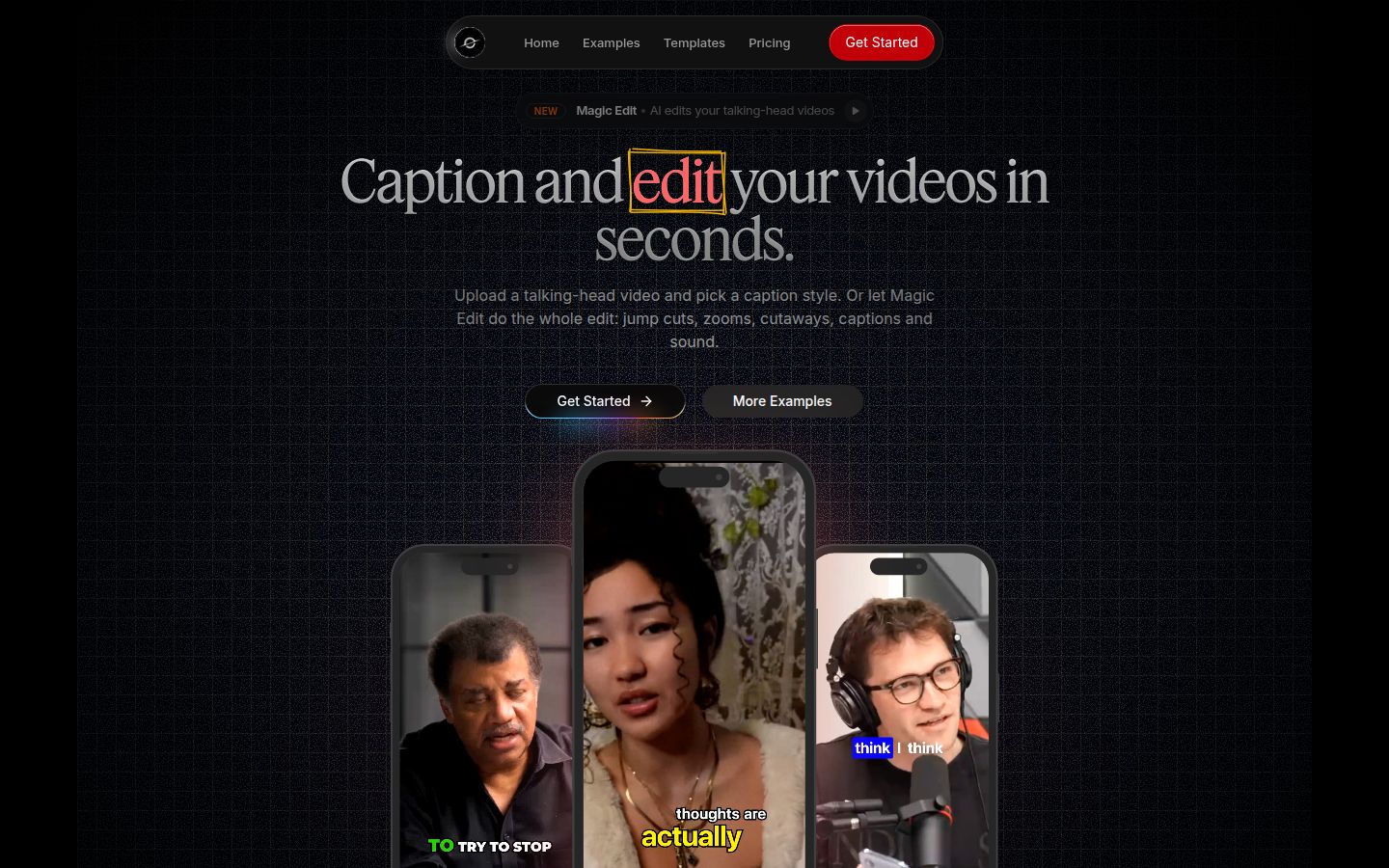
Sycamore is built for one job: turning a talking-head recording into a finished, captioned short. It runs in the browser, so there is nothing to install. It also works in a phone's browser, though it is a web app and not a mobile app.
The main feature is Magic Edit. You upload a raw video and Sycamore reads the transcript, cuts out silences and filler words, adds word-synced captions, and places zooms and full-screen text cutaways on the key lines. You pick an edit style, such as Apollo or Hermes. Then you review the edit and change anything before you export.
Sycamore also works as a caption tool on its own. You can pick one of the caption templates and edit the result.
What it does well
- It edits the whole video in one pass. Silences and filler words come out, and captions and emphasis go in, without you working through a timeline.
- You review before you export. The editor uses plain labels: each line can be set to Normal, Emphasis, Full screen, Number, List or Label. Every word is in a transcript, so you can restore a cut and re-export.
- Captions are word by word and easy to change. Edit any word, change fonts, colors, size, animation and position, and save a look as a preset to reuse.
- The export fits every platform. You can export MP4 in 9:16, 1:1 or 16:9 from the same project.
- Pricing is by minutes of video, with a free start. The free plan gives you 10 minutes once, with no credit card. It includes every caption template and editing feature.
- It is narrow on purpose. There is less to learn than in a full video editor, which matters if you only need talking-head shorts.
Where it falls short
The two limits that matter most for this comparison are English-only transcription and the fact that Sycamore edits the video you give it, rather than cutting a long recording into many clips. It also has no B-roll library, no posting or scheduling to social platforms, and no team features.
If you record in other languages or work from long podcasts, pick a tool that handles those jobs. The rest of this post shows which ones.
Submagic

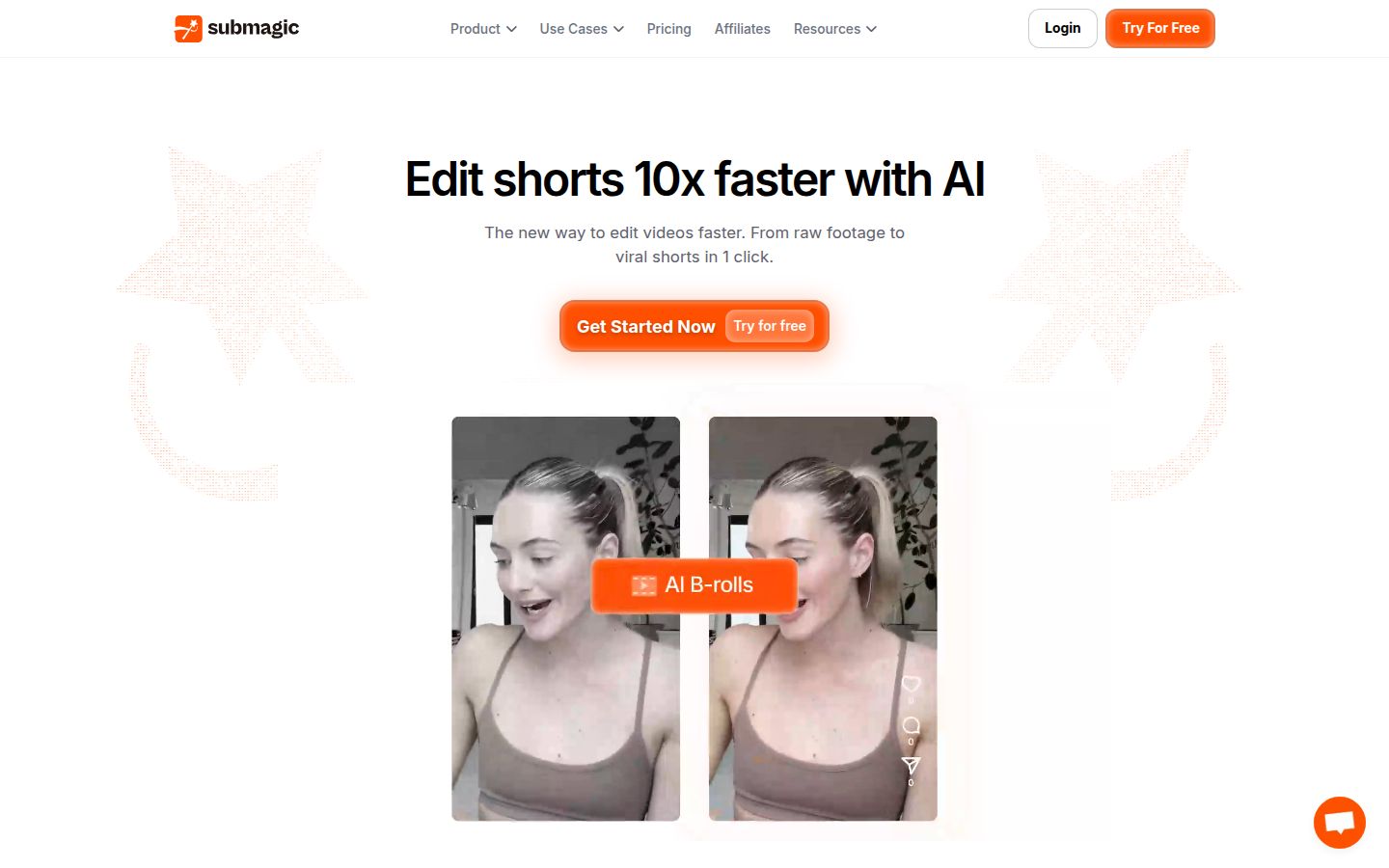
Submagic is a caption and short-video editor with a long list of features. Its pricing page lists AI captions, auto editing, Magic Clips, B-roll, sound effects, background music, auto-zoom, AI eye contact and publishing to social profiles. Its free trial lets you edit three short videos without a card, and downloads without the watermark need a paid plan, according to Submagic's help center.
Submagic prices by videos, not minutes. The help center describes Starter at $19 a month for 15 uploads, Professional at $39 for 40 uploads, and Business at $69 for 100 uploads. Yearly billing lowers those prices. The StoryCut comparison, checked on October 9, 2026, lists $12, $23 and $41 a month billed yearly, with video length caps of 2, 5 and 30 minutes. The Magic Clips add-on is $19 a month for 10 uploads.
Submagic is the better choice if you need the things Sycamore does not do: B-roll, sound effects, background music, publishing, or a team. The same StoryCut table says Pro allows up to three members, each paid. The main limit for talking-head creators is the length cap. On Starter, each video can be up to 2 minutes, so a longer talk needs a higher plan or the add-on. FluxNote's guide makes the same point from another angle: it sees Submagic as a good fit for talking-head creators who caption 20 or more videos a month.
OpusClip

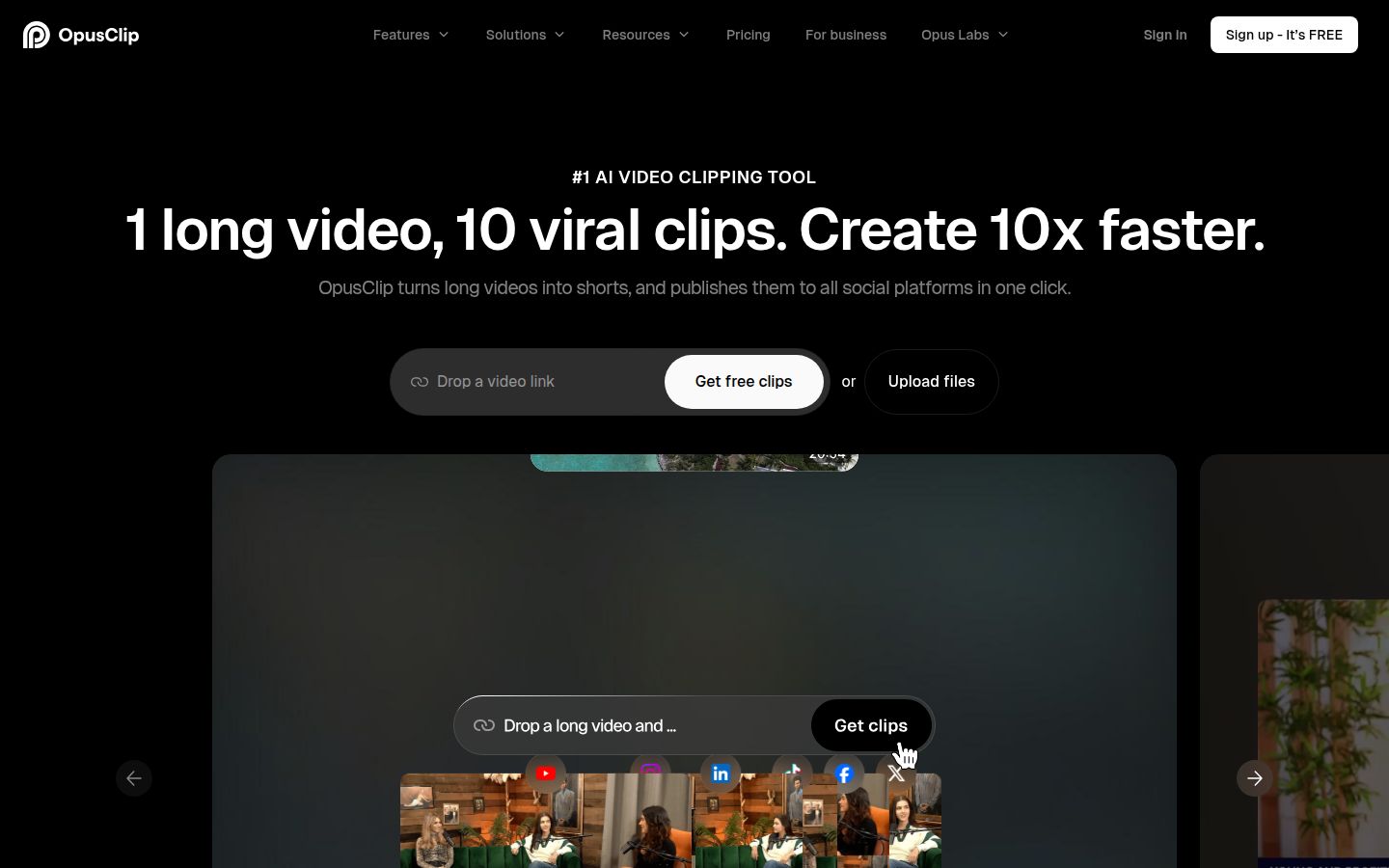
OpusClip is built to start from a long video and find the short clips in it. Its homepage describes "1 long video, 10 viral clips." Its feature list includes ClipAnything, AI B-roll, AI reframe, a social scheduler, AI dubbing, an XML export for Premiere Pro and DaVinci Resolve, and a team workspace. The homepage says it supports English, German, Spanish, French, Portuguese and more than 20 other languages.
On the pricing page, the Free plan is $0 with 60 credits a month, and the clips have a watermark and no editing. Starter is $15 a month, and Pro is $29 a month. Genie Artificiel's guide lists Pro at $14.50 a month when billed yearly for 300 minutes. EESEL's guide says free exports expire after 3 days, and credits count the length of the source video.
OpusClip is the better pick if you record long episodes, webinars or interviews and want many clips from each one, or if you want scheduling and an XML export for a desktop editor. If your work is one short video at a time, its strengths matter less.
Descript

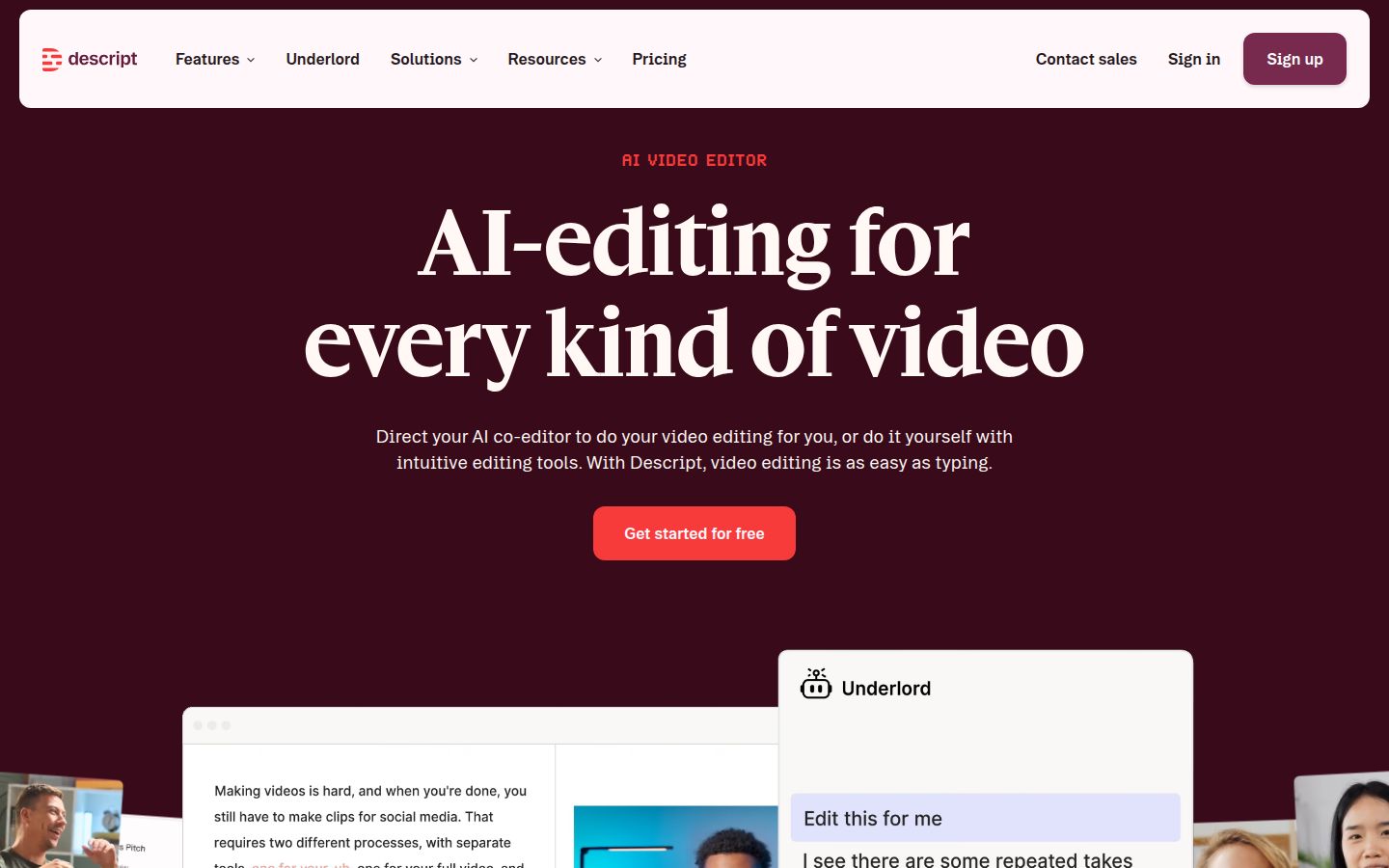
Descript is an AI video and audio editor where you edit the transcript and the video follows. It is a desktop app, according to its help center. Its feature list is broad: Create Clips, Remove Filler Words, Studio Sound, Eye Contact, multicam, a screen recorder, podcast multitrack editing, AI avatars and AI voices.
Descript has a free plan. ComparEdge lists Hobbyist at $24 per user a month, or $16 billed yearly, with 10 media hours and 400 AI credits. Creator is $35 a month, or $24 billed yearly, with 30 media hours and 800 AI credits. Descript's pricing page starts paid plans at $16 a month, which is the yearly price. MRKTcorrect confirms that the monthly and yearly prices differ, and that every paid plan meters media hours and AI credits.
Descript is the better choice if you edit audio and video together, record podcasts, or want a full editor where you work from the text. It has more to learn than a one-pass tool. If you want a short edited clip with captions and nothing else, it is more than you need. Our Descript review for short-form creators covers that comparison in more detail.
Captions (captions.ai)

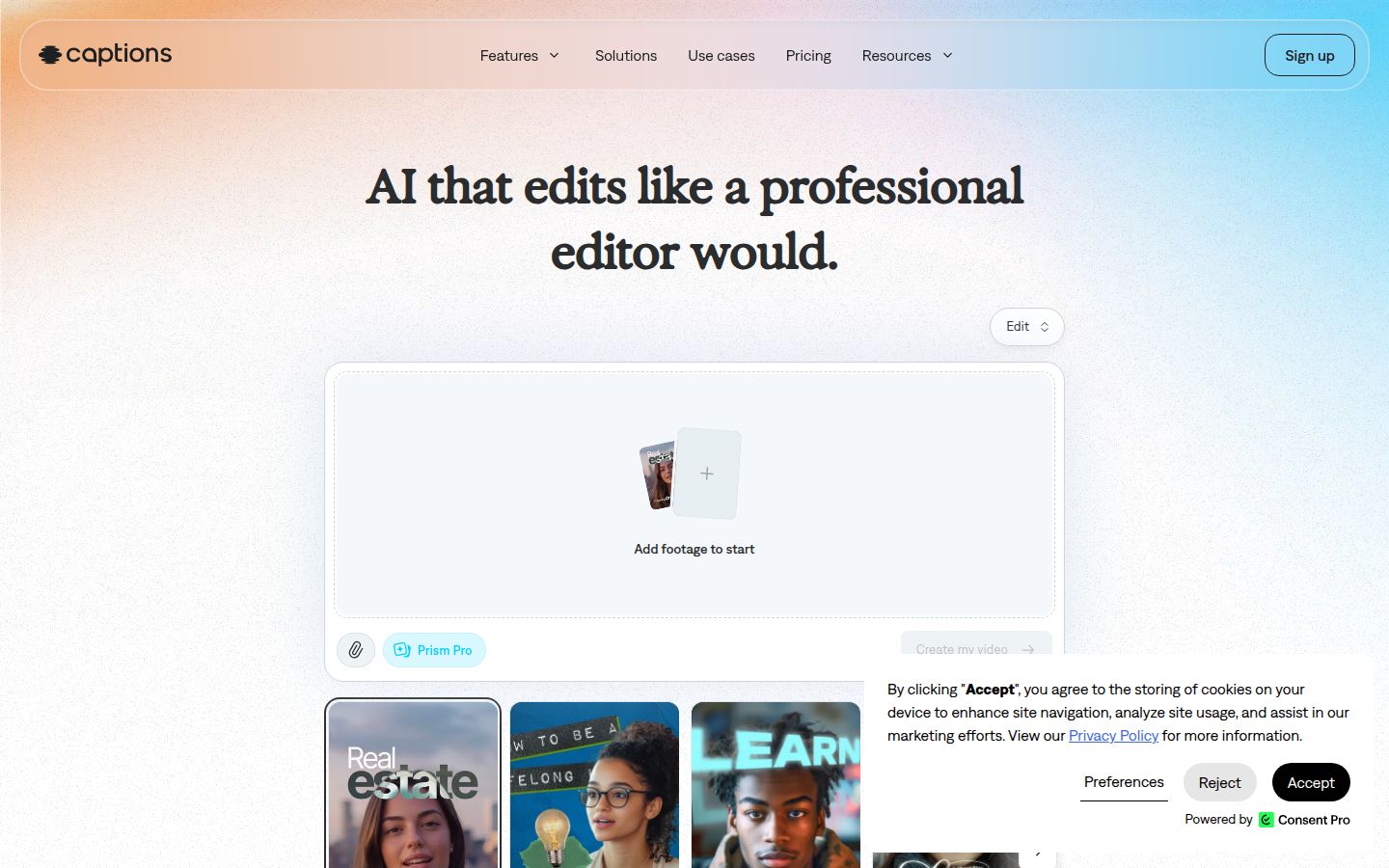
Captions is an AI editing app with an iPhone app at its center. Its AI Edit handles cuts, B-roll, transitions and music from raw footage, and it offers filler and pause removal, eye-contact correction, and AI avatars. Its pricing page lists a Free plan with no AI credits and one caption template. Max is $24.99 a month with 500 credits and 100 or more caption templates. Frontier starts at $69.99 a month. The same page notes that its prices reflect iOS plans only.
Captions is the better pick if you film on your phone, want to edit there, and want AI avatars. The free plan does not include the AI features, so you pay from the start if you want them. The Fastlane review also notes that the app publishes nothing and schedules nothing.
Pricing and value
Sycamore is priced by minutes of video. Starter is $19 for 180 minutes, about $0.11 a minute. Growth is $39 for 600 minutes, about $0.07 a minute. The free plan covers 10 minutes once.
The other tools count differently, so the numbers are not a true match. OpusClip Starter is $15 for 150 minutes, about $0.10 a minute, and its Pro plan is about $0.10 a minute monthly or about $0.05 a minute billed yearly, using the figures above. Submagic charges per video up to a length cap, so its per-minute cost depends on how long your videos run.
Here is a simple example. Suppose you post four videos a week, each from a 5-minute raw recording. That is about 85 minutes a month. Sycamore Starter covers it with room to spare. If you record 3 hours of footage a month, Starter is the right size. If you record more, Growth gives you 10 hours.
Before you choose, check how each tool counts your footage. Credits and minutes are not the same unit across these tools.
Which one to pick
- You film yourself, post a few short videos a week, and want the edit and captions in one pass. Start with Sycamore. Try the free 10 minutes with your best recording. If you need more than 3 hours a month, use Growth at $39.
- You record long podcasts, webinars or interviews and want many clips from each one. Pick OpusClip. Its Starter plan is $15 a month, and Pro is $29.
- You run a team that needs B-roll, sound effects, publishing or consistent brand styling. Pick Submagic. Its Pro plan is $39 a month for 40 videos, and each Pro member is a paid seat.
- You edit audio and video together, or want a full editor built around the transcript. Pick Descript. Compare the Hobbyist and Creator plans, then decide.
- You shoot on an iPhone, want the edit on the phone, and want AI avatars. Pick Captions. Plan on Max at $24.99 a month, since the free plan has no AI credits.
Sycamore is not the right fit if you need a long-video clipper, B-roll, other languages, or a mobile app. If your job is talking-head shorts from raw footage, it does that job in one pass, and you can test it for free with 10 minutes of your own video. The pricing page has the plan details, and our guide on how to edit raw talking-head footage into a short shows the workflow step by step.
FAQ
Is Sycamore free to try?
Yes. The free plan gives you 10 minutes of video, one time, with no credit card, and it includes every caption template and editing feature. Paid plans are Starter at $19 a month for 3 hours of video and Growth at $39 a month for 10 hours.
Does Sycamore support languages other than English?
No. Sycamore's transcription is English only. OpusClip lists support for English, German, Spanish, French, Portuguese and more than 20 other languages on its homepage.
Can Sycamore turn a long podcast into many short clips?
No. Sycamore edits the video you upload into one finished short. Tools built to find clips inside long recordings include OpusClip and the Magic Clips add-on for Submagic.
Is Submagic better than Sycamore?
It depends on the job. Submagic offers B-roll, sound effects, publishing and team seats, which Sycamore does not. Its Starter plan caps each video at 2 minutes, so it fits short clips better than long talks.
What is the cheapest way to test these tools?
Sycamore's free plan covers 10 minutes once. Submagic's free trial covers three short videos, and OpusClip's free plan gives 60 credits a month with a watermark and no editing.
Is Sycamore a mobile app?
No. Sycamore is a web app. It runs in a phone's browser but is not an app you install from an app store.