Captions is one of the best-known apps for turning a phone recording into a captioned video. It started with captions and now also does AI editing, avatars and dubbing. That range is why many creators look at it, and it's also why its plans take a minute to read. This review covers what the app does, what it costs as of October 2026, and how it compares with the tools creators usually weigh it against, Sycamore included.
Our verdict: Captions is worth paying for if you film on an iPhone, want to record, edit and caption in one app, and use its AI Edit often enough that the Max plan at $24.99 a month pays off. Skip it if you only want captions on a budget, because its AI features run on credits and a busy month costs more than the plan price.
Sycamore fits better if you want a finished talking-head edit from a laptop or a phone's browser, priced by minutes of video rather than credits. We make Sycamore, so read the Sycamore section with that in mind. We have tried to be fair to every tool here.
Captions at a glance
| Captions | |
|---|---|
| Best for | iPhone-first creators who record, edit and caption vertical talking-head videos in one app |
| Free plan | Yes. Basic editing, captions and a teleprompter, with a one-time 60 to 200 AI credits that don't refresh |
| Paid plans | Basic $9.99 a month (200 credits), Max $24.99 a month (500 credits), Frontier $69.99 a month (1,400 credits), plus Frontier 2x at $139.99 and 4x at $279.99 |
| Main features | AI Edit, auto captions with 100+ templates on paid plans, AI trim for pauses and filler words, teleprompter, chat-based editing, clips from long videos (Max) |
| Limits | Prices and features shown are for iOS plans. AI features use credits. Android has a separate, lighter app |
Prices are the US figures on Captions' own pricing and help pages, checked in October 2026.
Captions

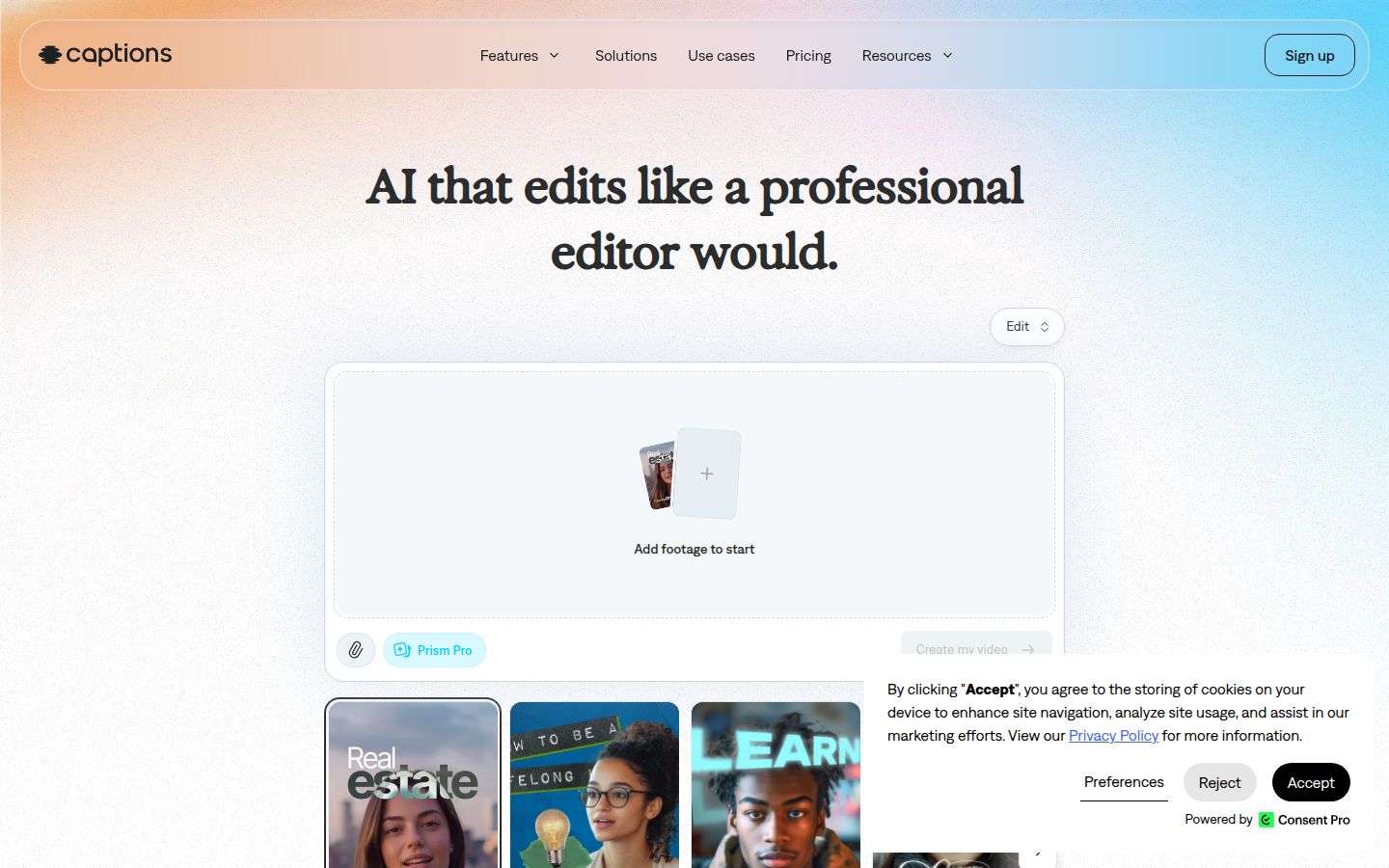
Captions is an AI video app. You add footage to a project, and its AI Edit cuts the pauses and filler words, adds captions, and can add B-roll and music. You can then change the result by hand on the timeline or by describing the change in a chat.
What Captions does well
- Full phone workflow. You can record with a teleprompter and camera tools, then edit and export without moving to a computer. The teleprompter is on the free plan.
- AI trim. It removes pauses and filler words automatically. You can also trim shots by hand.
- Caption styles and languages. Paid plans include 100+ caption templates, and the captions can be edited. Captions also lists captions in 100+ languages and AI dubbing into other languages.
- Chat-based editing. On the Max plan, you describe a change in plain words and the editor applies it.
- Clips from long videos. On Max, you can turn a long video into a batch of post-ready clips.
- Avatars. Max includes digital twins and custom AI actors, which is useful if you want a presenter without filming every video.
Where Captions falls short
- It's built for iPhone first. The pricing page says its prices and features reflect the iOS plans. Android has a separate app, Captions Lite, at $4.99 a month, with manual editing.
- AI features cost credits. An AI Edit uses between 10 and 40 credits. Max gives you 500 credits a month, so that covers roughly 12 to 50 AI Edits.
- The free credits are a trial. The free plan gets a one-time allowance of 60 to 200 credits. They don't refresh each month.
- Basic needs checking. Basic costs $9.99 a month with 200 credits. The public pricing page lists the AI Edit, clips and chat features under Max, so check the Basic feature list before you buy.
Captions pricing and value
Captions' own pricing page, read in October 2026, lists these plans in US dollars:
- Free: $0. Basic editing, captions, teleprompter and a one-time 60 to 200 credits.
- Basic: $9.99 a month, 200 credits. Formerly called Pro.
- Max: $24.99 a month, 500 credits. The plan Captions highlights as most popular.
- Frontier: $69.99 a month with 1,400 credits, or $139.99 (2,800 credits) and $279.99 (5,600 credits) for the 2x and 4x tiers. Formerly called Scale.
- Enterprise: custom pricing, with bulk credit discounts and seats.
Captions offers monthly or yearly subscriptions. The web pricing page doesn't show yearly prices, so check the price at checkout.
 Captions' pricing plans
Max is good value if you edit with AI several times a week and want the avatars, chat editing and clips. If you only need captions and trimmed pauses, a flat price per minute is easier to predict. Count your AI Edits before you pick a credit plan.
Sycamore

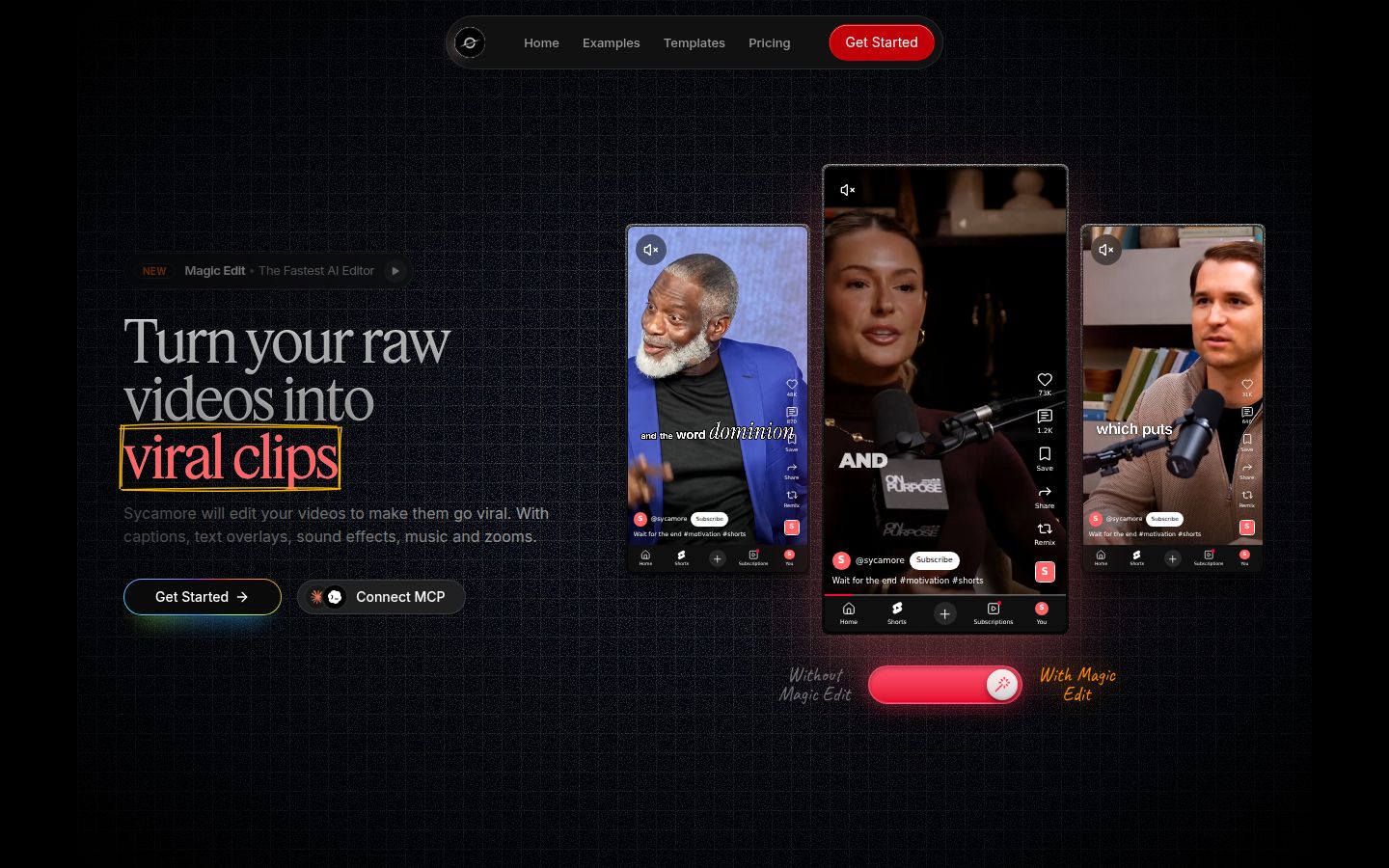
Sycamore turns a raw talking-head recording into a finished, captioned short-form video. It runs in your browser, so there's nothing to install.
Its main feature is Magic Edit. You upload a raw video and Sycamore cuts out silences and filler words, adds word-synced captions, and adds emphasis on key lines, zooms and full-screen text cutaways. You pick one of three edit styles (Apollo, Hermes or Athena), then review the edit and change anything before you export. Each line can be set to Normal, Emphasis, Full screen, Number, List or Label, so the editor speaks in plain words rather than timeline tools.
If you want to change the captions yourself, you can edit any word, change the font, colors, size and animation, and save a look as a preset. Every word has a timestamp, so the captions stay in sync. You can export an MP4 in 9:16, 1:1 or 16:9.
Who Sycamore is best for
Sycamore is built for founders, coaches, educators, podcasters and creators who film themselves speaking and post to TikTok, Instagram Reels, YouTube Shorts or LinkedIn. It edits the whole video in one pass, so you don't have to cut, caption and style it in three steps. Because you review the edit before export, you keep control of the result.
Pricing is simple and based on minutes of video:
- Free: 10 minutes of video, one time, with no credit card. Every template and editing feature is included.
- Starter: $19 a month for 3 hours of video, with no watermark.
- Growth: $39 a month for 10 hours of video, with no watermark and priority rendering.
Uploads can be MP4, MOV, WebM or MP3, up to 2 hours each.
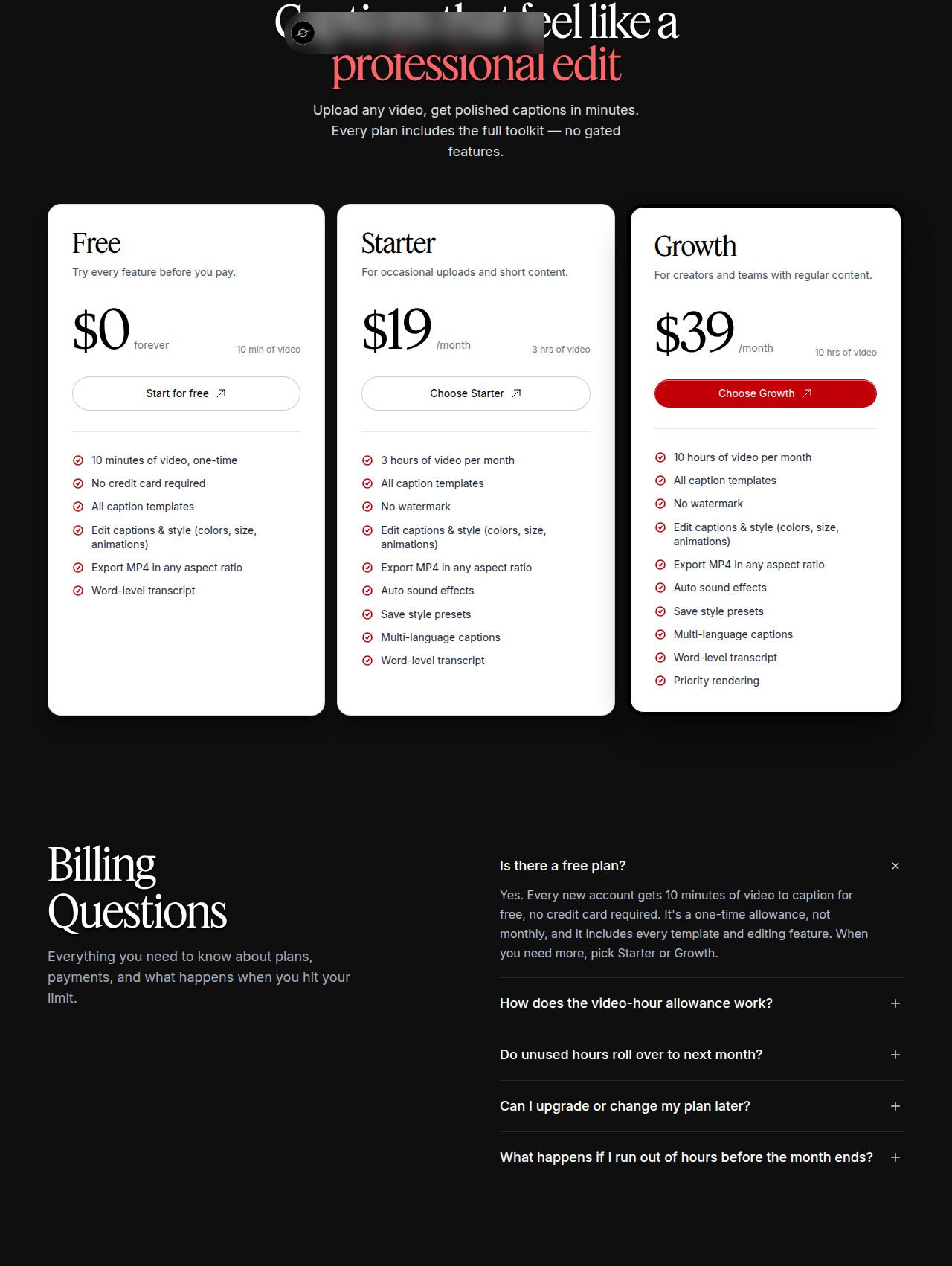 Sycamore's pricing plans
Two limits matter for this comparison. Transcription is English only. And Sycamore edits the video you upload, so it doesn't cut a long recording into a set of separate clips. It also doesn't have a mobile app, although it works in a phone's browser.
Submagic

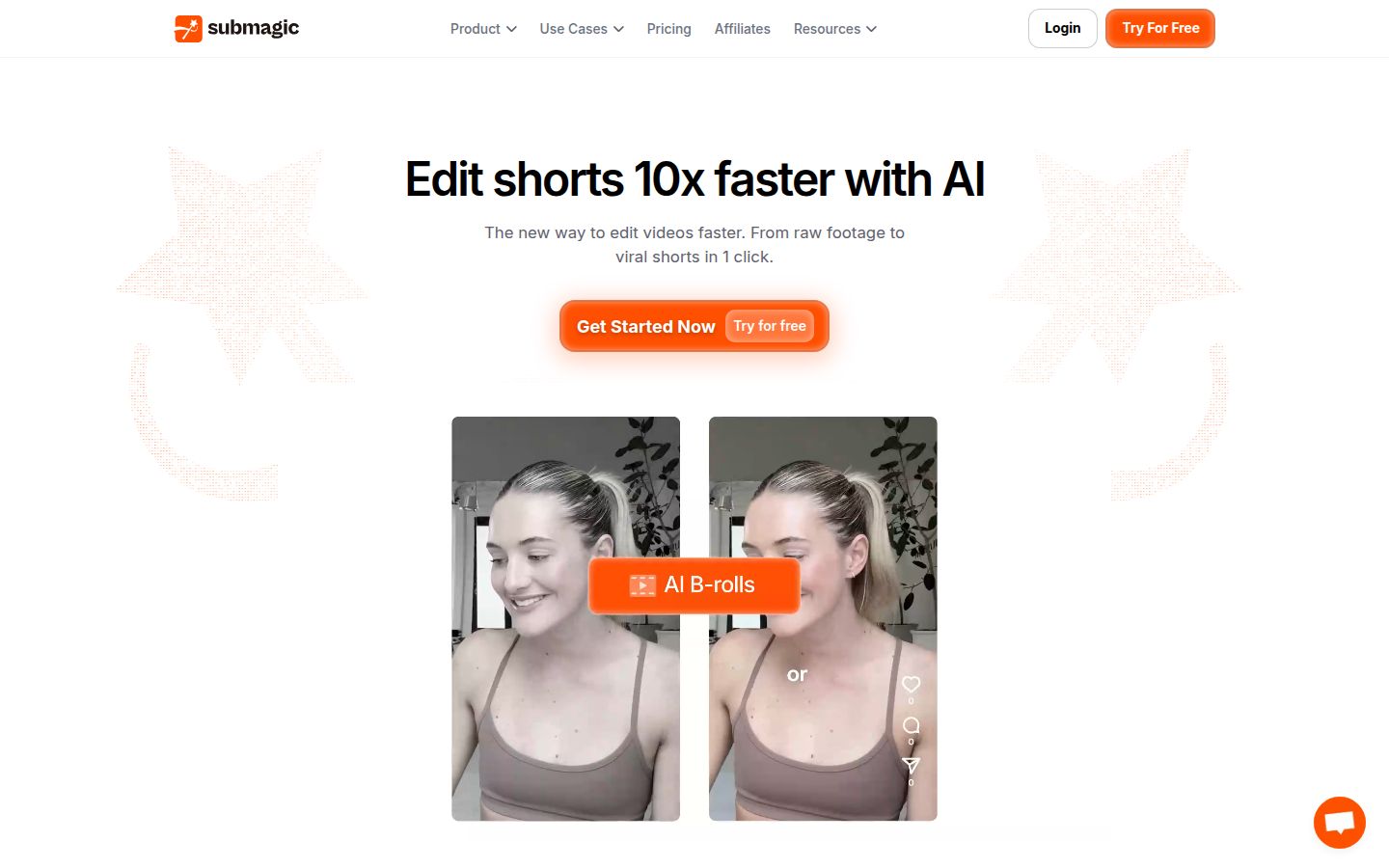
Submagic is a web tool for adding styled captions to short videos. It has a large set of caption styles, auto zoom, B-roll and an add-on called Magic Clips that makes short clips from a longer video. It's a strong choice if you want many caption looks and clips from long recordings.
Its plans, billed monthly, are Starter at $19 (15 videos a month, up to 2 minutes each), Pro at $39 (40 videos, up to 5 minutes) and Business at $69 (100 videos, up to 30 minutes). Yearly billing lowers those to $12, $23 and $41 a month. Magic Clips is an add-on at $19 a month for 10 uploads.
Limits to know: Starter caps each video at 2 minutes, and removing silences, bad takes and filler words is part of the Pro plan. Submagic also offers a free trial of 3 short videos without a card.
Descript

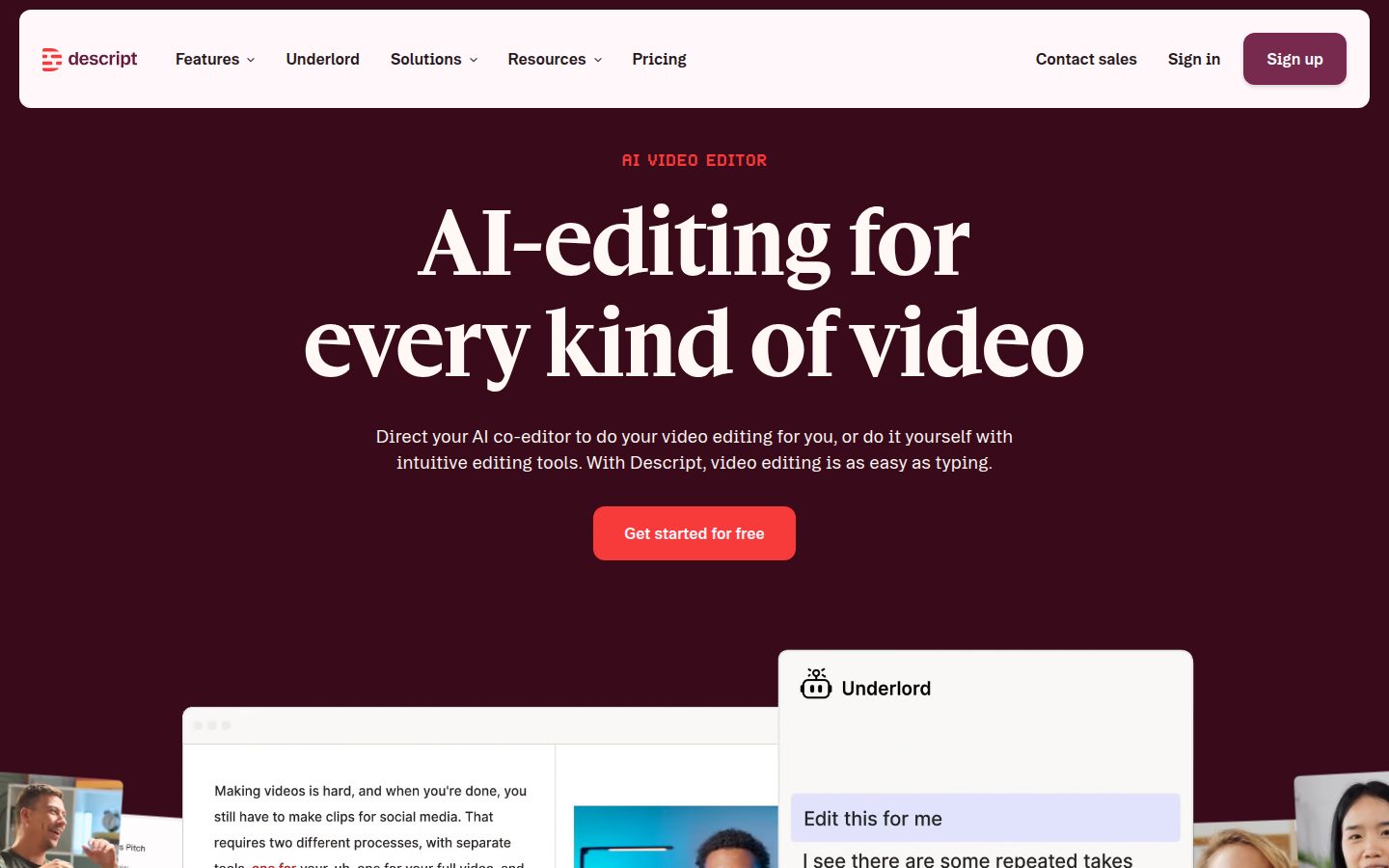
Descript edits audio and video through the transcript: you delete a word in the text and the video follows. It has captions, filler word removal, studio sound and podcast tools. It's a good fit if you edit podcasts and video together, or if you want a full editor that works from text.
It has a free plan. The paid plans are Hobbyist at $16 a month billed yearly ($24 monthly), Creator at $24 billed yearly ($35 monthly) and Business at $50 billed yearly ($65 monthly). The prices are per person.
Limits to know: Descript has many tools, so there's more to learn than in Sycamore or Captions, and the price depends on how many media hours you need each month.
CapCut

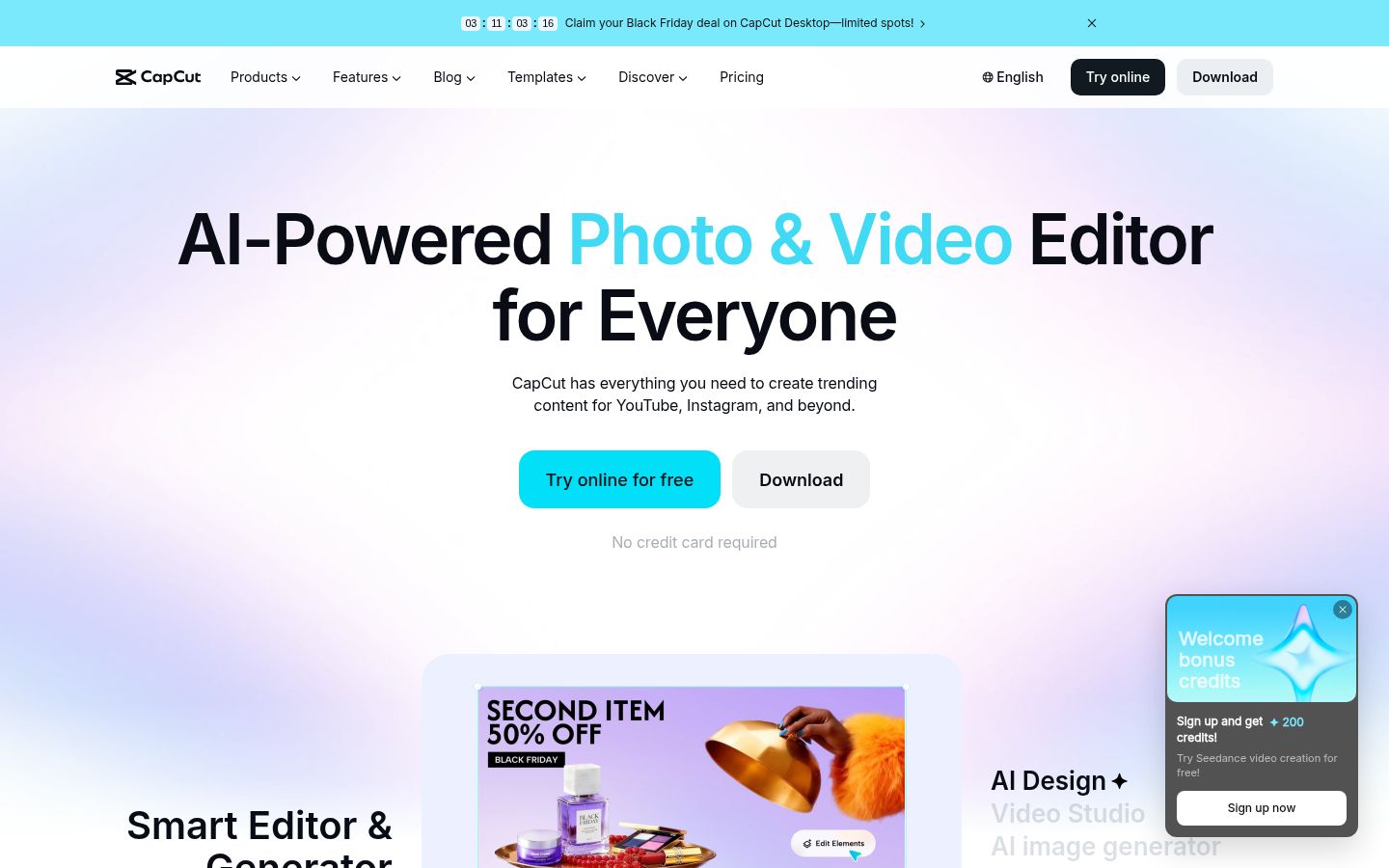
CapCut is a full video editor that runs on desktop, online and mobile. It has auto captions, caption templates and an AI filler word remover. Its free editor is a good place to start for creators who want to do the edit themselves.
The free plan is available. CapCut Pro costs $19.99 a month or $179.99 a year in the US. Some advanced AI tools use credits.
Limits to know: CapCut is a full editor, so you do more of the work yourself than in Sycamore or Captions, and its AI tools can use credits.
How the five tools compare
| Tool | Starting price, Oct 2026 | Free option | Strongest at |
|---|---|---|---|
| Captions | $9.99 a month (Basic, 200 credits) | One-time 60 to 200 credits | iPhone workflow with recording, AI Edit, 100+ caption languages |
| Sycamore | $19 a month (3 hours of video) | 10 minutes, one time | One-pass talking-head edit from raw footage, priced by minutes |
| Submagic | $19 a month (15 videos up to 2 minutes) | Trial of 3 short videos | Many caption styles and clips from long videos (add-on) |
| Descript | $16 a month billed yearly (Hobbyist) | Free plan | Editing audio and video through the transcript |
| CapCut | Free, or $19.99 a month (Pro) | Free editor | A full free editor with captions and effects |
Which one should you pick
- You film on an iPhone and want one app for recording, editing and captions. Captions. Start on the free plan, then check whether Max is worth it after a month of AI Edits.
- You film on a laptop or in a browser and want a finished talking-head edit for a fixed number of minutes. Sycamore. Start with the free 10 minutes and see how the edit looks before you pay.
- You need captions in other languages or dubbing. Captions. Sycamore transcribes English only.
- You turn long recordings into many short clips. Submagic with Magic Clips, or Captions Max. Sycamore doesn't do this.
- You edit podcasts and video from one transcript. Descript.
- You want a free editor and will do the cuts yourself. CapCut.
If you're still comparing, our best captions app alternatives post covers more options, and our Captions App vs CapCut comparison goes deeper on the two most-searched names.
FAQ
Is the Captions app free?
Yes. The free plan includes basic editing, captions and a teleprompter. Its AI credits are a one-time allowance of 60 to 200 that does not refresh each month, so AI features need a paid plan for ongoing use.
How much does Captions cost in 2026?
On Captions' pricing page, Max is $24.99 a month with 500 credits and Frontier starts at $69.99 a month. The help center lists Basic at $9.99 a month with 200 credits. Prices shown are for iOS plans.
What is the difference between Captions Basic and Max?
Max includes the AI Edit styles, digital twins, chat-based editing and clips from long videos, with 500 credits a month. Basic has 200 credits, and its full feature list should be checked before you buy.
Is there a Captions app for Android?
Android has a separate app called Captions Lite at $4.99 a month, with manual editing rather than the full AI feature set.
Does Sycamore support languages other than English?
No. Sycamore's transcription is English only, so it can't caption other languages or translate the video.
Can Sycamore cut a long video into several short clips?
No. Sycamore edits the video you upload. If you need clips from a long recording, Submagic's Magic Clips add-on and Captions' Max plan both offer that.
Which is cheaper, Captions or Sycamore?
Captions Basic has the lower monthly price at $9.99, but its AI features run on credits. Sycamore Starter costs $19 a month for 3 hours of video with no credits, so the cost is easier to predict.