Submagic is one of the best-known tools for adding animated captions to short videos. It's also one of the first tools creators look at, and the question is almost always the same: is the monthly fee worth it? This review answers that with prices and limits from each tool's own pricing page or help center, as of October 2026. We make Sycamore, so we've written our own section too. Read it as one honest view from people who have used all of these tools.
Our verdict: Submagic is worth it if you film at a desk and post short clips every week
Submagic is a good buy for a solo creator, coach or founder who records talking-head videos, posts them several times a week, and wants captions, cuts and zooms without learning a full editor. Its Starter plan is $19 a month when billed monthly.
Skip it if your videos run longer than 5 minutes, if you film on your phone and want to edit there, or if you need one tool to cut a long recording into many clips. Submagic can still do the job in some of those cases. The other tools below fit those needs better.
The key facts at a glance
Prices are for monthly billing, as of October 2026. Each one comes from the tool's own site, unless the row notes a third-party source.
| Tool | Free option | Cheapest paid plan | Limit that matters most | Best for |
|---|---|---|---|---|
| Submagic | Trial of 3 short videos; subscription removes the watermark | Starter, $19/month, 15 uploads, 2-minute cap per video | Per-video length cap: 2 min (Starter), 5 min (Professional), 30 min (Business) | Desktop creators with short clips who want captions, eye contact and publishing in one app |
| Sycamore | 10 minutes of video, one time, no card | Starter, $19/month, 3 hours of video a month, no watermark | Transcription is English only; it edits the video you upload and doesn't cut long recordings into many clips | Talking-head creators who want one pass that edits the raw video, then review it before export |
| Opus Clip | Free plan, 60 processing minutes a month | Starter, $15/month, 150 minutes; Pro, $29/month, 300 minutes | Usage is counted in minutes; free exports are watermarked | Turning long recordings into many short clips |
| Descript | Free plan | Paid plans from $16/month | A full editor built around the transcript, so more to learn | Editing video by editing its text, plus podcast audio tools |
| Vizard | Free plan, 60 credits a month, 720p | Creator, $29/month, or $174 billed yearly | Free exports are 720p with a watermark | Clipping long videos, with social posting on paid plans |
| Captions | Free plan with no monthly AI credits | Max, $24.99/month, 500 credits | AI features draw from a monthly credit pool | Creators who edit on a phone |
Submagic

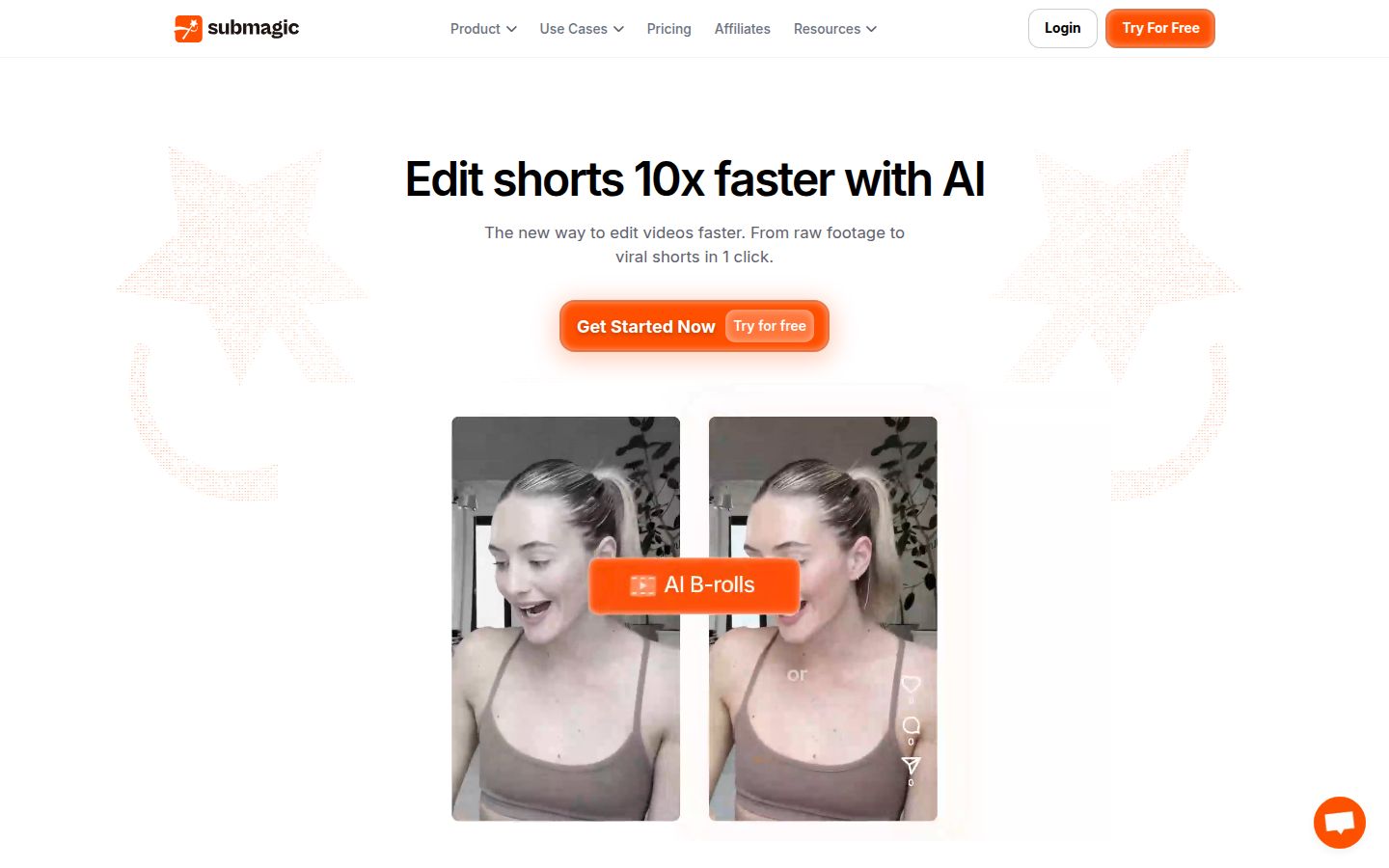
Submagic is a web app for captioning and editing short videos. Its homepage promises "from raw footage to viral shorts in 1 click." You upload a video, and it transcribes the speech and adds animated captions. From there you can trim, add B-roll, zoom, and export.
Its feature list is wide. The pricing page's menu includes AI Captions, AI Auto Edit, Magic Clips, Trimming, B-Roll, Auto-Zoom, AI Eye Contact, AI Video Translator, Sound Effects, Background Music, Transitions, and a Publishing section for scheduling posts. It also offers a Video Editing API.
What Submagic does well
Captions are the core of the product. Its AI caption page says the tool "transcribes and applies animated captions in seconds after upload." For a creator who wants styled captions on every clip, that one step is most of the value.
Submagic covers more ground than most caption tools. If you want sound effects, background music, translation, eye contact correction or scheduling in the same app, it has them listed. Sycamore doesn't offer those, so Submagic is the better pick if you need them.
Submagic also fits teams. Its pricing page lists Starter at a per-member rate, and its Business plan includes 4K and 60 FPS export and up to 100 uploads a month, according to its help center.
Clip-finding gets mixed reviews. One Reddit commenter on r/VideoEditors said that a Submagic run on an 8-minute video produced 20 clips, and that about 80% of them were moments they would have picked themselves. Another thread on r/ContentCreators had a commenter say Submagic's clips weren't coherent next to what they had seen from Opus Clip. Treat both as one person's experience, and test on your own footage.
Where Submagic falls short
The per-video length cap is the biggest limit. Submagic's help center says Starter videos can run up to 2 minutes, Professional up to 5 minutes, and Business up to 30 minutes, per upload and export. A 6-minute founder video needs the Business plan at $69 a month.
Plans also count uploads. Starter includes 15 uploads a month, Professional 40 and Business 100. Magic Clips is a separate add-on at $19 a month for 10 uploads.
There's no native mobile app. Submagic's help center says you can upload from a phone browser, but you edit the project on a computer.
Submagic pricing and what it really costs
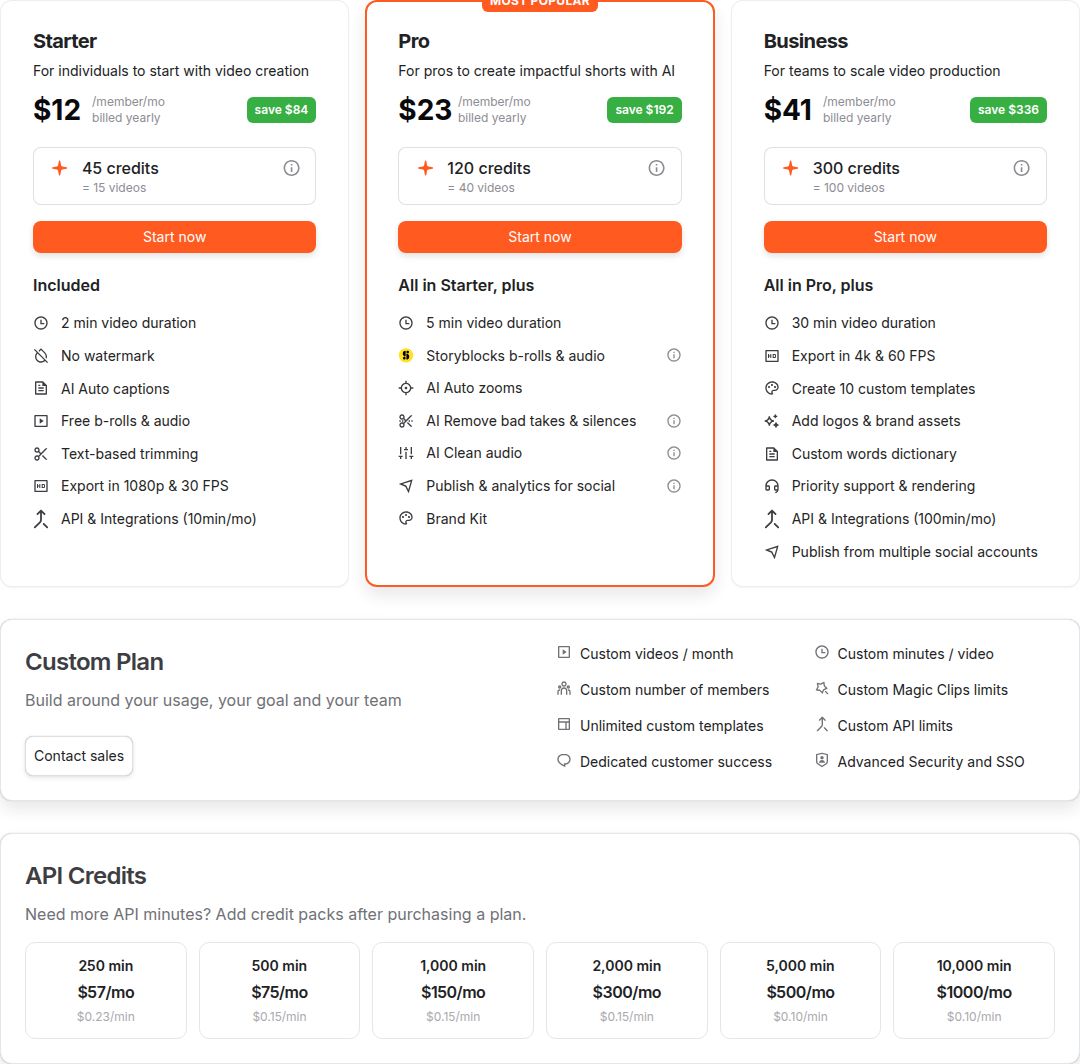 Submagic's pricing page, with the Starter plan
Submagic's help center lists three monthly plans as of October 2026:
- Starter: $19 a month, 15 video uploads, 2-minute cap per video.
- Professional: $39 a month, 40 video uploads, 5-minute cap per video.
- Business: $69 a month, 100 video uploads, 30-minute cap per video, with 4K and 60 FPS export.
Annual billing lowers the price. The help center says annual plans save up to 41%. Third-party guides put the annual rates near $12 for Starter and $23 for Professional per month, but check the toggle on Submagic's pricing page for the current figure.
The free trial lets you upload 3 short videos and edit them. A paid subscription is needed to download without the watermark, per the help center.
Two details change the math. Submagic counts uploads and caps the length of each one. Sycamore counts total minutes of video a month. A 4-minute talking-head video fits in Sycamore's Starter allowance, but not in Submagic's Starter plan, which caps each video at 2 minutes. If your videos are short, Submagic's counts work fine. If they run a few minutes, check the cap before you pay.
Sycamore

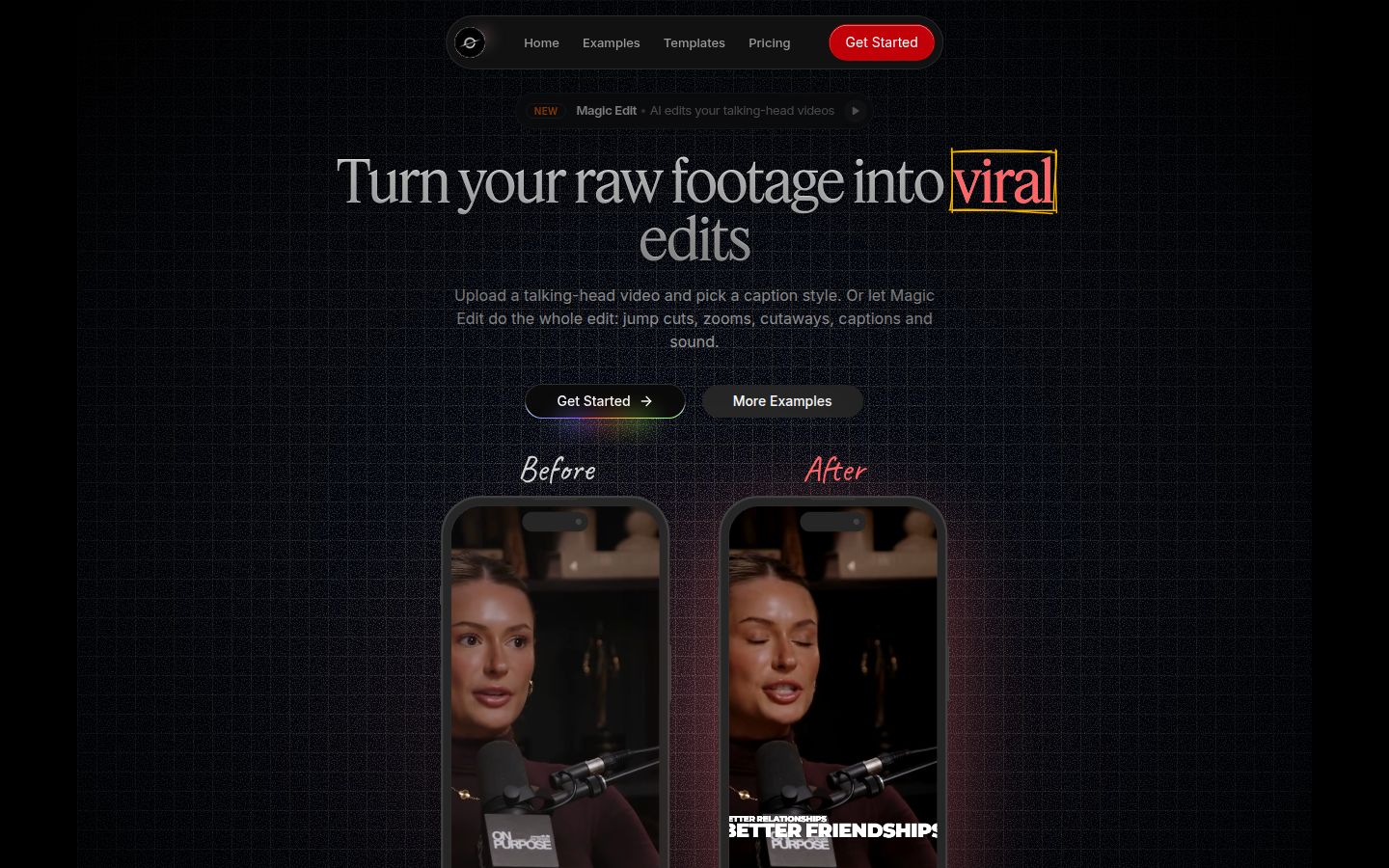
Sycamore is a web app that turns a raw talking-head recording into a finished, captioned short. It runs in your browser, so there's nothing to install.
The main feature is Magic Edit. You upload a talking-head video and Sycamore edits it in one pass. It cuts silences and filler words, adds word-synced animated captions, puts emphasis on key lines, and adds zooms and full-screen text for the big moments. You pick an edit style, currently Apollo or Hermes, then review the result before you export. Each line can be set to Normal, Emphasis, Full screen, Number, List or Label, so the edit is easy to read and change.
You can also edit captions by hand. Change any word, adjust fonts, colors, size and animation, then save a look as a preset for future videos. Every word is timed in the transcript, so captions stay in sync. You export an MP4 in 9:16, 1:1 or 16:9.
Why Sycamore is a good pick
Sycamore edits the whole raw video, not just the captions. Silences and filler words come out, and captions and emphasis go in, in one pass. Most of the time you only review the result.
You stay in control. The edit is laid out in plain words you can scan before export.
Pricing is simple. The free plan gives you 10 minutes of video, one time, with no credit card. Paid plans are priced by hours of video per month.
It does one job. If you post talking-head shorts, there's less to learn than in a full video editor.
The limits that matter here
Transcription is English only. If you post in another language, Submagic's translation feature or Opus Clip's multilingual support is the better fit.
Sycamore edits the video you give it. It doesn't cut a long recording into many shorts, and it doesn't schedule or post for you. If either of those is your main need, see the alternatives below.
Opus Clip

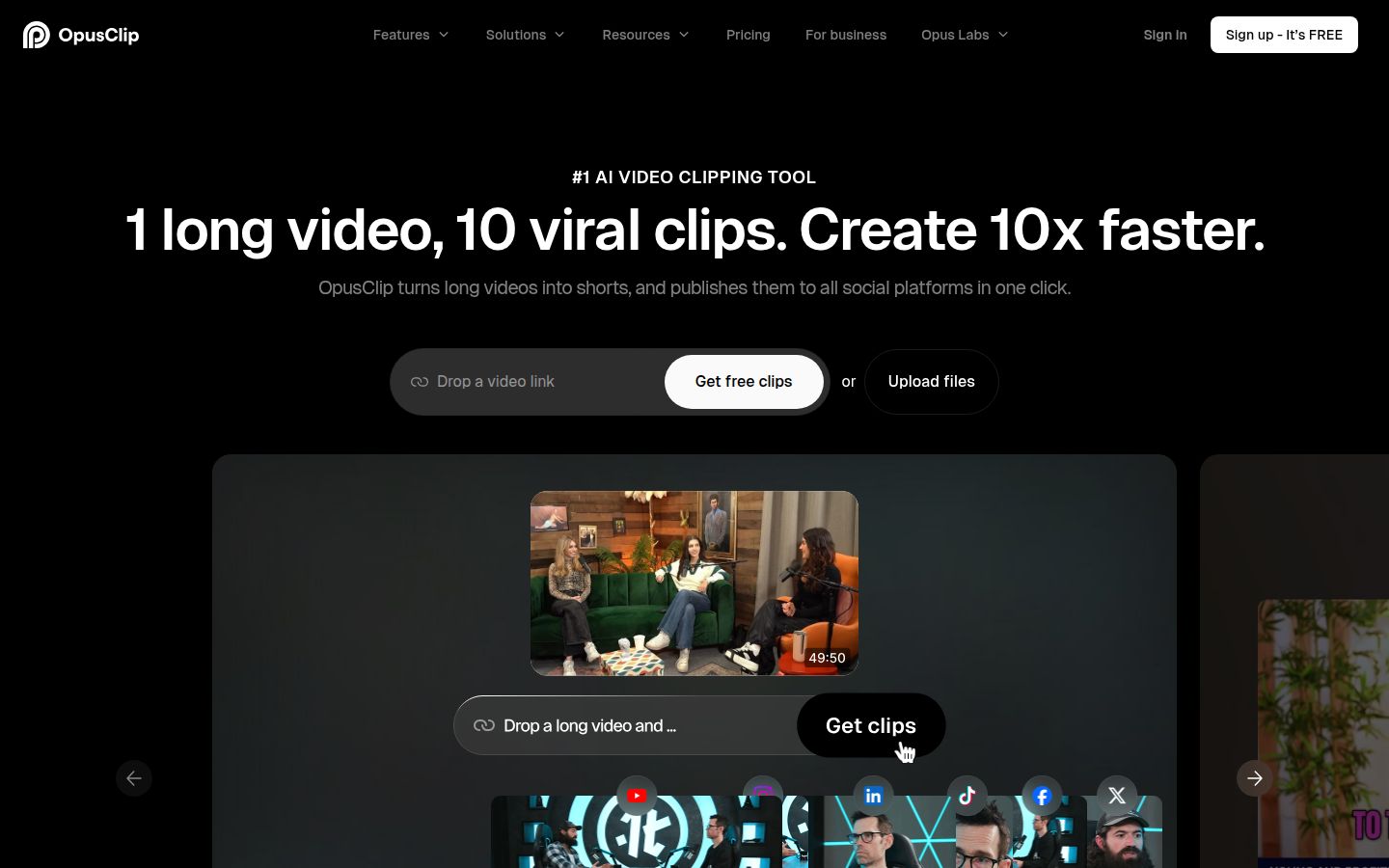
Opus Clip is built for long videos. You give it a webinar, podcast episode or long recording, and it finds moments and turns them into several short clips with captions. Its homepage says it supports English, German, Spanish, French, Portuguese and more than 20 other languages. It also offers an editor, AI B-roll, a social scheduler, and imports from YouTube and other video links.
Opus is the better choice when your raw material is long and you want many clips from it. Sycamore and Submagic work on one video at a time.
Pricing is by processing minutes. The free plan gives you 60 minutes a month with no card, but exports carry a watermark and the files are removed after 3 days, according to a pricing guide by eesel. The Starter plan is $15 a month for 150 minutes, and Pro is $29 a month for 300 minutes, per Opus's help center and a third-party pricing guide by Castmagic. One credit equals one minute of video processed.
Descript

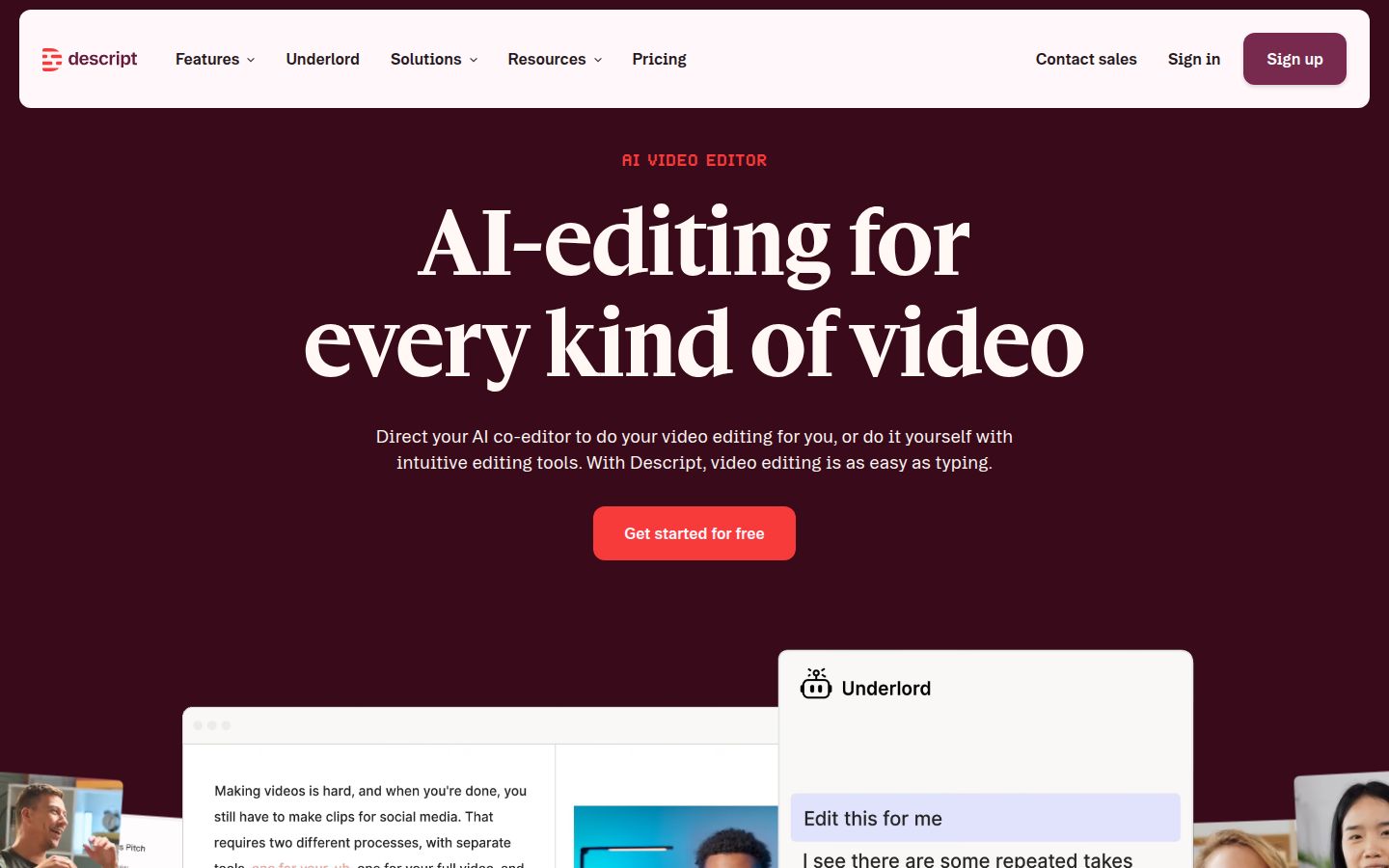
Descript is an AI video and audio editor where you edit the video by editing its transcript. Delete a sentence in the text and the clip goes with it. Its site lists tools for removing filler words, Studio Sound, captions, creating clips, translation, eye contact and automatic multicam.
Descript is the right choice if you also edit podcasts, record screens or want audio tools next to your video editing. Its pricing page says it starts free, with paid plans from $16 a month.
The trade-off is scope. Descript is a full editor, so there's more to learn than a caption-only tool. If all you need is captions on a short clip, a simpler app will get you there faster. Our Descript review for short-form creators goes deeper.
Vizard

Vizard turns long videos into short clips for TikTok, Instagram and YouTube Shorts. Its homepage leads with uploading a long video and getting clips back.
Its free plan gives 60 credits a month, with AI clips, a full video editor, and 3-day storage. Exports are 720p. The Creator plan is $29 a month, or $174 billed yearly, and removes the watermark, adds 4K export and social post scheduling. The Business plan is $39 a month, or $234 billed yearly, and adds shared workspaces, brand kits and team seats at $5 a month each, according to Vizard's pricing page. Vizard charges one credit per minute of uploaded video.
Vizard fits teams that clip long content and want to schedule posts in the same tool. Its free exports at 720p and watermarked files are the main limit for a creator who wants clean output before paying.
Captions

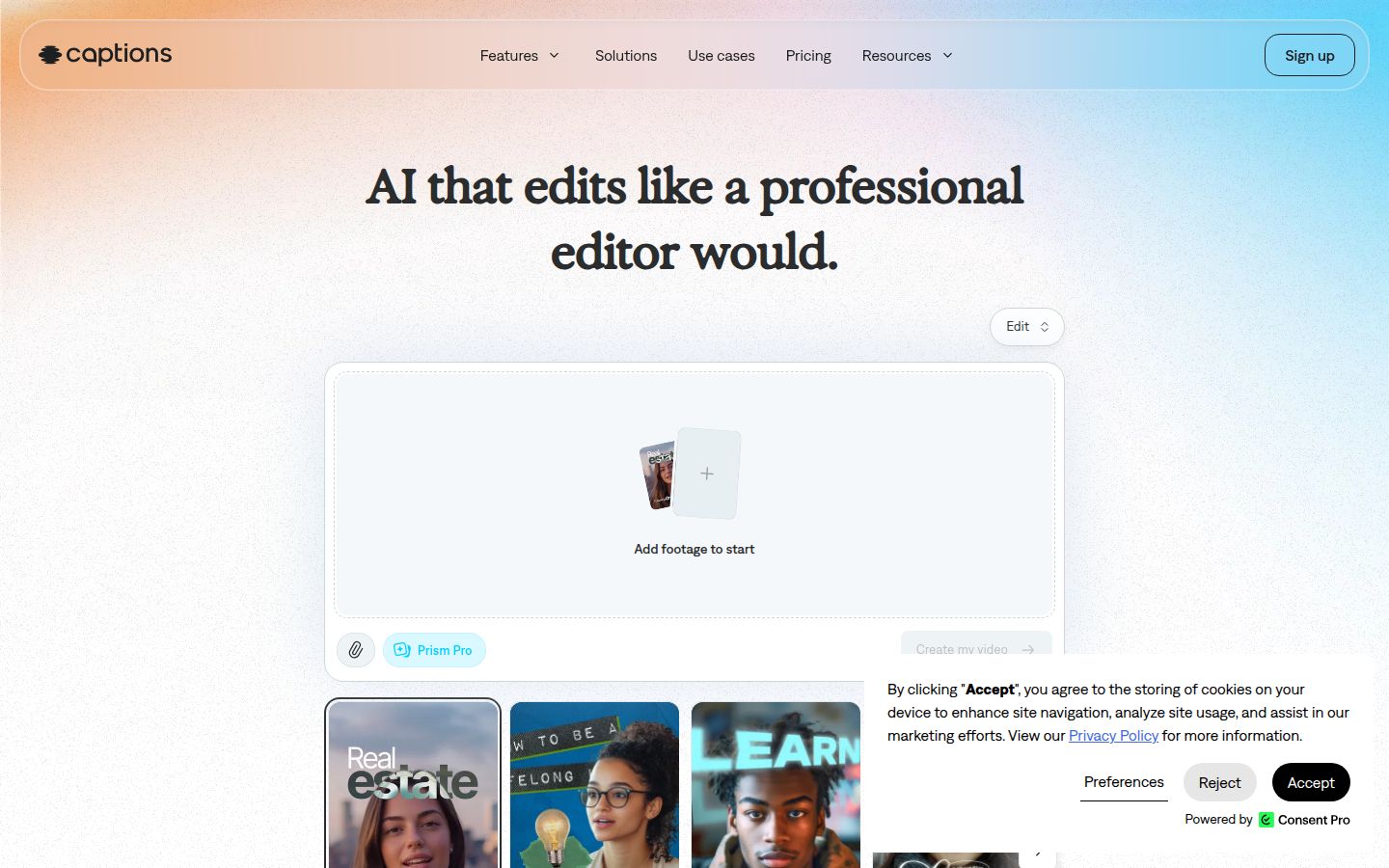
Captions is an AI video app that edits and captions talking-head footage. Its help center describes features such as AI Edit, Clips, and a camera and teleprompter for recording. One third-party review calls it a phone-first app for talking-head video, which makes it a strong pick if you film and edit on your phone.
Captions uses credits for AI features. Its free plan includes basic trimming and transitions but no monthly AI credits, so auto-captions need a paid plan. A pricing guide checked on October 1, 2026 lists the Max plan at $24.99 a month with 500 credits, and higher Frontier tiers from $69.99. Heavy users will move up a tier quickly, since AI Edit, AI twins and dubbing all draw from the same monthly pool.
Which tool to pick, by kind of reader
- You film at a desk, post 2 to 5 minute talking-head clips, and want captions and cuts done in one pass. Start with Sycamore's free 10 minutes. If you like the edit, Starter at $19 a month gives you 3 hours of video with no watermark. Choose Submagic instead if you need eye contact correction, B-roll, translation or scheduling, and your videos stay under the plan's per-video cap.
- You have long recordings and want many clips from each one. Choose Opus Clip. Its free plan lets you test with 60 minutes a month, and the Pro plan gives you 300 minutes.
- You edit podcasts, screen recordings or audio as well as video. Choose Descript. You get a full editor and audio tools, with more to learn.
- You film and edit on your phone. Captions is built around phone use. Submagic works from a phone browser, but you finish the edit on a computer.
- You manage a team or client accounts. Submagic's Business plan prices per member and includes an API. Vizard's Business plan adds team seats and brand kits. Sycamore has no team or collaboration features and no API, so it's not the right pick for a team workflow.
- You want to try before you pay. Sycamore's free plan has no card and 10 minutes of video. Submagic's trial covers 3 short videos. Opus Clip's free plan covers 60 minutes a month.
If you're still deciding between two of these, our Submagic vs Opus Clip comparison and Best Submagic Alternatives for Talking-Head Videos go through the trade-offs in more detail.
FAQ
Does Submagic have a free plan?
Submagic offers a free trial where you can upload 3 short videos and edit them. To download without the watermark you need a paid subscription, according to its help center.
How much does Submagic cost in 2026?
On monthly billing, Starter is $19 a month, Professional is $39 a month and Business is $69 a month. Annual billing is cheaper, and Submagic's help center says it saves up to 41%.
What is the longest video Submagic accepts?
The limit depends on the plan: 2 minutes per video on Starter, 5 minutes on Professional and 30 minutes on Business, per upload and export.
Does Submagic have a mobile app?
No. Submagic has no native iOS or Android app. You can upload from a phone browser, but you finish the edit on a computer.
Is Submagic better than Opus Clip?
It depends on your footage. Opus Clip is built to turn long recordings into many clips, while Submagic captions and edits one video at a time.
Does Sycamore have a free plan?
Yes. Sycamore gives every new account 10 minutes of video to caption for free, one time, with no credit card required.
Is Submagic worth it for a beginner creator?
It can be, if your clips are under 2 minutes and you post a few times a week. If your videos run longer, check the per-video cap before you pay.