Most talking-head videos need the same two things before they're ready to post: captions and a clean edit. A subtitle generator can add the captions. Some of them also cut the dead air and the filler words for you.
This roundup covers six tools that turn a recording of someone talking into a captioned short for TikTok, Instagram Reels, YouTube Shorts or LinkedIn. Prices are as of October 2026. Sycamore is our product, so it gets a full write-up here, but we say where another tool is the better pick.
How we chose these tools
We kept to tools that make captioned short videos from talking-head footage or long recordings. General video editors are a different job, so we left them out.
For each tool we read the company's own pricing page and help center. We checked the free plan or trial, the main features and the plan limits. Where a third-party pricing guide disagreed with the company's page, we used the company's page. Where the company's page did not show a price, we say where the number came from.
This roundup does not include our own caption accuracy or export speed tests, so we don't quote numbers for either.
The short comparison
| Tool | Starting paid price | Free plan or trial | Best for |
|---|---|---|---|
| Sycamore | $19/month (Starter, 3 hours of video) | Free: 10 minutes of video, one time, no credit card | Turning one raw talking-head recording into a finished, captioned short |
| Submagic | $19/month (Starter, 15 videos) | Free: 3 videos a month, with a watermark | Caption styles, plus B-roll and music added for you |
| OpusClip | $15/month (Starter) | Free: 60 minutes of credits a month, with a watermark | Pulling many short clips out of one long recording |
| Descript | $24/month, or $16 billed yearly (Hobbyist) | Free plan with 720p export | Editing by working on the transcript, plus audio cleanup |
| Captions | $9.99/month (Basic) | Free plan, with no monthly AI credits | Phone-first editing, AI edits and AI actors |
| Vizard | $29/month, or $14.50 billed yearly (Creator) | Free: 60 credits a month, 720p, with a watermark | Clipping long recordings and scheduling posts |
All prices are in USD for individual plans. Where a price says "billed yearly," the monthly price is the equivalent for a yearly plan.
Sycamore

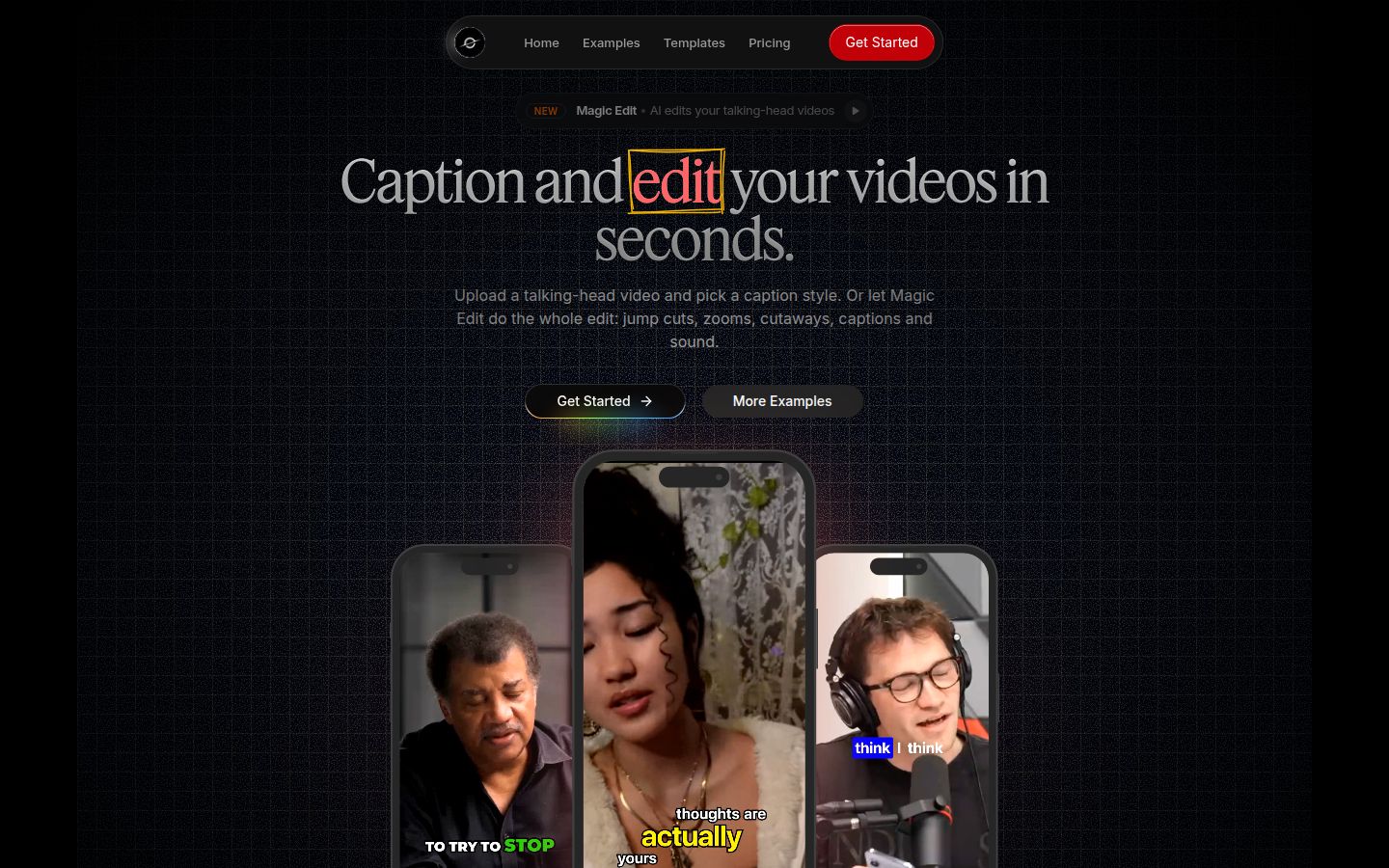
Sycamore turns a raw talking-head recording into a finished, captioned short. It runs in your browser, so there is nothing to install. You can upload MP4, MOV, WebM or MP3 files of up to 2 hours.
The main feature is Magic Edit. You upload the raw video, pick an edit style and let Sycamore do the first pass. It cuts silences and filler words, adds word-by-word animated captions, adds emphasis on key lines, and adds zooms and full-screen text cutaways for the big moments. You review the edit before you export, and you can change anything in it.
The editor uses plain labels. Each line can be set to Normal, Emphasis, Full screen, Number, List or Label. You can edit any word in the captions, change the font, color, size, animation and position, and save a look as a preset for the next video.
Where Sycamore does well:
- It edits the whole video in one pass. Cuts and captions come out of the same edit, so you don't move between a trimming tool and a caption tool.
- You see the edit before export. You stay in control of what goes out.
- The pricing is by minutes of video. The Free plan gives you 10 minutes once, with no card. Starter is $19 a month for 3 hours of video, with no watermark. Growth is $39 a month for 10 hours, with priority rendering.
- It does one job. If you only film talking heads, there is less to learn than in a full editor.
Limits that matter for this choice:
- Transcription is English only.
- It edits the video you upload. It does not pull many shorts out of a long recording.
- It does not export SRT or VTT caption files, and it has no B-roll library or AI avatars.
- It has no scheduling or auto-posting, and no mobile app. It works in a phone's browser.
Who it suits: founders, coaches, educators and creators who film themselves talking in English and want one finished, captioned short from each recording. You can see the current plans on the Sycamore pricing page.
Submagic

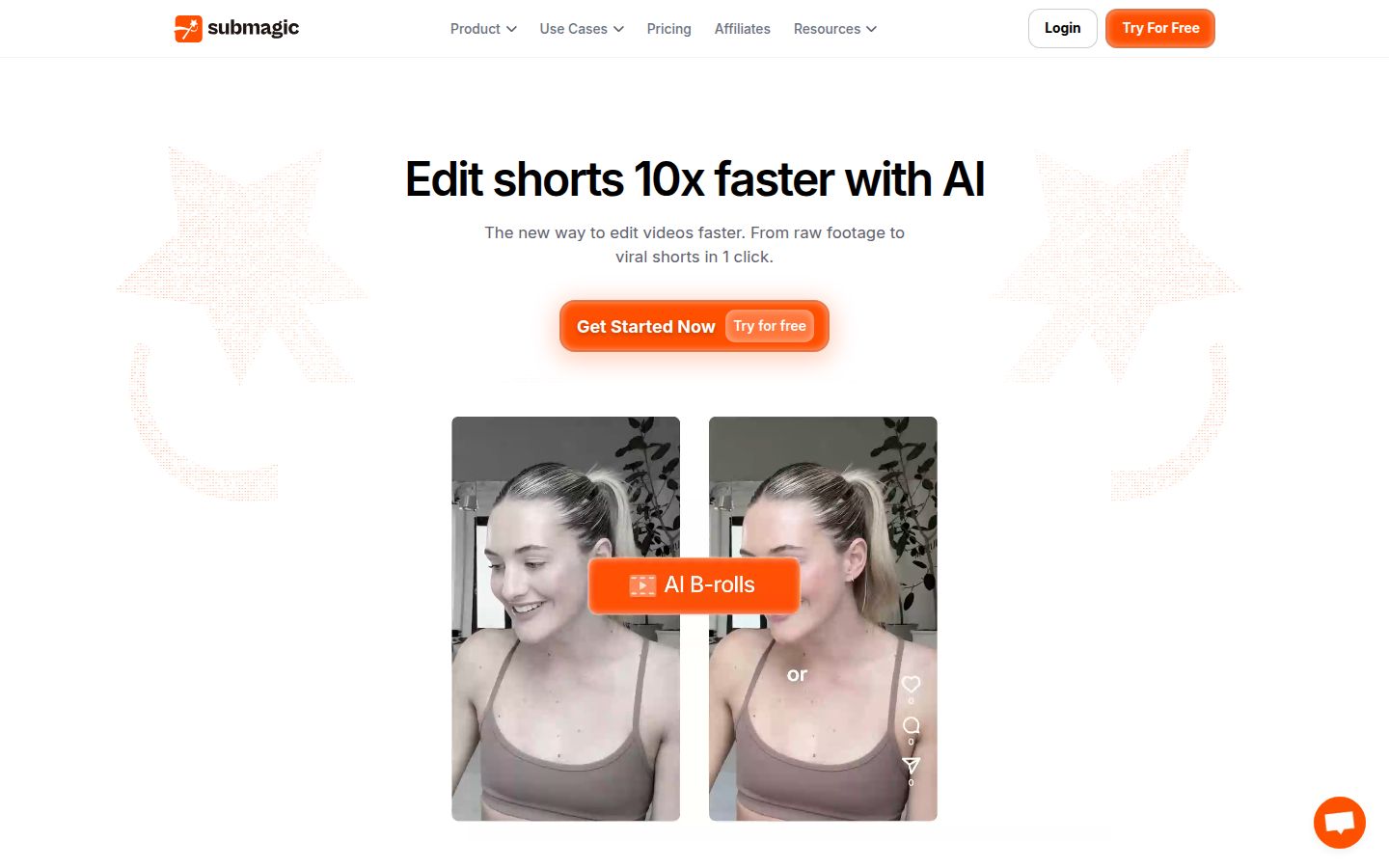
Submagic is an AI caption and short-form editor. Its homepage promises "raw footage to viral shorts in 1 click." It goes further than captions. Its pricing page lists B-roll, auto-zoom, AI eye contact, sound effects, background music and a clip maker among its features.
Where Submagic does well:
- It covers the most ground of the captioning tools here. If you want B-roll, sound effects and background music added for you, Submagic has those features and Sycamore does not.
- Magic Clips is an add-on for turning longer videos into clips. It costs $19 a month on top of a plan, according to Submagic's help center.
Pricing as of October 2026: the Free plan has 3 videos a month and a Submagic watermark, with a 1 minute 30 second limit per video, according to a third-party pricing guide. Starter is $19 a month, or $12 a month billed yearly, with 15 videos a month. Pro is $39 a month, or $23 billed yearly, with 40 videos. Business + API is $69 a month, or $41 billed yearly, with 100 videos and 4K export. These figures match Submagic's help article on plan costs, which was updated on 30 September 2026.
Limits that matter for this choice:
- Each plan caps the length of one video. A third-party guide lists 2 minutes on Starter, 5 minutes on Pro and 30 minutes on Business.
- There is no native mobile app. Submagic's help center says you can upload from a phone browser, then open the project on a computer to edit it.
Who it suits: creators who want caption styles plus B-roll and music in one tool, and who post on a steady schedule that fits a monthly video count. If you want to read a head-to-head first, see our Submagic vs Opus Clip comparison.
OpusClip

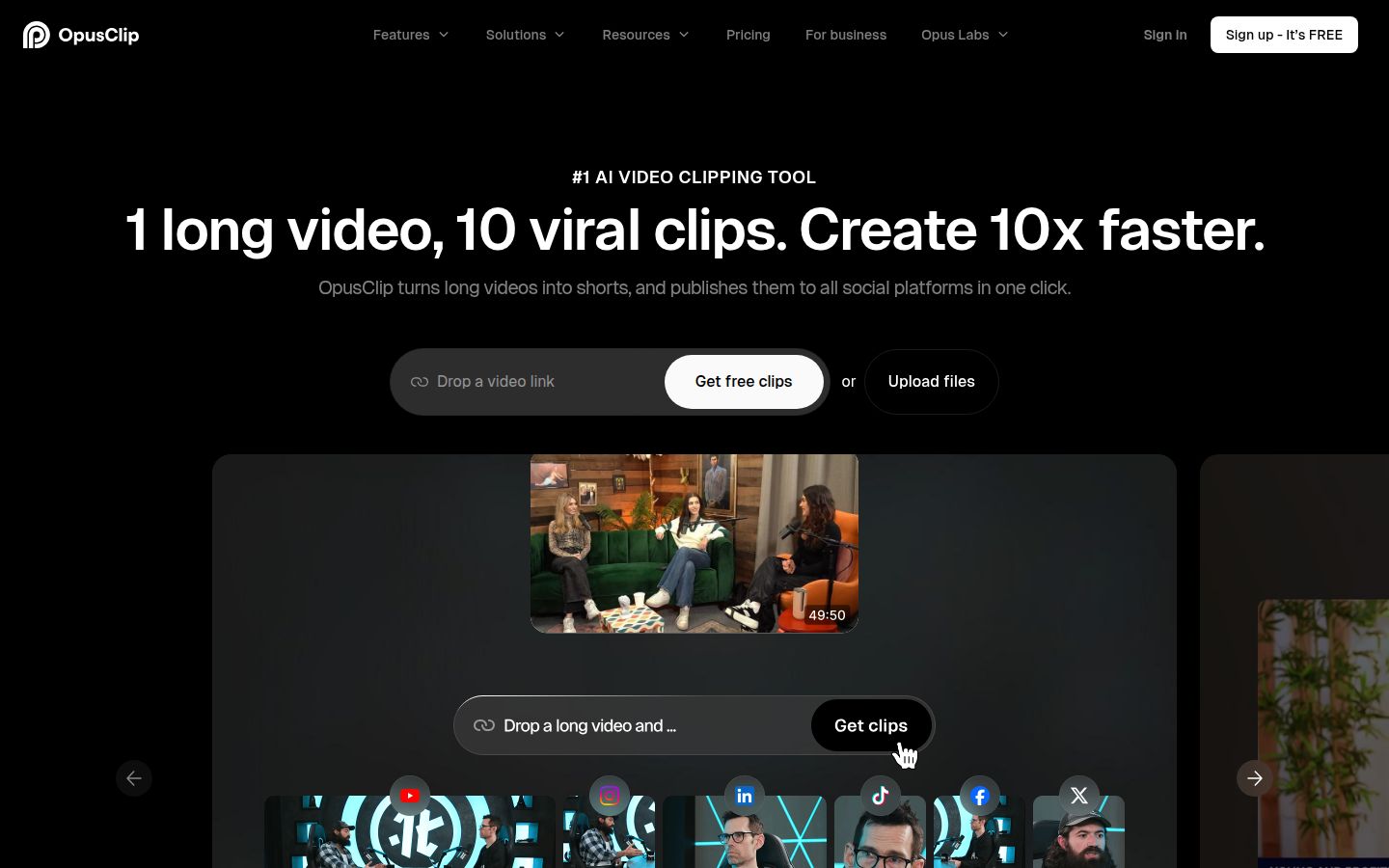
OpusClip starts with a long video and makes several short clips from it. Its homepage headline is "1 long video, 10 viral clips." It is built for long-to-short work more than for polishing one short video.
Where OpusClip does well:
- It finds the moments to clip. Its help center describes using prompts to clip specific moments, so you can ask for a topic in a long talk.
- It can auto-import your latest YouTube videos, according to its help center.
- It can translate subtitles into another language, and its homepage says it supports English plus more than 20 other languages.
- Its pricing page lists a social scheduler, AI B-roll and animated captions.
Pricing as of October 2026: the Free plan includes 60 minutes of credits and adds a watermark. A third-party guide says exports from the Free plan are deleted after 3 days. Starter is $15 a month and removes the watermark. Pro is $29 a month. Business is custom. Credits work out to 1 per minute of video you upload, according to a third-party guide.
Limits that matter for this choice:
- Credits are charged per minute of uploaded video, so a long recording uses a lot of them. Check the credit count before you upload a full hour.
- Opus's help center says you can't move to the Free plan while you have 30 minutes or more of credits left.
Who it suits: people with long recordings, such as webinars, podcasts and long talks, who want many short clips from each one.
Descript

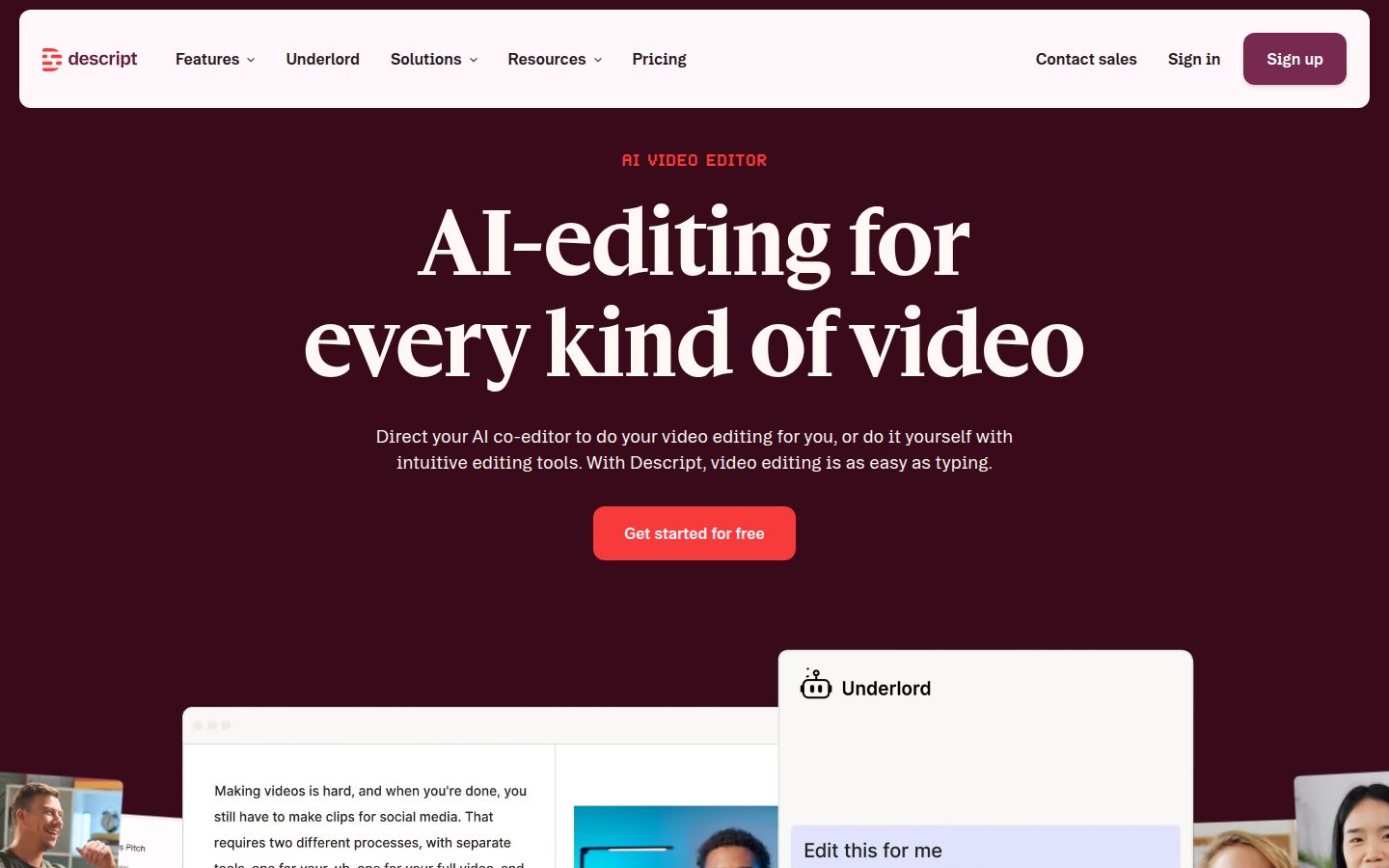
Descript is a full video and audio editor built around the transcript. You edit the video by editing the text, and the video follows your changes. Its homepage says "video editing is as easy as typing."
Where Descript does well:
- Text-based editing. Remove a sentence from the transcript and it comes out of the video.
- Audio and cleanup tools. Its feature list includes Studio Sound, Remove Filler Words, Eye Contact and Create Clips.
- Captions, which it describes as subtitles added "in a single click."
- It works well for a talking-head creator who also edits podcasts or long interviews.
Pricing as of October 2026: the Free plan includes 720p export. Hobbyist is $16 per person a month billed yearly, or $24 billed monthly. It includes 10 media hours, 400 AI credits a month and 1080p export without a watermark. Creator is $35 a month. It includes 30 media hours, 800 AI credits and 4K export. Prices are from Descript's pricing page.
Limits that matter for this choice:
- It is a full editor. There is more to learn than in a single-job caption tool.
- The Free plan exports at 720p, according to Descript's help center. Watermark-free 1080p export starts at the Hobbyist plan.
Who it suits: creators who want to cut by text and clean up audio themselves, or who make both short clips and long episodes. If you want a closer look at Descript's workflow for short clips, read our Opus Clip vs Descript comparison.
Captions

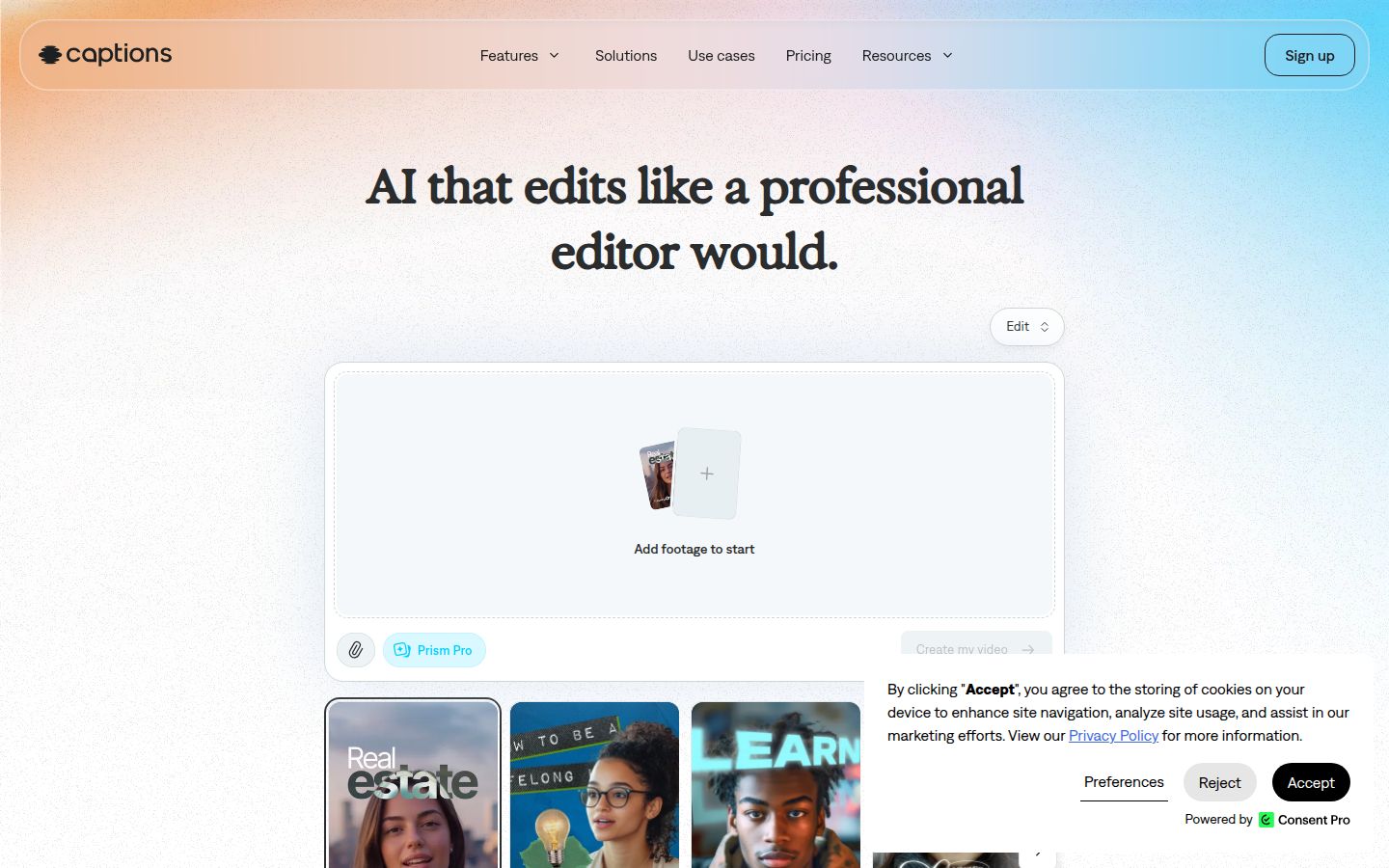
Captions is an AI video editor that works on your phone or on a computer. The company's homepage says you can use it in a browser or download the app from the App Store or Google Play. Its homepage headline is "AI that edits like a professional editor would."
Where Captions does well:
- Phone-first editing. It has apps for iOS and Android alongside its web version.
- Its pricing comparison lists a teleprompter, trim, zoom and captions in more than 100 languages.
- AI features, including AI actors and digital twins, lip-sync dubbing and generated B-roll. Those features are included in the higher plans.
Pricing as of October 2026: the Free plan has no monthly AI credits. Basic is $9.99 a month, according to a third-party review. Max is $24.99 a month, and it includes 500 credits a month. Frontier starts at $69.99 a month. Captions' pricing page says its prices reflect iOS plans only, so check the price in the app store you use.
Limits that matter for this choice:
- AI features cost credits. The Free plan includes none.
- Generative features such as AI actors start on the Max plan.
Who it suits: creators who film and edit on a phone, need captions in more than one language, or want AI actors or generated B-roll in the same app.
Vizard

Vizard turns long videos into short, captioned vertical clips. Its homepage says it is built for channels such as TikTok, Instagram and YouTube Shorts.
Where Vizard does well:
- It scores clips for virality as it finds them in a long video, according to a third-party review.
- It reframes video to vertical with subject tracking, and it adds auto-captions.
- Its Creator plan schedules posts to up to six social accounts, and its pricing page says the Creator plan has no watermark and exports in 4K.
Pricing as of October 2026: the Free plan has 60 credits a month, 720p export, one social account and 3-day storage. Creator is $29 a month, or $14.50 a month billed yearly ($174 billed yearly). It removes the watermark, schedules posts to six accounts and exports in 4K. Business is $39 a month, or $19.50 a month billed yearly. It adds a shared workspace for up to 20 accounts and a brand kit. Vizard's pricing page says each minute of video you upload costs 1 credit.
Limits that matter for this choice:
- It needs a long video to work from. A third-party test noted that a two-hour webinar used 120 credits to find three good clips.
- The Free plan adds a watermark.
Who it suits: podcasters, coaches and agencies with a steady supply of long recordings who want clips and scheduling in one tool.
How to choose
Pick by the job you have today, not by the longest feature list.
If you have one raw talking-head video and want it finished
Start with Sycamore. Upload the video, pick an edit style and review the result. It handles silences, filler words, captions and emphasis in one pass. The Free plan gives you 10 minutes once, so you can test it on a real video before you pay.
If you want captions plus B-roll and music
Submagic covers more of the finishing work. It is the better pick if you want B-roll, sound effects and background music added. Expect to pick a plan by the number of videos and the length limit per video.
If you have long recordings to cut into many clips
Choose OpusClip or Vizard. Both are built for finding clips in long footage. Compare their credit counts against the length of your recordings. Vizard's Creator plan also schedules posts, which OpusClip's pricing page lists as a separate social scheduler feature.
If you want to edit by text and clean up audio yourself
Descript gives you a full editor with a transcript-first workflow. It takes more time to learn, but you get more control over the audio.
If you film on your phone or want AI actors
Captions is built around the phone. Its free plan has no AI credits, so plan for a paid tier if you want the generative features.
If budget is the first question
Captions Basic is the lowest paid list price here at $9.99 a month, according to a third-party review. Sycamore's Starter is $19 a month. The free plans work differently. Sycamore's 10 minutes is a one-time allowance. Vizard's 60 credits and OpusClip's 60 minutes renew each month, but both add a watermark.
Prices change, so check each tool's pricing page before you buy. You can compare Sycamore's plans on sycamore.to/pricing, or browse the free caption and video tools if you want to test before you commit.
FAQ
What is the cheapest paid subtitle generator for short videos?
Captions Basic is the lowest paid list price in this roundup at $9.99 a month, according to a third-party review. Sycamore's Starter plan is $19 a month for 3 hours of video.
Do these tools add watermarks on free plans?
Submagic, OpusClip and Vizard add a watermark on their free plans. Sycamore's free plan gives 10 minutes of video once, and Descript's free plan exports at 720p.
Can I make captions for a talking-head video on my phone?
Yes. Captions has iOS and Android apps, and Sycamore runs in a phone's browser. Submagic has no native mobile app, but you can upload from a phone browser and finish the project on a computer.
Does Sycamore support languages other than English?
No. Sycamore's transcription is English only. Captions and OpusClip list support for more languages on their own sites.
Which tool is best for turning one long recording into many short clips?
OpusClip and Vizard are built for finding clips in long recordings. Compare their credit use against the length of your footage before you upload.
Can these tools post my videos to TikTok or Instagram for me?
Vizard's Creator plan and OpusClip include social scheduling. Sycamore does not post or schedule for you.