If you film yourself talking to a camera and post the best parts as shorts, editing is where the hours go. Cutting pauses, removing "um"s, adding captions and punching up the key lines can take longer than the filming did.
This guide covers six tools that make that work faster. Each one gets a short honest write-up, with its price, its free option and the kind of creator it suits. We make Sycamore, so it's on the list, and we've given it the same treatment as the others. Where another tool is the better pick, we say so.
How we chose these tools
We looked at each tool's own pricing page and feature pages as of October 2026. For every tool we checked the starting price, whether there's a free plan or trial, what the editing does to a raw talking-head recording, what the finished video looks like, and who the tool is built for.
We kept tools that edit a talking-head video from start to finish, or that turn a long recording into shorts. We left out tools built mainly for AI avatars and ad generation, since they solve a different job. All prices are in US dollars and reflect October 2026. Plans change often, so check the pricing page before you pay.
Comparison at a glance
| Tool | Starting price | Free plan or trial | Best for |
|---|---|---|---|
| Sycamore | $19/month (Starter) | Free plan: 10 minutes of video, one time, no card | One raw take edited into a finished, captioned short in one pass |
| Submagic | $19/member/month, or $12 billed yearly (Starter) | Free trial: 3 short videos, exports watermarked | Captions plus clipping, and silence removal on Pro |
| Descript | $16/person/month billed yearly, or $24 billed monthly (Hobbyist) | Free plan: 60 media minutes a month, 720p with watermark | Editing video by editing the transcript, plus podcasts |
| OpusClip | $15/month (Starter) | Free plan: 60 minutes a month, watermarked | Turning long recordings into many clips |
| CapCut | $19.99/month, or $179.99/year (Pro) | Free plan with watermark on exports; 7-day Pro trial for new subscribers | A free, full-featured editor with a mobile app |
| VEED | $12/user/month billed yearly (Creator) | Free plan: watermark, 720p, 10-minute length cap | One browser tool for subtitles, translation and AI video |
Sycamore

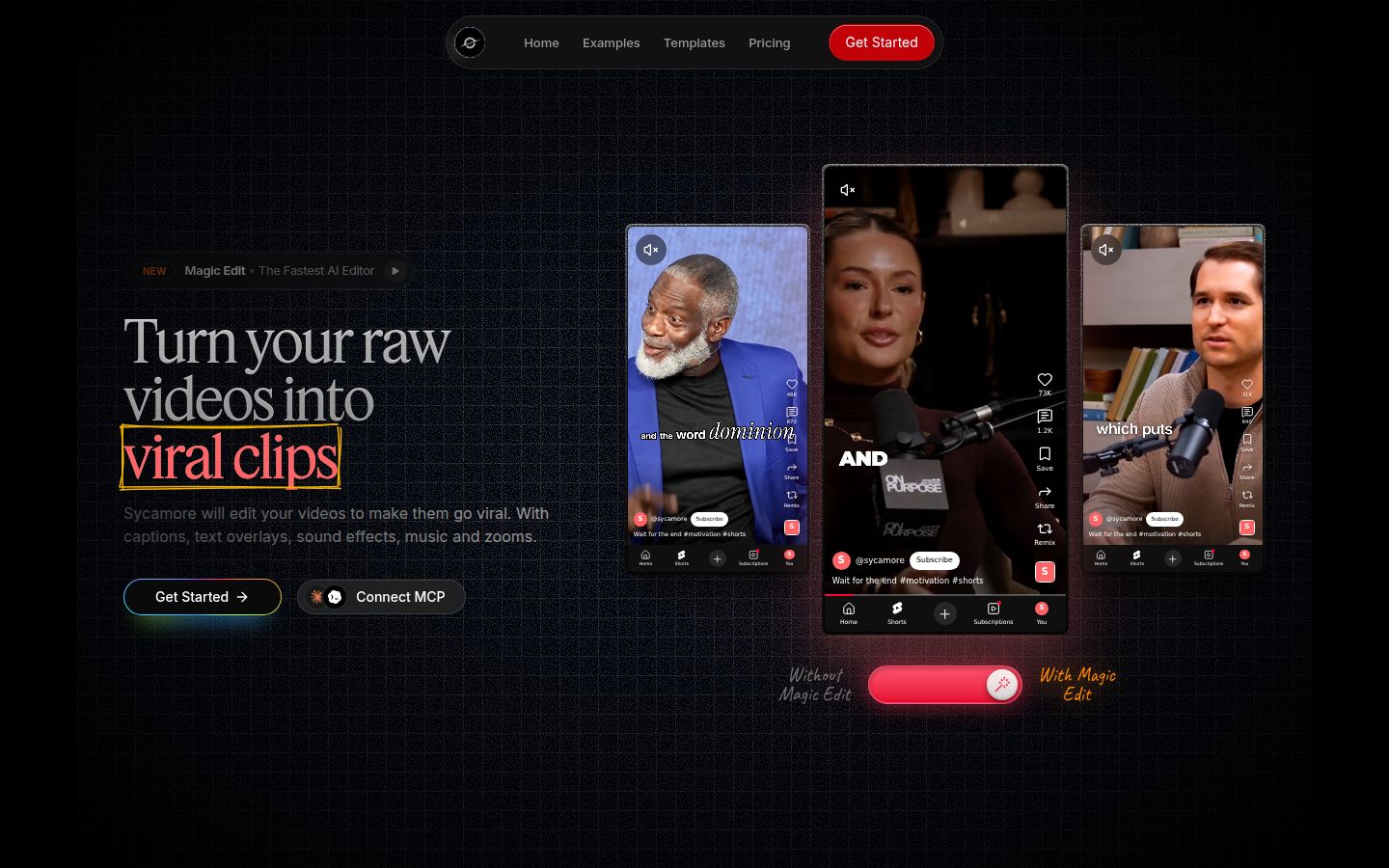
Sycamore is a web app that turns a raw talking-head recording into a finished, captioned short. You upload the file, and Magic Edit cuts out silences and filler words, adds word-by-word captions, emphasis on key lines, zooms, and full-screen text for the big moments. It runs in your browser, so there's nothing to install.
Its main strength is that it does the whole edit in one pass. Many tools add captions and leave the cutting to you. Sycamore handles the cuts and the captions together, then shows you the result in plain words before you export. Each line can be set to Normal, Emphasis, Full screen, Number, List or Label, and you can change any line you don't like.
You pick one of three edit styles: Apollo, Hermes or Athena. Every word is timed, so the captions stay in sync. You can edit any word, change fonts, colors, size, animation and position, and save a look as a preset for your next video. Exports are MP4 in 9:16, 1:1 or 16:9.
Pricing as of October 2026
- Free: 10 minutes of video, one time, no credit card.
- Starter: $19 a month, 3 hours of video a month, no watermark.
- Growth: $39 a month, 10 hours of video a month, no watermark, priority rendering.
You can upload MP4, MOV, WebM or MP3 files up to 2 hours long.
Honest limits
Transcription is English only. Sycamore also edits the video you give it. It doesn't cut a long recording into many separate shorts, so if that's your main job, look at OpusClip below. There's no mobile app, though the site works in a phone browser.
Who it's best for: founders, coaches and educators who film one talking-head take and want a finished, captioned short without learning a full editor. If you film in English and want the fewest steps between a raw file and a post, start here. The free plan covers every feature for 10 minutes of video, so you can test it on one real take.
Submagic

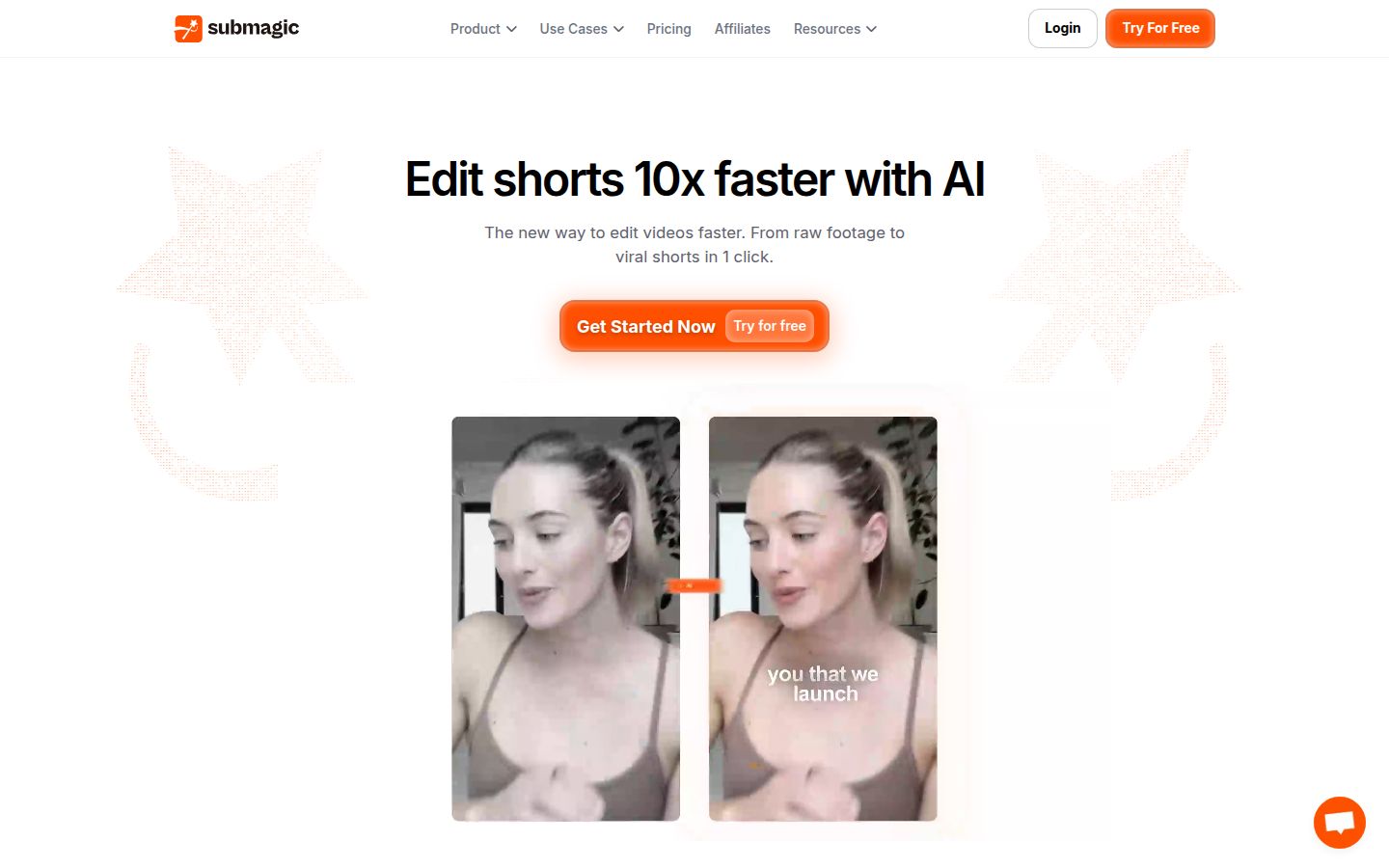
Submagic is a caption and short-form editing tool. You upload a video, pick a caption style and get animated captions in a few clicks. It also includes Magic Clips, which pulls shorts out of a longer video, along with B-roll, auto-zoom and sound options on its higher plans.
Its strength is captions that are quick to produce, plus a set of editing tools that grows with the plan. On Pro, you get silence, bad-take and filler-word removal, AI eye contact, auto-zoom, clean audio, custom fonts and a brand kit. Publishing to social platforms is also included on Pro, with one profile per platform.
Pricing as of October 2026 (per member, per month)
- Starter: $19 billed monthly, or $12 billed yearly.
- Pro: $39 billed monthly, or $23 billed yearly.
- Business: $69 billed monthly, or $41 billed yearly.
- Custom plans are quoted by sales.
- Magic Clips is an add-on at $19 a month for 10 uploads.
The free option is a trial of 3 short videos with no card. Exports carry a watermark until you subscribe.
Honest limits
Silence and filler-word removal are on Pro, not Starter, so the $19 plan edits less for you. Magic Clips costs extra on every plan. Team seats are paid per member.
Who it's best for: creators who publish several times a week and want captions and clipping in one subscription. If your main job is cutting one long recording into many shorts, Submagic with Magic Clips is a direct fit. For more options in that space, see our best Submagic alternatives for talking-head videos.
Descript

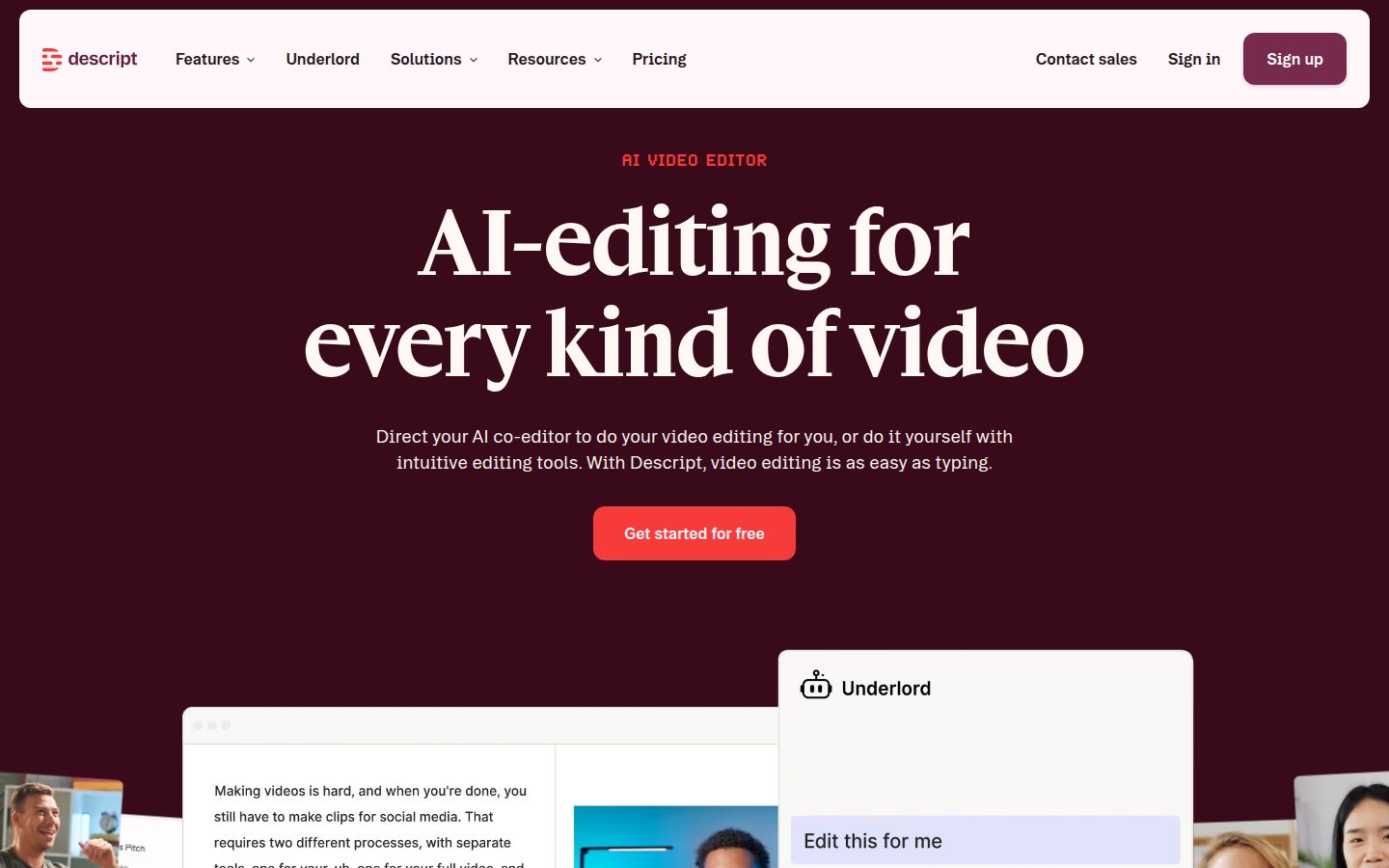
Descript is a text-based editor for audio and video. Your transcript is the timeline. Delete a sentence in the text and the matching part of the video goes with it. Descript's own pages describe editing video as easy as using docs and slides.
It's strong on the cleanup that talking-head creators need. Its features include Remove Filler Words, Studio Sound, Remove Retakes, captions and Create Clips. Underlord is its AI co-editor. Because it also handles multitrack audio, it's a good fit if you publish full episodes and shorts from the same recording.
Pricing as of October 2026
- Free: 60 media minutes a month, one seat, 720p export with a watermark.
- Hobbyist: $16 per person a month billed yearly, or $24 billed monthly. Includes 10 media hours, 400 AI credits a month, and 1080p export without a watermark.
- Creator: $24 a month billed yearly, or $35 billed monthly. Includes 30 media hours, 800 AI credits a month and 4K export.
- Business: $50 a month billed yearly, or $65 billed monthly.
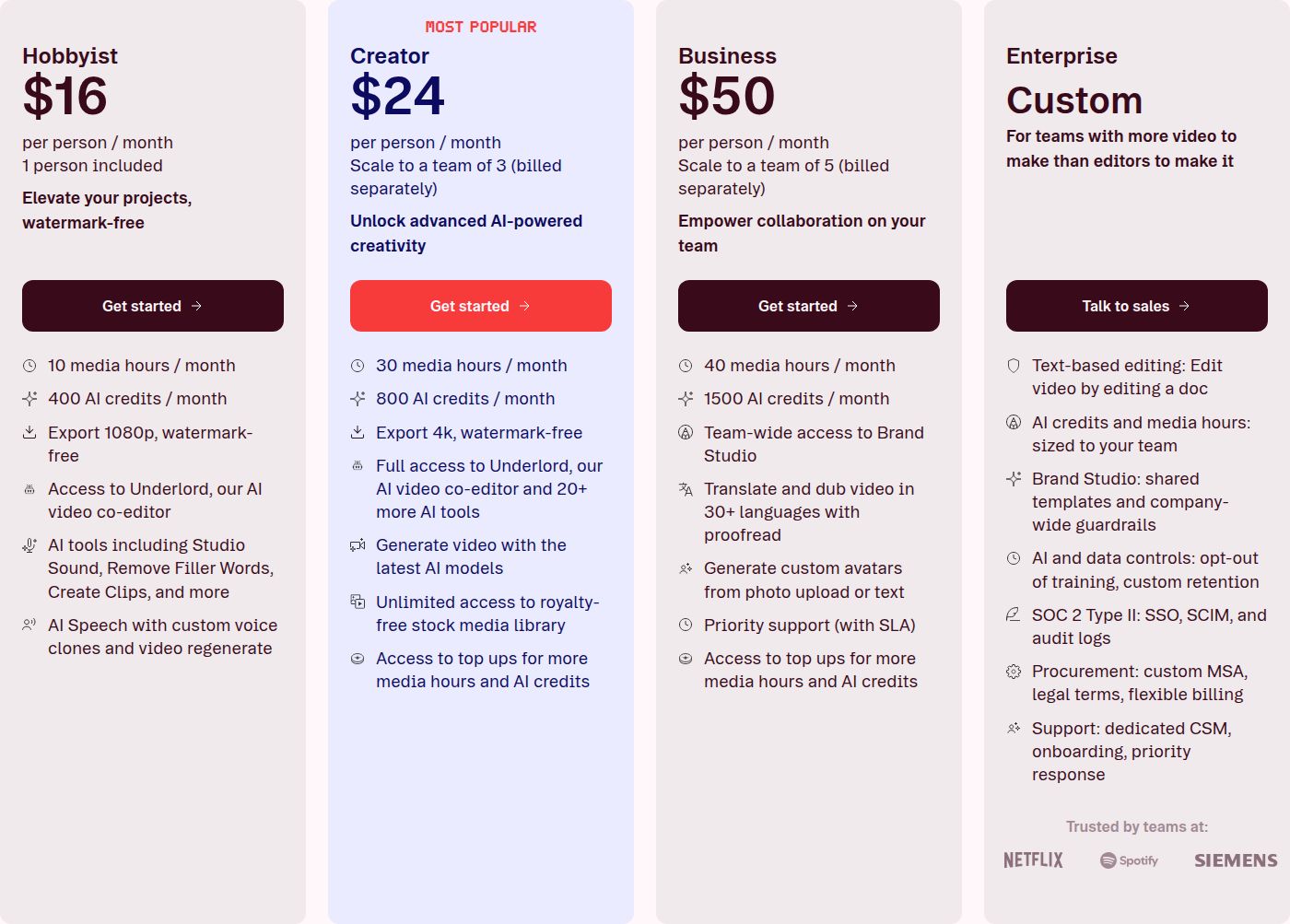 Descript's pricing plans
Honest limits
Descript is a full editor, so there's more to learn than in a single-job tool. Free-plan exports carry a watermark and cap at 720p. Media hours are a monthly allowance, so long footage uses it up faster.
Who it's best for: podcasters and creators who think in transcripts and want full control over audio and video. If you record long conversations and cut them into shorts, Descript covers both sides.
OpusClip

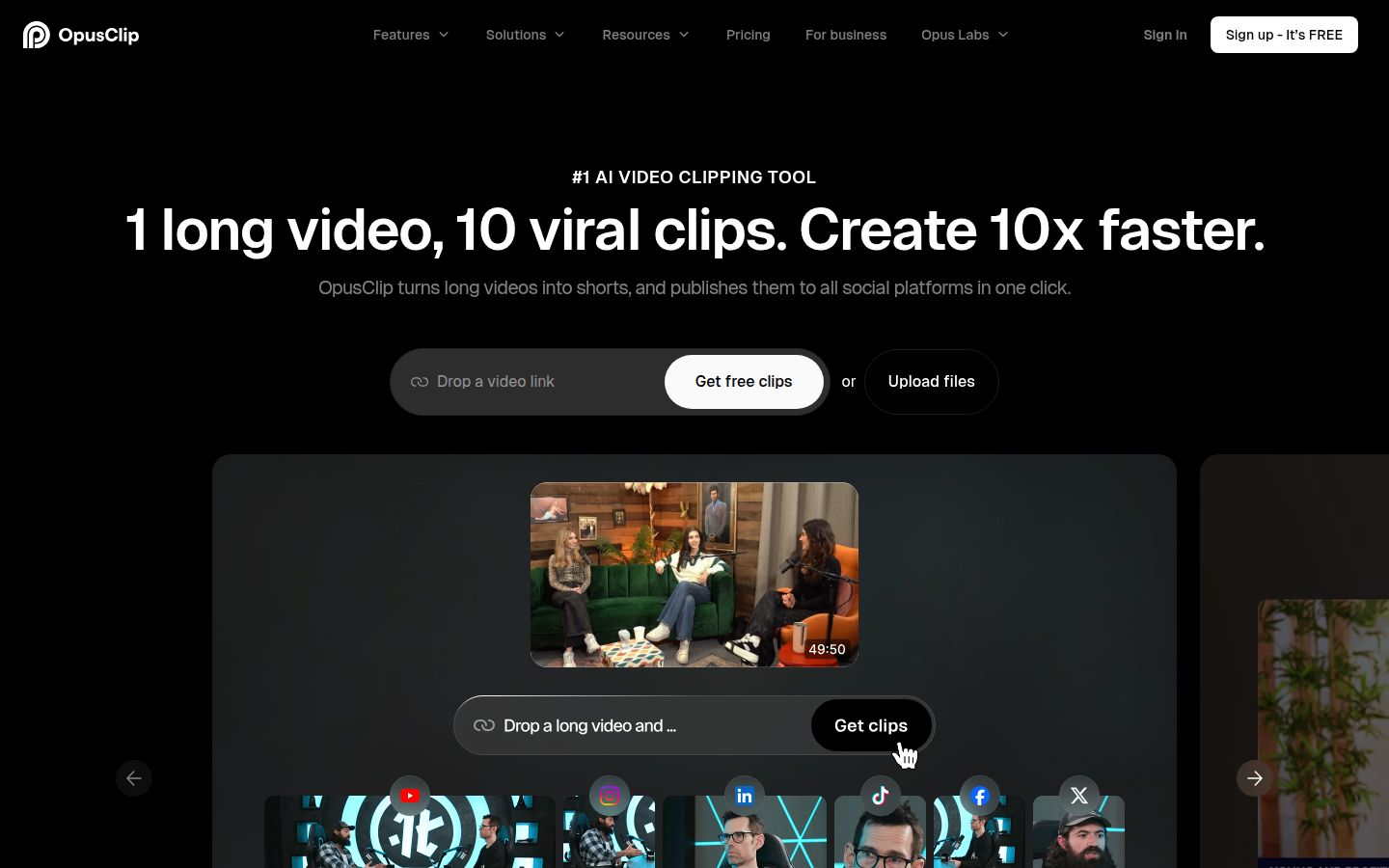
OpusClip starts from a long video. You give it a recording, and it finds moments worth keeping and cuts them into several short clips. Each clip comes with animated captions, reframing for vertical video and an editor for changes.
Its strength is volume from a long source. You can choose clip length, time ranges or prompts that describe the moments you want. The paid plans also support links from sources such as YouTube, and OpusClip's homepage says it handles English along with German, Spanish, French, Portuguese and more than 20 other languages. It also includes a social scheduler and AI B-roll.
Pricing as of October 2026
- Free: 60 minutes a month, with watermarked exports that stop being available after 3 days.
- Starter: $15 a month, 150 credits. One credit covers one minute of source video. A free trial is available with no credit card.
- Pro: $29 a month, 300 credits.
- Business: custom pricing.
Honest limits
The free plan adds a watermark, and its exports expire after 3 days. Credits track source minutes, so a long recording uses them quickly. You also review more clip options than you would with a single-video tool.
Who it's best for: people with long recordings, such as webinars, podcasts or live streams, who want many short clips from each one. If your videos are single takes that you edit once, Sycamore or Submagic will be simpler.
CapCut

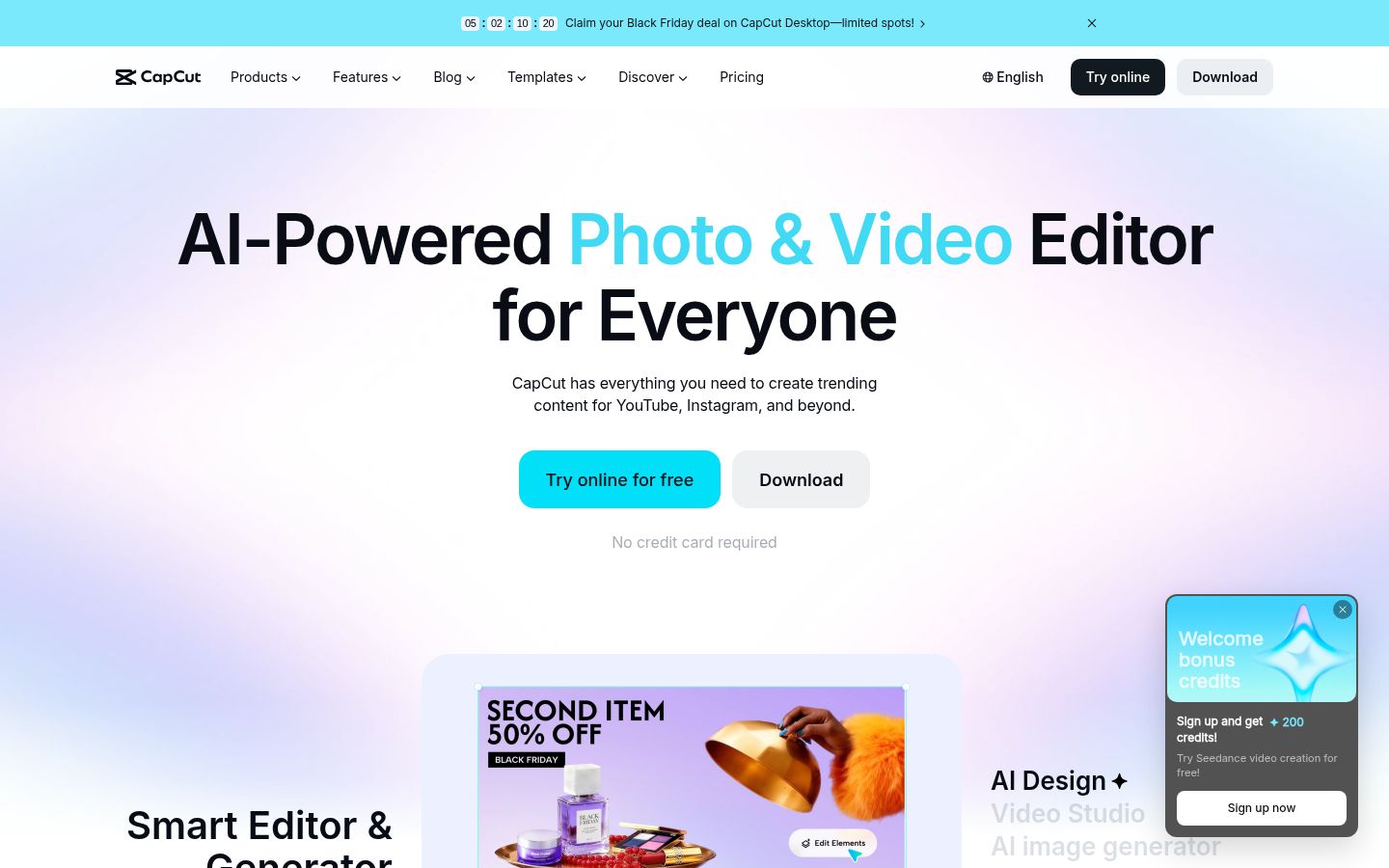
CapCut is a full video editor for desktop, mobile and the browser. You build the edit yourself, with templates, effects, transitions, text and auto captions. It also has tools to remove silences and filler words.
Its biggest strengths are price and reach. The free plan covers basic editing, and CapCut has a mobile app, which the other tools here don't have. The template and effects library is large, and the caption templates are easy to start from.
Pricing as of October 2026
- Free: basic editing tools, with a watermark on exports.
- Pro: $19.99 a month, or $179.99 a year (about $15 a month). Includes 1,200 AI credits a month, premium templates and 1 TB of cloud storage. New subscribers can try Pro free for 7 days.
- Ultra: $79 a month, for heavy AI generation.
Honest limits
Premium templates and the Pro features sit on the paid plan. Because CapCut is a general editor, you make more decisions on every video, and the result depends on those choices.
Who it's best for: creators who want a free start, a phone app and full control over every frame. If you like tweaking each edit yourself, CapCut gives you the most room to do it.
VEED

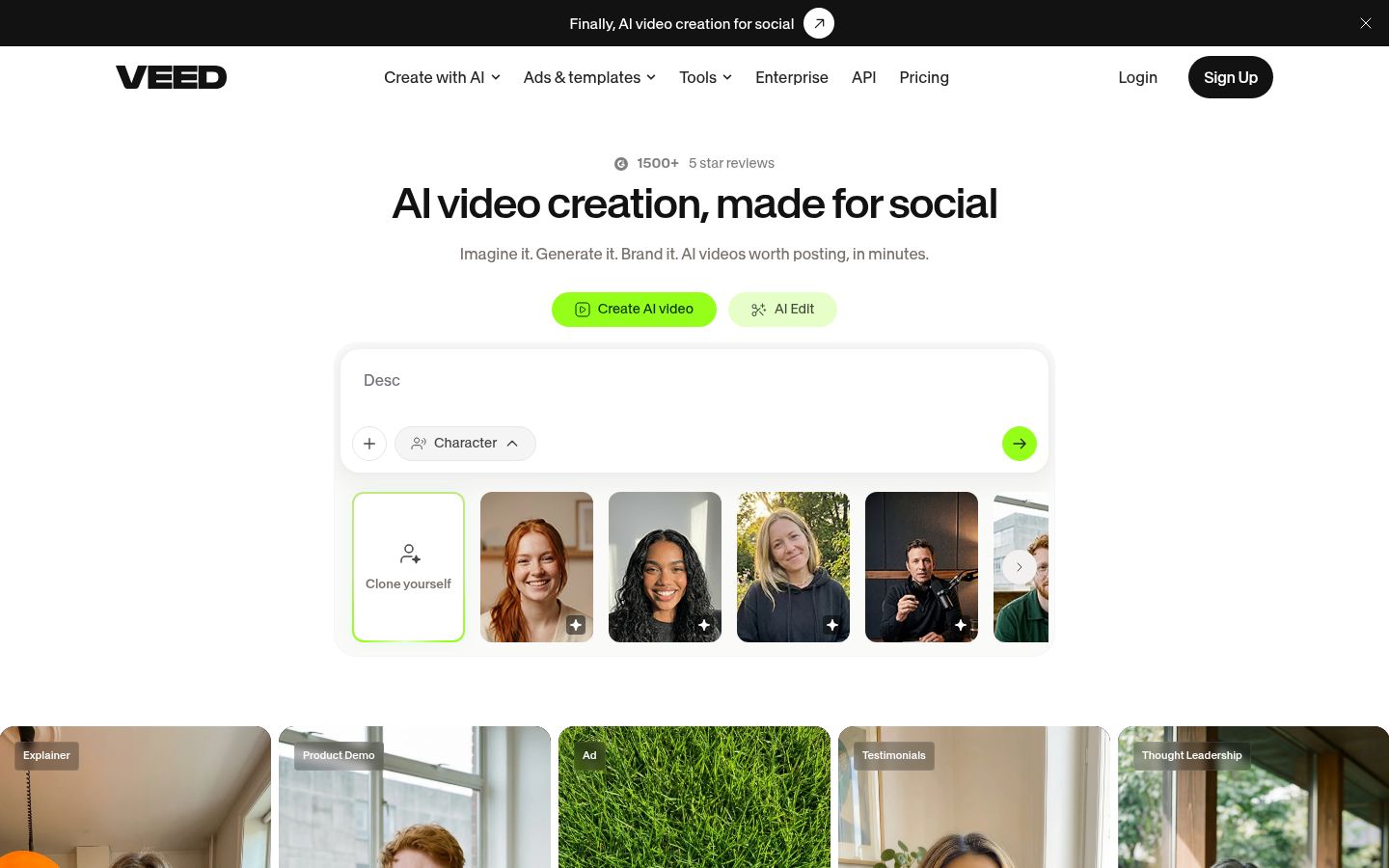
VEED is a browser-based editor with a wide set of AI tools. It covers subtitles, translation, AI voice, AI avatars and AI video generation, along with the usual trimming and text tools. You don't install anything.
Its strength is range. Paid plans include unlimited auto subtitles, subject to a fair-use limit of 50 hours a month, and the Pro plan adds translation into more than 50 languages. Brand kits are included on Pro, and the tool library covers many small jobs, such as compressing or cutting a file.
Pricing as of October 2026 (per user)
- Free: watermark on exports, 720p, and a 10-minute length cap.
- Creator: $12 a month billed yearly, with 6,000 credits a year.
- Pro: $22 a month billed yearly, with 30,000 credits a year.
- Studio: $39 a month billed yearly, with 180,000 credits a year.
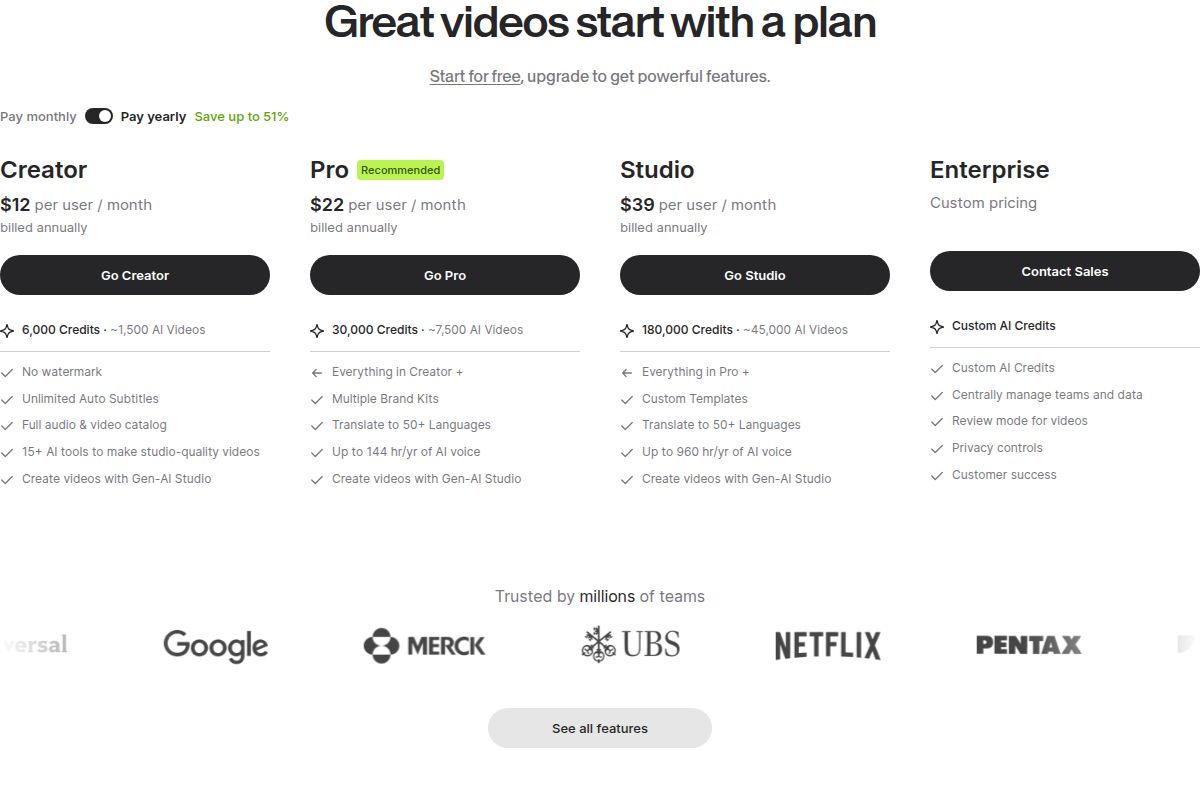 VEED's pricing plans
Monthly billing costs more than the yearly rate, so check the checkout page before you choose.
Honest limits
Many AI features draw from credits, and the credits don't roll over. The free plan watermarks exports and caps resolution and length. Plans are priced per user.
Who it's best for: small teams and creators who want one browser tool for subtitles, translation, AI voices and avatars. If you need an avatar or a voice that Sycamore doesn't make, VEED covers that.
How to choose the right tool for you
Start with the job you do most often. These are the matches we'd make.
- You film one take and want a finished captioned short with the fewest steps: Sycamore. Test it on the free 10 minutes first.
- You have long recordings and want many clips from each: OpusClip, or Submagic with Magic Clips.
- You want captions and silence removal on a monthly budget: Submagic Pro or Sycamore Starter. Submagic's cleanup tools sit on Pro, so compare the two plans against your upload volume.
- You edit podcasts or want to cut video by editing text: Descript.
- You want a free start, a phone app or full manual control: CapCut.
- You need translation, AI voices or avatars in one browser tool: VEED.
Before you pay for anything, run one raw clip through two free options and time the cleanup, not the export. Ask how long it takes to get to a video you'd post. That number tells you more than any feature list.
If you're still deciding, our guide on how to edit talking-head videos walks through the steps, and you can see our free caption and video tools before you sign up for anything.
FAQ
What is the cheapest paid app for editing talking-head videos?
OpusClip's Starter plan is $15 a month, the lowest monthly price in this list. Submagic Starter is $12 a month billed yearly, and Descript Hobbyist is $16 a month billed yearly, so compare on your billing choice and what each plan includes.
Can I edit a talking-head video for free?
Yes, with limits. Sycamore's free plan covers 10 minutes of video one time, with every feature included. Descript's free plan gives 60 media minutes a month with a watermark, and CapCut's free plan includes basic editing with a watermark on exports.
Does Submagic remove silences and filler words on the cheapest plan?
No. Silence, bad-take and filler-word removal are on Submagic's Pro plan, which is $39 a month billed monthly. Starter is $19 a month billed monthly and does not include them.
Which tool is best for turning a long video into many shorts?
OpusClip is built for this. It finds moments in a long recording and cuts them into several clips with captions. Submagic offers the same with its Magic Clips add-on, while Sycamore edits the single video you upload.
Does Sycamore support languages other than English?
No. Sycamore's transcription is English only. OpusClip supports English plus more than 20 other languages, and VEED translates on its Pro plan.
Which talking-head editor has a mobile app?
CapCut has a mobile app. Sycamore runs in a phone's browser and has no app of its own.