Most Instagram Reels that work are one person talking to the camera. The captions decide whether anyone watches with the sound off, and in 2026 almost every caption app can add them in a few clicks. The real differences sit around the captions: how much of the edit is done for you, what it costs each month, and whether you can fix a word before you export.
This post covers seven tools, Sycamore included, with prices as of October 2026. Sycamore is our product, so read its section with that in mind. We have tried to describe the other six the way we would describe them to a friend, including where they are the better pick. The last section matches you to a tool based on how you work.
How we picked these tools
We looked at each tool on the same four points:
- Price and plans: the monthly price of the lowest paid plan, taken from the tool's own pricing page where we could read it.
- Free plan or trial: whether you can test on a real video without a card.
- Caption output: animated word-by-word captions, whether you can edit them, and vertical 9:16 export for Reels.
- Who it suits: the kind of creator who gets the most from it.
We left out tools that only add plain subtitles, and tools built mainly for AI avatars or ads. If you want avatars or dubbing, you need a different list.
Comparison table
| Tool | Starting price (monthly billing) | Free plan or trial | Best for |
|---|---|---|---|
| Sycamore | $19/mo (Starter, 3 hours of video) | Free plan: 10 minutes of video, once, no card | Talking-head Reels edited in one pass |
| Submagic | $19/mo (Starter, 15 videos up to 2 min) | Free trial: 3 short videos, no card | Caption styles and quick clips from short videos |
| Captions | $24.99/mo (Max, iOS pricing) | Free plan: 1 caption template, no AI credits | iPhone-first creators who want AI polish |
| Descript | $24/mo (Hobbyist; $16/mo billed yearly) | Free plan: 60 minutes of media, 720p with watermark | Editing video by editing its transcript |
| CapCut | $19.99/mo (Pro, US price) | Free plan; some auto caption features need Pro | Full editor on phone and desktop |
| VEED | $20/mo per user (Creator) | Free plan: 720p with watermark, 10 minutes of auto subtitles a month | Browser editing for mixed video work |
| Opus Clip | $15/mo (Starter, 150 credits) | Free plan: 60 credits a month, watermarked exports | Cutting many shorts from long recordings |
Prices are the monthly billing price. Several tools cost less when you pay for a year, and the sections below give those numbers where they apply.
Sycamore

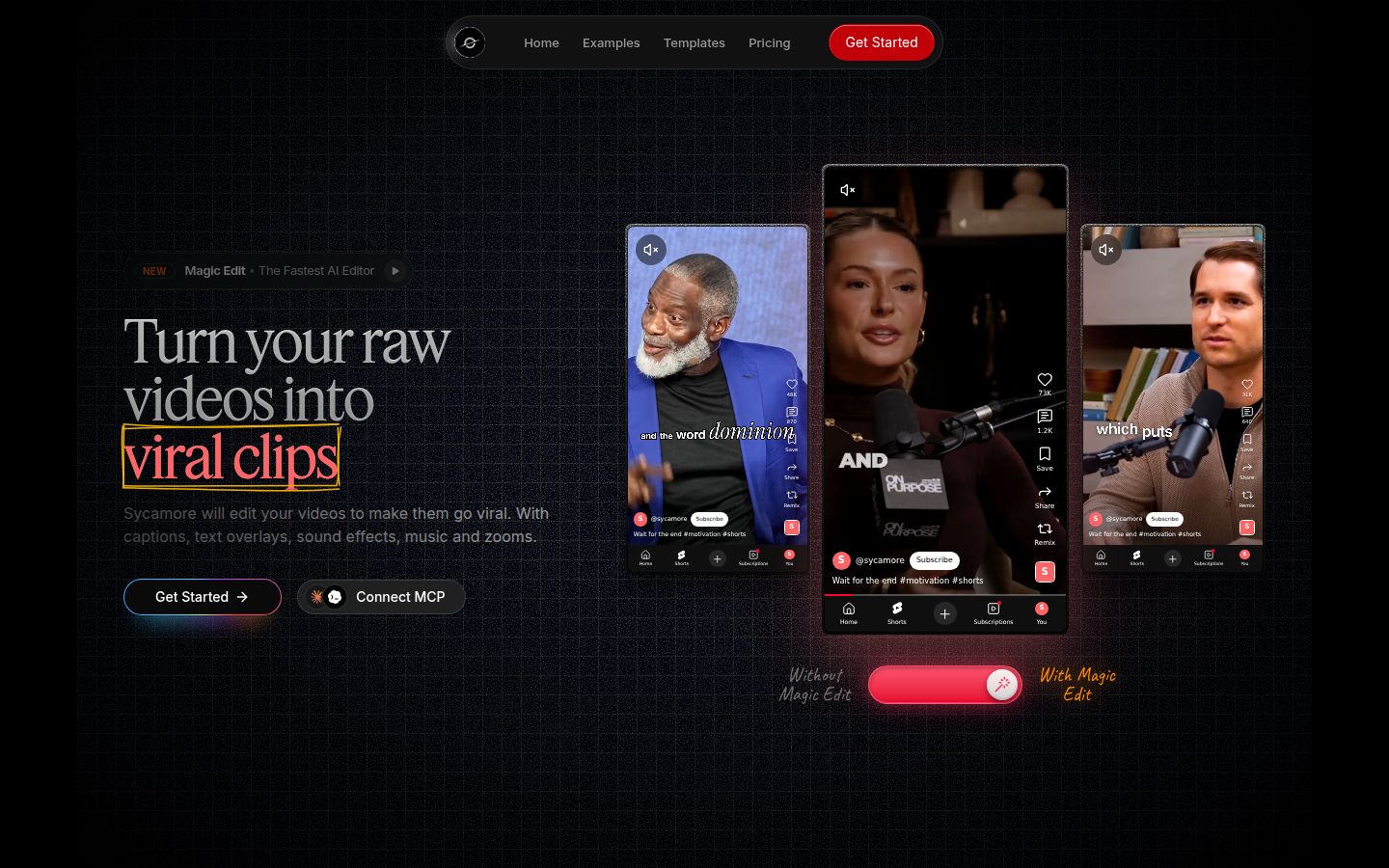
Sycamore takes a raw talking-head recording and returns a finished, captioned short. You upload the file in your browser, and Magic Edit makes the first pass. It cuts silences and filler words, adds animated word-by-word captions, puts emphasis on key lines, and adds zooms and full-screen text on the big moments.
You pick one of three edit styles: Apollo, Hermes or Athena. Then you review the edit before you export. Each line can be set to Normal, Emphasis, Full screen, Number, List or Label, so changing the edit means changing a plain label, not dragging keyframes. You can also edit any word in the captions and save a look of fonts, colors, size and position as a preset for the next video. Export is an MP4 in 9:16 for Reels, or 1:1 or 16:9 for other places.
What it does best:
- It edits the whole video in one pass. Silences, filler words and captions are handled together, so you don't run three tools to get one Reel.
- You review the result in plain words before export, so you keep control over the final cut.
- Pricing is by minutes of video, and the free plan needs no card.
- It only does one job, talking-head shorts, so there is less to learn than in a full editor.
Limits that matter for this comparison:
- Transcription is English only. If your Reels are in another language, pick a tool from this list that supports it.
- Sycamore edits the video you give it. It doesn't find ten clips inside a three-hour recording. For that job, Opus Clip is the better fit.
Pricing as of October 2026:
- Free: 10 minutes of video, one time, no credit card.
- Starter: $19 a month, 3 hours of video a month, no watermark.
- Growth: $39 a month, 10 hours of video a month, no watermark, priority rendering.
Uploads accept MP4, MOV, WebM or MP3 files up to 2 hours long.
Who it's best for: founders, coaches and educators who film themselves talking a few times a week and want the edit done for them while keeping the final say. If you want the steps for Reels specifically, see How to Add Captions to Instagram Reels.
Submagic

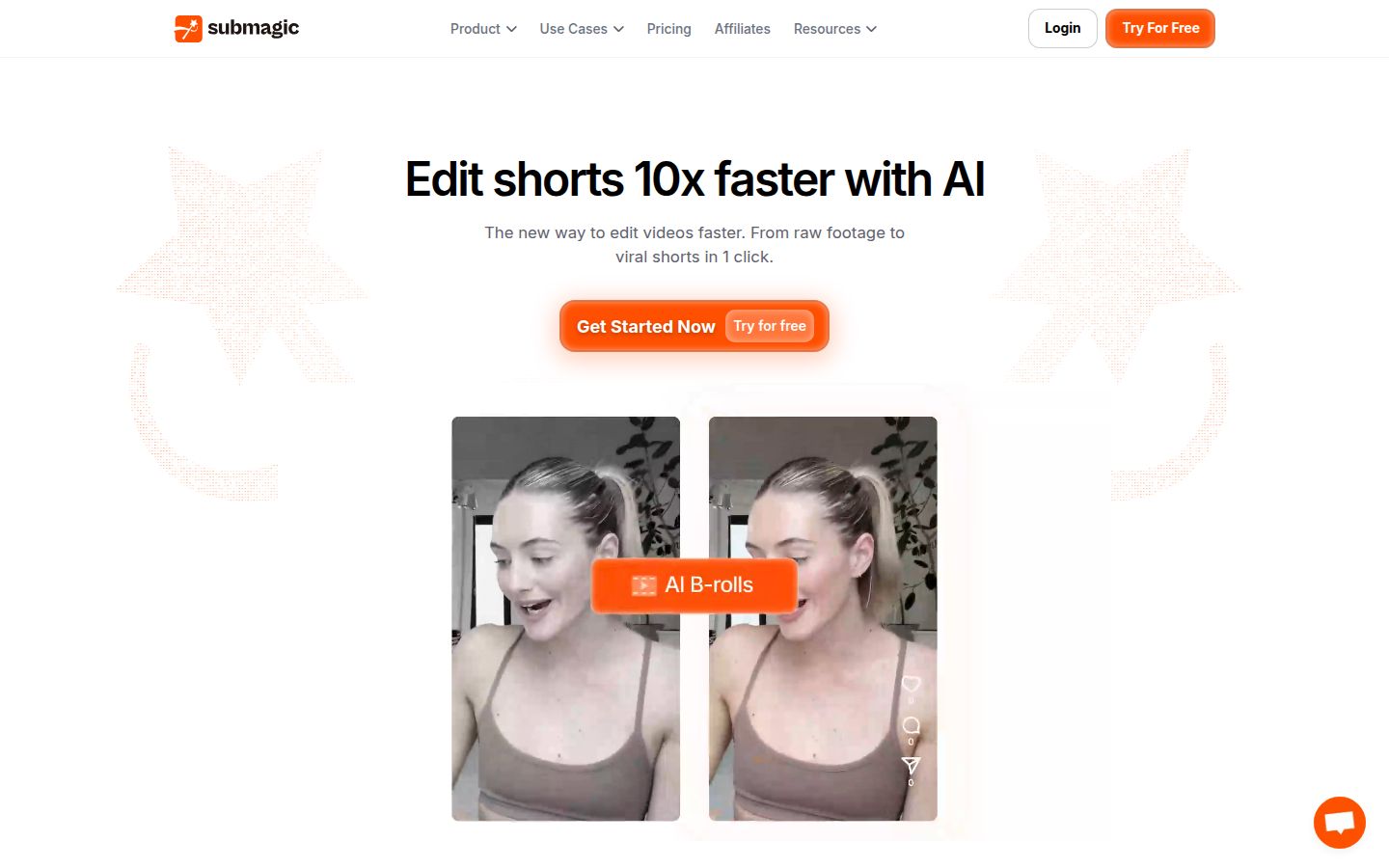
Submagic started with captions and has grown into a short-form editor. Upload a video and it adds animated captions with highlighted keywords, emoji and transitions. The site now lists more than captions, including auto zoom, B-roll, an AI video translator, and a publishing feature.
What it does best:
- Caption styles are the core of the product, and there are many of them. Pro adds premium caption templates, custom fonts and a brand kit.
- The finishing steps are included on Pro: silence removal, filler-word removal, auto zoom and clean audio.
- It has an AI video translator, and its caption languages are wider than Sycamore's English-only transcription.
- Pro includes one social profile per platform for publishing, so you can post from the same tool.
Limits that matter for this comparison:
- Starter caps each video at 2 minutes and includes 15 videos a month. Pro raises that to 40 videos of up to 5 minutes.
- The features that help most with talking-head edits, such as silence removal, filler-word removal and auto zoom, sit on Pro and above, not on Starter.
- The free trial covers 3 short videos with no card. Downloading them without the watermark needs a paid plan.
Pricing as of October 2026:
- Starter: $19 a month, or $12 a month billed yearly. 15 videos a month, up to 2 minutes each, 1080p.
- Pro: $39 a month, or $23 a month billed yearly. 40 videos a month, up to 5 minutes each, up to 2K.
- Business: $69 a month, or $41 a month billed yearly. 100 videos a month, up to 30 minutes each, up to 4K.
- Magic Clips, which turns long videos into clips, is an add-on at $19 a month for 10 uploads.
Who it's best for: creators who want a stylish caption look and publishing in one tool, and whose videos stay under 5 minutes.
Captions

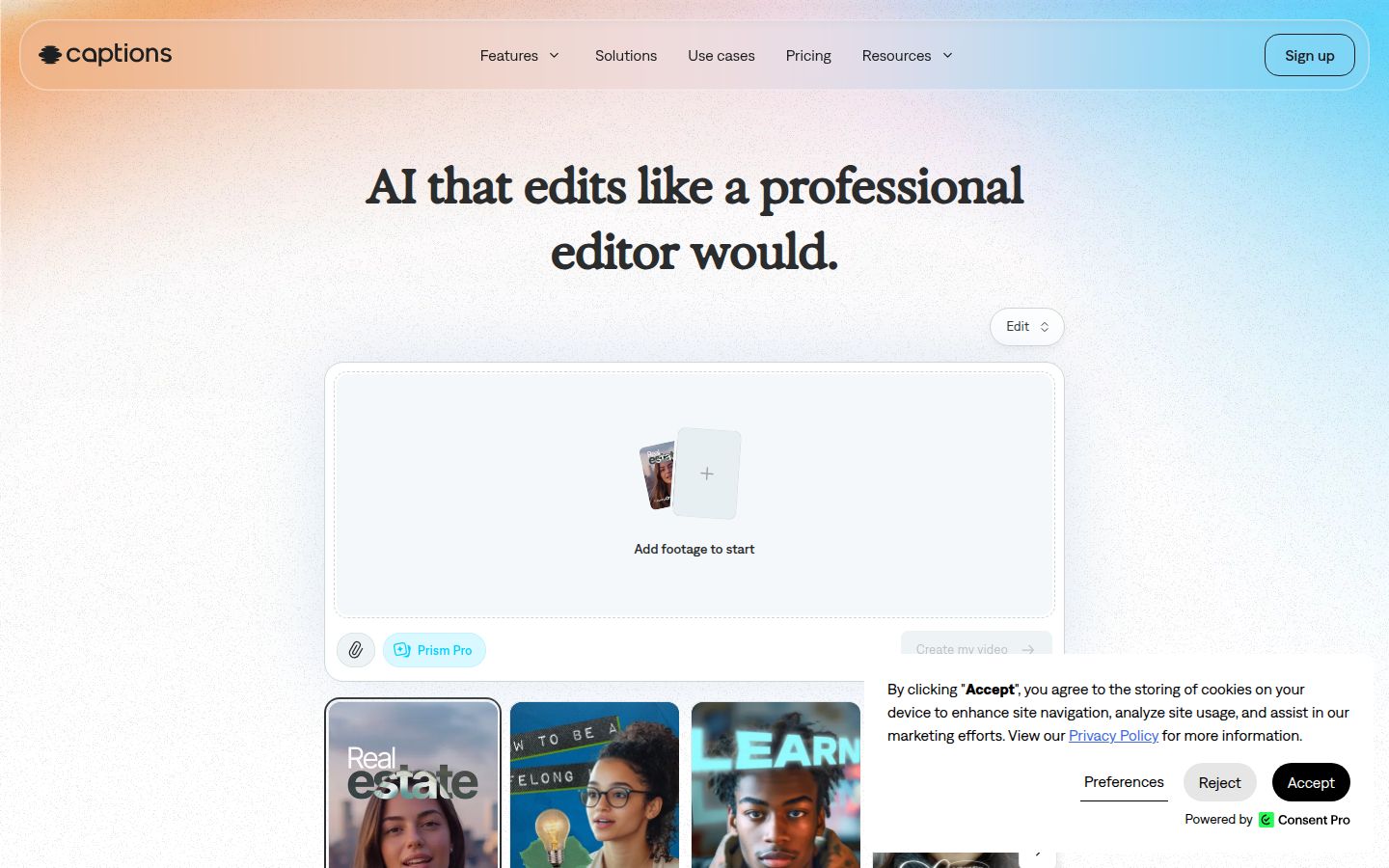
Captions is a mobile-first app, known for AI editing and avatar tools. You record or import on your phone, and it adds word-synced captions with a library of caption templates. It also removes filler words and pauses and corrects eye contact for people reading a script.
What it does best:
- It's built for the phone. If you record, edit and post from an iPhone, you never need a computer.
- The caption library is large on paid plans, with more than 100 templates on Max.
- Eye-contact correction helps when you read from notes or a teleprompter.
Limits that matter for this comparison:
- Its prices and features are listed for iOS. The pricing page says it shows iOS plans only.
- The free plan has one caption template and no AI credits. AI features need a paid plan.
- The AI tools that set it apart, such as AI edit styles and avatars, sit on Max and above.
Pricing as of October 2026 (iOS):
- Free: $0, one caption template, no AI credits.
- Max: $24.99 a month, 500 AI credits a month.
- Frontier: $69.99 a month (1,400 credits), $139.99 (2,800) or $279.99 (5,600) for higher usage tiers.
- Enterprise: custom pricing.
Who it's best for: solo creators who film and post from an iPhone and want AI polish without a desktop editor.
Descript

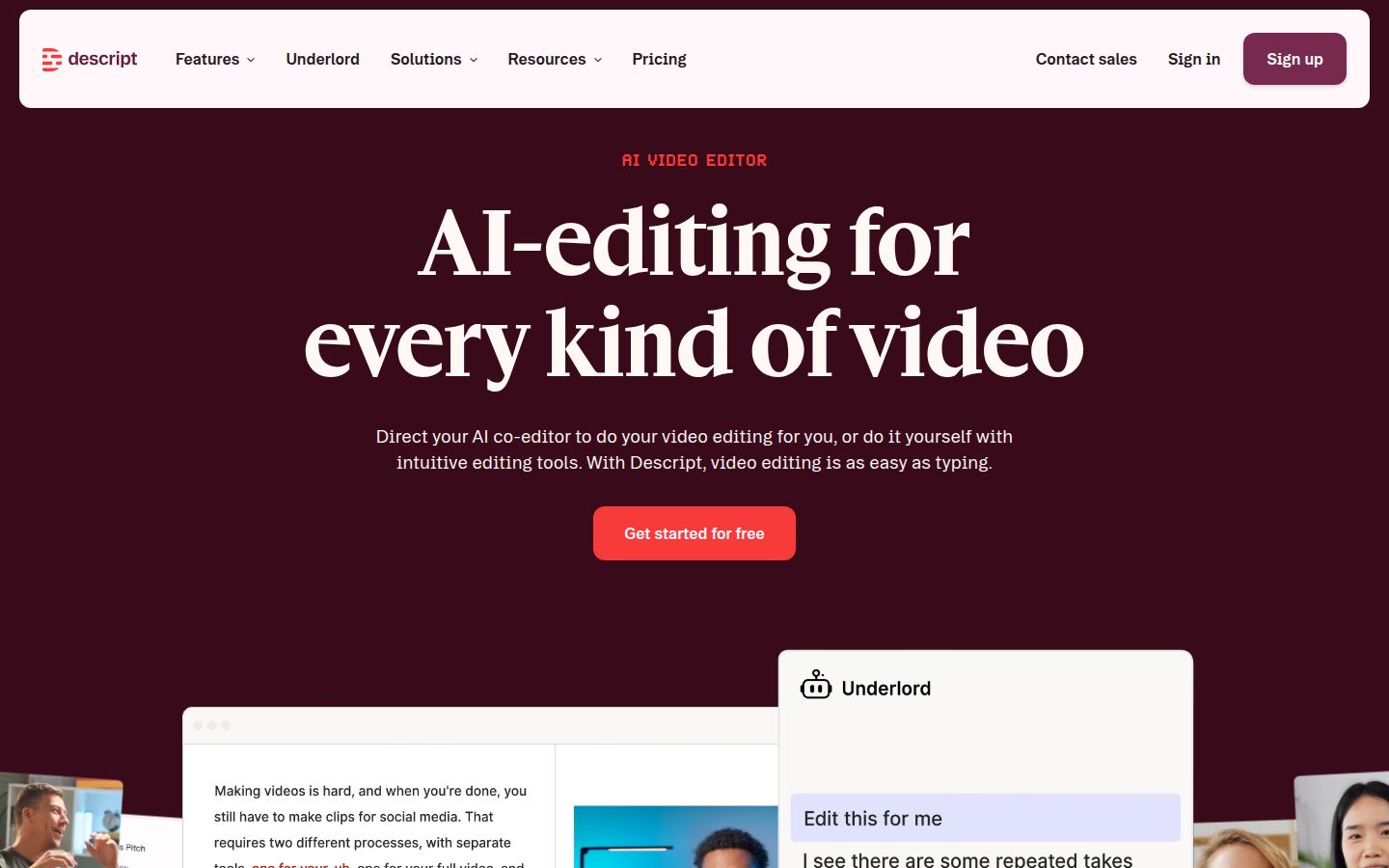
Descript is a full editor built around text. You edit the video by editing its transcript: delete a sentence and that part of the video goes with it. Captions are one feature among many. The app also includes Studio Sound for cleaner audio, filler-word removal, eye contact correction and an AI assistant called Underlord.
What it does best:
- Text-based editing is the strongest workflow in this list for long recordings, interviews and podcasts.
- You can edit a long recording and cut captioned clips from the same transcript.
- Team seats start on the Creator plan, with up to 3 seats, and Business allows up to 5.
Limits that matter for this comparison:
- Paid plans meter two things: media hours and AI credits. The pricing page doesn't say how many credits each AI action uses, so test a real video before you commit to a month of heavy use.
- Watermark-free export starts on Hobbyist. The free plan exports at 720p with a watermark.
- It's a full editor. A 30-second Reel takes more steps here than in a tool built only for captions.
Pricing as of October 2026:
- Free: $0, 60 minutes of media, 720p with watermark.
- Hobbyist: $16 a month billed yearly, or $24 billed monthly. 10 media hours a month, 1080p, no watermark.
- Creator: $24 a month billed yearly, or $35 billed monthly. 30 media hours a month, 4K, up to 3 seats.
- Business: $50 a month billed yearly, or $65 billed monthly. 40 media hours a month, up to 5 seats.
Who it's best for: podcasters and creators who record long conversations and want to cut captioned clips from the transcript.
CapCut

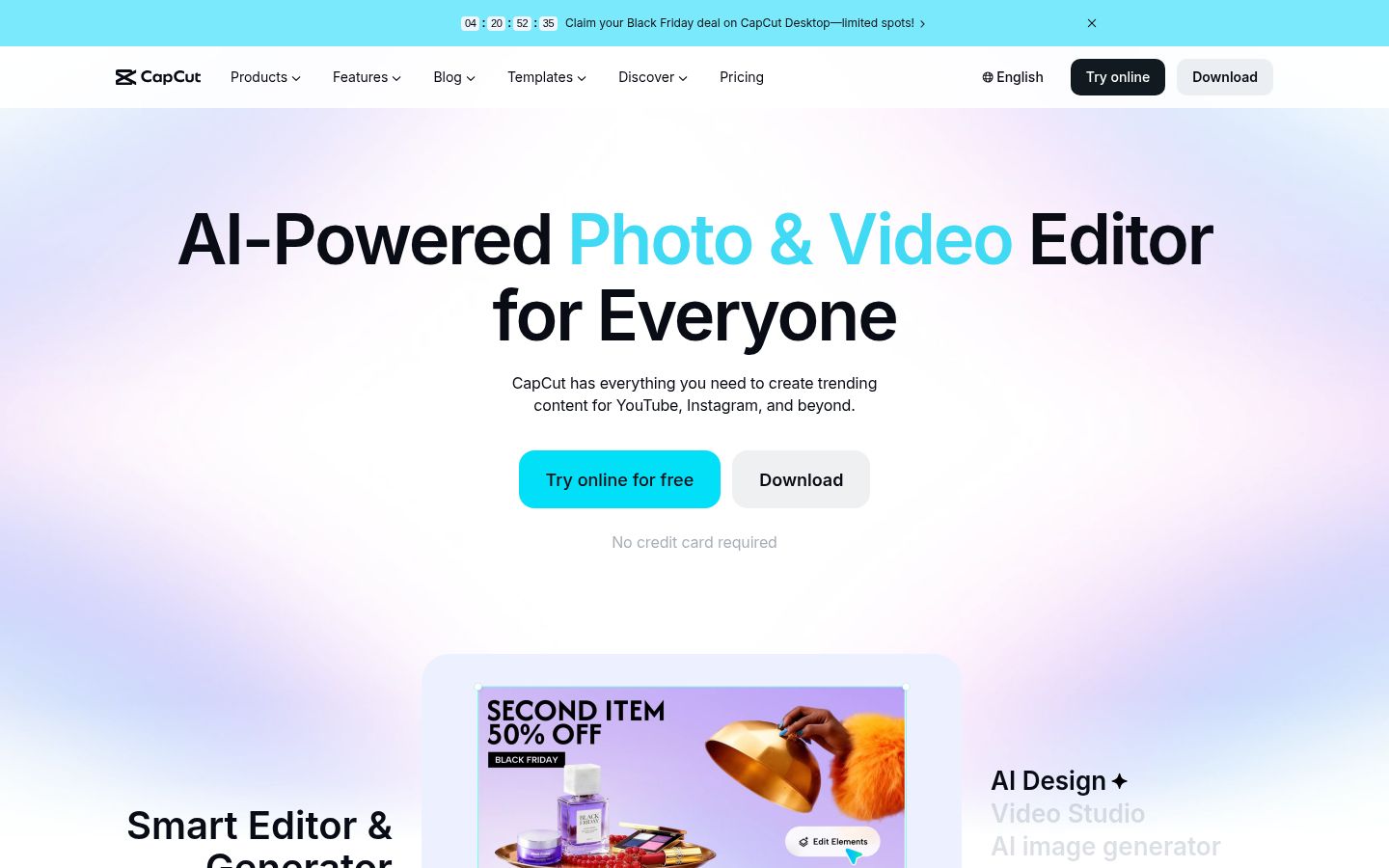
CapCut is a full video editor with a desktop app, a mobile app and an online editor. Many short-form creators already have it. It has caption templates, text tools, music, transitions and a long-video-to-shorts tool, and you can cut, caption and export in one place.
What it does best:
- Most creators know it already, and you can start on the free plan.
- The timeline gives you full control over every cut, music bed and text layer.
- You can do the whole job in one app, from raw clip to exported Reel.
Limits that matter for this comparison:
- CapCut's help pages say some auto caption features need the Pro plan. Check the caption tools in your version before you plan a workflow around the free plan.
- The Standard plan at $9.99 a month is sold only in the mobile app. Desktop and web editing start at Pro.
- A full timeline asks for more decisions than a tool built only for talking-head captions.
Pricing as of October 2026 (US):
- Free: $0.
- Standard: $9.99 a month, mobile app only.
- Pro: $19.99 a month, or $179.99 a year.
- Ultra and Teams: prices appear after you sign in.
CapCut says prices vary by region and account.
Who it's best for: creators who already edit in CapCut and want to keep everything in one app, or who like the full timeline.
VEED

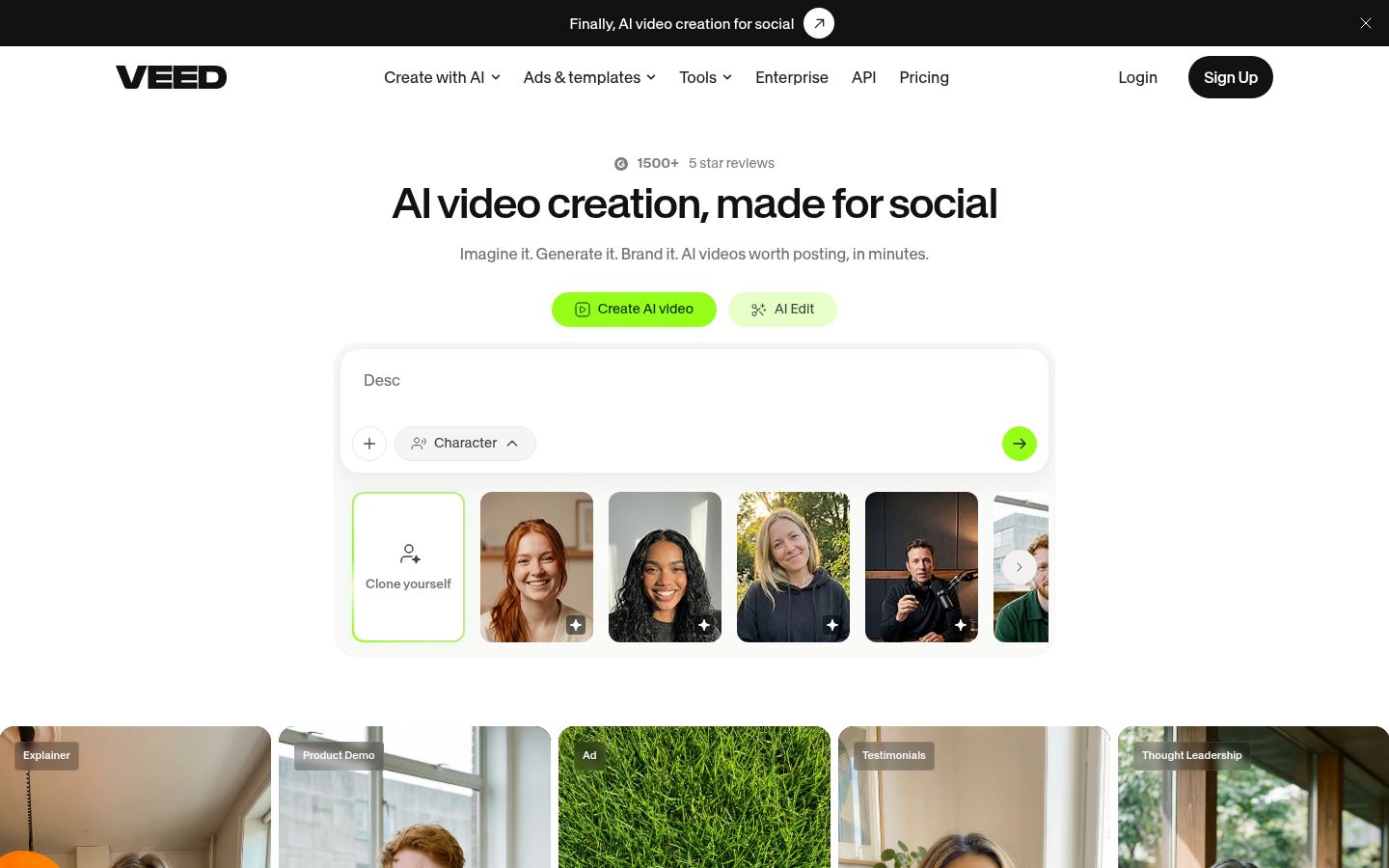
VEED is a browser-based editor with auto subtitles, AI tools, avatars, dubbing and a long list of utilities such as compressors, converters and background removers. Its subtitle tools work in the same place as the rest of the edit.
What it does best:
- Auto subtitles on paid plans are unlimited, with a fair-use limit of 50 hours a month.
- It covers many kinds of video in one browser tool, so it suits marketers who make ads, client videos and Reels.
- The free plan lets you test subtitles and exports without installing anything.
Limits that matter for this comparison:
- Plans are priced per user. Each editor you invite is billed.
- Subtitle styles are limited on Creator. The full style set comes with Pro.
- The free plan exports at 720p with a watermark. Free trials are for Enterprise customers only.
Pricing as of October 2026 (per user):
- Free: $0.
- Creator: $20 a month, or $9.67 a month billed yearly. 500 AI credits a month.
- Pro: $44 a month, or $21.42 a month billed yearly. 2,500 AI credits a month, unlimited subtitle styles.
- Studio: $70 a month, or $34.50 a month billed yearly.
Who it's best for: marketers and small teams who make several kinds of video and want one browser tool for all of them.
Opus Clip

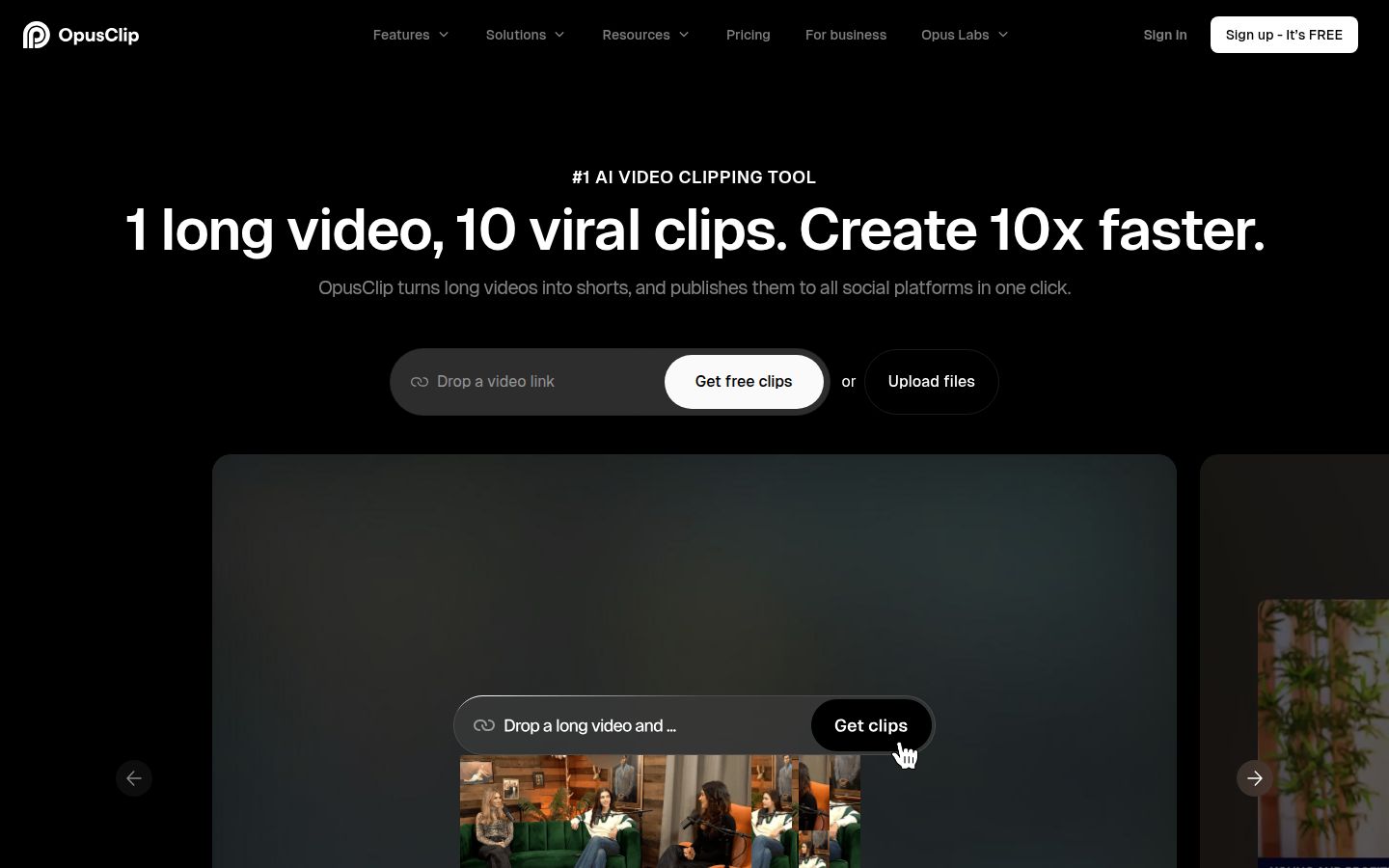
Opus Clip is built to turn one long video into many short ones. You bring a long recording, it finds moments worth clipping, reframes them vertically and adds animated captions. If your problem is finding shorts inside long videos, it's the most direct fit on this list.
What it does best:
- It finds clips in long recordings, such as a webinar, a podcast episode or a long call.
- It supports videos in English and more than 20 other languages.
- It has a social scheduler for planning posts across platforms.
Limits that matter for this comparison:
- Usage is measured in credits. Credits work out to about one per minute of source video, so a long recording uses a lot of them.
- Exports on the free plan carry a watermark.
- If you record one short clip at a time, the clip-finding step adds little.
Pricing as of October 2026:
- Free: $0, 60 credits a month, watermarked exports.
- Starter: $15 a month, 150 credits a month.
- Pro: $29 a month, 300 credits a month.
- Business: custom pricing.
Who it's best for: podcasters and coaches with long webinars or recorded calls who want to turn them into a steady stream of Reels.
How to choose
Match your situation to the tool that fits it best:
- You film one short talking clip and want it polished in minutes. Start with Sycamore. Its free plan covers 10 minutes of video with no card, and Starter is $19 a month.
- You film on an iPhone and want AI polish in the same app. Look at Captions. Its free plan is useful for a test, and the paid AI tools start at $24.99 a month on iOS.
- You want caption styles and posting in one tool, with clips under 5 minutes. Look at Submagic Pro at $39 a month, or Starter at $19 if your clips are under 2 minutes.
- You record long conversations and want clips from them. Look at Opus Clip. Starter is $15 a month, the lowest monthly price in this list.
- You edit long recordings through the transcript. Look at Descript. Hobbyist starts at $16 a month billed yearly.
- You already edit in CapCut. Stay there and check which caption tools your plan includes. Pro is $19.99 a month in the US.
- You make several kinds of video for a team. Look at VEED. Creator is $20 a month per user.
Whatever you pick, test it on a real video first. Run the same two-minute clip through two tools and time the fixes you make, not the render. The tool that needs the fewest fixes is usually the one that saves you the most time.
FAQ
Which auto caption app for Reels has the lowest monthly price?
Opus Clip's Starter plan is $15 a month, the lowest monthly price in this comparison. It is built for turning long recordings into clips, so it suits a different job than editing one short talking clip.
Is there a free auto caption app for Instagram Reels?
Several tools have a free plan. Sycamore gives 10 minutes of video once with no card, VEED gives 10 minutes of auto subtitles a month with a watermark, and Submagic offers a free trial of 3 short videos. Check each plan's current limits before you rely on it.
Can these apps post my Reels to Instagram for me?
Submagic includes publishing on its Pro plan, and Opus Clip has a social scheduler. Sycamore doesn't post for you, so you download the MP4 and upload it to Instagram.
Which caption tools work for languages other than English?
Submagic offers an AI video translator and more caption languages, and Opus Clip supports English plus more than 20 other languages. Sycamore's transcription is English only, so use another tool for non-English Reels.
Can I caption a Reel on my iPhone without a computer?
Yes. Captions is an iPhone app built for phone-first editing, and Sycamore runs in a phone's browser. CapCut also has a mobile app, though its Standard plan is sold only there.
How do I pick between Sycamore and Submagic?
Sycamore edits the whole raw video in one pass and lets you review the edit before export, starting at $19 a month. Submagic is strong on caption styles and publishing, and its Starter plan caps each video at 2 minutes.