If you film yourself talking and post short videos, you already know the slow part. The recording is fine. The work is the cutting: pauses, "um"s, a hook at the start, and captions typed word by word. AI video editors promise to do that part for you, and they go about it in different ways.
This post covers seven tools that creators use for talking-head shorts, with Sycamore first. We make Sycamore, so read our section with that in mind. For the other six, we tried to describe what each one does well and who it suits best, including the cases where it is the better pick.
How we picked these tools
We kept the list to tools that take a raw recording of a person talking and return something you can post. General video makers and avatar generators didn't make the cut, because they start from a different place.
For each tool we read its own pricing page and its help pages. We compared five things: the current price, whether there is a free plan or trial, what the tool does to a talking-head recording, which platforms and formats it supports, and who it suits. We also checked how buyers describe the tools in reviews, forums and tutorials, so the limits we list are the ones that come up in real use.
Prices are as of October 2026. Plans change, so check the pricing page before you pay.
The short version: comparison table
| Tool | Starting price (monthly billing) | Free plan or trial | Best for |
|---|---|---|---|
| Sycamore | $19/month (Starter, 3 hours of video) | Free: 10 minutes of video, one time, no card | Finishing one raw talking-head video into a captioned edit |
| Descript | $16/month billed yearly, $24 month to month (Hobbyist) | Free plan with limited media minutes | Editing a recording by its transcript, podcasts and longer talks |
| Opus Clip | $15/month (Starter) | Free plan: 60 credits a month, watermarked | Pulling many short clips out of one long video |
| Submagic | $19/month (Starter, 15 uploads) | Free trial | Captions and styling for clips you have already picked |
| Vizard | $29/month (Creator), or $14.50/month billed yearly | Free plan: 60 credits a month, 720p exports | Finding clips in long videos and scheduling posts |
| CapCut | $19.99/month (Pro) | Free plan with no time limit | Hands-on editing on a timeline, on phone or desktop |
| Captions | $24.99/month (Max, iPhone pricing) | Free plan with no AI credits | Phone-first editing with AI edit styles and AI actors |
Sycamore

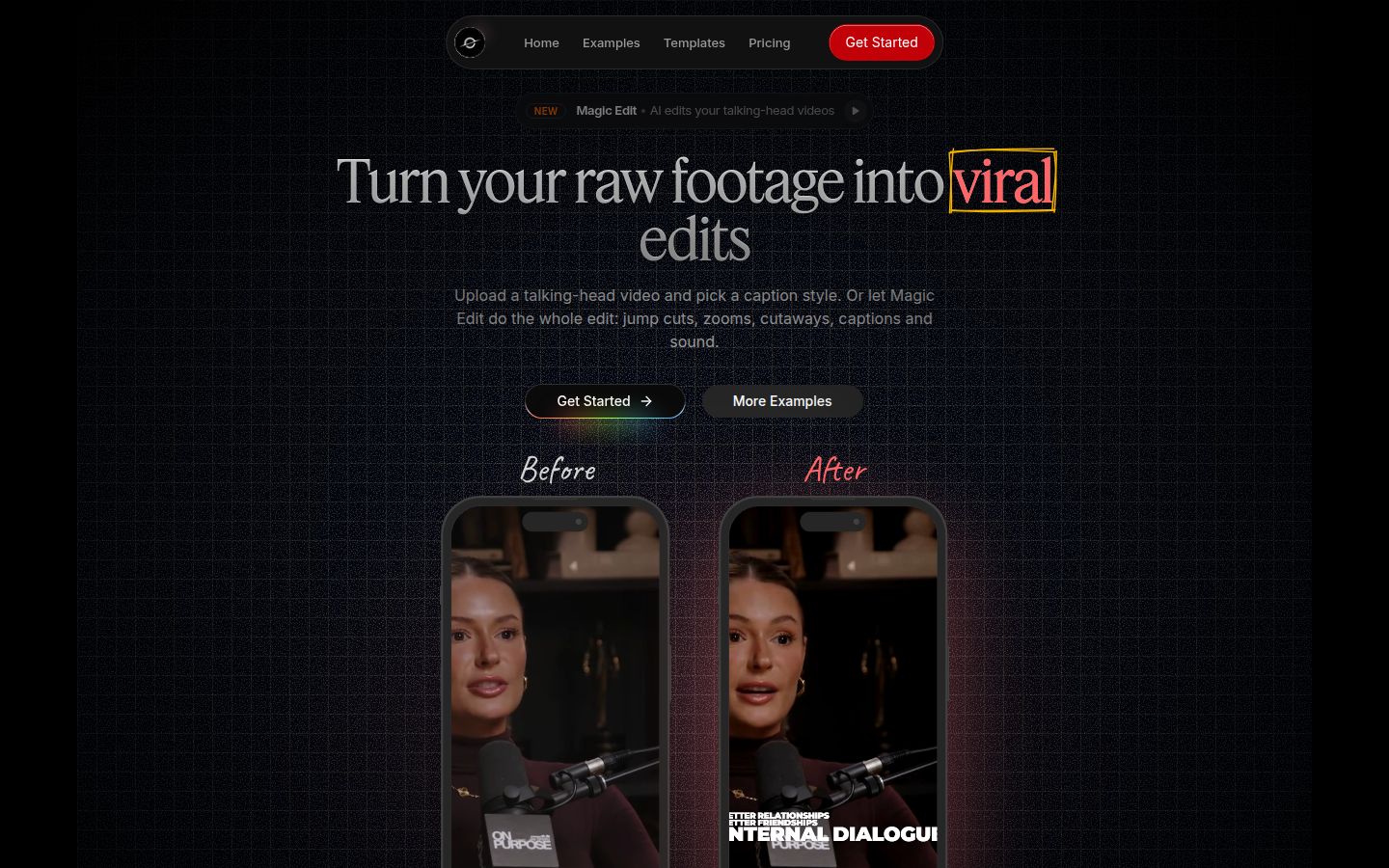
Sycamore is a web app that turns a raw talking-head recording into a finished, captioned short. You upload the video and it runs in your browser, so there is nothing to install. Uploads can be MP4, MOV, WebM or MP3, up to 2 hours long.
The main feature is Magic Edit. You upload a raw recording and Sycamore cuts out silences and filler words, adds an animated hook at the start, puts in zooms and full-screen text cutaways for the big lines, and adds word-synced captions. You pick one of three edit styles (Apollo, Hermes or Athena), then review the result before you export. Each line can be set to Normal, Emphasis, Full screen, Number, List or Label, so changing the look of a line takes a click.
If you only want captions, pick a caption template instead. Every word is timed in the word-level transcript, so you can fix a word and the caption stays in sync. You can edit colors, size and animation, and save a look as a preset for every future video. Export is an MP4 in 9:16, 1:1 or 16:9.
Where Sycamore is the best fit: one job, done in one pass. If you record a talking-head video, you want it posted, and you want to see and change the edit before you export, Sycamore covers that. It also has simple pricing by minutes of video, with a free start that needs no card.
Pricing as of October 2026:
- Free: 10 minutes of video, one time, no credit card.
- Starter: $19 a month for 3 hours of video a month, no watermark.
- Growth: $39 a month for 10 hours of video a month, no watermark, priority rendering.
Honest limits:
- Transcription is English only, so it's not the right pick for non-English recordings.
- Sycamore edits the video you give it. It doesn't cut a long recording into many clips, so for a 90-minute podcast you'd need a clipping tool first.
- It is a web app, not a phone app. It works in a phone's browser, but there is no app to download, and no team features or scheduling.
Descript

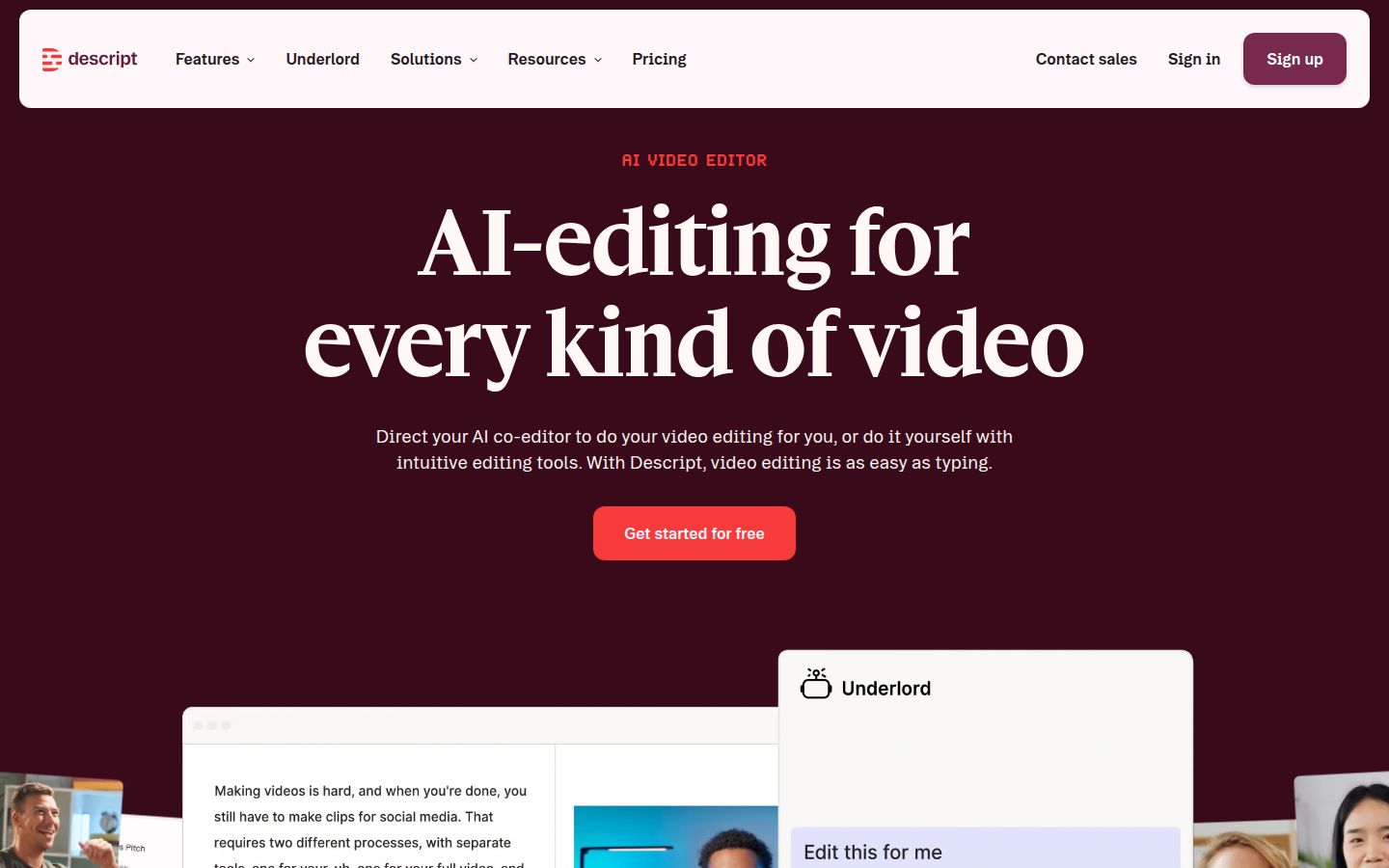
Descript is an audio and video editor where you edit the recording by editing its transcript. Delete a sentence in the text and the matching video is cut. It is one of the most complete tools in this list, with a multitrack timeline, a recorder, captions, AI voice tools and a long list of AI features.
For talking-head work, the most useful part is the transcript. To remove filler words, you open the actions menu above the transcript, choose remove filler words, review the list Descript finds, then apply it and read the result back. You can also correct a word in the text, and the audio and video follow.
Descript is a good choice when the recording itself is the hard part. A long interview or a podcast episode that needs trimming, cleanup and then clips is where its approach shines. It also has a full editor, so you can build an edit that needs more than captions.
Pricing as of October 2026:
- Free: limited media minutes each month, 100 one-time AI credits, and 720p export with a watermark.
- Hobbyist: $16 a month billed yearly ($24 month to month). About 10 media hours a month, 400 AI credits, and 1080p export without a watermark.
- Creator: $24 a month billed yearly ($35 month to month). About 30 media hours a month, 800 AI credits, and 4K export.
- Business: $50 a month billed yearly ($65 month to month), with shared brand assets and admin controls.
Honest limits:
- Plans are metered by media hours and AI credits, so heavy months can push you to a higher tier.
- The editor has more to learn than a tool built for short vertical clips. If you only want a finished short, it takes more steps than Sycamore.
Opus Clip

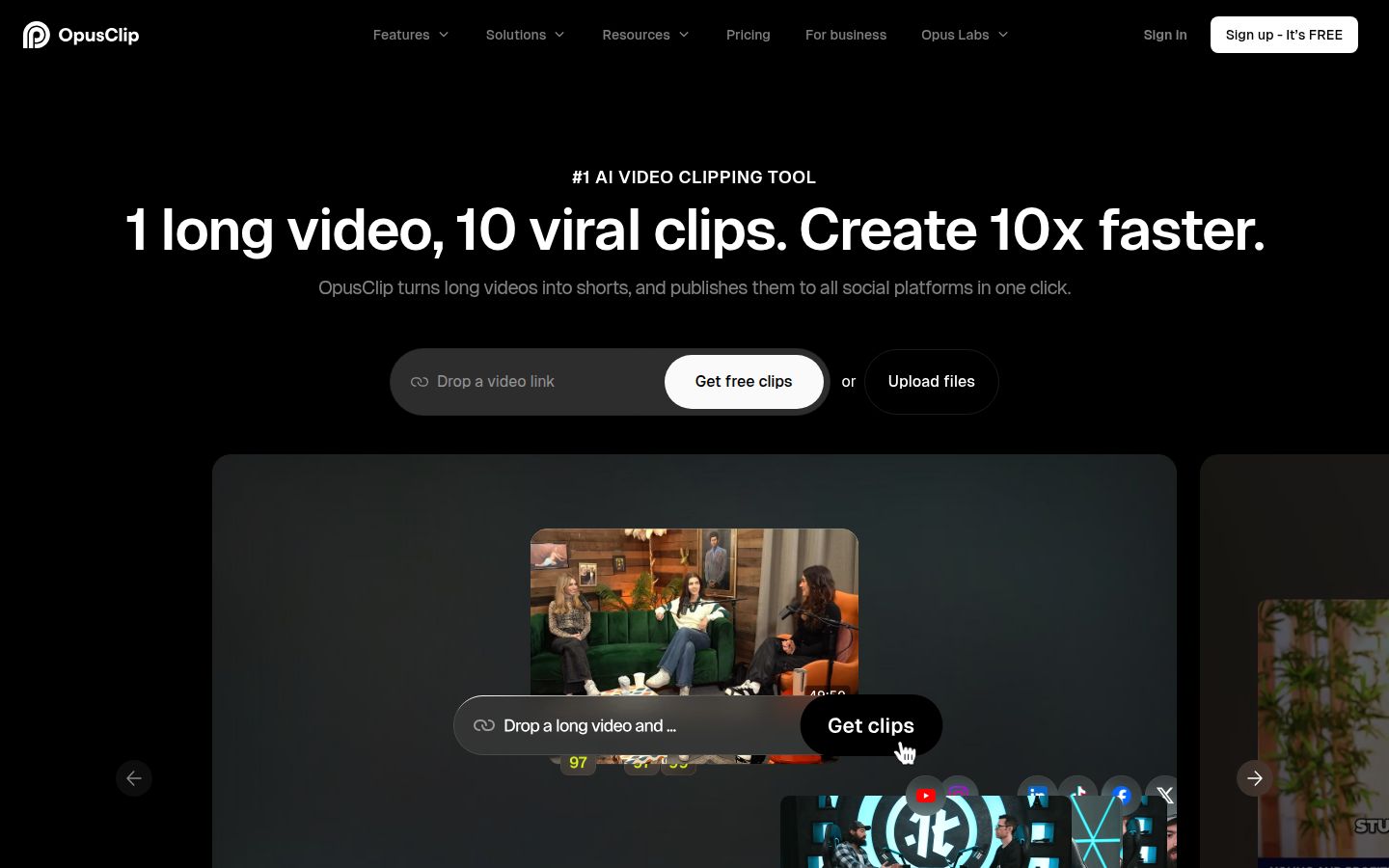
Opus Clip is built to find the short clips inside a long video. You give it a long recording, and it suggests the moments worth posting, then adds captions and reframes each one for vertical video. Its homepage describes the job as one long video in, 10 clips out.
It is a strong choice when your problem is volume and selection. If you record a long conversation, a webinar or a product demo and you aren't sure which parts to post, Opus Clip gives you a set of candidates to review. The Pro plan also imports from links such as YouTube, Zoom and Riverside, and it includes a social scheduler and an AI B-roll option.
Pricing as of October 2026:
- Free: $0, 60 credits a month, with watermarked exports.
- Starter: $15 a month, 150 credits.
- Pro: $29 a month, 300 credits.
- Business: custom pricing.
Credits are counted by the minute of source video. On the Free plan, exports can be downloaded for 3 days.
Honest limits:
- Exports on the Free plan carry a watermark and expire after 3 days, so download as you go.
- The cost depends on how many source minutes you process, so a long archive can use credits quickly.
- Clip choices still need your review. Check that each clip makes sense without the question that came before it.
Submagic

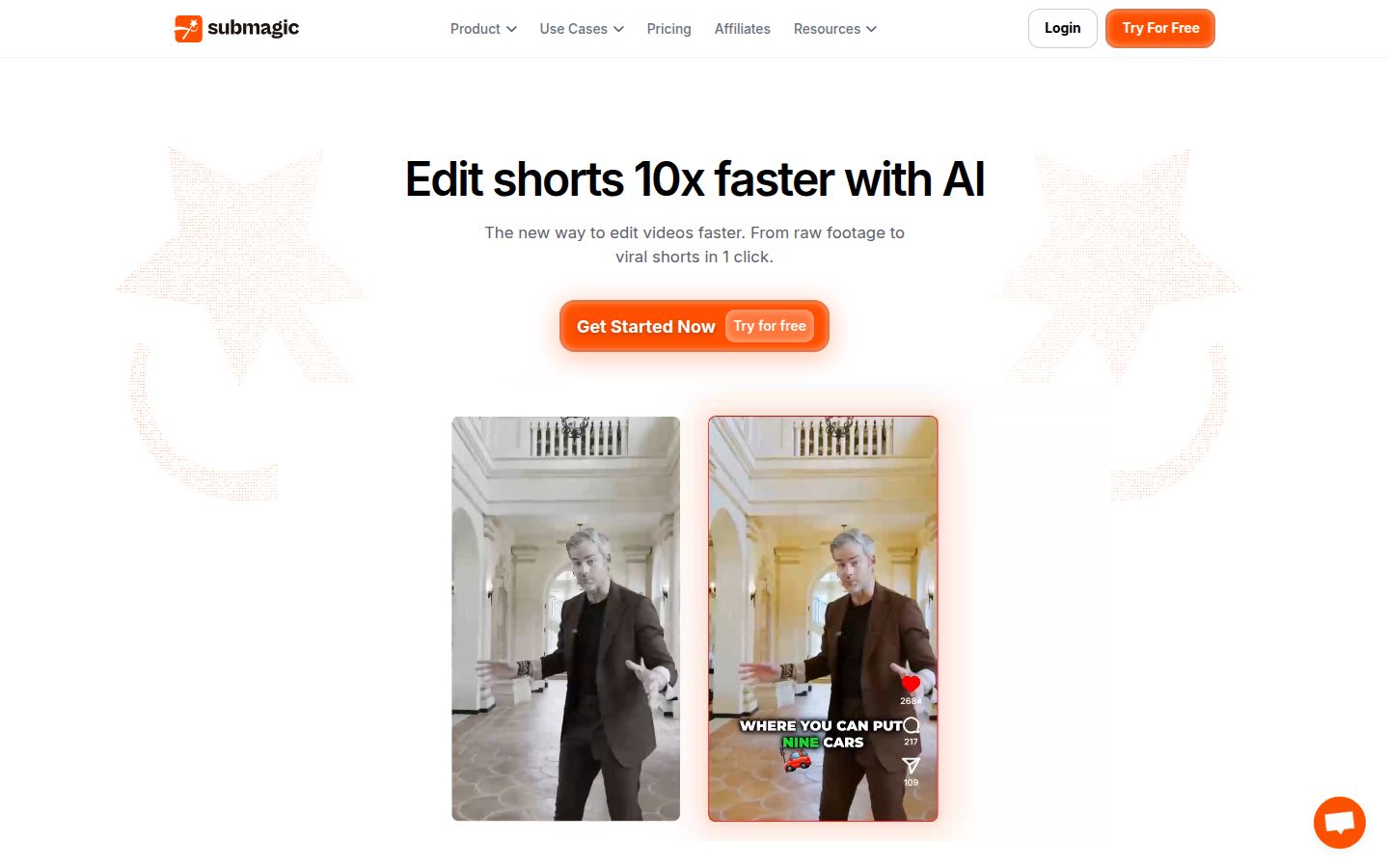
Submagic is an AI caption and short-form editing tool with a large set of caption styles. Its features include AI captions, auto zooms, B-roll, sound effects, background music, eye contact correction and a translator. It also has a Magic Clips add-on that finds clips in longer videos.
Submagic is a good choice when you care most about how the captions look and you already know which clip you want. The style library is large, and the auto zooms and B-roll add motion without much setup.
Pricing as of October 2026 (per member, monthly billing):
- Starter: $19 a month, 15 video uploads.
- Professional: $39 a month, 40 video uploads, with all AI features.
- Business: $69 a month, 100 video uploads, with 4K export.
- Magic Clips add-on: $19 a month, 10 video uploads, on top of a plan.
Annual billing is lower. The help center says it can save up to 41%.
Honest limits:
- Plans cap the number of uploads each month, and each plan also has a length limit per video. Check both against the clips you make.
- Clip finding is an add-on, so a long-video workflow costs more than the base plan.
Vizard

Vizard turns long-form videos into short clips for TikTok, Instagram and YouTube Shorts. You upload a long video, it picks clips, and it can reframe and caption them. On the paid plans it also schedules posts, and the Business plan adds a shared workspace and a brand kit.
Vizard suits people who repurpose a steady stream of long recordings. It works well for a weekly podcast or a coach's recorded sessions, and the Business plan is built for a small team that shares a brand.
Pricing as of October 2026:
- Free: $0, 60 credits a month, 720p exports, one social account, 3-day storage.
- Creator: $29 a month, or $14.50 a month billed yearly ($174 a year). No watermark, 4K export, six social accounts, scheduling.
- Business: $39 a month, or $19.50 a month billed yearly ($234 a year). Shared workspace, brand kit, 20 social accounts, and team seats at $5 a month each.
Each credit covers one minute of uploaded video.
Honest limits:
- Exports on the free plan are 720p and have a 3-day storage limit.
- Credits are counted by minute of uploaded video, so a large back catalog uses them up fast.
- It is built around finding clips in long videos. For a single raw recording you want edited in one pass, Sycamore is more direct.
CapCut

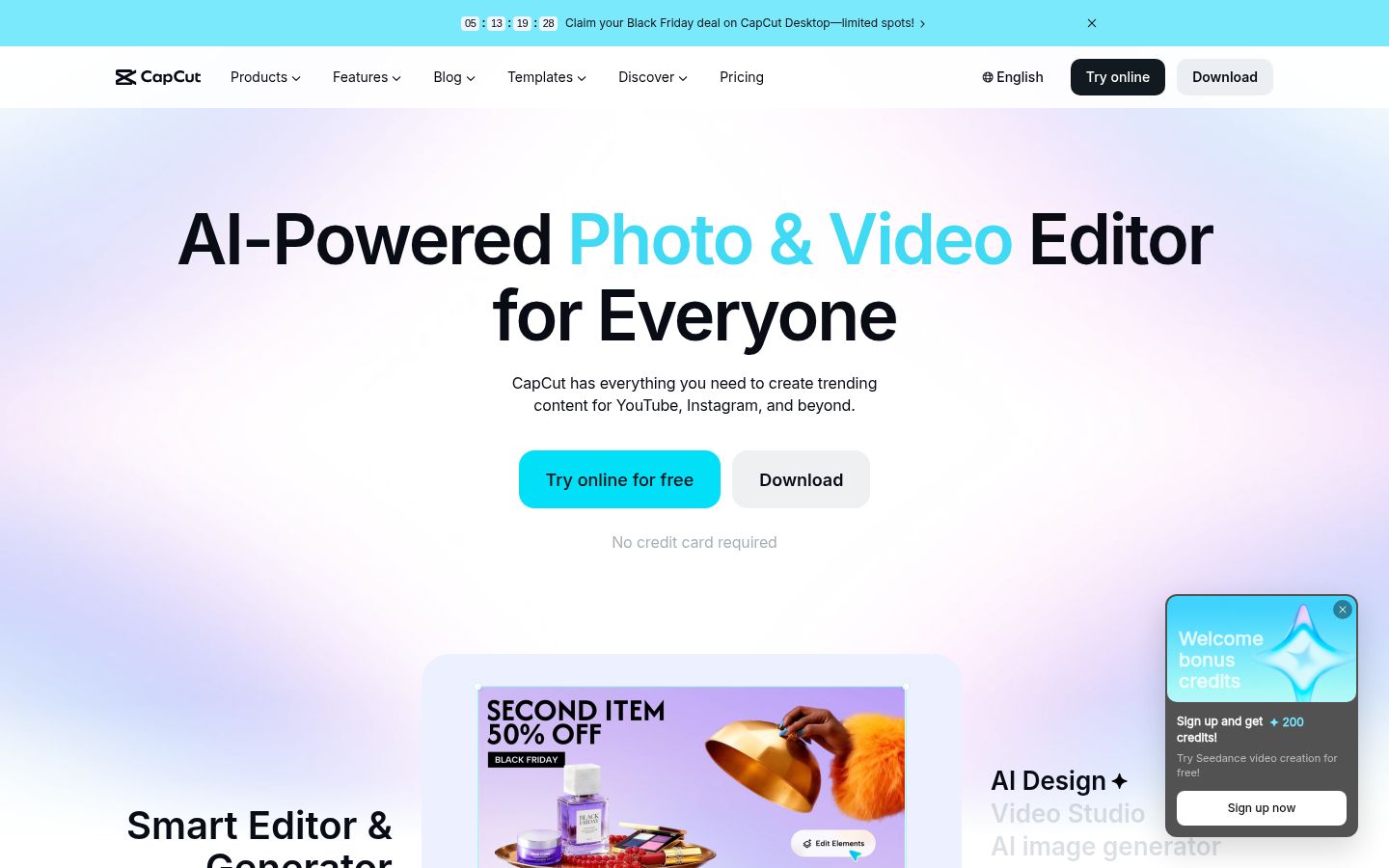
CapCut is a full video editor with apps for desktop and mobile and an online version. It has a timeline, auto captions, transcript-based editing, a long-video-to-shorts tool, transitions, effects and a large library of templates. Many creators already know it from short-form platforms.
It is the best choice if you want to edit by hand, on a timeline, and you want a free start. You can trim the talking parts, add product shots or B-roll, drop in music and captions, and export, all in one project. The free plan has no time limit.
Pricing as of October 2026:
- Free: no time limit, the full timeline editor, and 1080p export.
- Pro: $19.99 a month, or $179.99 a year, for one user. Pro also unlocks assets marked as Pro.
Honest limits:
- You do the cuts and the caption timing yourself. It takes more time per video than a tool that edits the recording for you.
- Some assets and effects need the Pro plan.
Captions

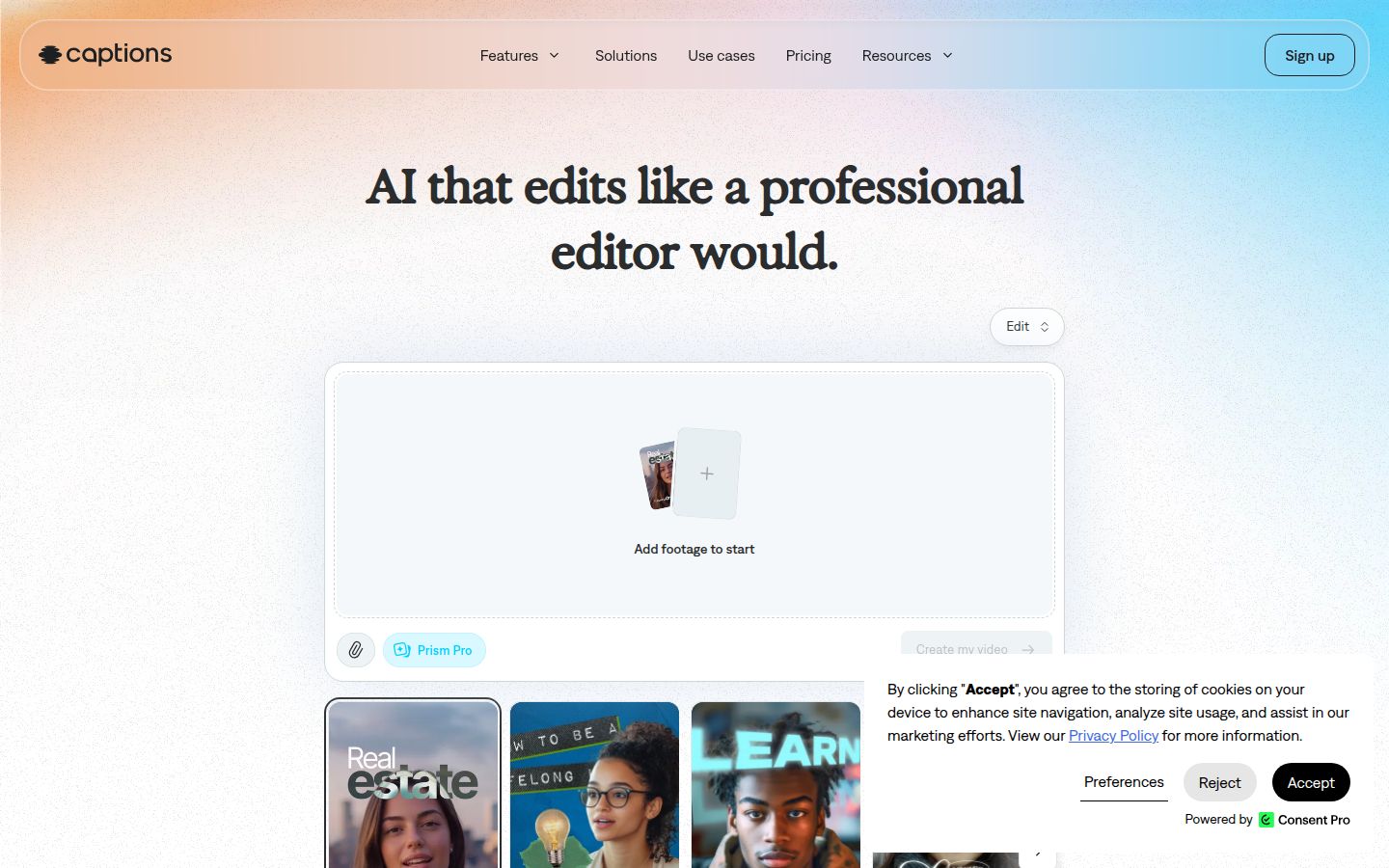
Captions is an AI video app for iPhone and Android, with a web version. It has AI edit styles that produce a full edit, a chat-based editor for changes, captions, teleprompter recording and clip making. Its higher plans add generative features such as custom AI actors and generated B-roll.
Captions is the right pick for people who film and edit on their phone and want generative AI in the same app. If you want an AI avatar or generated footage next to your own recording, it covers that in one place.
Pricing as of October 2026 (the pricing page notes these are iOS prices):
- Free: basic editing and a limited set of caption templates, with no monthly AI credits.
- Max: $24.99 a month, 500 AI credits a month, AI edit styles, and clip creation.
- Frontier: $69.99 a month, 1,400 AI credits a month. Higher Frontier tiers cost more.
Honest limits:
- The features that matter most, like AI edit styles, sit on the paid Max plan. The free plan is for trying the basics.
- Generative features use credits, and the cost rises with the tier you need.
How to choose
Start with what you have and what you need to post. Then pick the tool that matches that job.
- You have one raw talking-head video a week and want it finished. Start with Sycamore. Magic Edit does the cuts, zooms and captions in one pass, and you review before export. The free trial covers 10 minutes, so you can test it on a real recording.
- You have long recordings and need many clips. Use Opus Clip or Vizard. Both are built to find moments in long videos. Both have free plans to try. Vizard adds scheduling on its paid plans and a team plan.
- You want to edit by the words in the transcript. Use Descript. It handles podcasts, interviews and longer talks well, and it has the most room to build an edit.
- You want to edit by hand, for free. Use CapCut. Its free plan has no time limit, and you control every cut.
- You care most about caption style on a clip you've already chosen. Use Submagic. It has a large style library, and its plans are priced per upload.
- You edit on your phone and want AI actors or generated footage. Use Captions. It is built for the phone first.
Then run the test. Pick one real recording, the one you would actually post this week, and run it through the free plan or trial of your top two choices. Compare the time it took, how the captions look, and how much you had to fix. That single test will tell you more than any comparison table.
If you already know you want a finished short from a raw recording, you can see Sycamore's plans. For more on the process, see How to Edit Raw Talking-Head Footage Into a Short.
FAQ
Is there a free AI video editor for talking-head videos?
Yes. Sycamore's free plan covers 10 minutes of video one time with no card. CapCut's free plan has no time limit, and Opus Clip, Vizard and Descript also have free plans with usage limits.
Which AI tool is best for turning a long podcast into short clips?
Opus Clip and Vizard are built to find clips inside long recordings. Sycamore edits the video you give it and doesn't cut a long recording into many clips.
Does Sycamore support languages other than English?
No. Sycamore's transcription is English only, so pick a different tool for recordings in other languages.
How much does Descript cost in 2026?
Descript has a free plan. Hobbyist is $16 a month billed yearly or $24 month to month, Creator is $24 billed yearly or $35 month to month, and Business is $50 billed yearly or $65 month to month.
Do free AI video editors add a watermark?
Often, yes. The free plans for Opus Clip and Descript add a watermark to exports, and Opus Clip free exports expire after 3 days. Check each plan's export rules before you post.