You look for a Captions alternative for a few practical reasons. Captions is built for the iPhone, and its pricing page says its prices and features "reflect iOS plans only." Its cheapest paid plan has also changed. Captions dropped its $9.99 Pro plan in mid-2026, so paid plans now start at Max, at $24.99 a month. Some people also need something Captions doesn't do, like cutting one long recording into several clips or posting for them.
Captions does a lot well. Its auto-captions come in 100-plus styled templates on paid plans, its AI eye contact correction helps when you read from notes, and its phone app is a fast way to get a finished talking-head video on an iPhone. If that's your setup and the Max price fits your budget, keep using it. The tools below are for when a different price or a different job fits better.
We make Sycamore, so read this with that in mind. We gave every tool the same questions: what it does, what it costs today, what it doesn't do, and who it suits. Where another tool is the better pick, we say so.
Captions alternatives at a glance
Prices are as of October 2026, from each tool's pricing page. The monthly price is shown unless we say otherwise.
| Tool | Starting price | Free plan or trial | Best for |
|---|---|---|---|
| Sycamore | $19/month (Starter, 3 hours of video) | Free: 10 minutes of video, one time, no card | One raw talking-head video, edited and captioned in one pass |
| Submagic | $19/month, or $12/month billed yearly (Starter) | Free trial: 3 short videos, no card | Caption styling, B-roll and auto zoom on short clips |
| OpusClip | $15/month (Starter, monthly billing only) | Free: 60 credits a month, with a watermark | Pulling many clips out of a long recording |
| Descript | $24/month, or $16/month billed yearly (Hobbyist) | Free: 60 media minutes a month, 720p with a watermark | Editing by transcript, podcasts and longer videos |
| Captions | $24.99/month (Max) | Free: 1 caption template, no AI credits | iPhone-first creators who want AI edits and avatars |
| Vizard | $29/month (Creator), or $14.50/month billed yearly | Free: 60 credits a month, 720p export | Clipping long videos, with scheduling on paid plans |
Sycamore

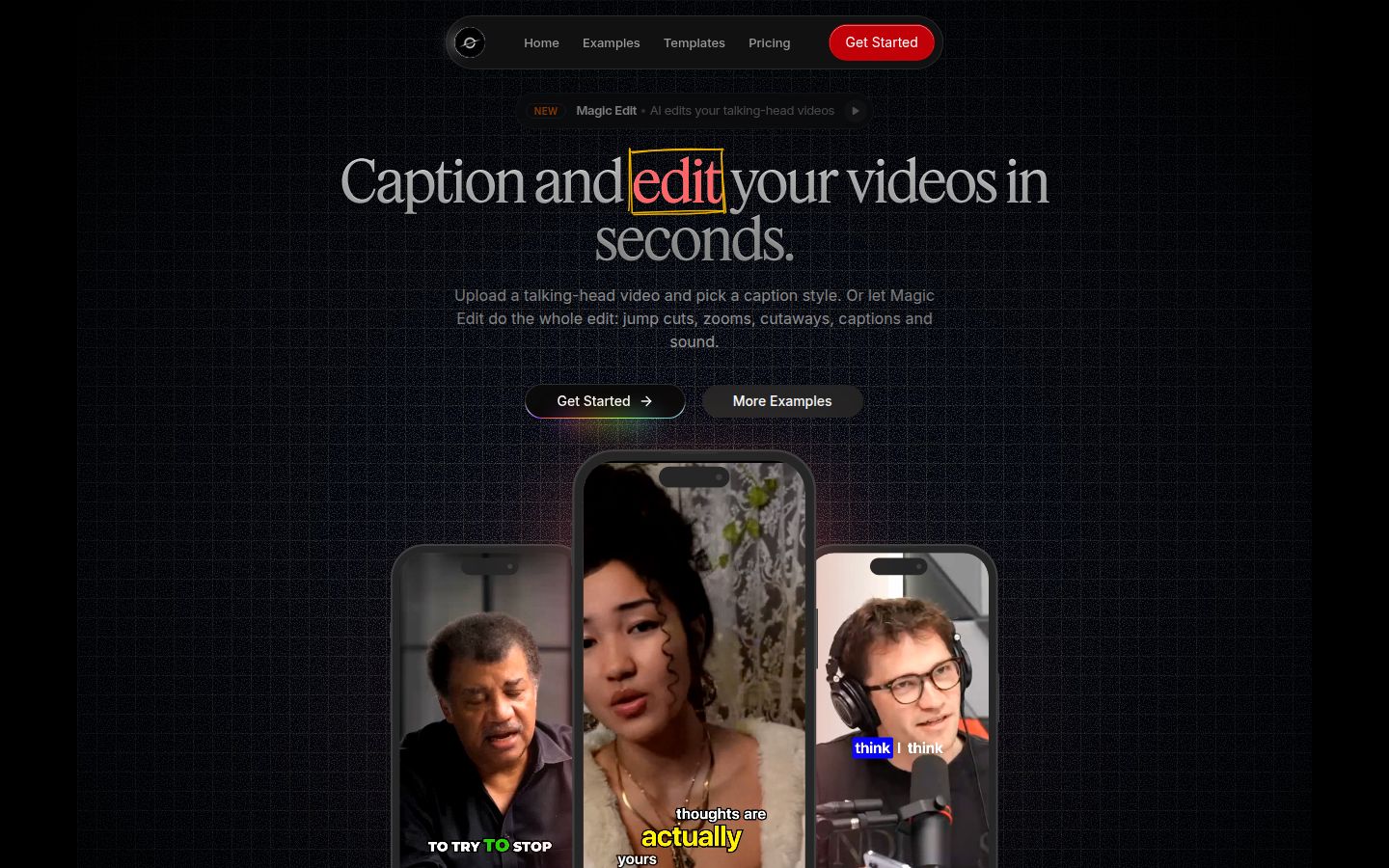
Sycamore turns a raw talking-head recording into a finished, captioned short-form video. It runs in your browser, so there's nothing to install.
The main feature is Magic Edit. You upload a raw video, and Sycamore cuts out silences and filler words, adds word-synced animated captions, and adds emphasis on key lines, zooms and full-screen text for the big moments. You pick an edit style, currently Apollo or Hermes, then review the edit in plain words before you export. Each line can be set to Normal, Emphasis, Full screen, Number, List or Label, so you can change any line without learning a timeline.
If you want to control the captions yourself, you can edit any word, change fonts, colors, size, animation and position, and save a look as a preset for future videos. Every word is timed in the transcript. You export an MP4 in 9:16, 1:1 or 16:9.
What Sycamore does best: it edits the whole raw video in one pass, not only the captions. You see the edit before export, so you stay in control. Pricing is by minutes of video, and the free plan needs no credit card.
Pricing, from Sycamore's pricing page, as of October 2026:
- Free: 10 minutes of video, one time, no credit card.
- Starter: $19/month for 3 hours of video a month, no watermark.
- Growth: $39/month for 10 hours of video a month, no watermark, with priority rendering.
Uploads can be MP4, MOV, WebM or MP3, up to 2 hours long.
Limits to know: transcription is English only. Sycamore edits the video you upload. It doesn't cut one long recording into a batch of clips, and it doesn't post or schedule for you. It has no B-roll library, no AI avatars and no team features. It's a web app, not a phone app, though it works in a phone's browser.
Best for: founders, coaches and creators who film one talking-head video at a time, in English, and want it finished with the least clicking. If you need many clips from one long recording, OpusClip or Vizard fit better.
Submagic

Submagic is a caption and short-video editor that many creators use for TikTok, Reels and Shorts. Its caption styles, B-roll and auto zoom are its main draw, and Submagic says it adds captions in 100-plus languages on its site.
Submagic's paid plans, per member and billed monthly, are:
- Starter: $19/month, or $12/month billed yearly. 15 videos a month, each up to 2 minutes, exported at 1080p.
- Pro: $39/month, or $23/month billed yearly. 40 videos a month, each up to 5 minutes, up to 2K. Pro adds silence, bad-take and filler-word removal, AI eye contact, auto zoom and clean audio.
- Business: $69/month, or $41/month billed yearly. 100 videos a month, each up to 30 minutes, up to 4K at 60 fps.
Those figures come from StoryCut's review of Submagic's pricing, checked against Submagic's own pages in October 2026. Submagic's help center also lists an add-on called Magic Clips, which turns a long video into clips, at $19/month for 10 uploads. For the free trial, Submagic's help center says you can upload and edit 3 short videos. You need a paid plan to download them without the watermark.
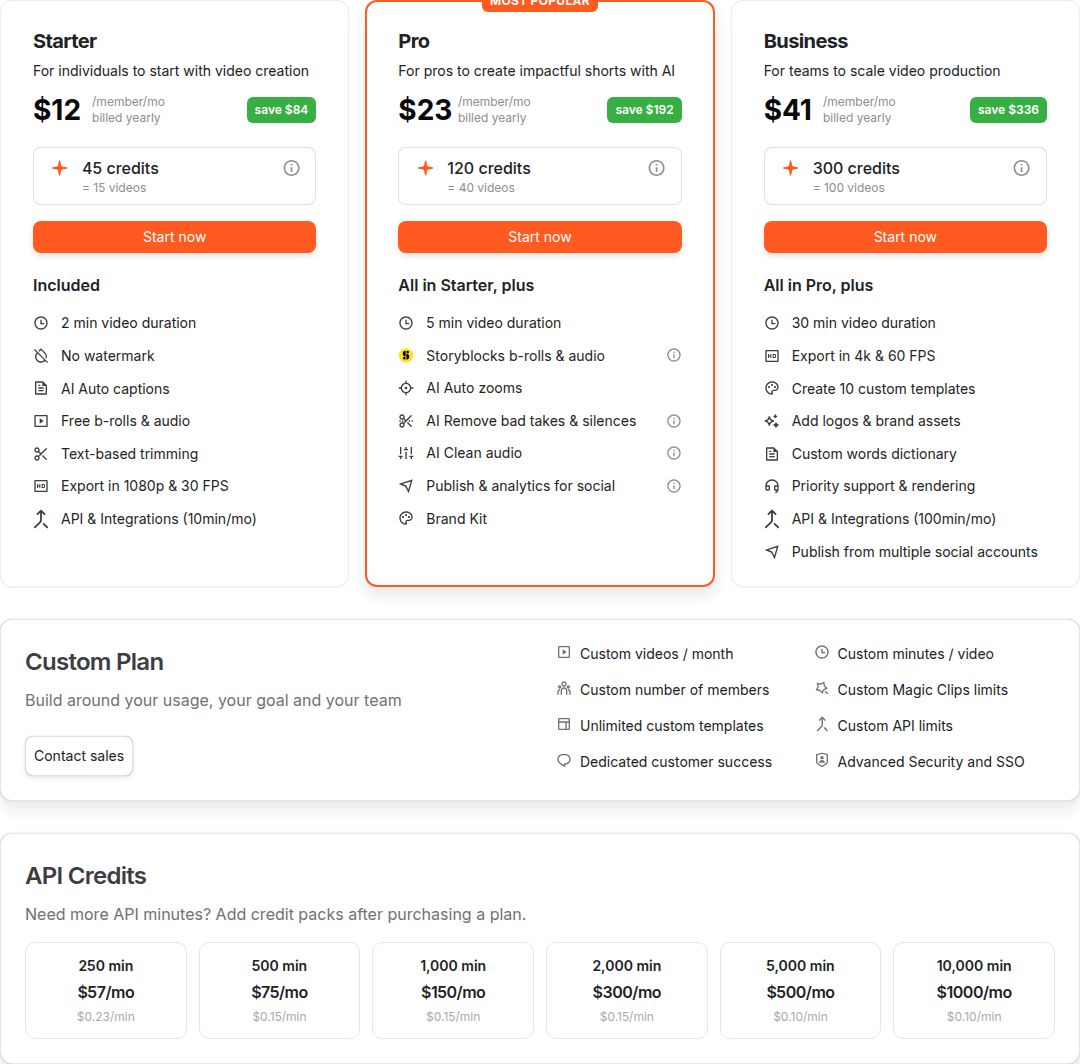 Submagic's pricing page, showing the Starter, Pro and Business cards
What Submagic does best: it gives you a lot of caption styling and B-roll with a short, simple workflow. Pro adds the cleanup tools (silence and filler-word removal) that many talking-head creators use every time.
Limits to know: the Starter plan caps each video at 2 minutes and doesn't include silence or filler-word removal. Those need Pro. Publishing to social profiles is part of Pro and Business, with one profile per platform on Pro.
Best for: creators who want caption styles and B-roll on short videos, and who will do the cleanup on Pro. Submagic has a side-by-side with OpusClip if you're choosing between those two.
OpusClip

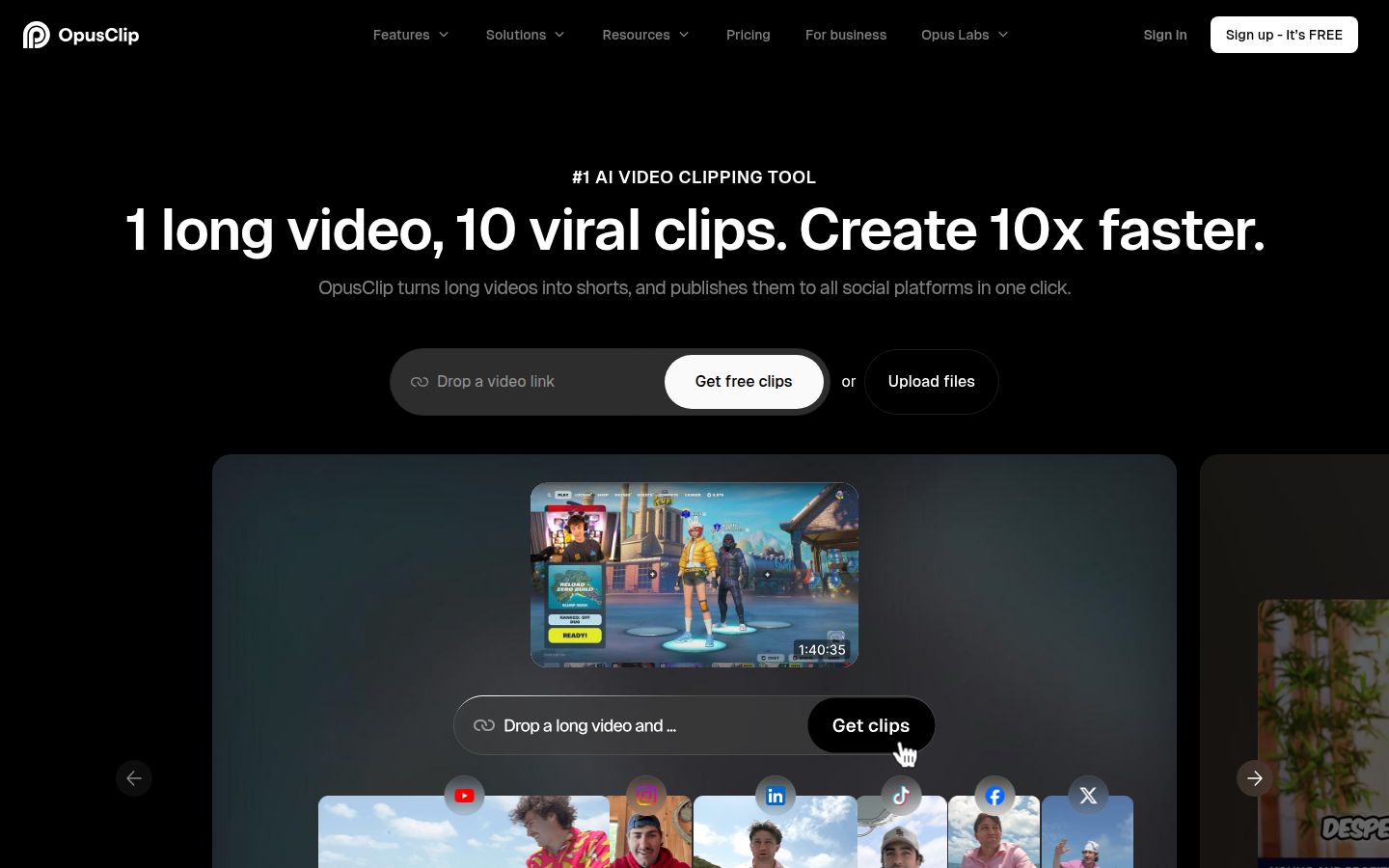
OpusClip is built to take a long video and find the moments worth posting. Its homepage describes the job as "1 long video, 10 viral clips." It also has animated captions, reframing to vertical, a social scheduler and an editor.
OpusClip uses credits. One credit equals one minute of the source video you import, not one clip. The plans on OpusClip's pricing page and in StoryCut's breakdown, checked in October 2026, are:
- Free: 60 credits a month, up to 1080p, with a watermark and no editing. Clips stop being exportable after 3 days.
- Starter: $15/month, 150 credits a month, monthly billing only. It has the editor and watermark-free export.
- Pro: $29/month, or $14.50/month billed yearly ($174 a year). 300 credits a month. Pro adds music and sound effects, dubbing, and 4K downloads from true 4K sources.
- Business: custom pricing.
What OpusClip does best: it finds clips in a long recording, so one hour of footage can become several shorts. Its help material says it supports 20-plus languages, which is more than Sycamore's English-only transcription.
Limits to know: credits count the minutes you import, so a 30-minute recording uses 30 credits. Starter has no music, sound effects or dubbing. Those are on Pro.
Best for: podcasters, coaches and teams who record long conversations and want many short clips from each one, plus scheduling for those clips.
Descript

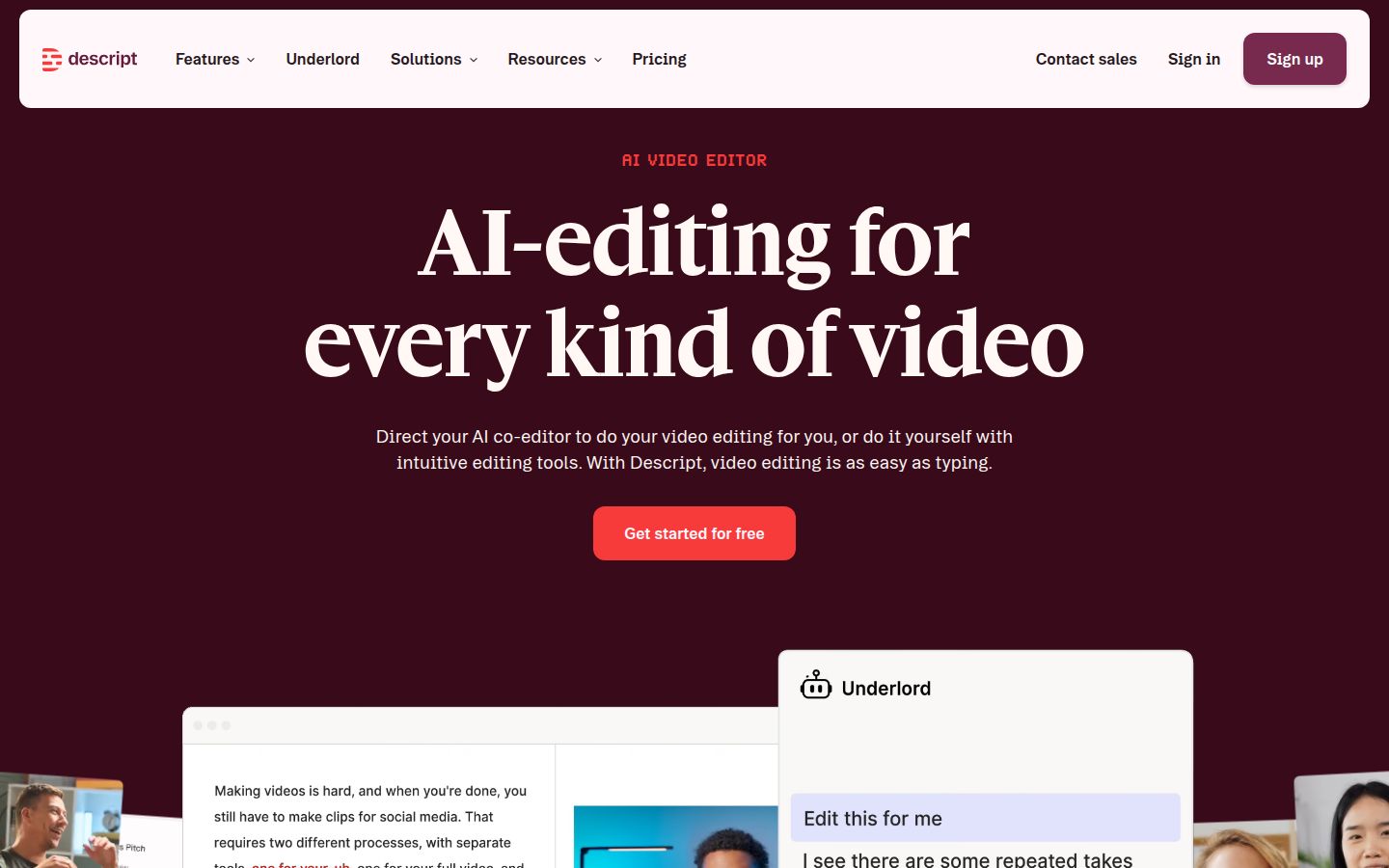
Descript is a full video and audio editor that works from a transcript. You edit the video by editing its text. Cutting a sentence from the transcript cuts it from the video. It also has Studio Sound for audio cleanup, filler-word removal, captions, eye contact correction, multicam and Underlord, its AI co-editor.
Descript's paid plans are priced per person, as shown on Descript's pricing page and in CursorClip's October 2026 breakdown:
- Free: $0, 60 media minutes a month, 720p export with a watermark.
- Hobbyist: $16/month billed yearly, or $24/month billed monthly. 10 media hours a month. Watermark-free exports up to 1080p.
- Creator: $24/month billed yearly, or $35/month billed monthly. 30 media hours a month, 800 AI credits, and 4K export.
- Business: $50/month billed yearly, or $65/month billed monthly. Business lists translation and dubbing in 30-plus languages.
What Descript does best: it's the strongest choice when the transcript is the way you think about the edit. Podcasters and interviewers use it to remove filler words and fix audio in the same place. Its Create Clips feature is also on its feature list.
Limits to know: Descript is a full editor, so there's more to learn than in a tool built only for captions. Some users in Reddit threads say the editor took time to get used to. Media hours are monthly and don't roll over, so heavy use can mean a higher plan.
Best for: podcasters, long-form creators and small teams who want one editor for audio and video, and who are willing to learn it.
Captions

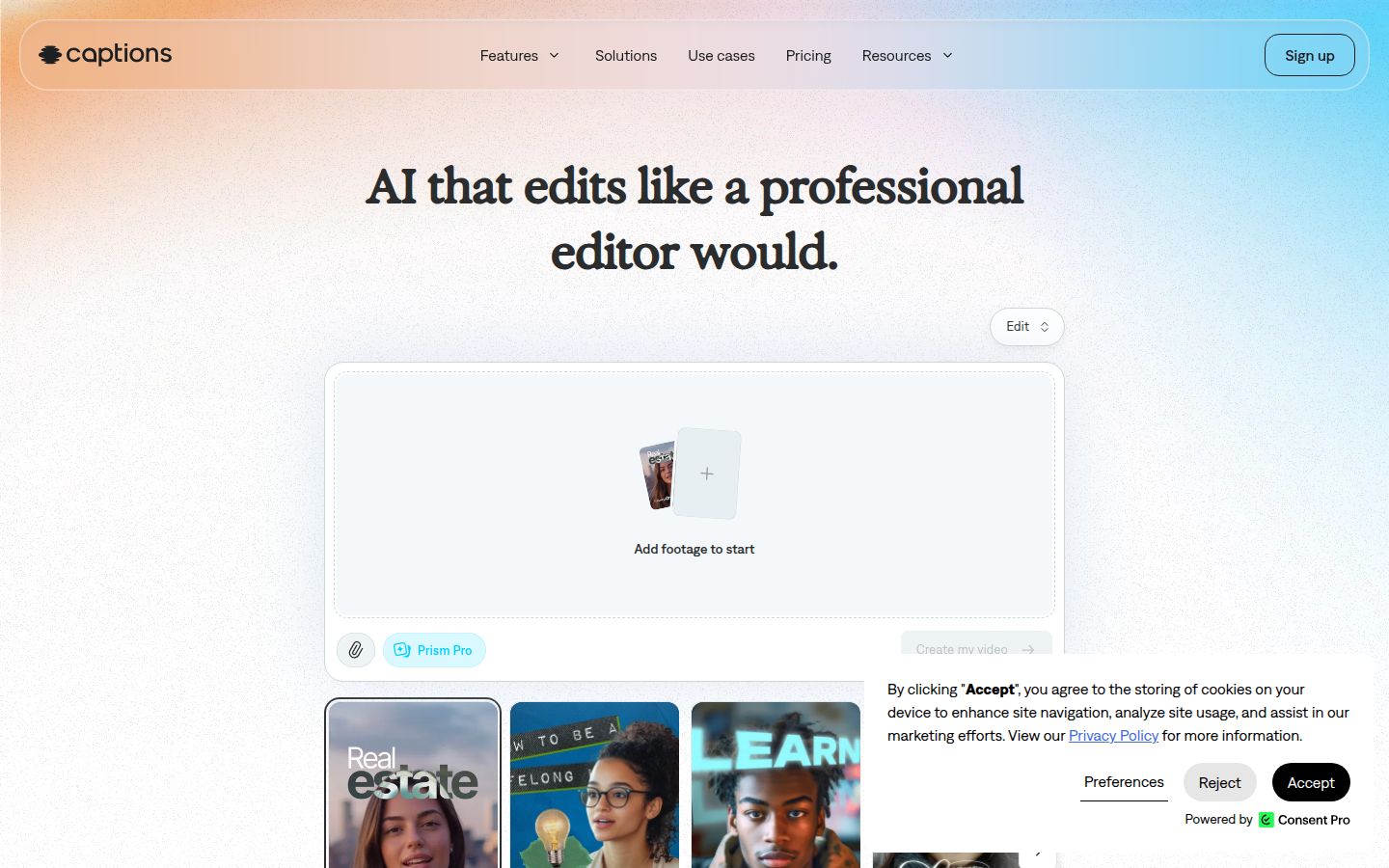
Captions is a mobile-first app for editing and captioning talking-head video, and it's the tool this post is about. It has auto-captions with word-level sync, eye contact correction for reading from a script, filler-word and pause removal, AI Edit, dubbing, and AI avatars.
The Captions pricing page lists these plans, in USD for the iOS app:
- Free: $0. It includes one caption template and no AI credits.
- Max: $24.99/month, with 500 AI credits and the full caption template library.
- Frontier: $69.99/month (1,400 credits), $139.99/month (2,800 credits) or $279.99/month (5,600 credits), depending on usage.
- Enterprise: custom pricing.
The $9.99 Pro plan is gone from the pricing page, according to UsagePricing's record of the change. Captions' help center still mentions a Basic plan, formerly Pro, so check the plan names at checkout.
What Captions does best: if you film and edit on an iPhone, it's the fastest path from a phone recording to a styled video. Its app is built around that workflow, with AI edits, eye contact correction and avatars in one place.
Limits to know: the prices shown are for iOS. Its AI features need credits, so the free plan is for trying the basics. Captions creates the video but doesn't schedule or post it for you.
Best for: iPhone-first creators who want AI editing or avatars and can pay for the Max plan. If you only need captions on a long video, a clipping tool fits better.
Vizard

Vizard turns long-form video into short clips for TikTok, Instagram, YouTube Shorts and other channels. Its AI picks the moments, cuts them and centers the subject in a vertical frame. It also has a caption editor and a social scheduler on its paid plans.
Vizard's plans, from its pricing page in October 2026:
- Free: $0, 60 credits a month, export up to 720p, full access to the video editor, 3-day storage.
- Creator: $29/month, or $14.50/month billed yearly ($174 a year). No watermark, 4K export, scheduled posts, 6 social accounts and 100 GB of storage.
- Business: $39/month, or $19.50/month billed yearly ($234 a year). Shared workspace, 20 social accounts, a brand kit, unlimited storage, and team seats at $5/month each.
Vizard charges 1 credit per minute of video you upload. A commenter in a June 2026 Reddit thread on r/contentcreation called Vizard "genuinely solid" and said the AI clip selection is decent. That's one person's view, but it matches what the pricing page describes.
What Vizard does best: it combines clip finding with scheduling and, on Business, team workflows. Creator is the lowest paid plan that removes the watermark and includes scheduling.
Limits to know: credits are counted per minute of upload, so long recordings use more of your allowance. Scheduling and the watermark-free export both need Creator or Business.
Best for: creators with long recordings who want clips and a schedule in one tool, and small teams that need a shared workspace.
How to choose between these tools
Start with the kind of video you make and how often you make it.
- You film one talking-head video at a time and want it edited and captioned. Start with Sycamore. Its Starter plan at $19 a month gives you 3 hours of video with no watermark, and the free plan includes 10 minutes with no card. If you need B-roll and don't need silence removal, Submagic's Starter plan at $19 a month is the other option.
- You have long recordings and want many clips. Choose OpusClip if you want the lowest monthly price with a watermark-free plan, or Vizard if you want clips and scheduling on the same plan.
- Your work is editing audio and video together, from a transcript. Choose Descript. Expect to spend time learning the editor.
- You film on an iPhone and want AI edits or avatars. Captions is built for that. Expect to pay for Max at $24.99 a month to get the full set of templates and AI credits.
- You want to test before paying. Sycamore's free plan covers 10 minutes of video. Submagic's trial covers 3 short videos. OpusClip and Vizard both have 60 free credits a month.
Whichever you pick, test it on one real video from your own feed before you commit. Check the captions, the cut points and the export, then decide.
Read our guide to editing raw talking-head footage if you want to compare the steps by hand first.
FAQ
Is there a free alternative to the Captions app?
Yes. Sycamore's free plan gives you 10 minutes of video one time with no credit card. OpusClip and Vizard each give 60 free credits a month, and Descript's free plan gives 60 media minutes a month with a watermark.
What is the cheapest watermark-free caption tool in this list?
On monthly billing, OpusClip's Starter plan at $15 a month is the lowest watermark-free paid plan here. Descript's Hobbyist plan is $16 a month billed yearly and also exports without a watermark up to 1080p.
Which of these tools can caption in languages other than English?
Captions, Submagic and OpusClip all list support for many languages on their sites. Sycamore's transcription is English only, so check the language you film in before you choose it.
Can these tools post my videos to TikTok or Instagram for me?
Some can. OpusClip has a social scheduler on its paid plans, Vizard schedules posts on its Creator plan, and Submagic publishes to social profiles on Pro. Sycamore doesn't post or schedule for you.
Should I pick a clipping tool or a caption editor?
Pick a clipping tool if you have long recordings and want many shorts from each one. Pick a caption editor like Sycamore or Submagic if you film one talking-head video at a time and want it finished.