If you already edit in CapCut, you probably like it a lot. It's free to start, it runs on your phone and your laptop, and it has a big library of templates, effects and caption styles. Many creators build their whole short-form routine around it.
Still, plenty of people start looking for something else. The reasons come up again and again. The Pro plan is $19.99 a month or $179.99 a year. Free exports carry a watermark. Some caption features sit behind Pro. Others want a tool that does one job well, like turning a raw talking-head recording into a captioned short without building the edit by hand. And some creators need something CapCut doesn't focus on, like cutting a long recording into many clips, or editing video by editing its transcript.
This post covers seven tools: Sycamore, CapCut, Submagic, OpusClip, Descript, VEED and Vizard. We make Sycamore, so read our section with that in mind. For each tool we describe what it does, where it's the better choice, and what it costs as of October 2026.
CapCut alternatives at a glance
| Tool | Starting price (October 2026) | Free plan or trial | Best for |
|---|---|---|---|
| Sycamore | $19/month (Starter, 3 hours of video) | 10 minutes of video, one time, no card | Raw talking-head footage to a finished captioned short in one pass |
| CapCut | Free, or Pro at $19.99/month or $179.99/year | Free plan, exports carry a watermark | A full editor you already use on phone and desktop |
| Submagic | $19/month, or $12/month billed yearly | Free trial, no card needed | Animated captions and quick short-form edits |
| OpusClip | Free, or Starter at $15/month | Free plan with 60 credits a month | Turning one long video into many clips |
| Descript | Free, or Hobbyist at $24/month ($16 billed yearly) | Free plan, 60 minutes of media | Editing video by editing the transcript |
| VEED | Free, or Creator at $10/user/month billed yearly | Free plan, exports carry a watermark | A browser editor with subtitles, resizing and AI tools |
| Vizard | Free, or Creator at $29/month ($14.50 billed yearly) | Free plan with 60 credits a month | Clipping long videos and scheduling posts |
Plans change, so check each pricing page before you pay. The prices above are the ones each tool listed in October 2026.
Sycamore

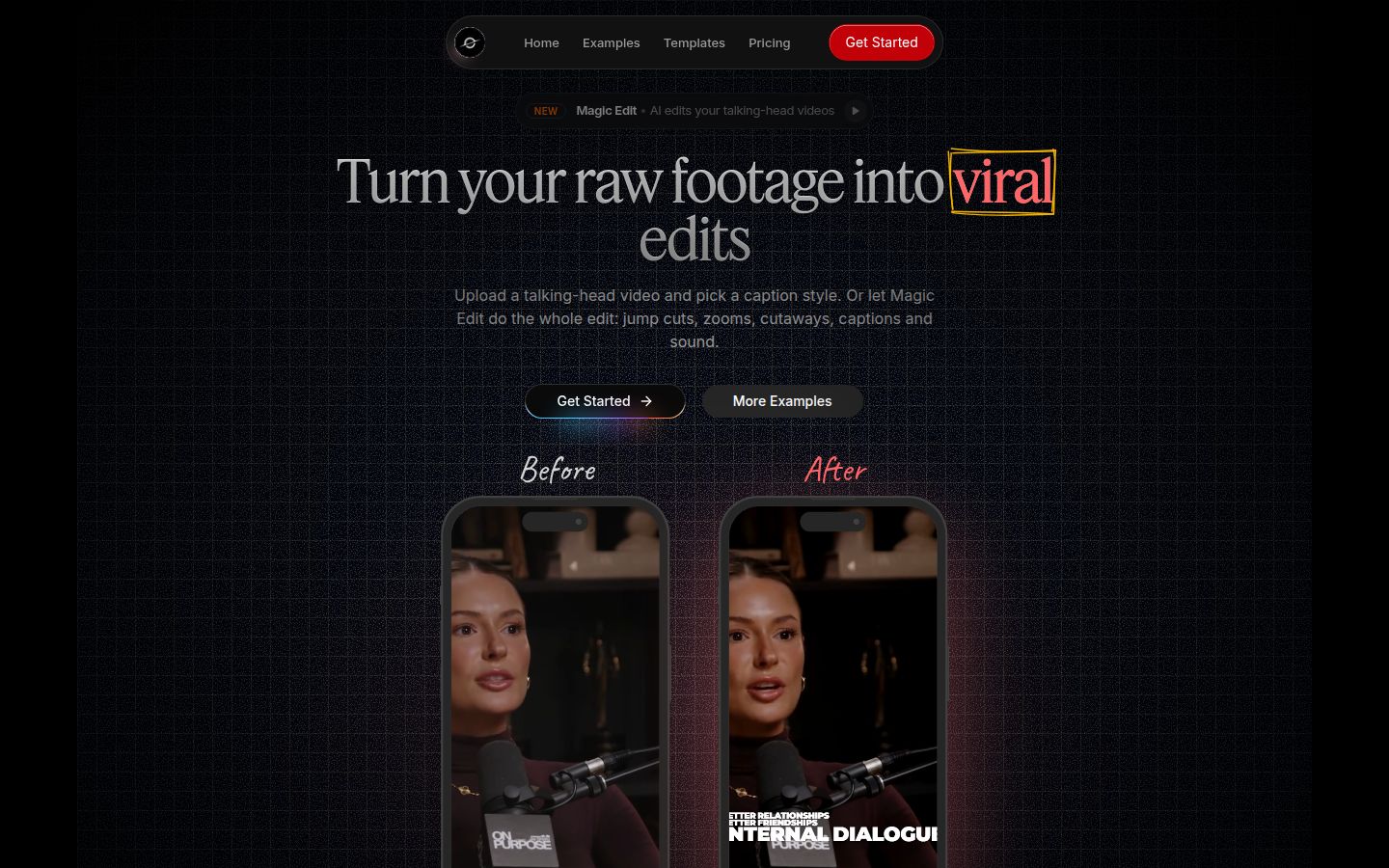
Sycamore is a web app that turns a raw talking-head recording into a finished, captioned short-form video. It runs in your browser, so there's nothing to install. You upload an MP4, MOV, WebM or MP3 of up to 2 hours.
The main feature is Magic Edit. You upload the video, pick one of three edit styles (Apollo, Hermes or Athena), and Sycamore edits the whole thing in one pass. It cuts silences and filler words, adds word-by-word captions, puts emphasis on key lines, adds zooms, and drops full-screen text cutaways on the big moments. Then you review the edit before you export. Each line can be set to Normal, Emphasis, Full screen, Number, List or Label, so you stay in control of how the video reads.
If you prefer to style captions yourself, the caption editor lets you change any word, plus fonts, colors, size, animation and position. You can save a look as a preset and reuse it on every video. Every word is timed in a word-level transcript, so captions stay in sync. You export an MP4 in 9:16, 1:1 or 16:9.
Sycamore is built for founders, coaches, educators, podcasters and creators who film themselves talking and post to TikTok, Instagram Reels, YouTube Shorts or LinkedIn. Because it does one job, there's less to learn than in a full editor.
Pricing (October 2026):
- Free: 10 minutes of video, one time, no credit card.
- Starter: $19/month for 3 hours of video a month, no watermark.
- Growth: $39/month for 10 hours of video a month, no watermark, priority rendering.
Limits that matter for this comparison:
- Transcription works in English only.
- Sycamore edits the one video you upload. It doesn't cut a long recording into many separate shorts. For that, look at OpusClip or Vizard below.
Best for: someone who films one talking-head video at a time and wants the cuts and captions done without learning a timeline editor. If you clip long streams or webinars into many posts, a clipping tool fits better.
CapCut

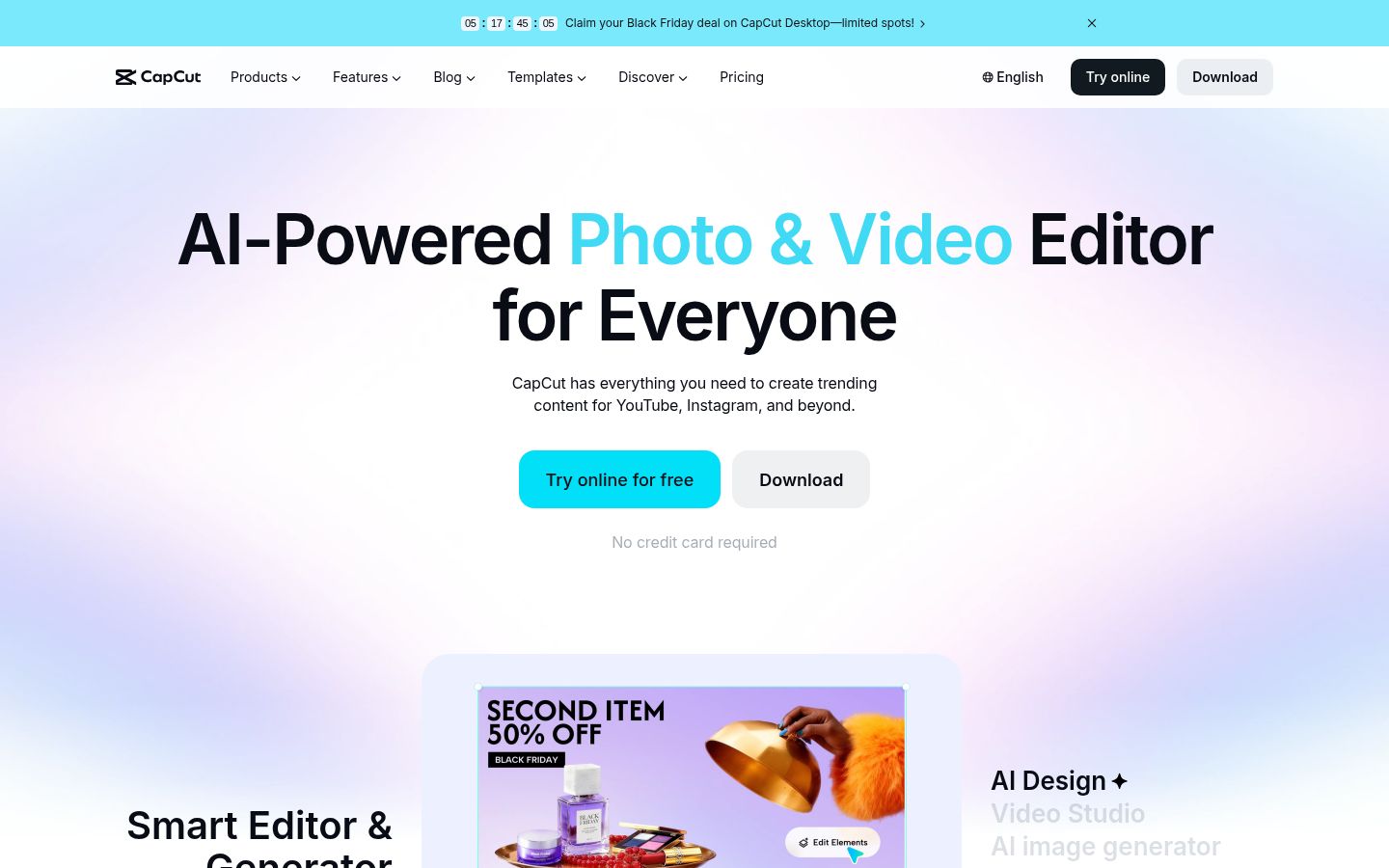
CapCut is a full video editor with desktop, mobile and online versions. You get a multi-track timeline, a large library of templates, effects, transitions and caption styles, and direct sharing to TikTok. For a lot of creators, it's the one app that does every step, from the first cut to the export.
CapCut does a lot well. It's the best choice if you want to build each edit by hand, use ready-made templates, or edit on your phone. It also has a long-to-short tool for turning longer videos into clips.
Limits:
- The free plan exports with a watermark. Watermark-free exports need a paid plan.
- Some caption features sit on the Pro plan, so check which auto captions your account can use before you build a workflow around them.
Pricing (October 2026): Free, or Pro at $19.99 a month or $179.99 a year in the US. Pro also includes 1,200 monthly AI credits and 1 TB of storage.
Best for: creators who like to build every edit themselves, who edit mostly on a phone, or who already know the app well. If your main need is captions and cuts on talking-head footage, a tool built for that job can be quicker.
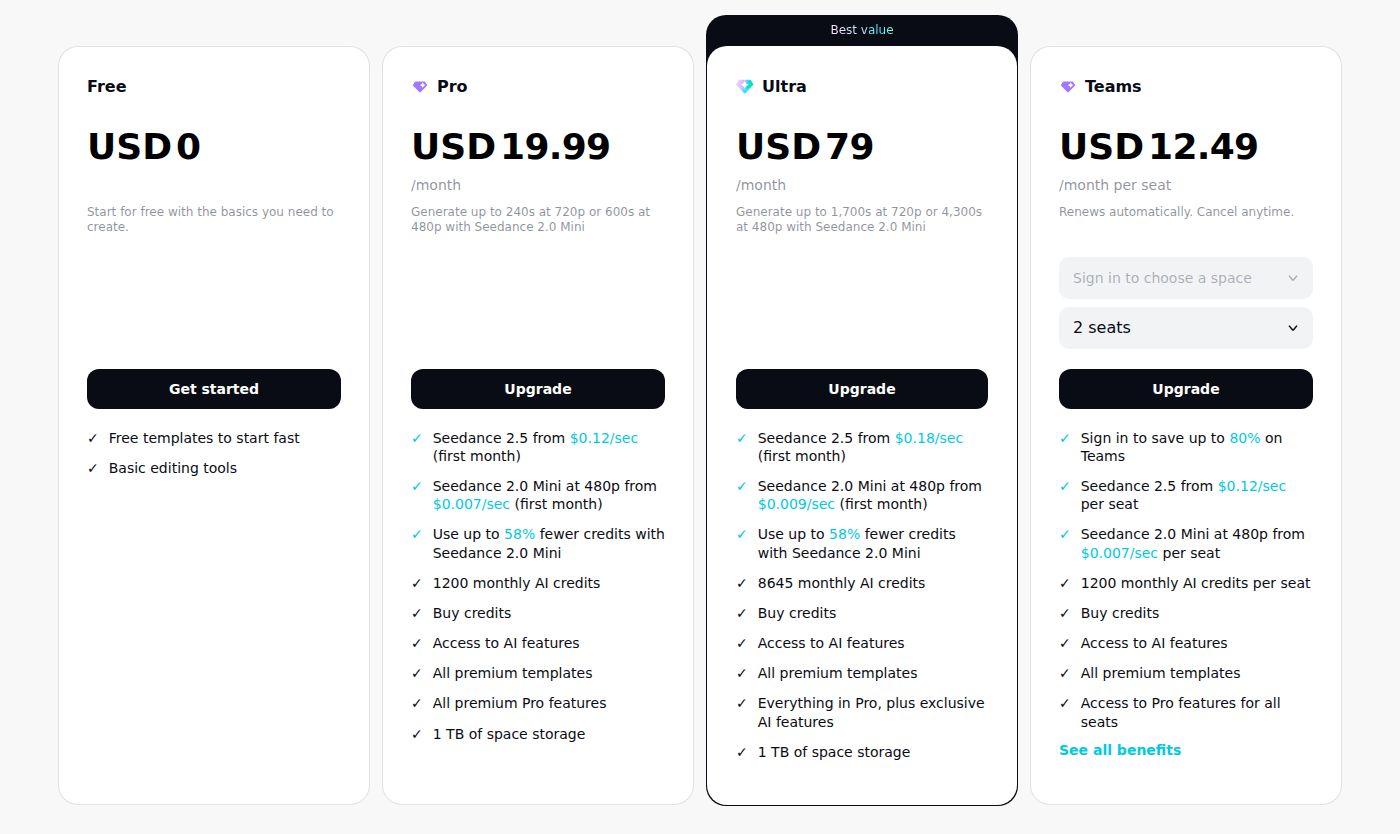 CapCut's pricing page showing the Free, Pro, Ultra and Teams plans
Submagic

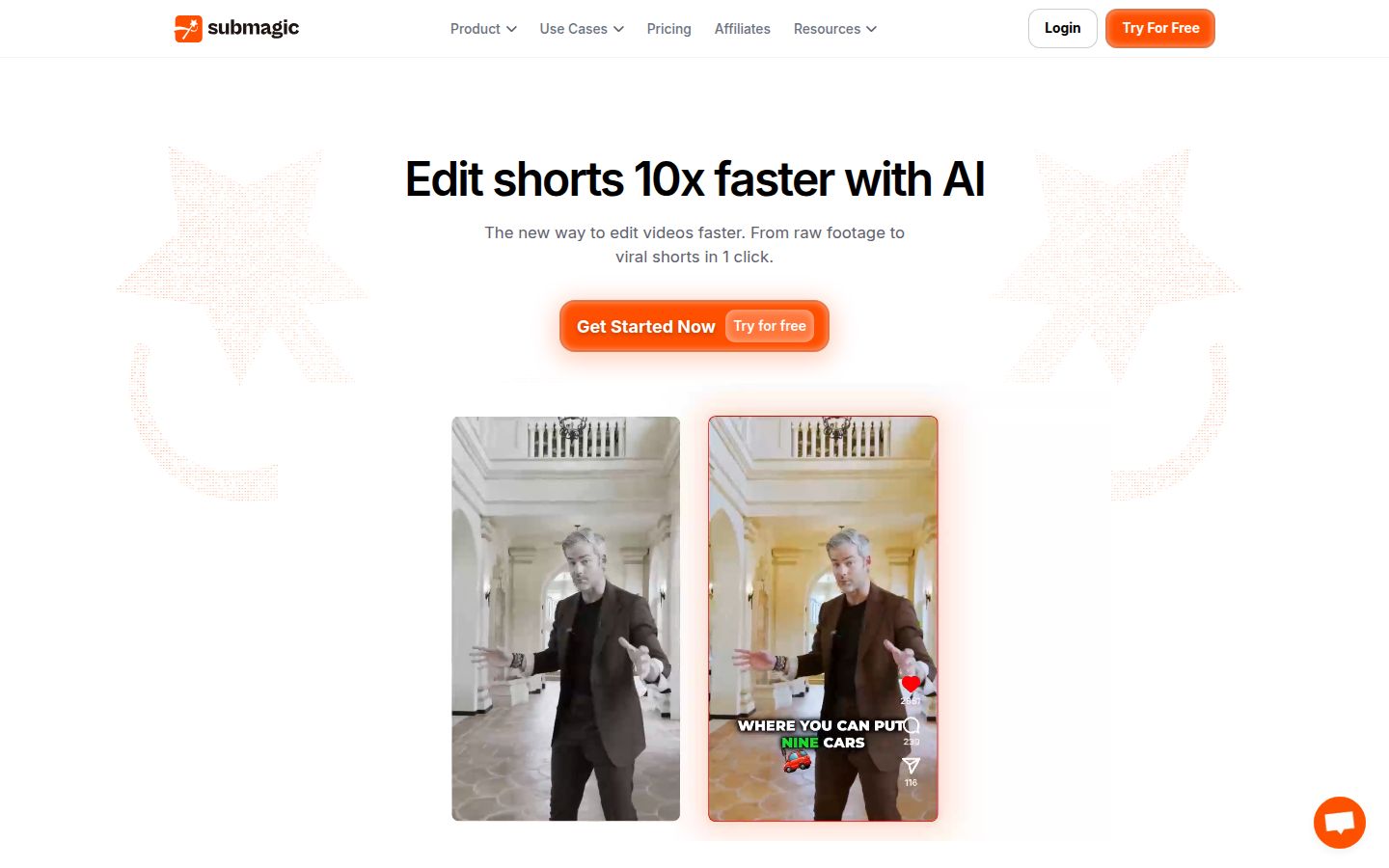
Submagic is an AI editor built around animated captions for short videos. You upload a clip, choose a caption style, and it adds captions, zooms, B-roll and hook titles. Its caption styles are animated and varied, and a captioned clip comes back quickly.
Submagic's strongest point is caption styling. If the animated look is the thing you want most, it's a strong pick. It also has a Magic Clips add-on that works on longer videos.
Limits:
- The silence and filler-word removal, auto zoom and custom fonts are on the Pro plan, not Starter.
- Starter covers 15 videos a month, each up to 2 minutes. Pro covers 40 videos, each up to 5 minutes.
- Auto edits can add B-roll and hook titles you didn't ask for, so review them before you export.
- Watermark-free downloads need a paid plan.
Pricing (October 2026): Starter is $19 a month or $12 a month billed yearly. Pro is $39 a month or $23 a month billed yearly. Business is $69 a month or $41 a month billed yearly. Magic Clips is an add-on at $19 a month for 10 uploads.
Submagic counts videos and their length, while Sycamore counts hours of video. A creator posting several short clips a week may find one model easier to plan around than the other.
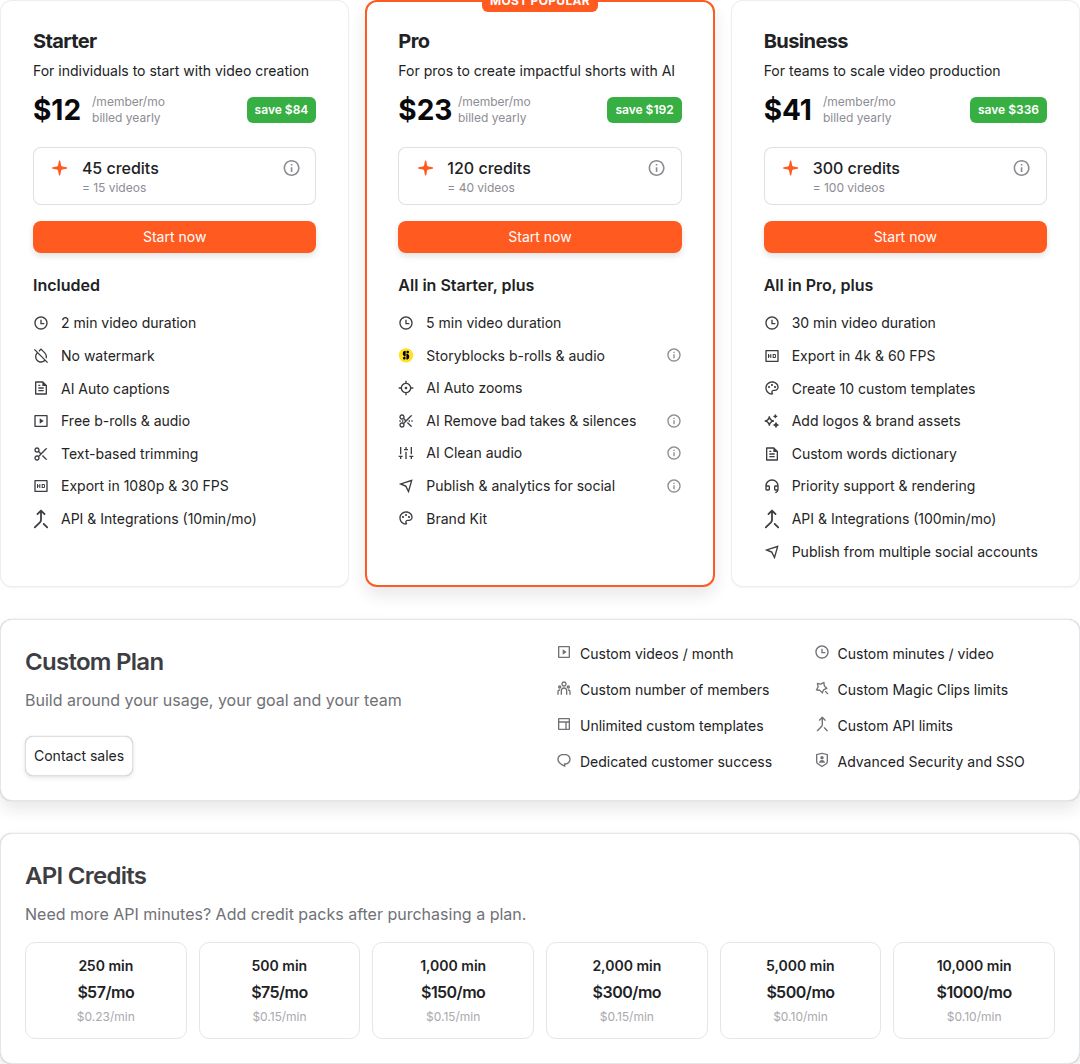 Submagic's pricing page showing the Starter, Pro and Business plans
Best for: creators who want polished animated captions on short clips and don't mind paying for Pro if they need the silence and filler-word cuts. If you want the cuts and captions in one pass at the Starter price, Sycamore's $19 plan covers that. You can compare the two in our Submagic vs Captions App guide.
OpusClip

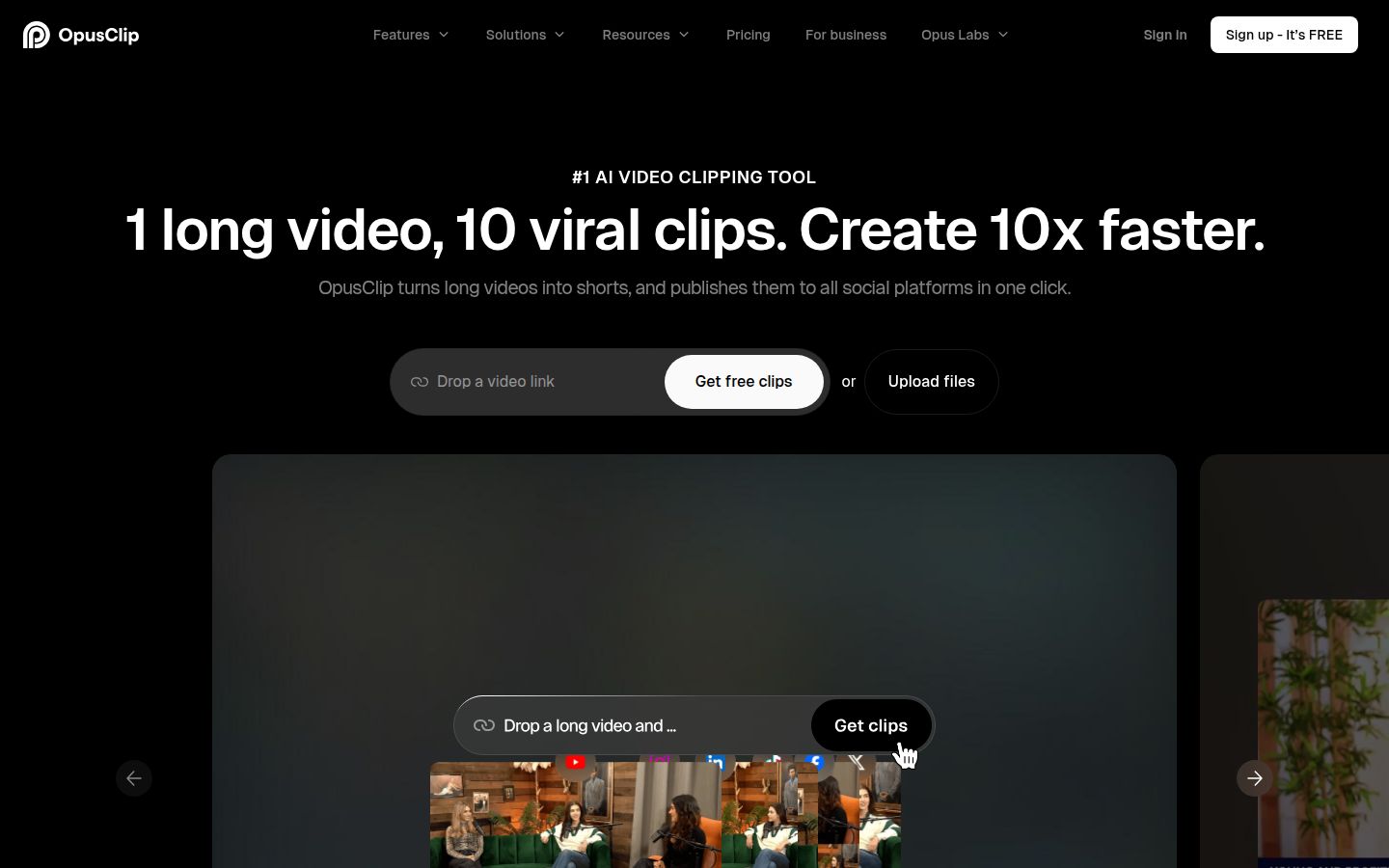
OpusClip is built to take one long video and find the short clips inside it. Its homepage describes the idea as "1 long video, 10 viral clips." You can upload a file, and the Pro plan also imports from links such as YouTube, Vimeo and Zoom. It supports videos in English and more than 20 other languages, and it adds captions, reframing for different aspect ratios and a social scheduler.
OpusClip is the better fit when your source is long: a webinar, a podcast episode, a livestream or a long interview. It looks for the moments worth clipping, which is a different job from editing one video you already have.
Limits:
- Processing uses credits, at roughly one credit per minute of video you import. The Free plan gives 60 credits a month, and the paid plans give more.
- Free plan exports carry a watermark.
Pricing (October 2026): Free, Starter at $15 a month, Pro at $29 a month, and a custom Business plan.
Best for: people who regularly turn long recordings into many clips. If each post is a single talking-head video, you won't need that search step. If you want a clip-finder for long footage, our Best Opus Clip Alternatives post compares other options.
Descript

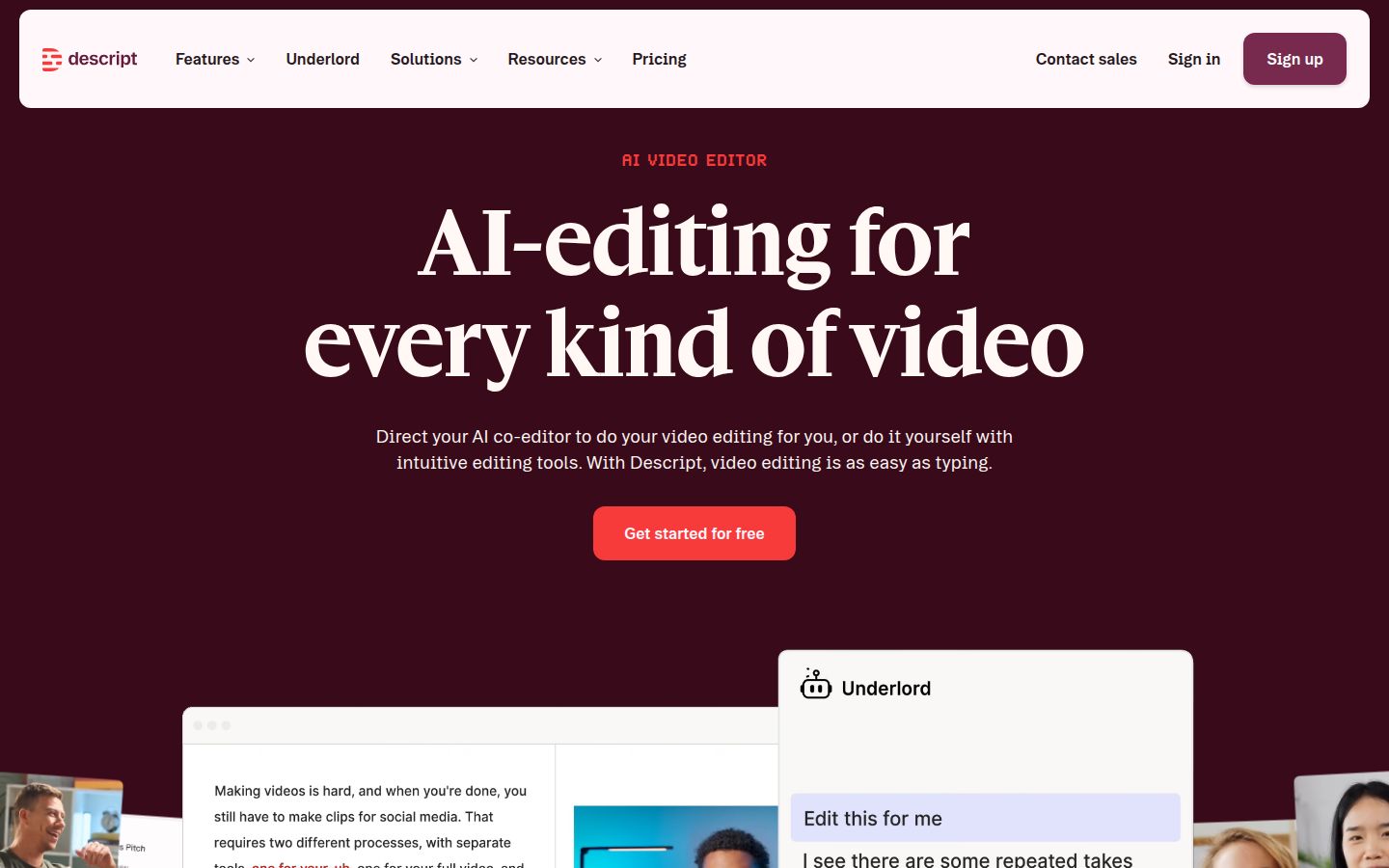
Descript is an audio and video editor where you edit the transcript. Delete a sentence in the text and it's cut from the video. It has tools to remove filler words, clean up audio with Studio Sound, find clips and add captions. Its AI assistant, Underlord, can help with edits from a prompt.
Descript is strongest for people who think in transcripts and work with long recordings, especially podcasters and teams. Creator is the plan that adds team seats.
Limits:
- Two monthly meters apply: media hours and AI credits. Hobbyist includes 10 media hours and 400 AI credits a month. Creator includes 30 media hours and 800 AI credits.
- The free plan exports at 720p with a watermark. Watermark-free export starts at Hobbyist.
Pricing (October 2026): Free, Hobbyist at $24 a month or $16 a month billed yearly, Creator at $35 a month or $24 a month billed yearly, and Business at $65 a month or $50 a month billed yearly. Prices are per person.
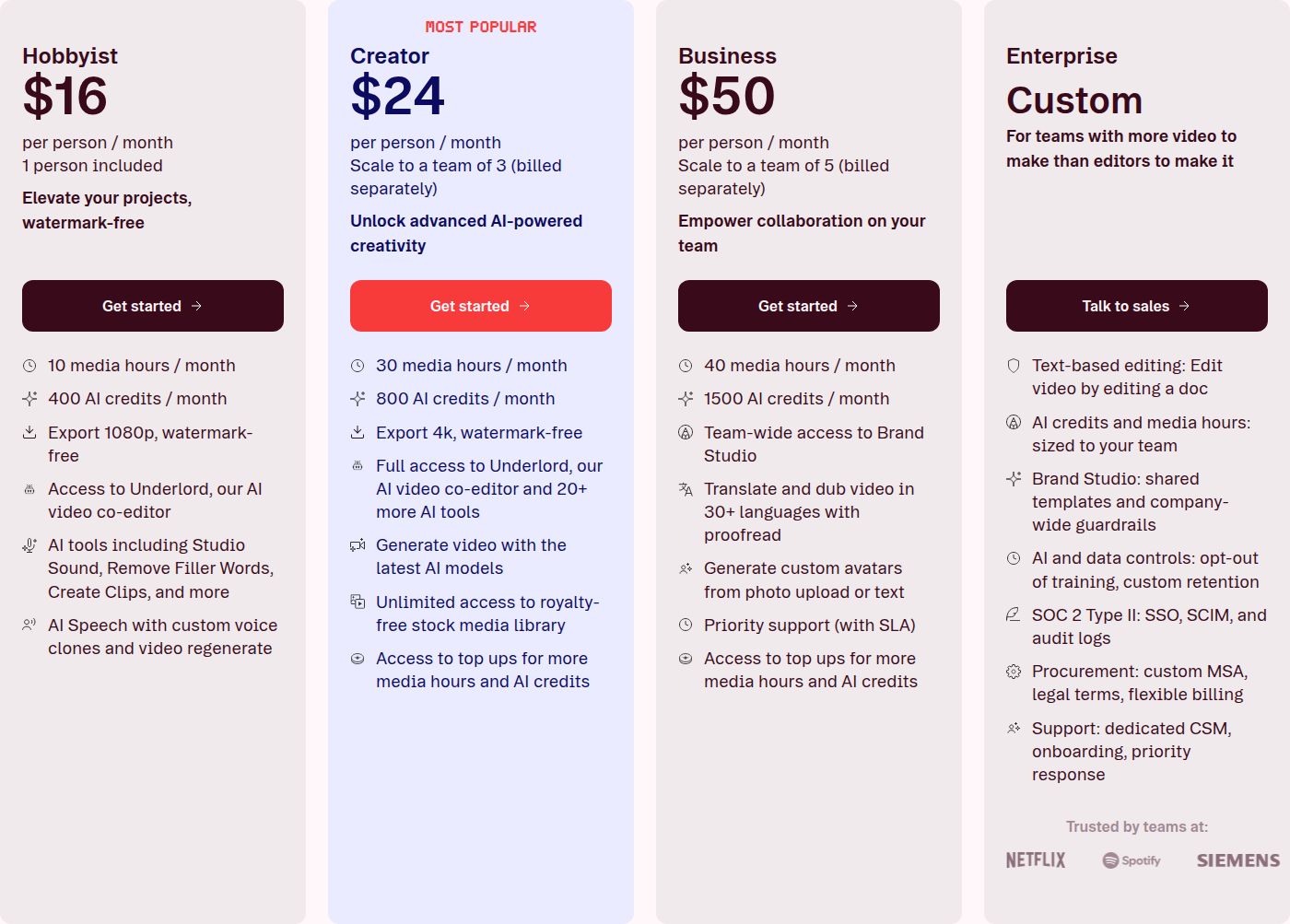 Descript's pricing page showing the Hobbyist and Creator plans
Best for: podcasters, interview-heavy creators and small teams who want one editor for audio and video. If you only need captions on a single talking-head clip, Descript's model of two meters may be more than you need. We covered that in our Descript review for short-form creators.
VEED

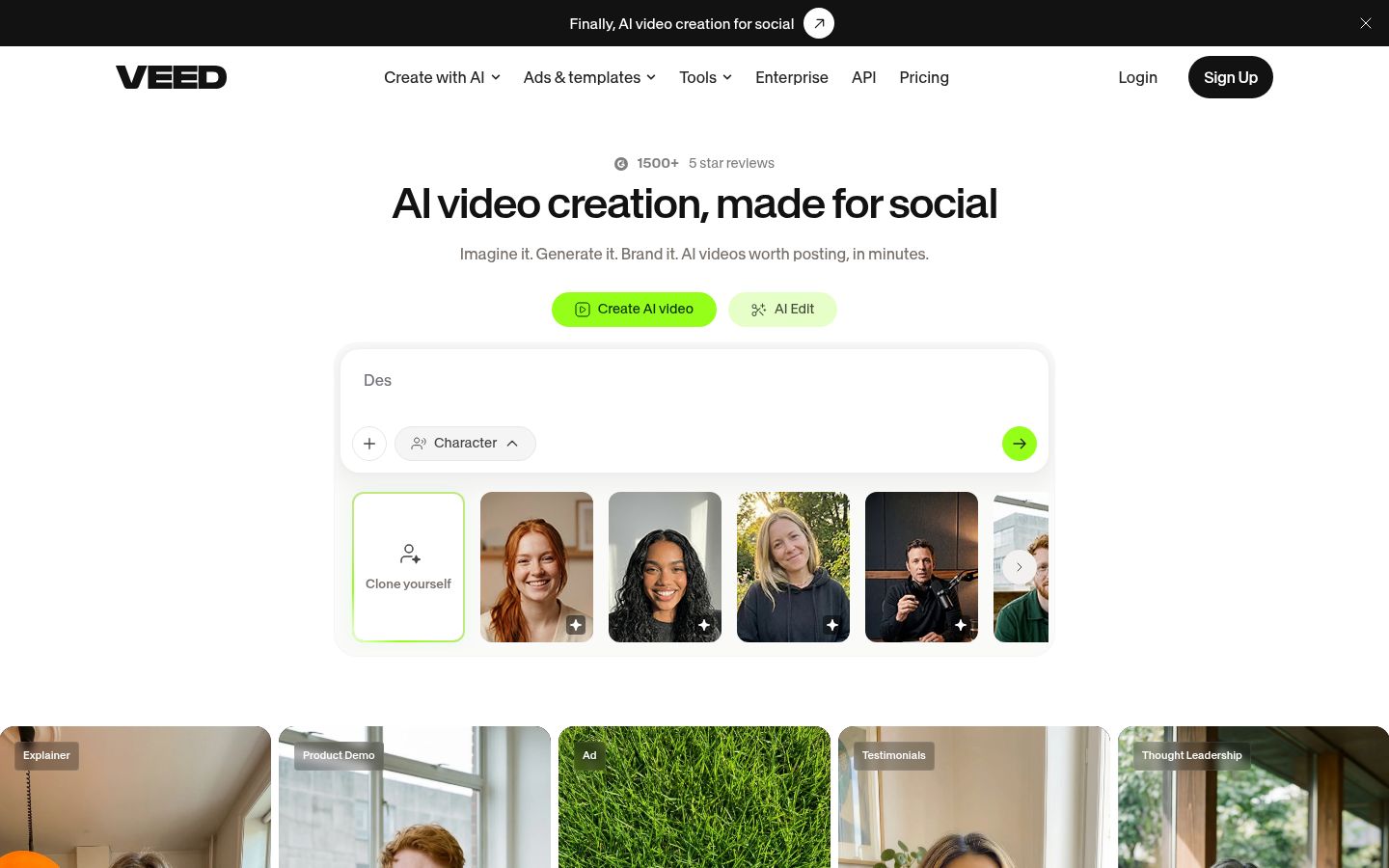
VEED is a browser-based editor. It covers the basics (trimming, text, music, subtitles and resizing for each platform) and adds AI tools for generating video, voices and avatars. Nothing to install, and it works the same on any computer with a browser.
VEED's strength is breadth. If you need subtitles, a quick resize for Reels or Shorts, a few images, and an audio cleanup in the same tab, it covers them. It also has a team option for larger groups.
Limits:
- The free plan exports with a watermark.
- Creator at $10 a user a month includes 120 hours of subtitles a year. Pro at $19 a user a month includes unlimited auto subtitles and 4K export. The page lists these prices billed yearly.
Pricing (October 2026): Free, Creator at $10 per user a month billed yearly ($120 a year), Pro at $19 per user a month billed yearly ($228 a year), and Studio and Enterprise plans for larger teams.
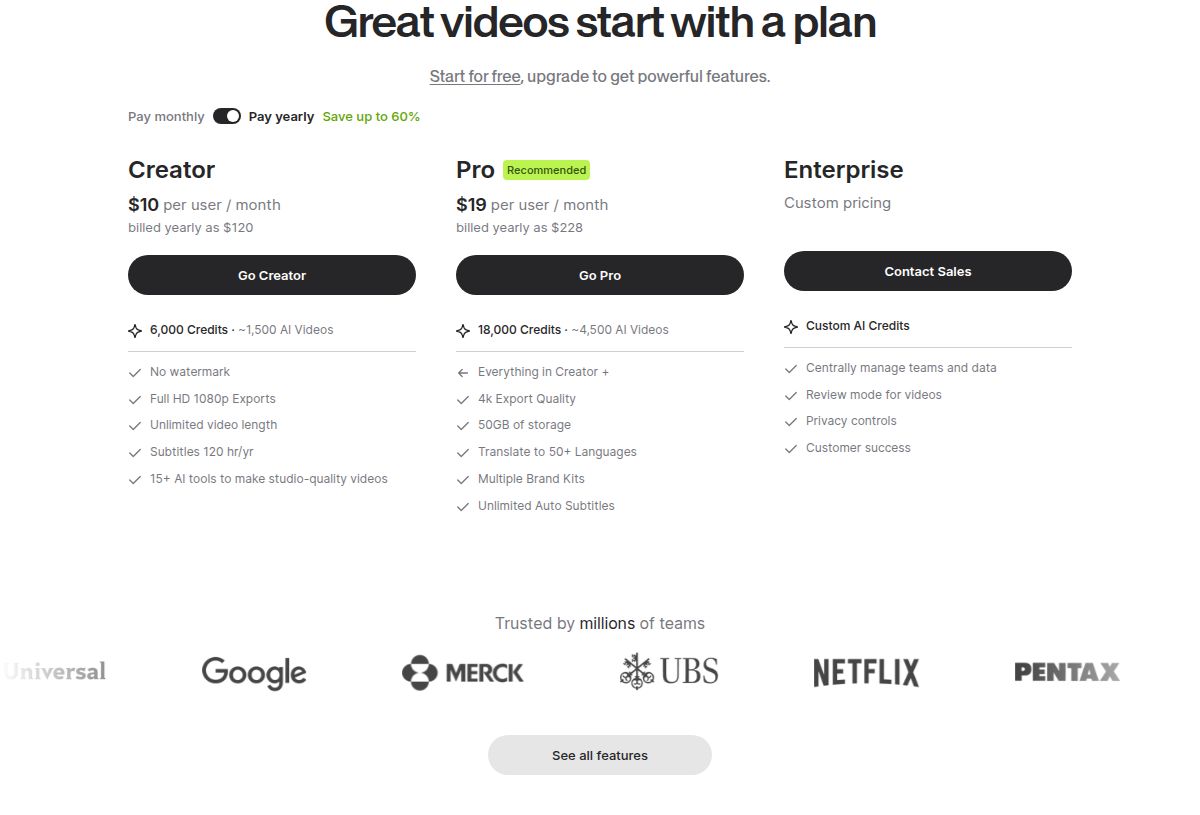 VEED's pricing page showing the Creator and Pro plans
Best for: people who want a single browser tab for subtitles, resizing and other small jobs. If you mainly need captions on talking-head footage, a focused tool may be less to manage. Our Best Veed Alternatives post covers that comparison.
Vizard
Vizard has no logo in our library, so we link to its site directly. Visit vizard.ai

Vizard is an AI tool that turns long-form videos into short clips for TikTok, Instagram, YouTube Shorts and other channels. Like OpusClip, it starts from a long video and picks out the clips. It also has a full video editor and a social scheduler on paid plans.
Vizard suits creators who record long content and want clips plus a posting calendar in one place. Its Business plan adds a shared workspace and brand kit.
Limits:
- Vizard uses credits at one credit per minute of video you upload. The free plan gives 60 credits a month and exports at 720p.
- The free plan manages one social account and keeps stored projects for 3 days.
Pricing (October 2026): Free, Creator at $29 a month or $14.50 a month billed yearly ($174 a year), and Business at $39 a month or $19.50 a month billed yearly ($234 a year). Creator removes the watermark, exports in 4K and includes scheduling for six accounts. Business adds shared workspaces and a brand kit, and extra team seats cost $5 a month each.
Best for: creators who want a clip-finder for long recordings and a schedule for posting the results. If you only need to edit a single short video, you won't use most of what Vizard offers. Our Best Vizard Alternatives post has more options.
How to choose
Start with the kind of footage you have. Then pick the tool built for it.
- You film one talking-head video at a time and want it finished. Choose Sycamore if you want the silence and filler cuts, the captions and the emphasis styling done in one pass for $19 a month. Choose Submagic if its animated caption styles matter most and you're willing to pay $39 a month for the Pro features.
- You want to build each edit yourself, from templates, mostly on a phone. Start with CapCut's free plan. Upgrade to Pro only if you need the watermark gone or the Pro features.
- You have long recordings and need many clips. Choose OpusClip for clip-finding with a credit system, or Vizard if you also want a posting schedule.
- You edit by transcript, work with audio, or need team seats. Choose Descript. Plan for the Creator tier if more than one person edits.
- You want a browser tool for subtitles, resizing and other small jobs. Choose VEED. The Creator plan covers 120 subtitle hours a year.
Before you pay for anything, run one real video through two free plans. Pick a video you already filmed, export it on each tool, and compare the captions and the watermark. The free plan you can test without a card tells you more than any feature list. If you want a walkthrough first, our guide on how to edit talking-head videos shows the steps.
FAQ
Is there a free CapCut alternative for talking-head videos?
Yes. Sycamore's free plan includes 10 minutes of video, one time, with no credit card. Submagic offers a free trial without a card, and OpusClip, VEED, Descript and Vizard each have a free plan with limits on exports or credits.
What is the cheapest paid CapCut alternative?
Submagic's Starter plan is $12 a month billed yearly or $19 a month billed monthly, and Sycamore's Starter plan is $19 a month for 3 hours of video. OpusClip's Starter is $15 a month. Compare the limits as well as the price.
Can Sycamore cut a long recording into many shorts?
No. Sycamore edits the single video you upload into one finished, captioned short. For turning a long webinar or stream into many clips, OpusClip or Vizard are built for that job.
Does Sycamore support languages other than English?
No. Sycamore's transcription works in English only, so choose a different tool if your videos are in another language.
Does CapCut charge for auto captions?
Some caption features are on the Pro plan, which costs $19.99 a month or $179.99 a year in the US. Check which auto captions your free account can use before you build a workflow around them.
Is there a Sycamore mobile app?
No. Sycamore is a web app that runs in the browser, so it also works in a phone's browser, but there is no separate app to install.
Which tool is best for talking-head videos?
For one talking-head video at a time, Sycamore covers cuts, captions and emphasis in one pass from $19 a month. Submagic is a good pick if its animated caption styles matter most. For long recordings, OpusClip or Vizard fit better.