Vizard is a solid tool, and plenty of creators keep using it. Still, you are reading this because something about it doesn't fit right now. The free plan's watermark gets in the way. The credit counter runs out faster than you expected. Or you film one talking-head video at a time and want that one video finished, not a batch of clips cut from a long recording.
This post covers six alternatives: Sycamore, Opus Clip, Submagic, Descript, Captions and CapCut. Prices are as of October 2026. We took them from each tool's own pricing page where the page showed a number, and we say where we used a third-party source. Plans and credit amounts change, so check the checkout page before you pay.
Why people look for Vizard alternatives
The free plan adds a watermark. Vizard's free plan gives you 60 credits a month, but exports are capped at 720p and carry a Vizard watermark, and projects are kept for three days. Removing the watermark means the Creator plan, which costs $29 a month or $14.50 a month billed yearly ($174 a year) on Vizard's pricing page.
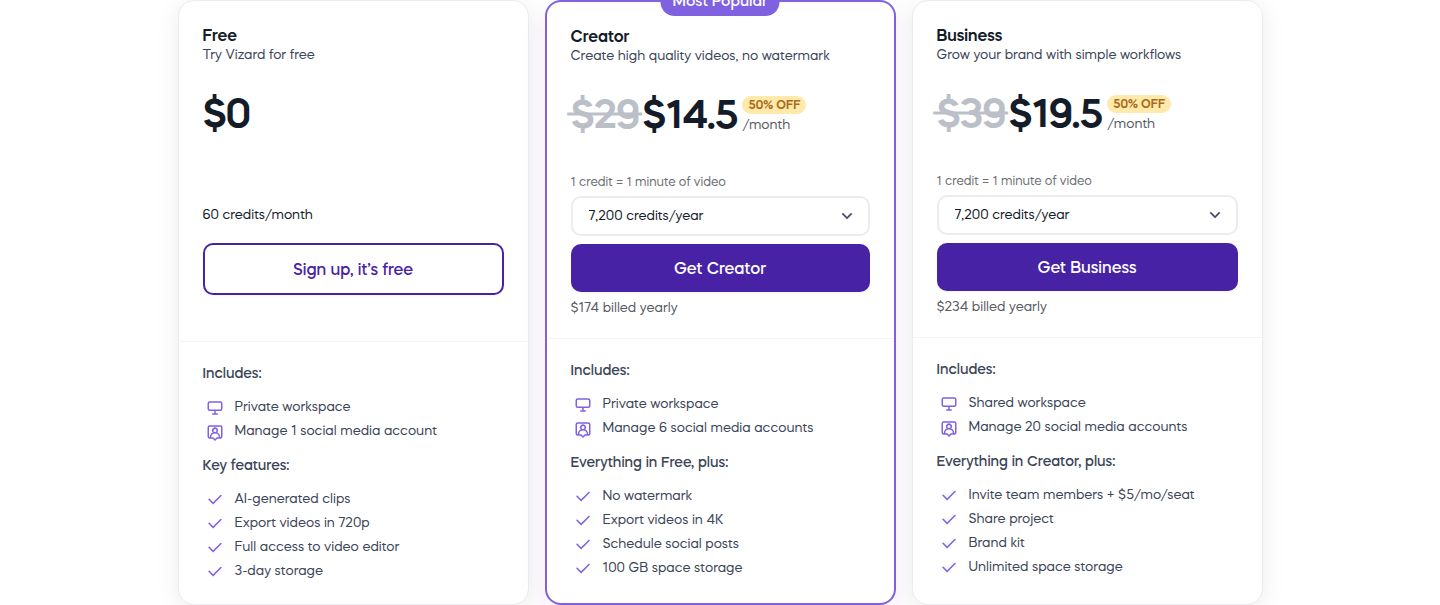 Vizard's pricing page showing the Free and Creator plans
Credits add up with frequent posting. On Vizard's pricing page, one credit equals one minute of uploaded video. Someone who posts several long recordings a week will watch the counter drop fast. In a June 2026 thread on r/contentcreation, one commenter who had used both Vizard and Opus Clip made the same point: all of these tools are monthly subscriptions with credit caps, so volume hits the limit. (Reddit thread)
It is built for long-to-short work. Valmera's August 2026 review describes Vizard's AI Studio as the established long-to-short system, and says it suits teams that turn podcasts, webinars, interviews and events into social clips (Valmera). If your footage is one person talking to the camera, you may want a tool that edits that one video from start to finish.
Pricing for the newer product is less clear. Vizard now sells Vizard Agent alongside AI Studio. Valmera notes that Agent's prices and allowances are not published for signed-out buyers, and that Agent is a separate public beta (Valmera). If you want a fixed monthly price you can check before you sign up, a tool with a public plan list may suit you better.
What Vizard does well. It finds clips in long recordings. One commenter in that thread called its AI clip selection decent. Its Creator plan adds 4K export, scheduling for six social accounts, an API, and SRT and TXT exports. Its Business plan adds a shared workspace, a brand kit and 20 social accounts. The same Reddit commenter said Vizard's caption editor was more flexible than Opus Clip's. That is one user's view, but it is a fair point for anyone who edits captions by hand.
The alternatives at a glance
Prices are per month unless noted. "Free" means what you get without paying.
| Tool | Starting price (Oct 2026) | Free plan or trial | Best for |
|---|---|---|---|
| Sycamore | $19/month (Starter, 3 hours of video) | 10 minutes of video, one time, no credit card | Editing one raw talking-head video into a finished, captioned short |
| Opus Clip | $15/month (Starter, 150 credits) | 60 credits a month, watermarked | Finding many clip candidates in long podcasts, interviews and webinars |
| Submagic | $19/month, or $12 a month billed yearly (Starter) | Trial of 3 short videos, no card | Caption-first editing with B-roll and auto zoom on clips under 5 minutes |
| Descript | $16/month billed yearly, or $24 monthly (Hobbyist) | Free plan: 60 media minutes a month | Editing by reading the transcript, and podcasts with audio cleanup |
| Captions | $24.99/month (Max, 500 credits) | Free plan with limited editing | AI-edited vertical presenter video, with prompt-based revisions and avatars |
| CapCut | $19.99/month or $179.99/year (Pro) | Free editor | A free all-purpose editor for desktop, web and phone |
| Vizard (the tool you're replacing) | $29/month (Creator), or $14.50 billed yearly | 60 credits a month, 720p watermarked | Long videos into many clips, with scheduling and an API |
Sycamore

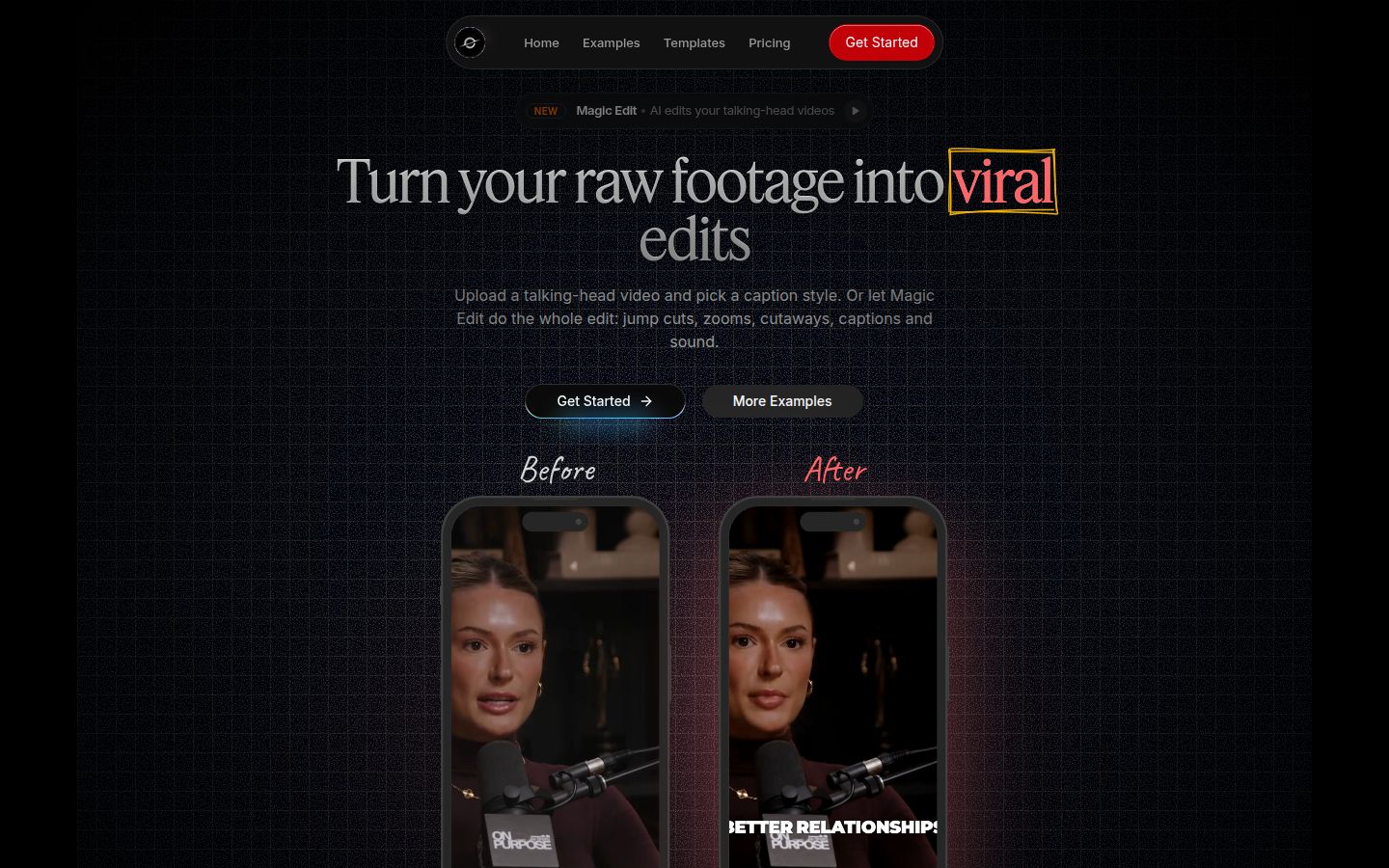
Sycamore is a web app that turns one raw talking-head recording into a finished, captioned short. It runs in the browser, so there is nothing to install. You upload the video and pick an edit style. Magic Edit then cuts silences and filler words, adds word-by-word captions, emphasis styling on key lines, zooms, and full-screen text for the big moments.
You review the edit before you export. Each line can be set to Normal, Emphasis, Full screen, Number, List or Label, so you stay in control of how it looks. You can export an MP4 in 9:16, 1:1 or 16:9.
What it does well
- It edits the whole raw video in one pass: silences and filler words out, captions and emphasis in.
- You see a plain-words edit before export, and you can change any line.
- Caption looks save as presets, so every video in a series matches.
- Pricing is by minutes of video, and the free allowance needs no card.
- It is built for one job, so there is less to learn than in a full video editor.
Limits that matter for this choice
- Sycamore edits the video you upload. It does not cut a long recording into many shorts, so a podcast library fits Opus Clip or Vizard better.
- Transcription is English only, and there is no SRT or VTT caption file export.
Pricing as of October 2026 (sycamore.to/pricing)
- Free: 10 minutes of video, one time, no credit card.
- Starter: $19 a month for 3 hours of video a month, no watermark.
- Growth: $39 a month for 10 hours of video a month, no watermark, priority rendering.
Uploads can be MP4, MOV, WebM or MP3, up to 2 hours.
Best for: founders, coaches, educators and creators who film themselves talking and want one video edited and captioned without a timeline. If you record one short a day and want to finish it in minutes, the Starter plan is the place to start. If you need more than one video per day, see the other tools below.
Opus Clip

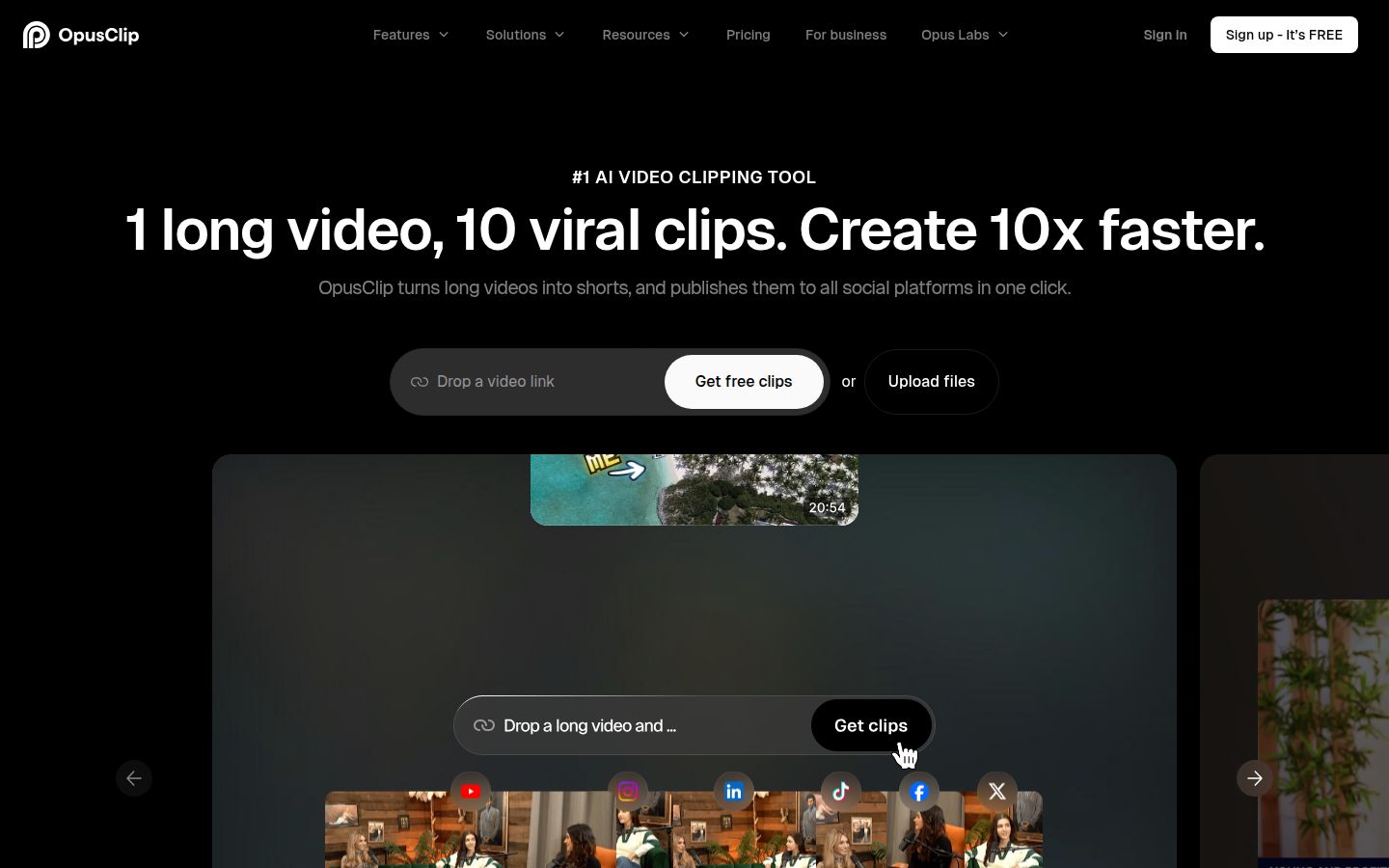
Opus Clip takes a long video and finds the moments it expects will hold attention. It then turns them into captioned vertical clips. Its homepage says "1 long video, 10 viral clips," and it supports English, German, Spanish, French, Portuguese and about 20 other languages (OpusClip homepage). A TikFuel review from October 2026 describes a virality score shown next to each clip (TikFuel).
What it does well
- It is strong at turning long recordings into many clip candidates to pick from.
- Its feature list includes AI Reframe, animated captions, a social scheduler and a brand template tool (OpusClip).
- The Pro plan can import videos from links, including YouTube, per the homepage.
Limits that matter for this choice
- The free plan's clips carry a watermark, and the free download window is three days (eesel).
- Credits are one per minute of source video, so a long recording uses a lot of them (Future Stack Reviews).
- In one r/podcasting thread, the poster said they pay $58 a month for Opus Clip, get 30 clips and post two. They asked whether others spend more time reviewing clips than they expected (Reddit). That is one experience, not a rule.
Pricing as of October 2026
- Free: 60 credits a month, watermarked.
- Starter: $15 a month for 150 credits, billed monthly only (QUSO).
- Pro: $29 a month, or $14.50 a month billed yearly ($174 a year), for 300 credits. Unused credits roll over for two months (OpusClip pricing).
Best for: people who regularly turn podcasts, interviews and webinars into a batch of clips and want to pick the best ones. It is a clip-finder first. Sycamore is the better pick if you want the one video you filmed edited in one pass. Best Opus Clip Alternatives covers more options in this group.
Submagic

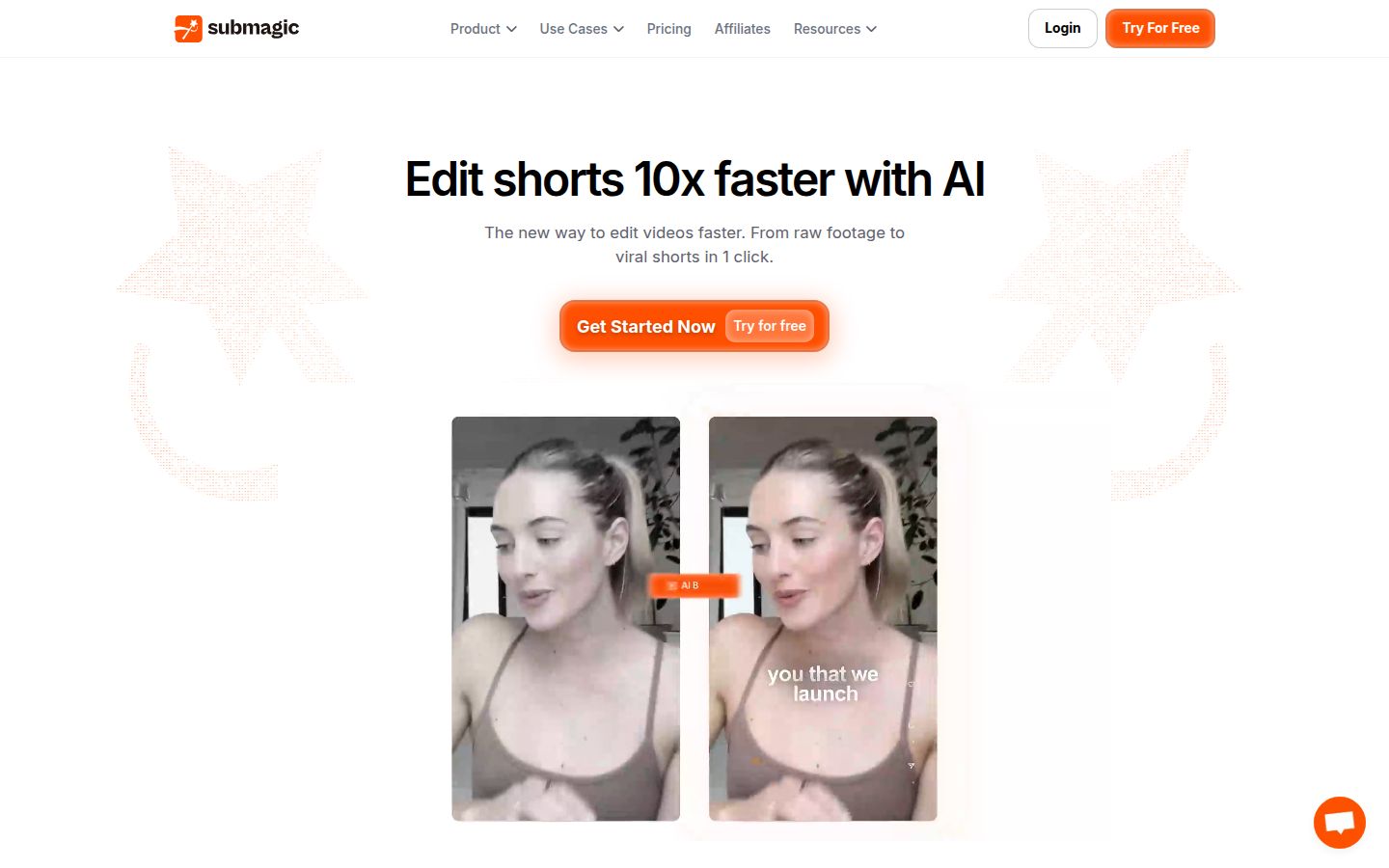
Submagic is a caption-first editor for short videos. Its feature list includes AI captions, B-roll, auto zoom, transitions, sound effects, background music and Magic Clips, which turns long videos into clips (Submagic).
What it does well
- The caption styles are the main reason people choose it.
- B-roll and auto zoom are built in, so you can add visual variety without a second app.
- Business plan teams get multiple members, API minutes and a higher export resolution.
Limits that matter for this choice
- The Starter plan caps each video at 2 minutes and does not include the silence, bad-take and filler-word removal. Those start on Pro (StoryCut, checked October 9, 2026).
- Pro caps each video at 5 minutes, which matters for longer talking-head videos.
- Magic Clips is an add-on at $19 a month for 10 uploads, not part of the plan price.
- The free trial covers three short videos. Downloading them without the watermark needs a paid plan.
Pricing as of October 2026, per member (StoryCut's price table, checked October 9, 2026; Submagic's pricing page lists the same three plans and a Custom plan):
- Starter: $19 a month, or $12 a month billed yearly. 15 videos a month, up to 2 minutes each, 1080p.
- Pro: $39 a month, or $23 a month billed yearly. 40 videos a month, up to 5 minutes each, 1080p or 2K, with silence and filler-word removal, AI eye contact and auto zoom.
- Business: $69 a month, or $41 a month billed yearly. 100 videos a month, up to 30 minutes each, up to 4K, and 100 API minutes.
Best for: creators who care most about caption style and B-roll, who record clips under 5 minutes, and who want to pay for the Pro plan's cutting tools. If you want silences and filler words removed on the base plan, Sycamore includes that on every plan. For more on Submagic's free options, see Free Submagic Alternatives Without a Watermark.
Descript

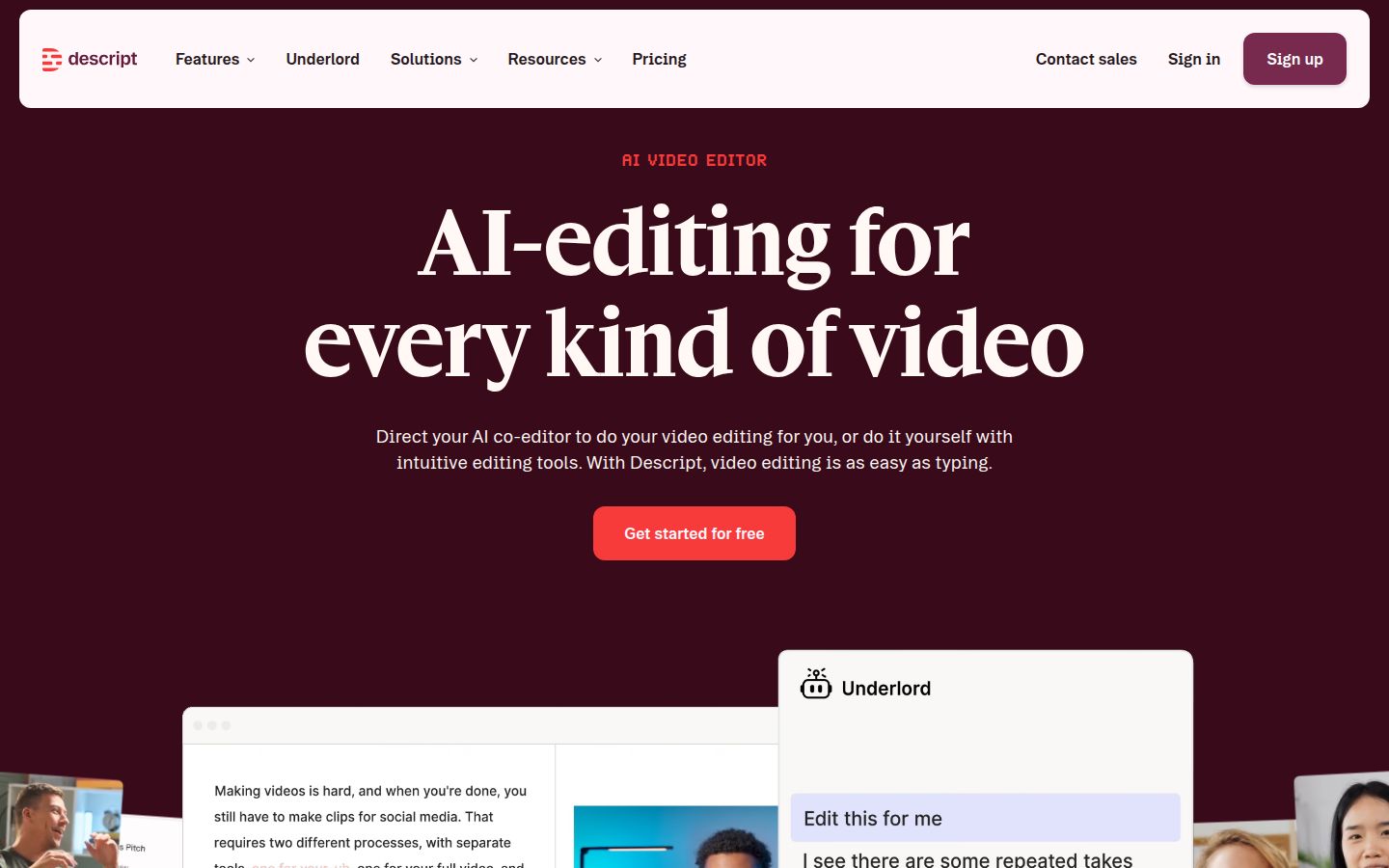
Descript is an editor for audio and video. You work from the transcript: delete a sentence in the text and the matching video goes with it. Its feature list includes Create Clips, Studio Sound, Remove Filler Words, captions, Eye Contact and Underlord, its AI co-editor.
A reviewer at DeepUseCase, who says they have edited hundreds of videos in Descript, calls it the fastest way to edit spoken-word video. They also say it is not the all-in-one AI tool that its marketing suggests, and that Studio Sound can make a voice sound slightly processed (DeepUseCase).
What it does well
- Editing by text is quick for anyone who thinks in sentences.
- Studio Sound and filler-word removal sit in the same app as the video edit.
- It works well for podcasts, multi-speaker recordings and talking-head YouTube videos.
Limits that matter for this choice
- The free plan's 100 AI credits are one time, not monthly. Media minutes (60 a month) are the allowance that refills (Marc Andrews, updated October 2026).
- It is a full editor with its own way of working, so there is more to learn than in a single-purpose tool.
Pricing as of October 2026 (descript.com/pricing)
- Free: $0. The pricing table lists 60 media minutes a month and 100 AI credits.
- Hobbyist: $16 per person a month billed annually, or $24 monthly. 10 media hours a month, 400 AI credits, 1080p with no watermark.
- Creator: $35 per person a month. 30 media hours, 800 AI credits, 4K with no watermark, and access to the stock media library.
Best for: podcasters and creators who edit by reading the transcript, and people who need audio cleanup in the same tool. If you only want captions and a short-form edit, the Sycamore section above is the more direct path. For the full comparison, see Best Descript Alternatives.
Captions

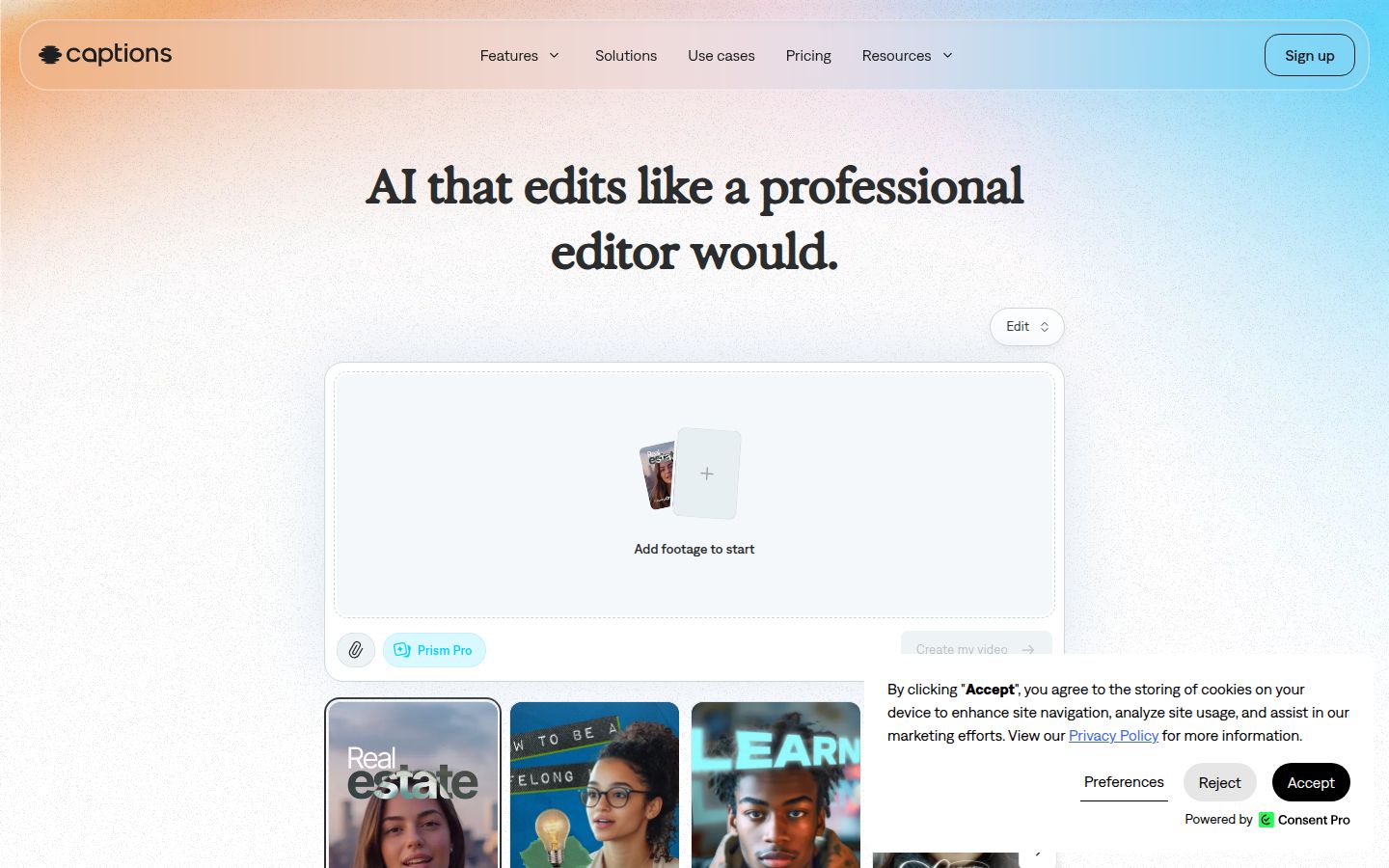
Captions is an AI editor for vertical, presenter-led video. Its AI Edit coordinates cuts, captions, B-roll and effects, and you can request changes in a chat. It also includes long-to-short clipping, avatars and a teleprompter. Valmera's July 2026 review says the strongest fit is vertical presenter video, and that AI Edit's whole-video approach is its standout feature (Valmera).
What it does well
- AI Edit can handle the whole video, and you can revise it by prompt.
- It offers a large library of caption templates. The pricing comparison lists more than 100 on paid plans.
- It includes avatars and AI actors, which Sycamore does not have.
Limits that matter for this choice
- Each AI Edit costs credits, and the cost depends on the model you use. Valmera counts 10 to 40 credits for an AI Edit before model extras (Valmera).
- The free plan's output includes a Captions watermark (Valmera).
- The prices on its pricing page reflect iOS plans only (Captions pricing).
Pricing as of October 2026 (captions.ai/pricing)
- Free: limited editing, with one caption template on the free tier.
- Max: $24.99 a month, 500 credits.
- Frontier: $69.99 a month with 1,400 credits, plus 2x and 4x usage tiers at $139.99 and $279.99.
- Enterprise: custom pricing.
Captions' help center also documents a $9.99 Basic plan with 200 credits (Valmera).
Best for: creators who want AI to make the first cut of a vertical presenter video, then revise it in plain language. If you want a predictable edit with no credit meter, Sycamore's price is by minutes of video. For more, see Captions App vs CapCut.
CapCut

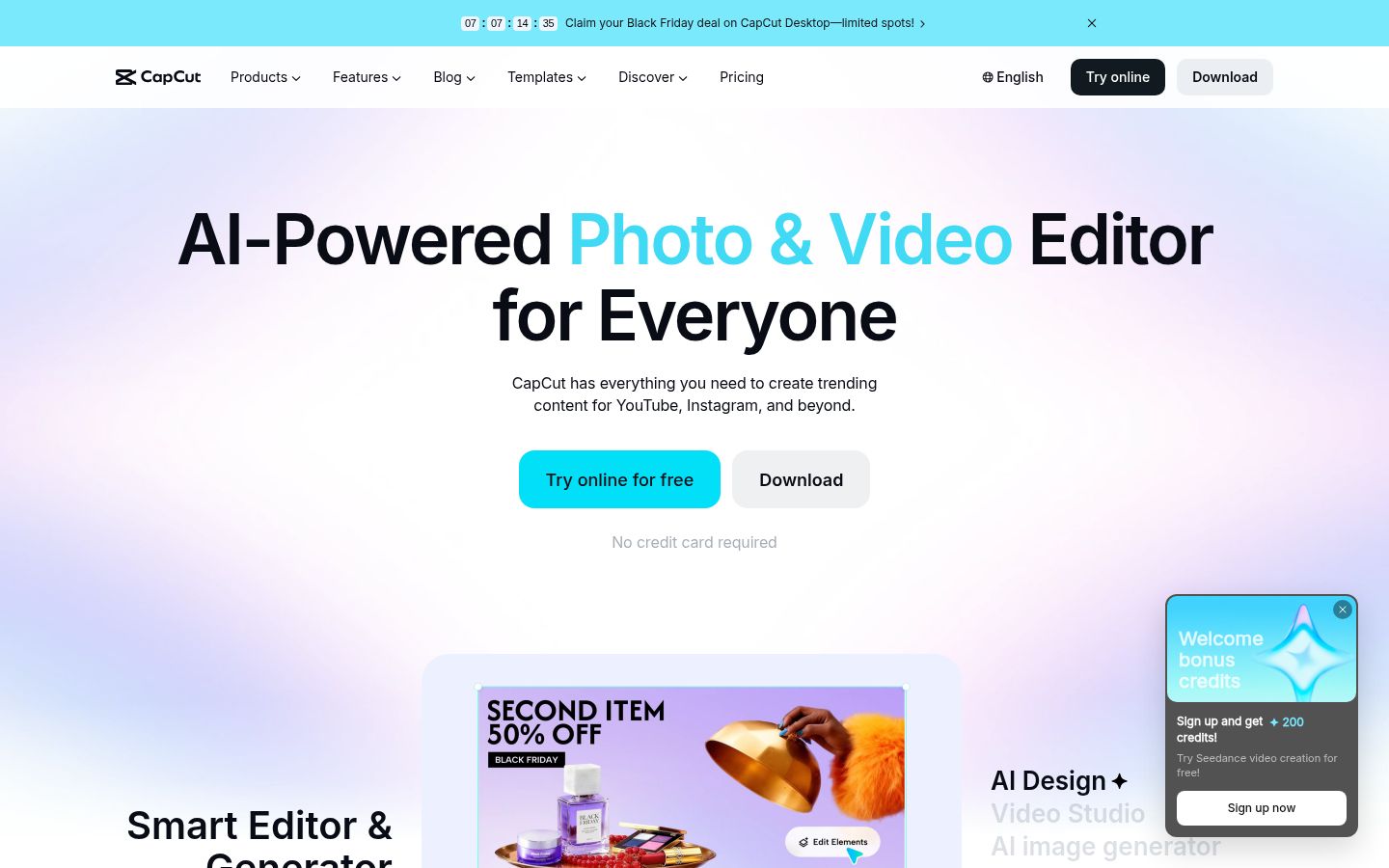
CapCut is a full video editor for desktop, online and mobile. It has auto captions, transcript-based editing, a long-to-short tool, and a large library of templates and effects (CapCut). It has a free editor, and the paid plans add storage and AI credits (CapCut Guide, updated October 22, 2026).
What it does well
- It is free to start, and it works on a phone as well as a computer.
- It has a large library of templates, effects and transitions.
- Pro includes 1 TB of cloud storage and 1,400 AI credits, per FluxNote's October 2026 listing (FluxNote).
Limits that matter for this choice
- It is a general editor, so the talking-head cut is something you build yourself or with its tools. Sycamore is built around that one job.
- The price you see depends on your platform. CapCut says the prices it shows are for reference, and the final price appears at checkout (FluxNote).
- The $9.99 Standard plan is sold in the mobile app, not on the website.
Pricing as of October 2026
- Free: the editor. Paid plans add storage and AI credits.
- Pro: $19.99 a month, or $179.99 a year, in the US (capcut.com/pricing).
- Standard: $9.99 a month in the US App Store (FluxNote).
Best for: people who want one free editor for everything, who enjoy templates and effects, or who edit on a phone. For a comparison with Sycamore, see Veed vs CapCut for Short-Form Video.
How to choose
Start with the video you actually make, then pick the tool that matches it.
- You film one talking-head video and want it finished in one pass. Start with Sycamore. The free allowance is 10 minutes, and Starter is $19 a month for 3 hours of video.
- You record long podcasts, interviews or webinars and want many clips to choose from. Look at Opus Clip (Starter is $15 a month) or Vizard (Creator is $29 a month). Choose Vizard if you want scheduling, SRT export or an API, which start on its Creator plan. Choose Opus Clip if you want a virality score and link imports.
- Your footage is short, and you care most about caption style and B-roll. Submagic's Pro plan is $39 a month, or $23 a month billed yearly.
- You edit by reading the transcript, or you make podcasts that need audio cleanup. Descript's Hobbyist plan is $16 a month billed yearly.
- You want AI to make the first cut of a vertical presenter video and you will revise it by prompt. Captions' Max plan is $24.99 a month, with credits.
- You want a free editor with the most templates. CapCut's free editor is the place to start.
Two more things to check before you pay. If your videos are not in English, Sycamore is not the right pick, because its transcription is English only. And if you need a mobile app, CapCut and Captions both have one, while Sycamore runs in a phone browser.
Test on one real video before you commit. Every tool in this list has a free plan or trial, so you can run your own footage through it and judge the result.
FAQ
Which Vizard alternatives have a free plan?
Sycamore gives you 10 minutes of video once, with no credit card. Opus Clip has 60 credits a month with watermarked clips, Descript's free plan includes 60 media minutes a month, and CapCut has a free editor. Submagic's trial covers three short videos.
Is Sycamore cheaper than Vizard?
Sycamore's Starter plan is $19 a month for 3 hours of video. Vizard's Creator plan is $29 a month, or $14.50 a month billed yearly, and removes the watermark. The two tools suit different jobs.
Can Sycamore cut a long podcast into many short clips?
No. Sycamore edits the video you upload into one finished short. For long recordings that you want cut into many clips, Opus Clip or Vizard fit better.
Which of these tools work in languages other than English?
Opus Clip lists English, German, Spanish, French, Portuguese and about 20 other languages on its homepage. Sycamore's transcription is English only.
What is the cheapest paid plan among these tools?
CapCut's Standard plan is $9.99 a month, but it is sold in the mobile app. On the website, Opus Clip's Starter plan at $15 a month is the lowest. Captions' help center also documents a $9.99 Basic plan.