Most people who look for an Opus Clip alternative have already used it. They pasted in a long podcast or a webinar, got a handful of clips back, and then looked at the credits left or the plan they need to remove the watermark. Opus Clip is good at what it was built for: finding moments inside long videos. Some creators still want something else, usually because of price, a missing feature, or the kind of video they make.
This post covers five tools, Sycamore included, and says who each one suits. Prices are as of October 2026, taken from each tool's own pricing page where we could read it. Where a third-party guide gave a different number, we say so.
Why people look for Opus Clip alternatives
Opus Clip is built on credits. The Free plan includes 60 credits a month, adds a watermark and deletes exports after 3 days, according to a June 2026 pricing guide from eesel. Paid plans are priced by how much footage you process. A user in a r/podcasting thread from September 2026 described the same problem: costs add up as you upload more footage, and the AI cuts sometimes end a sentence too early.
On G2, a small number of reviewers mention frustration with credit renewals and the limits of the free tier, according to the G2 pricing page. Those comments come from a small group, so treat them as a signal. Opus Clip still has a 4.6 out of 5 rating from 116 G2 reviews, per HighReach's review.
What Opus Clip does well is worth saying plainly. It turns one long video into several clips with little setup. It accepts imports from YouTube, Google Drive, Zoom, Riverside and StreamYard. Its homepage says it works with English and more than 20 other languages. It also adds AI B-roll, dubbing and a scheduler, and its pricing page lists those features across its plans.
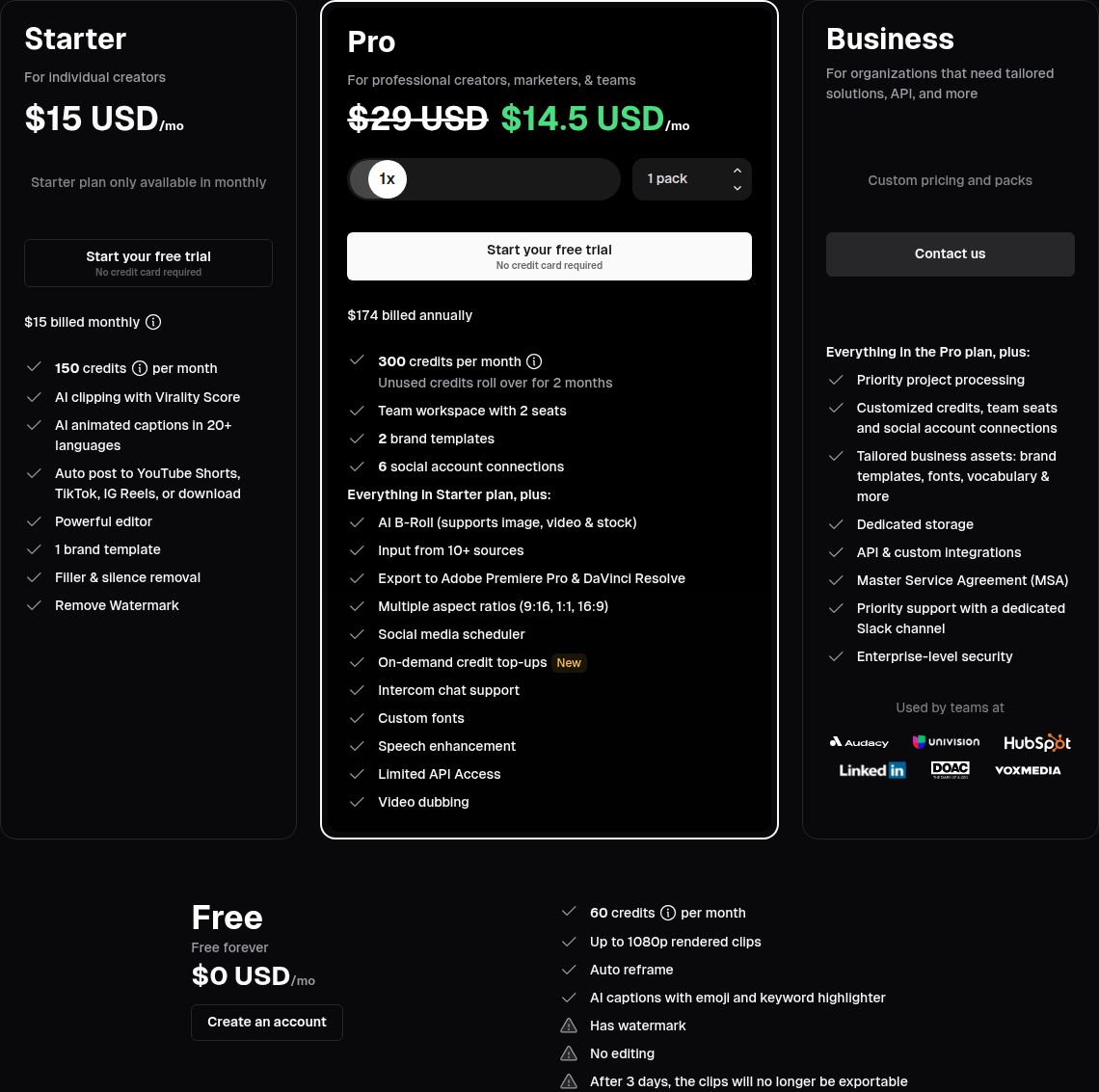 Opus Clip pricing page showing the Free, Starter, Pro and Business plans
If your main job is pulling many clips out of a long recording, Opus Clip is still a strong choice. The alternatives below make more sense when your videos are short talking-head clips, when you want captions and edits in one pass, or when you want a lower starting price.
Opus Clip at a glance
- Free: $0, 60 credits a month, watermarked, exports kept for 3 days.
- Starter: $15 a month, 150 processing minutes (per Castmagic).
- Pro: $29 a month, or $14.50 a month billed yearly ($174 a year), 300 processing minutes.
- Business: custom pricing.
Comparison table
| Tool | Starting price (Oct 2026) | Free plan or trial | Best for |
|---|---|---|---|
| Sycamore | $19/mo for 3 hours of video | 10 minutes of video, one time, no card | Edited, captioned talking-head videos from one upload |
| Opus Clip | $15/mo (Starter) | Free plan: 60 credits a month, watermarked | Pulling several clips from long podcasts and webinars |
| Submagic | $19/mo, or $12/mo billed yearly (Starter) | Free trial: 3 short videos, no card | Caption styling and quick captioned shorts |
| Descript | $24/mo, or $16/mo billed yearly (Hobbyist) | Free plan: 60 media minutes a month, 720p with watermark | Editing a talking video like a document, plus podcasts |
| Vizard | $29/mo, or $14.50/mo billed yearly (Creator) | Free plan: 60 credits a month, 720p | Podcasters who want batch clip suggestions and a scheduler |
| Captions | $24.99/mo (Max) | Free plan | AI-generated edits, B-roll and AI actors |
Sycamore

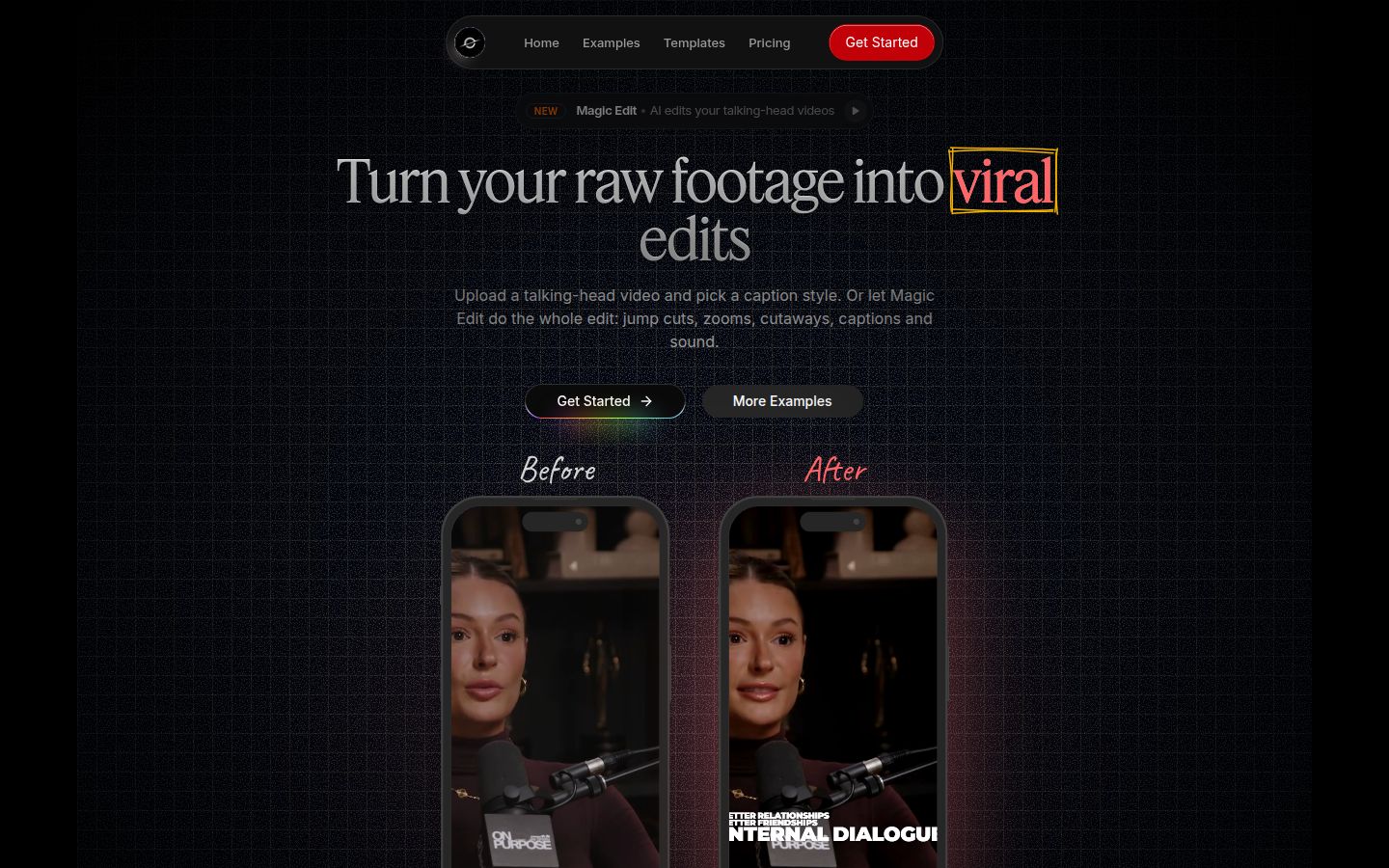
Sycamore is a web app that turns a raw talking-head recording into a finished, captioned short. It runs in the browser, so there's nothing to install. You upload an MP4, MOV, WebM or MP3 of up to 2 hours.
The main thing it does is Magic Edit. You upload the raw video and Sycamore cuts silences and filler words, then adds word-by-word captions, emphasis on key lines, zooms and full-screen text for the big moments. You pick an edit style (Apollo or Hermes today), then review the result before you export. Each line can be set to Normal, Emphasis, Full screen, Number, List or Label, so the changes are easy to follow.
Everything happens in one pass. You don't cut the video in one tool and caption it in another. Every word has a timestamp, and you can save a caption look as a preset for every later video.
Pricing as of October 2026:
- Free: 10 minutes of video, one time, no credit card.
- Starter: $19 a month for 3 hours of video, no watermark.
- Growth: $39 a month for 10 hours of video, no watermark, priority rendering.
Limits that matter for this choice: transcription is English only, and Sycamore edits the video you upload into one finished video. It does not pull several shorts out of a two-hour recording, so Opus Clip is the better pick for that job. There's also no mobile app. It works in a phone's browser.
Best for: founders, coaches and educators who film one talking-head video at a time and want it edited and captioned without learning a full editor. Sycamore's pricing page has the current plan details.
Submagic

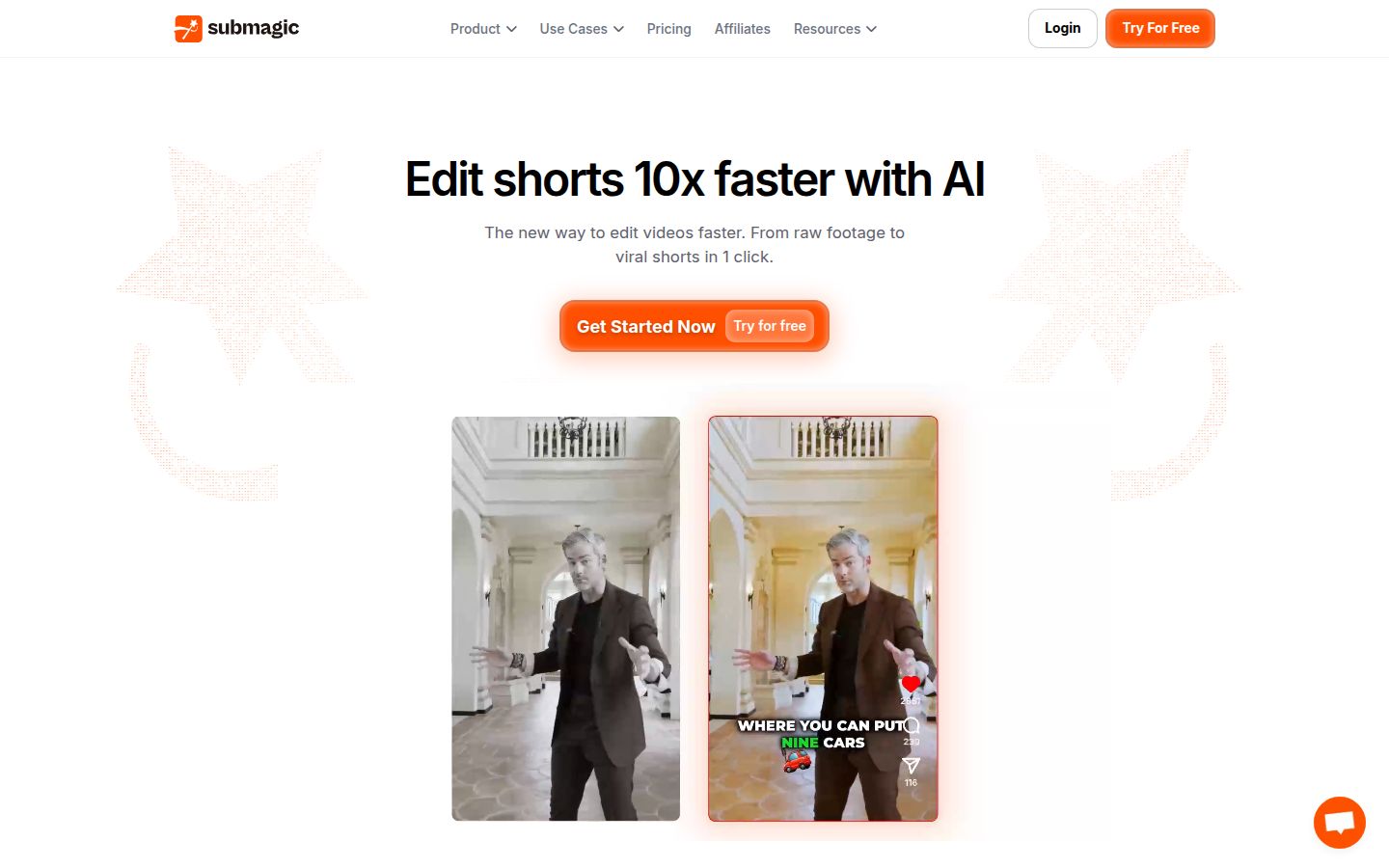
Submagic is an AI video editor built around animated captions. Its homepage describes going from raw footage to a short in one click. It also has Magic Clips, which turns parts of a long recording into short clips, so it competes with Opus Clip on that job too.
Submagic is strong when caption style is the main thing you care about. Its plans include caption templates, custom fonts and brand kits on the higher tiers, and the Pro plan adds AI eye contact, auto zoom and silence, bad-take and filler-word removal.
Plans as of October 2026, per Submagic's pricing page and StoryCut's October 2026 breakdown:
- Starter: $19 a month, or $12 a month billed yearly. 15 videos a month, up to 2 minutes each, 1080p.
- Pro: $39 a month, or $23 a month billed yearly. 40 videos up to 5 minutes, up to 2K.
- Business: $69 a month, or $41 a month billed yearly. 100 videos up to 30 minutes, up to 4K.
Magic Clips is an add-on on every plan. StoryCut lists it at $19 a month for 10 uploads. The free trial lets you edit 3 short videos without a card, but a watermark-free download needs a paid plan.
Limits: on Starter, videos are capped at 2 minutes and silence and filler-word removal are not included. A 10-minute talking-head video needs Pro. Magic Clips costs extra.
Best for: creators who care most about caption styling and who make short videos, and who are happy to pay for the Pro plan for longer ones.
Descript

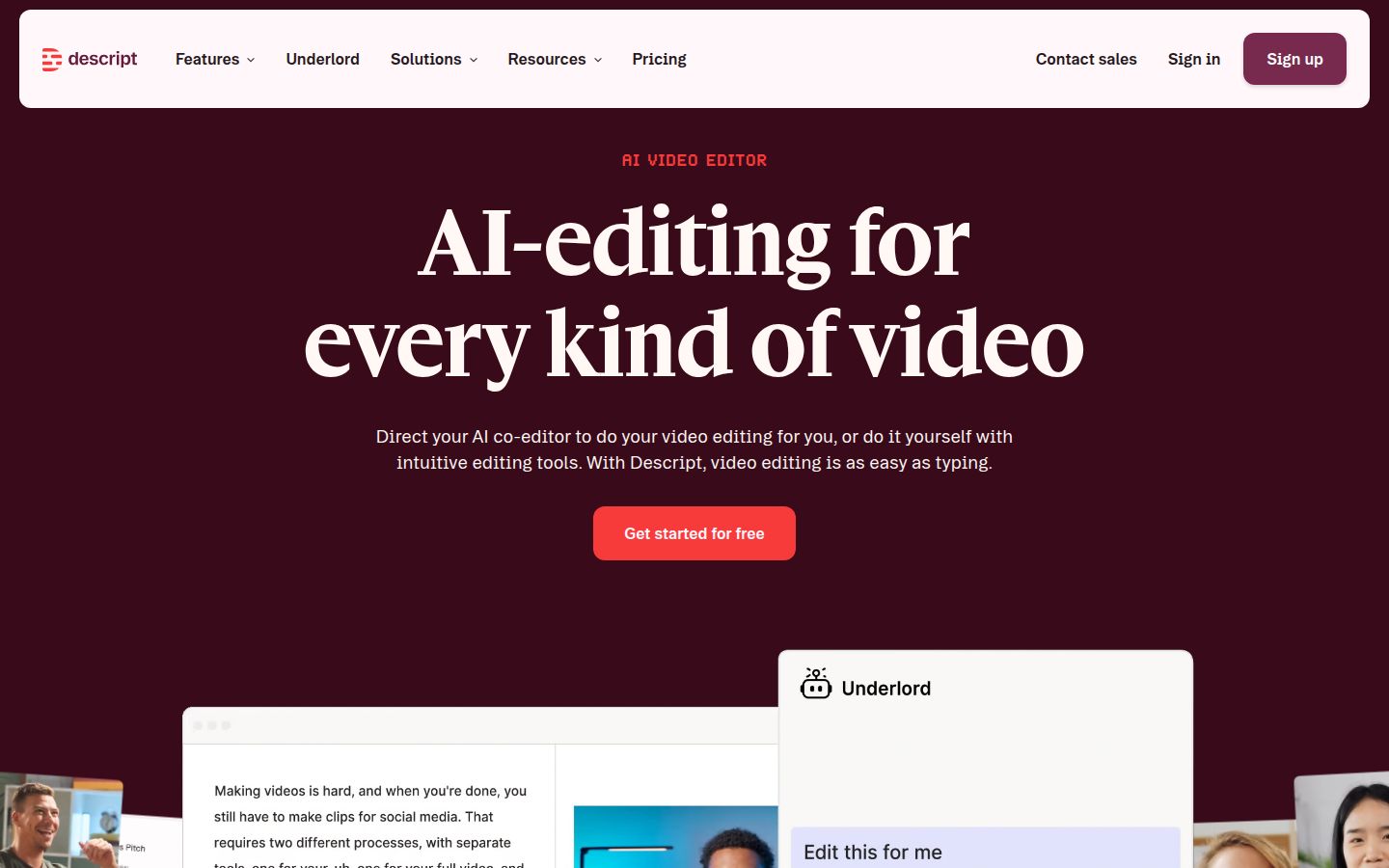
Descript is a full video and audio editor where you edit the video by editing its transcript. Delete a sentence in the text and the video cuts with it. It has grown well past talking-head shorts: it includes podcast tools, Studio Sound, a Create Clips feature, and an AI co-editor called Underlord.
For a podcaster, its biggest advantage is that the full episode and the shorts can live in one project. The Create Clips feature lets you set the number of clips, their length and a layout before it generates them.
Plans as of October 2026, per Descript's pricing page and 1of10's breakdown from September 2026, which checked the page on 18 September:
- Free: 60 media minutes a month, 720p exports with a watermark, 100 AI credits that do not refill.
- Hobbyist: $16 a month billed yearly, or $24 month to month. 10 media hours, 1080p, no watermark.
- Creator: $24 a month billed yearly, or $35 month to month. 30 media hours, 4K, up to 3 seats.
- Business: $50 a month billed yearly, or $65 month to month. 40 media hours, 1,500 AI credits, up to 5 seats.
Limits: every minute you upload counts against your media-hour allowance, and the free plan can't be used for publishing because of the watermark and 720p cap. Reviewers also mention a learning curve, since editing by text is new to people used to timelines. One Reddit user reported that Create Clips sometimes returned horizontal clips when vertical was requested.
Best for: podcasters and interviewers who want one editor for the whole conversation and its clips, and creators who already like working in text.
Vizard

Vizard turns a long video into short clips with captions and reframing for vertical formats. You can edit the clips through the transcript, removing sections, and then adjust the cuts on a timeline. Its homepage says it creates clips "with one click" and handles reframing without manual resizing.
A podcaster who tested many Opus Clip alternatives on Reddit in September 2026 said Vizard generates several clips from one episode and that transcript editing removes unwanted sections and filler words. The same user noted that the AI can pull a quote out of context, so the sentence explaining an answer can go missing. Check each clip before you post.
Plans as of October 2026, per Vizard's pricing page:
- Free: $0, 60 credits a month, 720p exports, 3-day storage.
- Creator: $29 a month, or $14.50 a month billed yearly ($174 a year). Includes no watermark, 4K export, scheduling and 6 social accounts. One credit is one minute of uploaded video.
- Business: $39 a month, or $19.50 a month billed yearly ($234 a year). Shared workspace, 20 social accounts, and team members at $5 per seat a month.
Limits: you pay credits for every minute you upload, so the cost grows with your footage. The no-watermark export starts on the Creator plan.
Best for: podcasters who want batch clip suggestions plus a scheduler in the same tool.
Captions

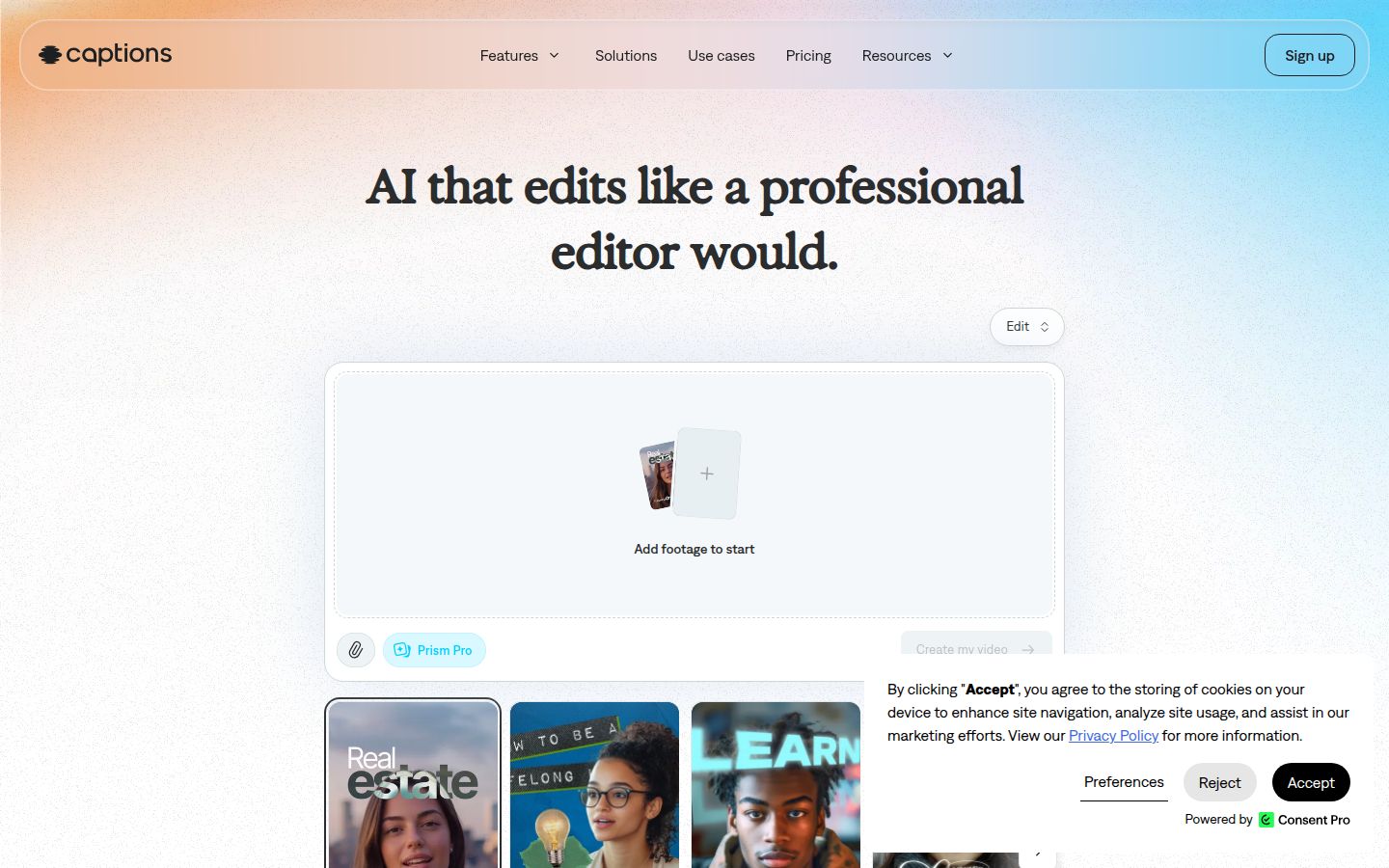
Captions is an AI video app that edits and styles footage for you. It adds zooms, B-roll, music, transitions and sound effects, and offers a chat-based editor for changes. Its paid plans can also generate footage, including custom AI actors and digital twins.
If you want AI to create the look of a video, Captions does more than most tools in this list. That's the main reason to choose it over a caption-first tool.
Plans as of Captions' pricing page, October 2026:
- Free: no AI usage credits.
- Max: $24.99 a month, 500 credits, a library of AI Edit styles, long-video clips and generative B-roll.
- Frontier: $69.99 a month at 1x usage, with 1,400 credits, and higher tiers for more usage.
The page notes that its prices and features reflect the iOS plans only, so check the price in the app you'll use.
Limits: the credit system sets how much AI you can run each month. If you want a plain caption-and-cut tool with a fixed price, Captions is more than you need.
Best for: creators who want AI to add B-roll, music, sound effects or AI presenters, and who are willing to pay monthly for those extras.
How to choose
- You pull many clips out of one long recording every week. Start with Opus Clip or Vizard. Both are built for finding clips in long footage. Check the credit cost against your weekly upload length before you pick a plan.
- You film one talking-head video at a time and want it finished in one pass. Start with Sycamore. You upload the raw video, review the edit, and export. The Free plan gives you 10 minutes to test it, with no card.
- Caption style is the main thing you care about. Submagic has the most caption control in this list. Plan for the Pro tier if your videos run longer than 2 minutes.
- You want to edit the whole conversation and make clips from it. Descript is a full editor built around the transcript. Plan on a learning curve.
- You want AI to create B-roll, music or AI presenters. Captions is built for that. Expect a monthly bill for AI credits.
Whichever you try first, run the same 5-minute clip through two tools. Compare the captions, the cuts and the export before you pay for a year.
FAQ
Is there a free Opus Clip alternative?
Yes. Sycamore gives you 10 minutes of video free, one time, with no credit card. Vizard and Captions also have free plans, but Vizard's exports are 720p and Captions' free plan has no AI credits.
What is the cheapest Opus Clip alternative?
Submagic's Starter plan is $12 a month billed yearly or $19 billed monthly, and Sycamore's Starter is $19 a month for 3 hours of video. Opus Clip's Starter is $15 a month, which is lower on the sticker price but counts credits by processing minutes.
Which Opus Clip alternative works best for talking-head videos?
Sycamore is built for one talking-head video at a time: it cuts silences and filler words and adds captions in one pass, and you review the edit before export. It does not pick several shorts out of a long recording, so Opus Clip or Vizard fits that job better.
Can Submagic turn a long video into clips?
Yes, through Magic Clips, which costs $19 a month for 10 uploads on top of a Submagic plan, according to StoryCut's October 2026 breakdown of Submagic pricing.
Do Opus Clip alternatives support languages other than English?
It depends on the tool. Opus Clip's homepage says it supports English and more than 20 other languages. Sycamore's transcription is English only, so check captions in your language before you choose it.