If you film yourself talking and post the clips to TikTok, Reels, YouTube Shorts or LinkedIn, you have probably tried a few of these tools already. This post covers seven of them, with prices as of October 2026. We make Sycamore, so we say plainly where another tool is the better pick.
The short version: Sycamore is built for one job, turning a raw talking-head recording into a finished, captioned short. If you need many clips out of one long recording, OpusClip or Submagic fits better. If you like editing by deleting words from a transcript, look at Descript. The table below shows the basics, and the last section matches readers to tools.
How we chose these tools
We picked tools that creators use to caption or edit talking-head footage, and that you can sign up for today. For each one we read the company's own pricing page and help or feature pages first. Then we checked the figures against recent third-party guides and written reviews. Where the two disagreed, we used the company's own page and say so in the section.
We compared four things: what the tool does with a talking-head video, what the starting plan costs, whether there is a free plan or trial, and who the tool suits. We did not run a head-to-head quality test for this post, so we do not rank the tools on how good their output looks. Check the free plan with one of your own videos before you pay.
Best AI tools for talking-head creators at a glance
Starting prices are monthly unless noted. Annual billing lowers several of these.
| Tool | Starting price (October 2026) | Free plan or trial | Best for |
|---|---|---|---|
| Sycamore | $19/month (Starter, 3 hours of video) | Free: 10 minutes of video, once, no card | Editing one raw talking-head video into a finished short |
| Submagic | $19/month (Starter) | Free plan: 3 videos a month, with a watermark | Caption styling, B-roll and sound effects on clips you already have |
| OpusClip | $15/month (Starter) | Free plan with 60 credits a month, watermarked; Starter trial with no card | Pulling many clips out of one long video |
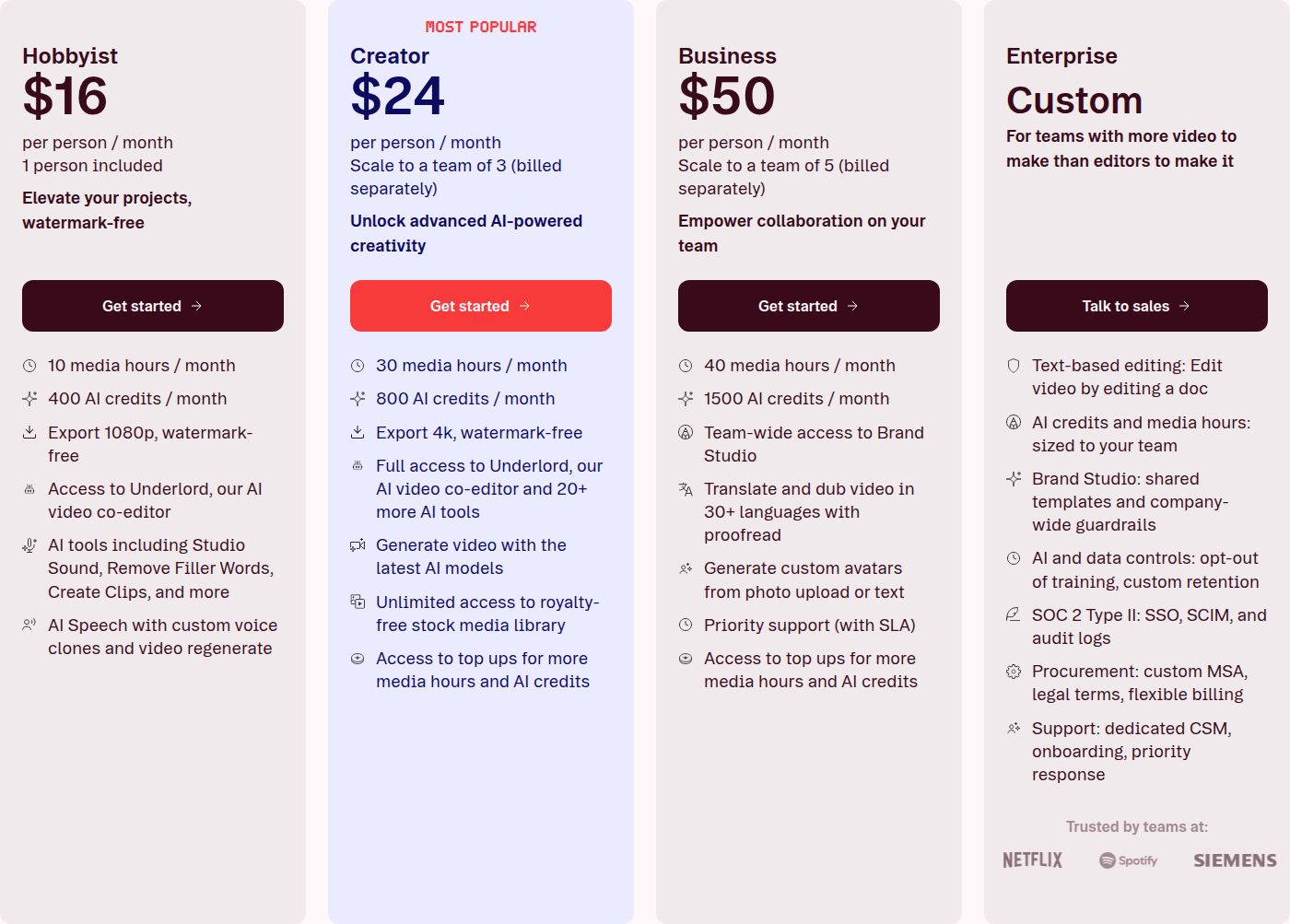
| Descript | $24/month (Hobbyist), or $16 billed yearly | Free plan | Editing by cutting text in a transcript |
| VEED | $10 per user/month (Creator), billed yearly | Free plan with watermark and a 10-minute cap | A browser editor with translation and AI tools |
| CapCut | $19.99/month (Pro, US price) | Free plan | Timeline editing with fine visual control, plus a mobile app |
| Captions | $24.99/month (Max) | Free plan, with no AI credits | AI-edited vertical presenter videos, and AI avatars |
Sycamore

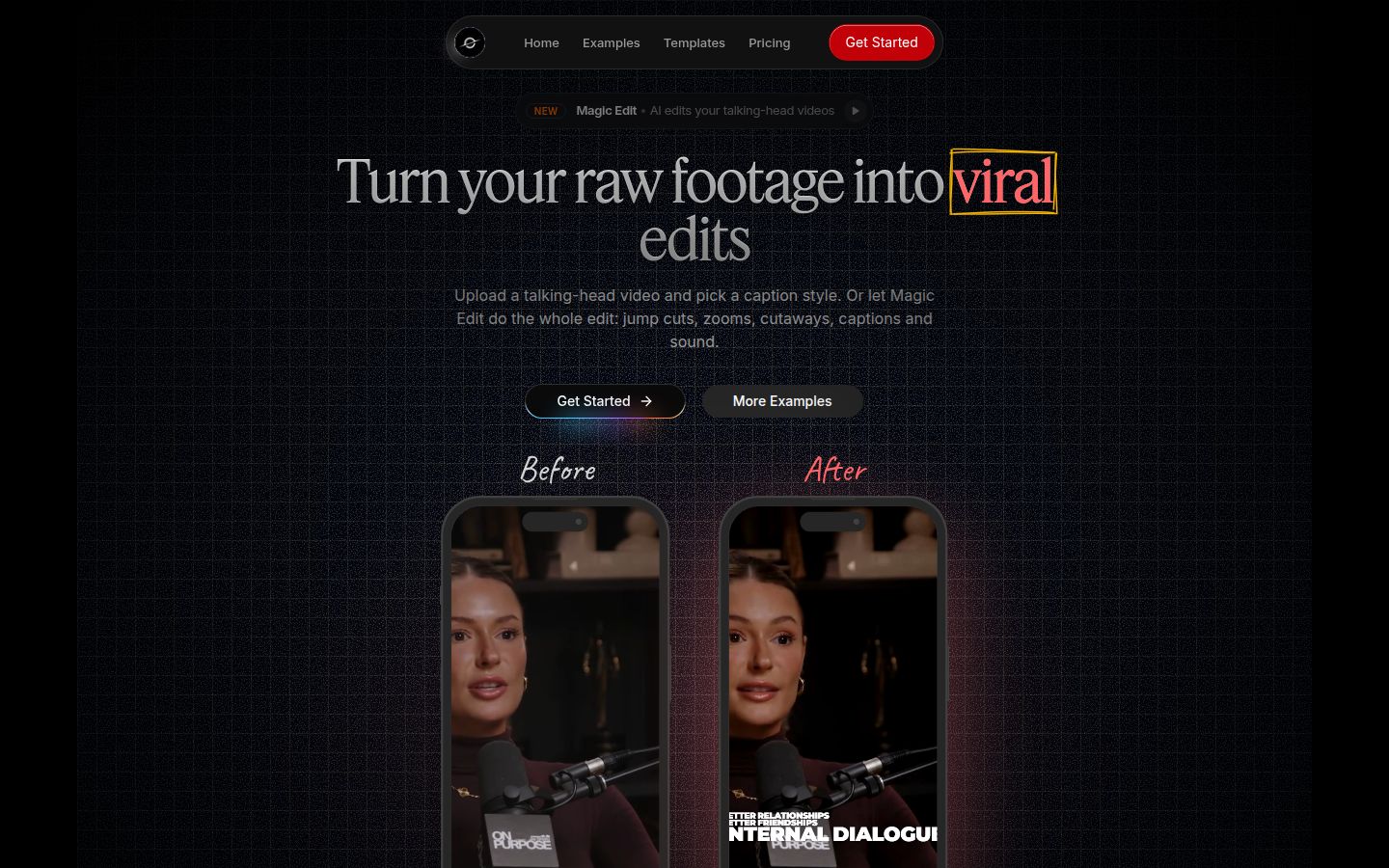
Sycamore is a web app that turns a raw talking-head recording into a finished, captioned short. You upload the video, pick an edit style, review the result and export an MP4. It runs in the browser, so there is nothing to install.
The main feature is Magic Edit. It works on the whole video in one pass. It cuts out silences and filler words, adds animated captions that appear word by word, puts emphasis on key lines, adds zooms and drops in full-screen text cutaways for the big moments. You pick one of three edit styles: Apollo, Hermes or Athena.
Before you export, you review the edit. Each line can be set to Normal, Emphasis, Full screen, Number, List or Label, so you can see what the tool did and change it. You can edit any word in the timed transcript. You can also change caption fonts, colors, size, animation and position, and save a look as a preset to reuse on every video.
Where Sycamore does well:
- It edits the whole video, not only the captions. Silences, filler words, captions and emphasis all happen in one pass.
- You review a plain-words edit before export, so you keep control of the final cut.
- You can export in 9:16, 1:1 or 16:9.
- It does one job, so there is less to learn than in a full video editor.
Limits that matter for this choice:
- Transcription is English only.
- Sycamore edits the one video you upload. It does not cut a long recording into many shorts, and it does not schedule posts. For that, look at OpusClip or Submagic below.
- It is a web app with no mobile app. It works in a phone's browser.
Pricing as of October 2026: Free gives you 10 minutes of video, once, with no credit card. Starter is $19 a month for 3 hours of video a month, with no watermark. Growth is $39 a month for 10 hours of video a month, with no watermark and priority rendering. You can upload MP4, MOV, WebM or MP3 files up to 2 hours long. Per hour of video, Starter works out to about $6.33 and Growth to about $3.90.
Best for: founders, coaches, educators and podcasters who film themselves and post short clips to several platforms, and who want a finished edit without learning a timeline editor. Start with the free 10 minutes on one real video.
Submagic

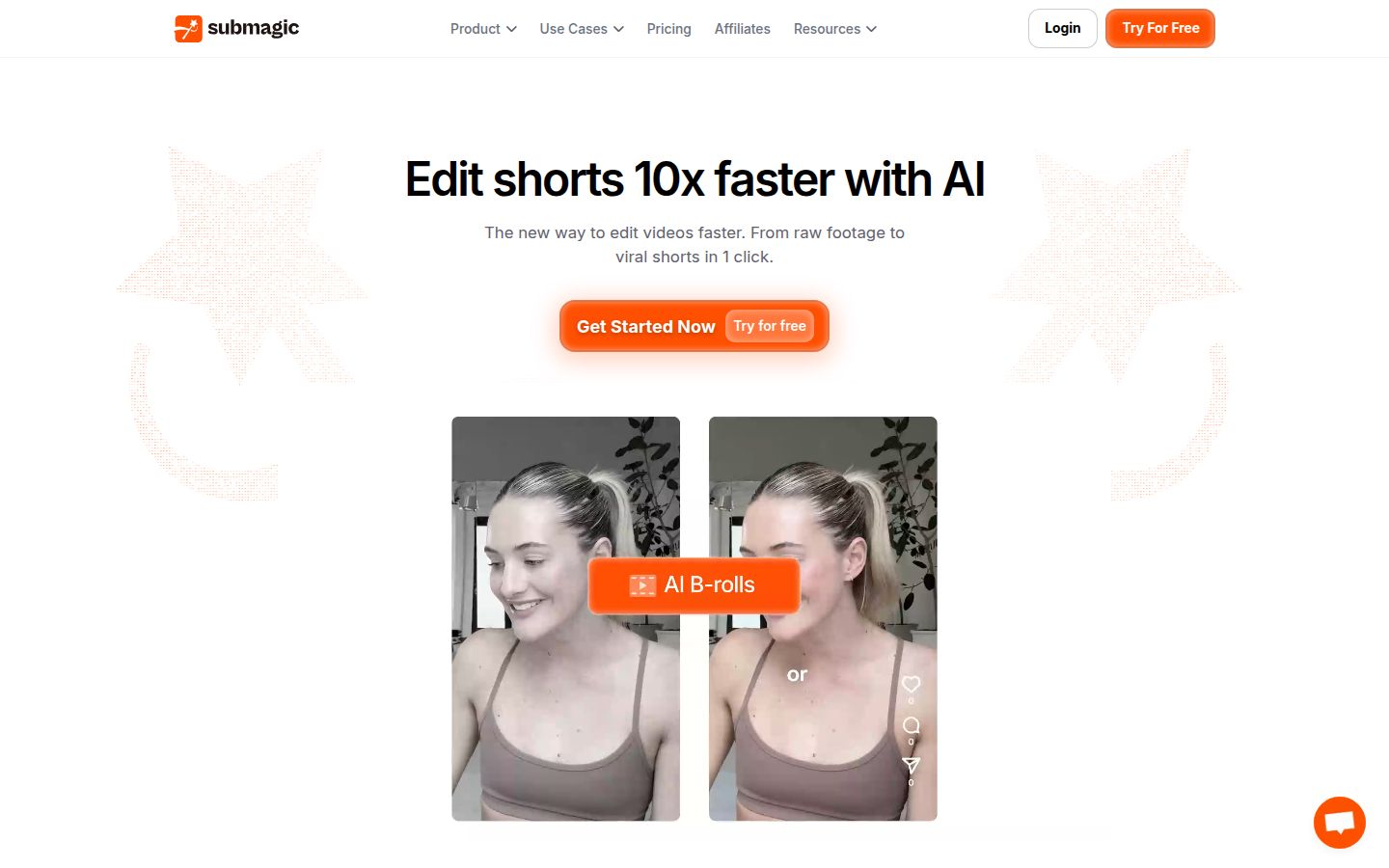
Submagic adds captions to a video, removes silences, inserts B-roll and finds key moments, according to its homepage. It also has many extras beyond captions. Its features list includes B-roll, sound effects, background music, AI eye contact, an AI video translator, transitions and a publishing tool.
One G2 reviewer describes the one-click editing and the choice of caption styles as the main draw. Submagic is a strong pick if you want B-roll and sound effects added to a talking-head clip, which Sycamore does not offer.
Limits that matter here: the free plan adds a Submagic watermark and covers only a few videos. Per a Submagic help article, Starter includes 15 video uploads a month and Pro includes 40. Clip finding through Magic Clips is a separate add-on, $19 a month for 10 uploads.
Pricing as of October 2026: Starter is $19 a month, Pro is $39 a month and Business with API access is $69 a month, per Submagic's help center. Annual billing lowers these. The free plan allows 3 videos a month with a watermark, according to a FluxNote guide, so check the current limit on the pricing page.
Best for: creators who already have their clips and want strong caption styling plus B-roll and sound effects added for them.
OpusClip

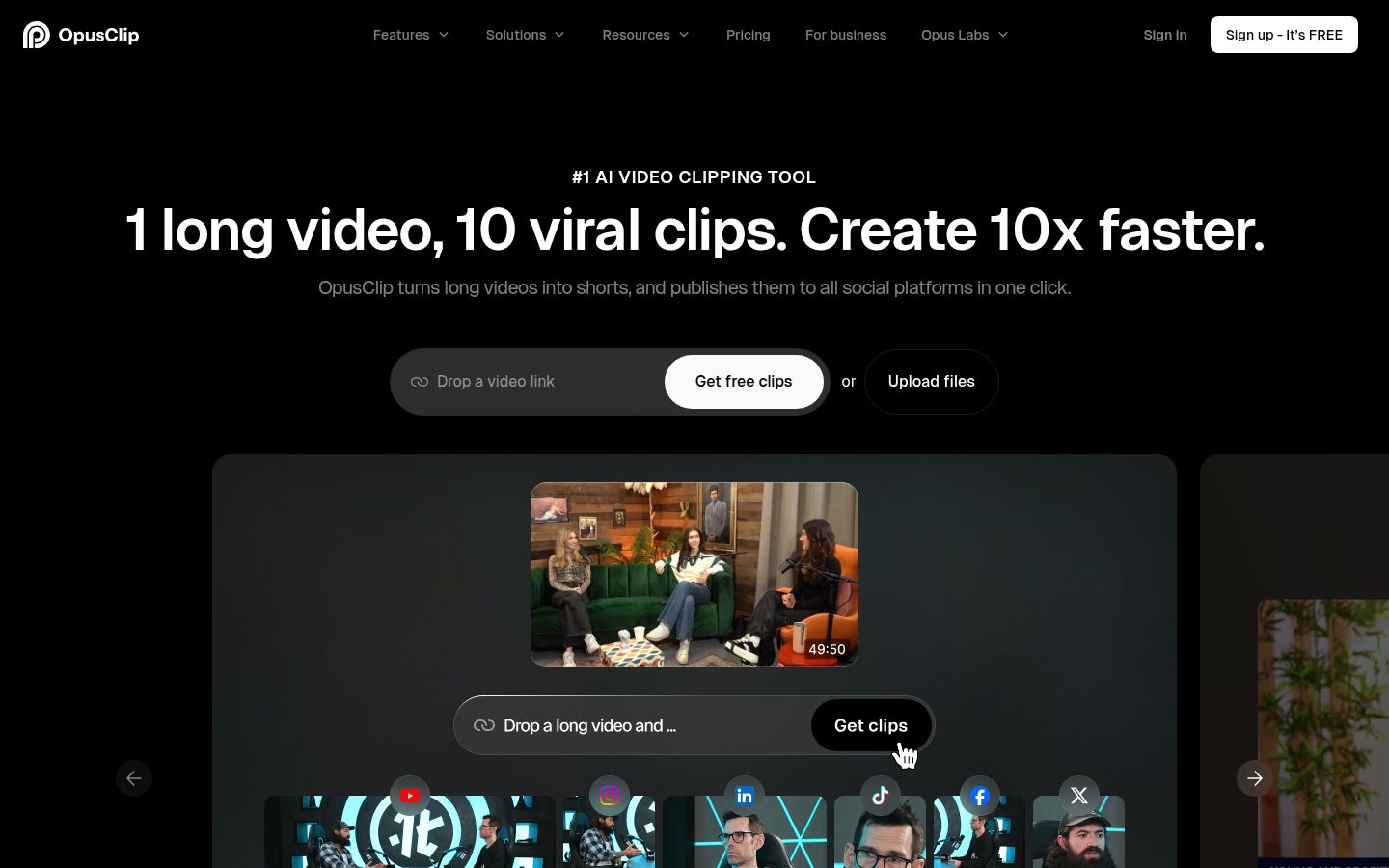
OpusClip starts from the long video. You give it a podcast, webinar, interview or recording, and it proposes short clips. Its homepage describes this as one long video turned into 10 viral clips. Its features list also includes animated captions, AI reframing, AI B-roll, a social scheduler, AI dubbing and an export to XML for Premiere Pro and DaVinci Resolve.
Where it stands out: it is a strong pick for finding several clips in one long recording, and it supports more languages. The homepage says it handles English, German, Spanish, French, Portuguese and more than 20 others.
Limits that matter here: OpusClip charges by credit, and one credit is one minute of source video, according to a pricing guide from Ascynd. A 45-minute recording costs about 45 credits, whether the tool returns three clips or twenty. A May 2026 Reddit post comparing clipping tools describes the same per-minute model. The free plan adds a watermark to its exports. Clip quality also depends on the source. A 2023 Reddit thread reports that interviews clip well, but that talking-head videos give less consistent picks, so test one of your own recordings first.
Pricing as of October 2026: Free is $0. Starter is $15 a month and Pro is $29 a month, according to OpusClip's pricing page. Business is custom. Starter's 150 credits cover 150 minutes of source footage, and Pro's 300 credits cover 300 minutes.
Best for: podcasters, webinar hosts and interviewers who want many clips from one long recording and are happy to review the picks.
Descript

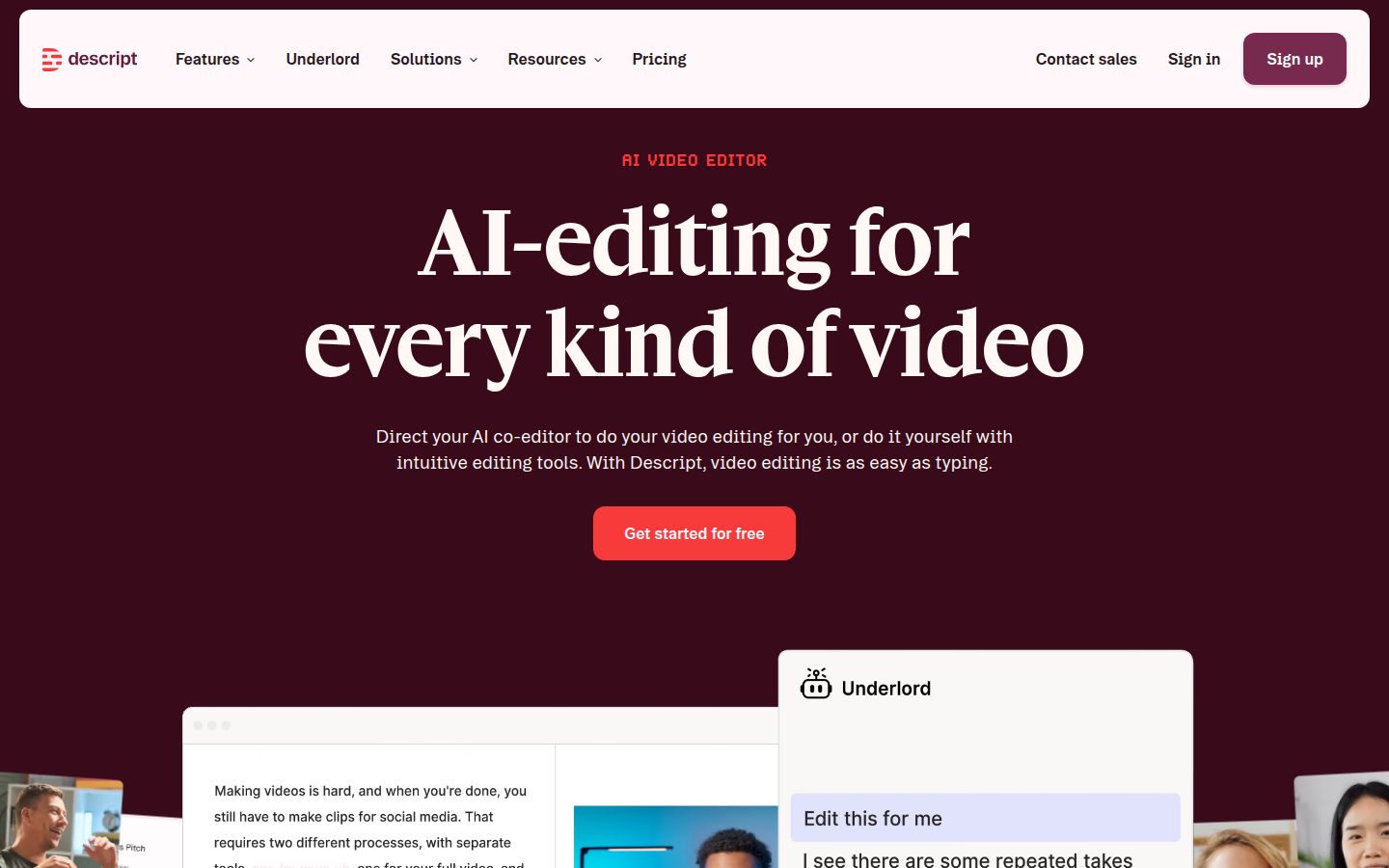
Descript is an AI video and audio editor that works from a transcript. You record or upload, and Descript transcribes the recording. Then you delete words from the text, and the matching video goes with them. A Practical Pick guide from October 2026 says Descript is the sensible starting point when the main job is removing repeated sentences from a long explanation.
Its strengths are wider than captions. Descript's pricing page lists Studio Sound for audio cleanup, Remove Filler Words, Create Clips, AI speech and translation, and eye contact correction. A Reddit thread from April 2025 recommends it for quick cutting and styled captions on talking-head videos.
Limits that matter here: Descript is a full editor, so there is more to learn than in a one-job tool. Its paid plans meter media hours and AI credits. Hobbyist includes 10 media hours and 400 AI credits a month, and Creator includes 30 media hours and 800 AI credits.
Pricing as of October 2026: Hobbyist is $24 a month per person, or $16 a month billed yearly, according to Comparedge and Descript's pricing page. Creator is $35 a month and adds 4K export and unlimited access to the stock library. A Free plan is available. A Tovorify guide lists the free plan at 60 media minutes a month with 720p watermarked exports, so check the current limits on the pricing page.
Best for: people who think in text. If you record long explanations and cut them down by rewriting the transcript, Descript is the natural pick.
VEED

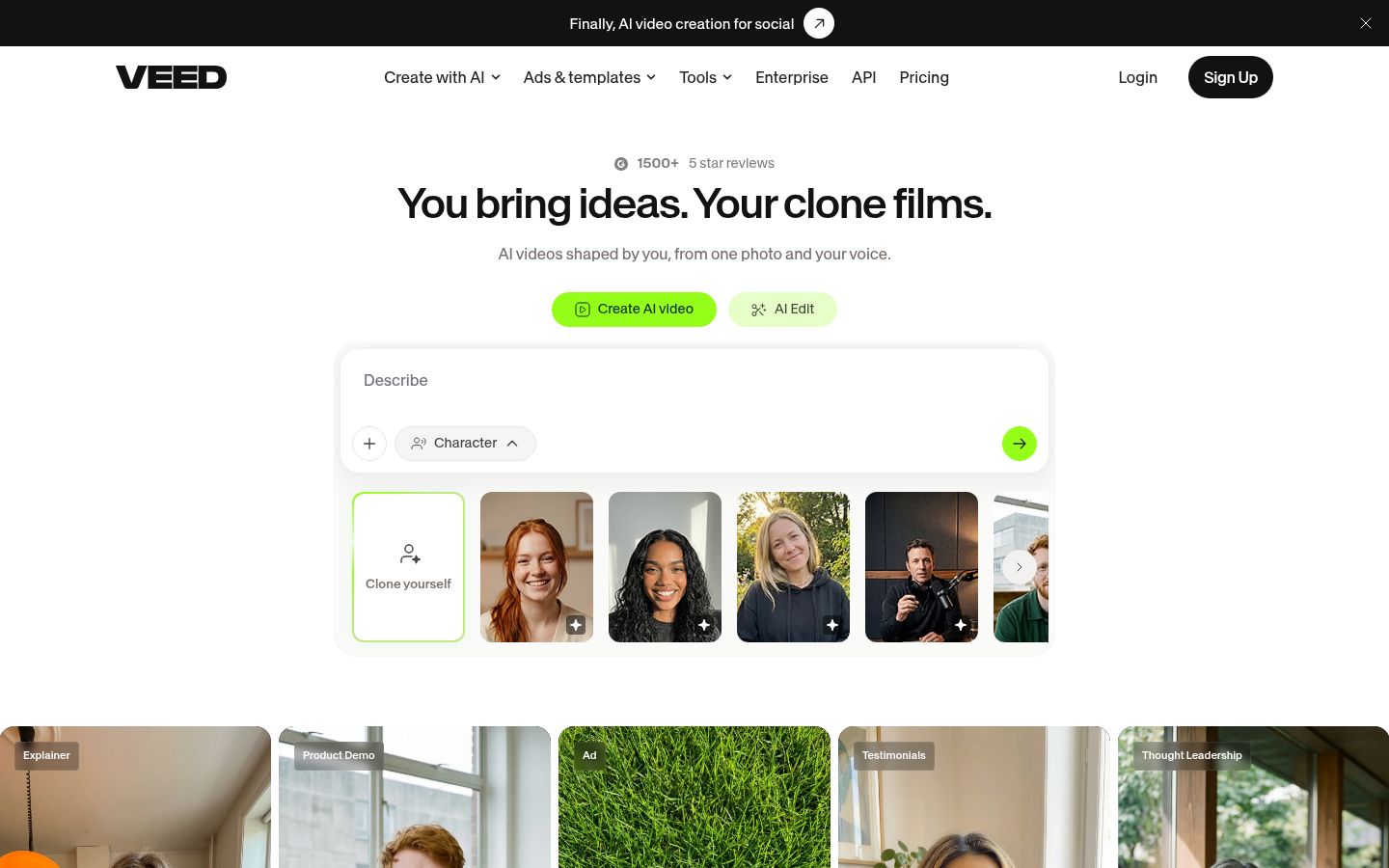
VEED is a browser-based editor that has grown into a broad AI video platform. It covers subtitles, AI avatars, AI voice, text-to-video and a range of templates. VEED also offers team plans, which Sycamore does not have.
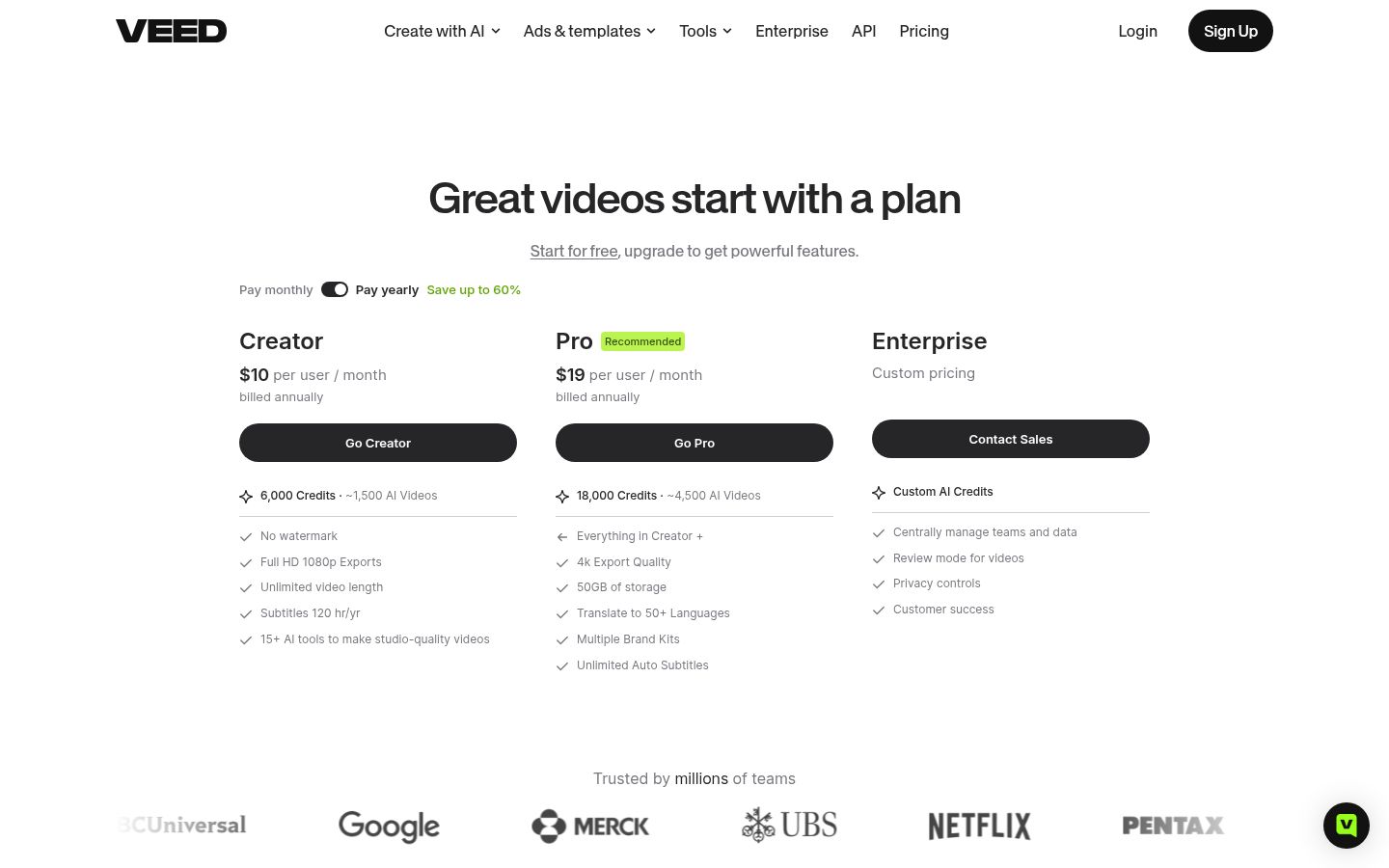
Its strengths are translation and breadth. The Pro plan includes translation into more than 50 languages and unlimited auto subtitles, and it exports in 4K. Creator includes subtitles for 120 hours a year.
Limits that matter here: the Creator plan has a yearly cap on subtitle hours, and AI generation uses a credit allowance. The free plan has a watermark, exports at 720p and caps videos at 10 minutes, according to a FluxNote guide.
Pricing as of October 2026: VEED's own pricing page lists Creator at $10 per user a month, billed yearly, and Pro at $19 per user a month, billed yearly. Creator includes 6,000 AI credits and Pro includes 18,000. Enterprise is custom.
Best for: small teams that want one browser editor for subtitles, translation and AI tools, and that need a team plan.
CapCut


CapCut is a full video editor with a timeline. It runs as a desktop app, an online editor and a mobile app, and it comes with a large template library. Creators who want to place overlays, adjust framing and style captions in the same project often pick it for that visual control.
Its strengths are range and the mobile app. You can edit on a phone, a laptop or in a browser, and the free plan covers basic editing. The Standard plan is sold in the mobile app.
Limits that matter here: CapCut's own comparison guide says the auto caption generator is a Pro feature. Prices also depend on region, device and promotions, so check the price shown in your account.
Pricing as of October 2026: A FluxNote guide built from CapCut's US prices lists Pro at $19.99 a month or $179.99 a year, and a $9.99 Standard plan in the mobile app. CapCut's help page says the price you see depends on your region, device and promotions.
Best for: creators who want a full timeline editor on a phone or laptop, and who are happy to build each video by hand.
Captions

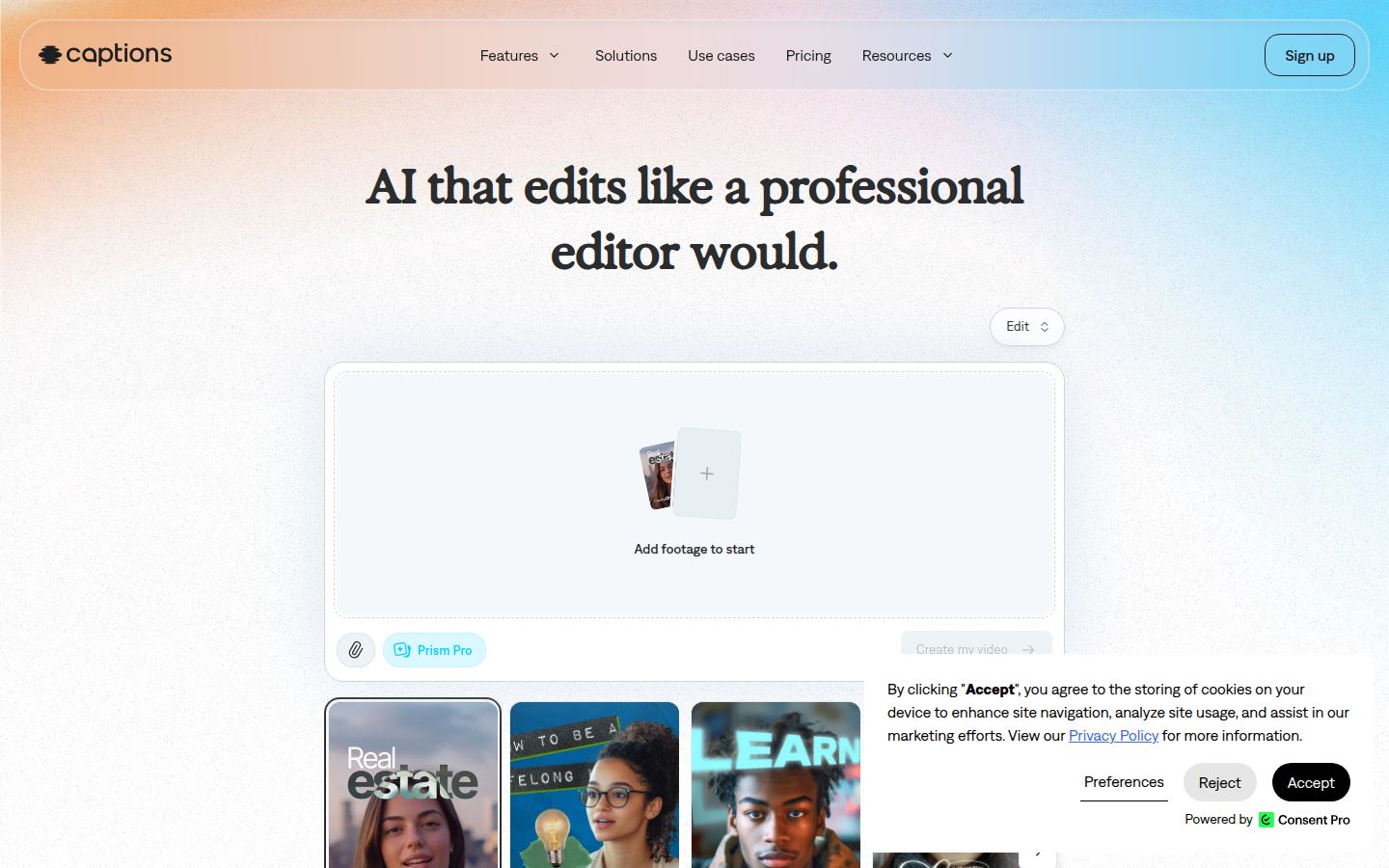
Captions is an AI video app built around its AI Edit feature. AI Edit covers cuts, captions, B-roll, music and effects for a whole video, and you can revise it with a chat prompt. The app also offers AI avatars and digital twins, and a teleprompter.
Valmera's 2026 review calls it a good fit for creators who turn short, vertical, presenter-led footage into styled social video. It also says the weaker fit is long-form, multi-camera or picture-first editing.
Limits that matter here: AI Edit uses credits, and Valmera counts 10 to 40 credits per AI Edit before any extra models. Captions' own pricing page says its prices reflect iOS plans only.
Pricing as of October 2026: Max is $24.99 a month with 500 credits a month. Frontier starts at $69.99 a month. The free plan includes no AI credits, so AI features need Max or a higher plan. Enterprise is custom.
Best for: presenters who want a whole-video AI edit, or who want avatars and AI-generated footage alongside their own filming.
How to choose
Pick by the job in front of you. A long feature list matters less than the one task you do every week.
- You have one raw talking-head video and want a finished captioned short. Start with Sycamore. Use the free 10 minutes on a real video, then decide whether the Starter plan at $19 a month for 3 hours is enough.
- You have long recordings and want many clips from each. Use OpusClip, or Submagic with its Magic Clips add-on. Expect to review and trim the picks.
- You edit by cutting text. Use Descript. It is the strongest fit when the transcript is how you think about the edit.
- You want B-roll and sound effects added to a clip for you. Use Submagic. Sycamore does not add B-roll, sound effects or background music.
- You need translation or more than English captions. Use VEED on its Pro plan, or OpusClip, which lists more than 20 languages. Sycamore's transcription is English only.
- You want a full timeline and a mobile app. Use CapCut. Sycamore is a web app and has no mobile app.
- You want AI avatars or AI-generated footage. Use Captions or VEED. Sycamore has no avatars, AI voice or dubbing.
Whichever tool you pick, check the captions before you post. Names, numbers and product terms are the most common errors, and every tool in this list can get them wrong. Prices change often, so check each pricing page before you buy.
FAQ
Is there a free AI tool that turns a talking-head video into a captioned short?
Yes. Sycamore's free plan gives you 10 minutes of video once, with no credit card. Submagic's free plan adds a watermark and covers a few videos a month, and VEED's free plan caps videos at 10 minutes.
Which tool has the lowest starting price?
Among the paid plans in this post, OpusClip Starter is the lowest at $15 a month, but it charges one credit per minute of source video. Sycamore Starter and Submagic Starter both start at $19 a month.
Does Sycamore support languages other than English?
No. Sycamore's transcription is English only. OpusClip lists more than 20 languages, VEED's Pro plan includes translation into 50+ languages, and Submagic has an AI video translator.
Can Sycamore cut one long recording into many shorts?
No. Sycamore edits the one video you upload. For several clips from a long recording, use OpusClip or Submagic's Magic Clips add-on.
Is there a mobile app for Sycamore?
No. Sycamore is a web app that works in a phone's browser. CapCut is the option in this list with a mobile app.
How does OpusClip's credit system work?
One credit is one minute of source video, so a 45-minute recording uses about 45 credits whether the tool returns three clips or twenty.