Most creators who film themselves talking have the same problem. The recording is fine. The editing takes an hour. You cut the pauses and the "ums," you add captions that match the words, and then you do it all again for the next video.
AI video editors are built to do that work. This post compares six of them for talking-head footage, the kind you shoot on a phone or laptop and post on TikTok, Instagram Reels, YouTube Shorts or LinkedIn. Sycamore is one of the six, and we make it, so read it with that in mind. We wrote every section the way we'd explain these tools to a friend who asked which one to try first: what each does well, where it falls short, and what it costs today.
How we chose these tools
We looked at four things for each tool: what it does to a talking-head video, what you get as output, what the free plan or trial includes, and what the paid plans cost. We checked each tool's own pricing page or help center first, and used third-party guides only to fill in what those pages didn't show. Where sources disagreed, we went with the tool's own page and say so in the text.
We left out tools built mainly for generating video from a prompt, avatars or stock footage, because your reader films themselves. We also left out full timeline editors that take days to learn. The six tools below each handle a different slice of the job.
We did not run a side-by-side test on the same footage for this post. Where we describe how a tool performs, we say whose test or review we are drawing on.
The short comparison
Prices are as of October 2026, billed monthly unless noted. Check each pricing page before you buy, since plans change.
| Tool | Starter price | Free plan or trial | Best for |
|---|---|---|---|
| Sycamore | $19/month for 3 hours of video | 10 minutes of video, one time, no card | One raw talking-head video in, one finished captioned short out |
| Submagic | $19/month ($12 billed yearly) for 15 videos up to 2 minutes | Trial of 3 short videos, no card | Caption styles, B-roll and publishing |
| OpusClip | $15/month for 150 minutes of source video | Free plan: 60 credits a month, with watermark | Cutting one long recording into many clips |
| Descript | $24/month ($16 billed yearly) for 10 media hours (Hobbyist) | Free plan: 60 minutes of media a month, 720p with watermark | Editing a recording as text, on desktop |
| Captions | Max at $24.99/month, 500 credits | Free plan with watermarked exports and no AI credits | Phone-first creators who want eye contact correction |
| Vizard | $29/month ($14.50 billed yearly) for Creator | Free plan: 60 credits a month, 720p | Long videos turned into clips, with scheduled posting |
Sycamore

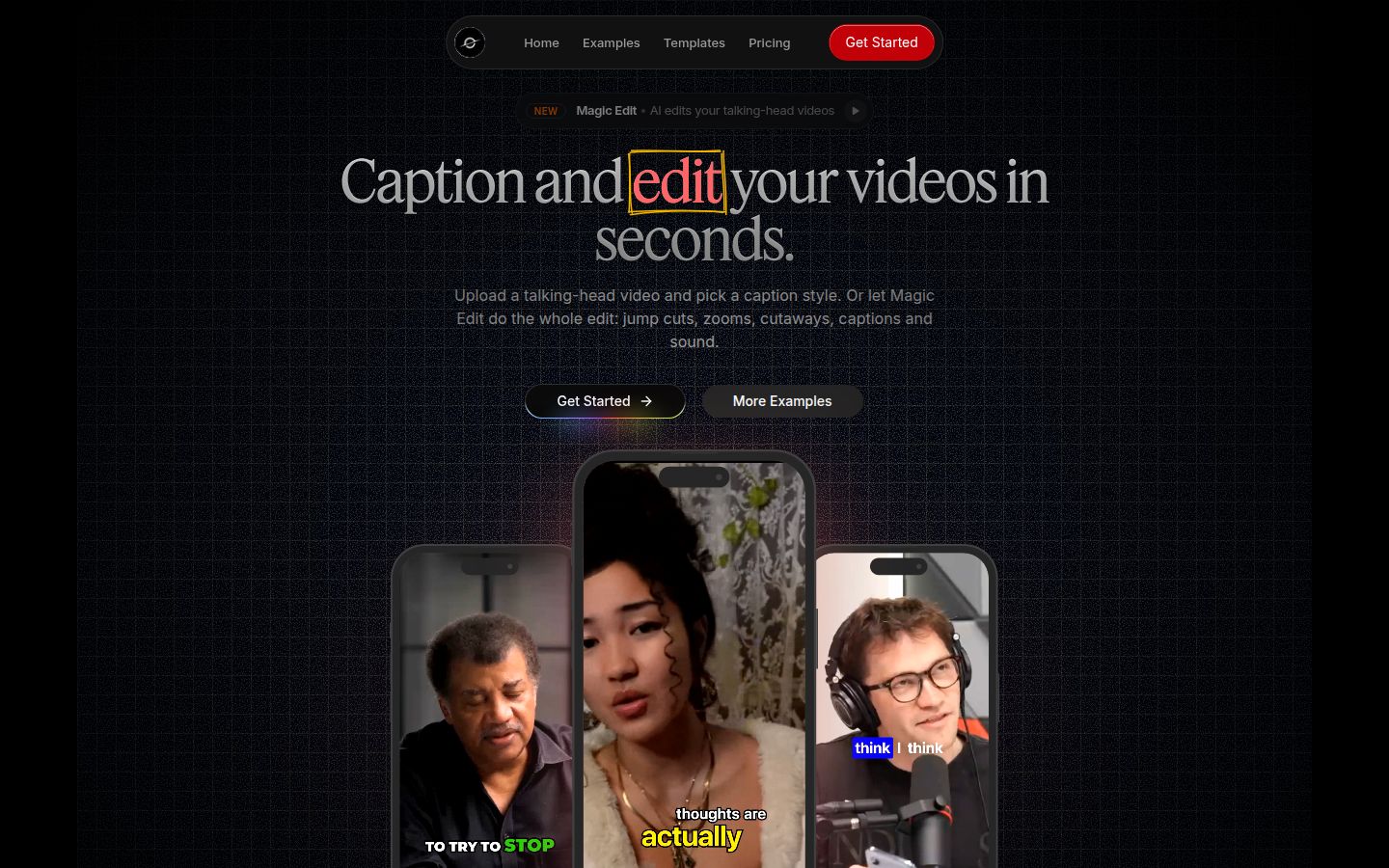
Sycamore is a web app that turns one raw talking-head recording into a finished, captioned short. You upload the video, and Magic Edit cuts silences and filler words, adds word-by-word captions, and adds zooms and full-screen text on the lines that matter. Then you review the edit before you export. It runs in the browser, so there is nothing to install.
The review step is the part that keeps you in control. In the editor, each line can be set to Normal, Emphasis, Full screen, Number, List or Label, in plain words. You pick one of two edit styles to start, Apollo or Hermes. You can change any part of the result before you export.
If you only need captions, the caption editor works on its own. You can edit any word, change the font, colors, size, animation and position, and save a look as a preset for every later video. Every word has a timestamp, so the captions stay in sync. You can export an MP4 in 9:16, 1:1 or 16:9.
Pricing as of October 2026:
- Free: 10 minutes of video, one time, no credit card.
- Starter: $19 a month for 3 hours of video a month, no watermark.
- Growth: $39 a month for 10 hours of video a month, no watermark, priority rendering.
You can upload MP4, MOV, WebM or MP3 files up to 2 hours long. Our pricing page has the full plan list.
Sycamore's best fit is a solo creator, founder or coach who records one talking-head video and wants it edited and captioned with few steps. It focuses on that one job, so there is less to learn than in a full editor.
Two limits matter for this comparison. Transcription is English only. And Sycamore edits the video you give it. It does not cut one long recording into a batch of separate shorts. If your input is a 60-minute webinar and you want twelve clips from it, OpusClip or Vizard is the better fit.
Submagic

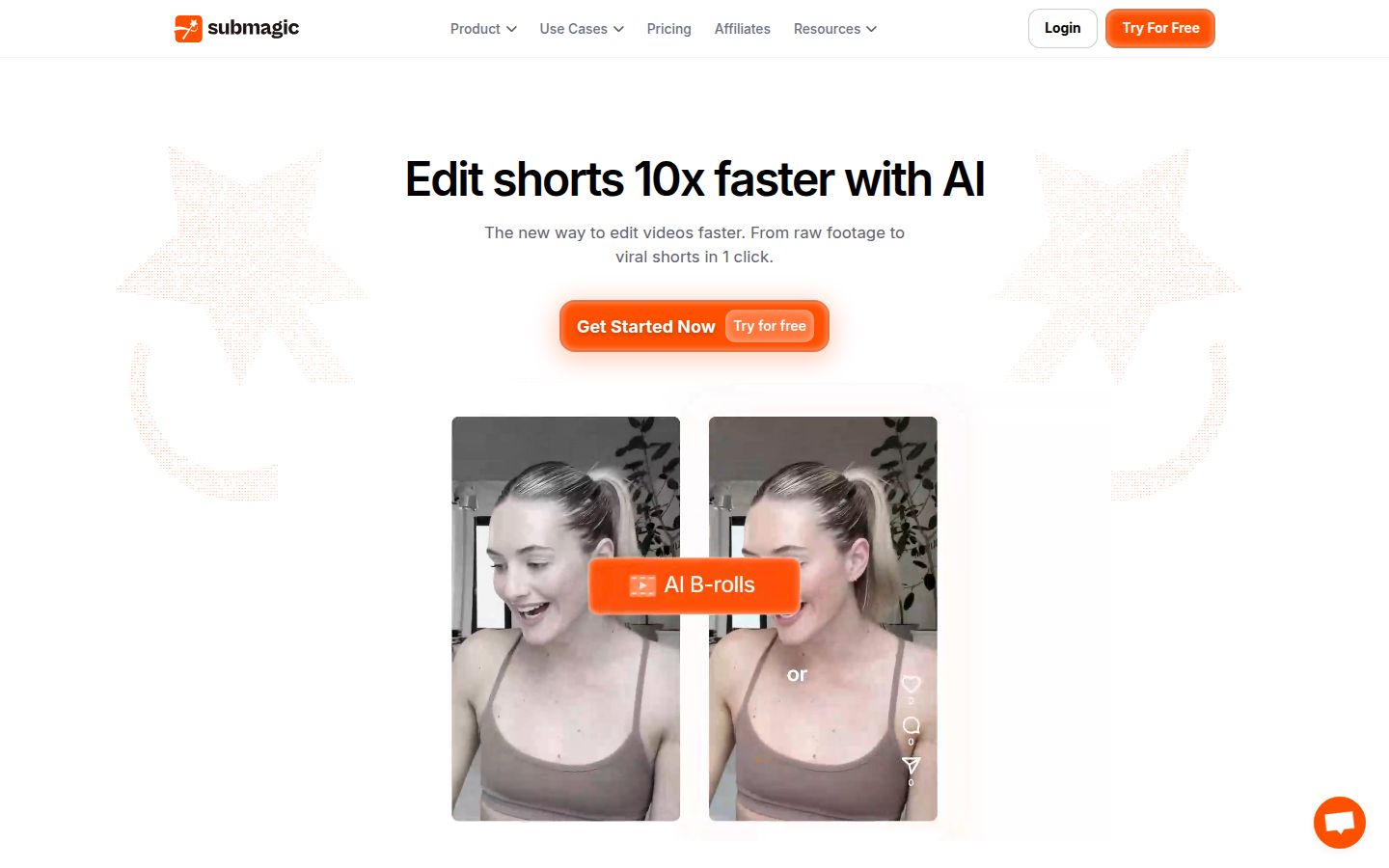
Submagic is an AI editor for short-form video. You upload footage and it adds captions, styles them, and can add zooms, B-roll, silence cuts and clean audio. Its homepage describes the flow as going from raw footage to a finished short in one click.
Submagic's strength is depth in caption styling and extra visual treatments. AI eye contact and a larger B-roll library sit on the Pro plan and up. Its Magic Clips feature, which turns a longer video into clips, is a paid add-on.
Pricing as of October 2026, monthly billing (annual billing is lower):
- Starter: $19 a month, 15 videos a month up to 2 minutes each, 1080p export.
- Pro: $39 a month, 40 videos up to 5 minutes, up to 2K export, with AI eye contact, auto zoom, removal of silences, bad takes and filler words, custom fonts and a brand kit. Submagic's help center calls this plan "Professional."
- Business: $69 a month, 100 videos up to 30 minutes, up to 4K at 60 fps.
- Magic Clips add-on: $19 a month for 10 uploads.
Submagic lists a free trial of 3 short videos without a credit card. You need a paid plan to download them without the watermark, according to StoryCut's breakdown of the Submagic plans, which checked Submagic's own pages.
Submagic is a good match for creators who care most about caption styles and B-roll, and who want to publish from the same tool on the Pro plan. Its Starter plan leaves out the silence and filler word removal, so budget for Pro if you want the cleanup in the same tool.
OpusClip

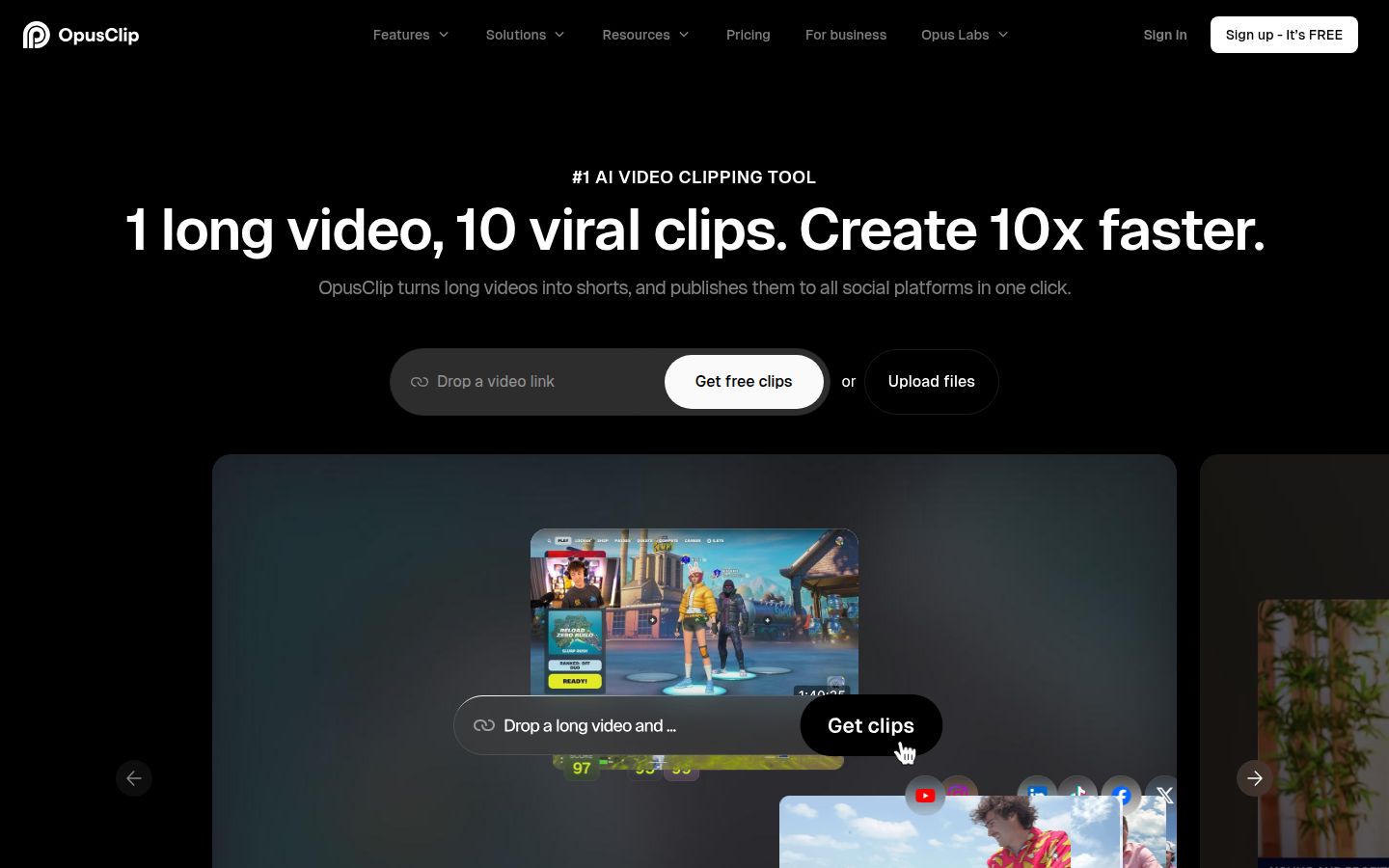
OpusClip is built around long videos. You paste a link or upload a file, and it finds the parts it thinks will work as short clips, then cuts, captions and reframes them. Its homepage lists sources such as YouTube, Vimeo, Zoom, Riverside and StreamYard, and says it supports English, German, Spanish, French, Portuguese and more than 20 other languages.
Its strengths are volume and range. One long recording can come back as many clips, each with captions, and the Pro plan adds AI virality scoring. The product also includes AI B-roll, reframing, and an export to XML for Adobe Premiere Pro and DaVinci Resolve, so you can finish a clip in a professional editor if you want to.
Pricing as of October 2026:
- Free: 60 credits a month. One credit is one minute of source video. The exports carry a watermark.
- Starter: $15 a month for 150 processing minutes, no watermark, 720p export.
- Pro: $29 a month for 300 processing minutes, 1080p export, AI virality scoring. Annual Pro billing is listed at $174 a year.
The credit rule is the part to plan around. Credits are charged on the full length of the source video, not on the clips you keep. In a test of the free plan, one 15-minute video used 15 credits up front, according to Marc Andrews' review of OpusClip. A 90-minute podcast costs 90 credits whether it yields three clips or thirty.
OpusClip is the better choice when your input is a long recording and you want many clips from it, in more than one language. If you film one short talking-head video at a time, you pay for a long-video tool you won't use much. Our comparison of Opus Clip and Descript goes deeper on that choice.
Descript

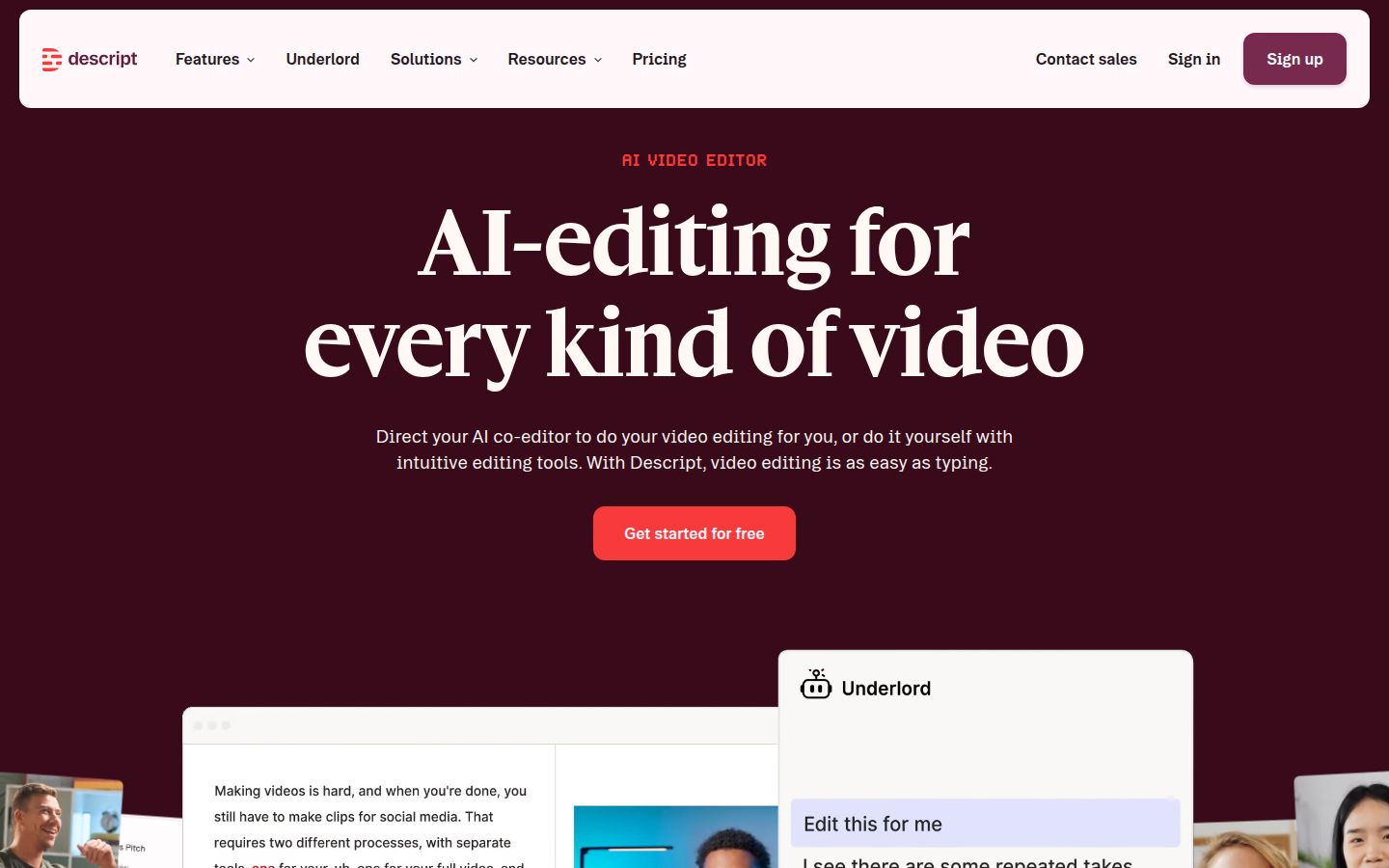
Descript is an editor where the transcript is the timeline. You edit the video by editing the text, and the video follows. Its help center describes automatic detection of filler words like "um" and "uh," which you can remove in one step from the AI Tools panel. Descript also has Studio Sound for cleaning up audio, Create Clips, Eye Contact, and a built-in teleprompter for recording.
Descript is strongest when you want a full editor that also handles audio, podcasts and longer videos. It has a desktop app for macOS and Windows.
Pricing as of October 2026, from Descript's pricing page:
- Free: 60 minutes of media a month, 720p export with a watermark, and 100 AI credits one time.
- Hobbyist: $24 a month, or $16 a month billed yearly. 10 media hours a month, 400 AI credits a month, 1080p with no watermark, one person.
- Creator: $35 a month, or $24 a month billed yearly. 30 media hours, 800 AI credits, 4K with no watermark, up to three people.
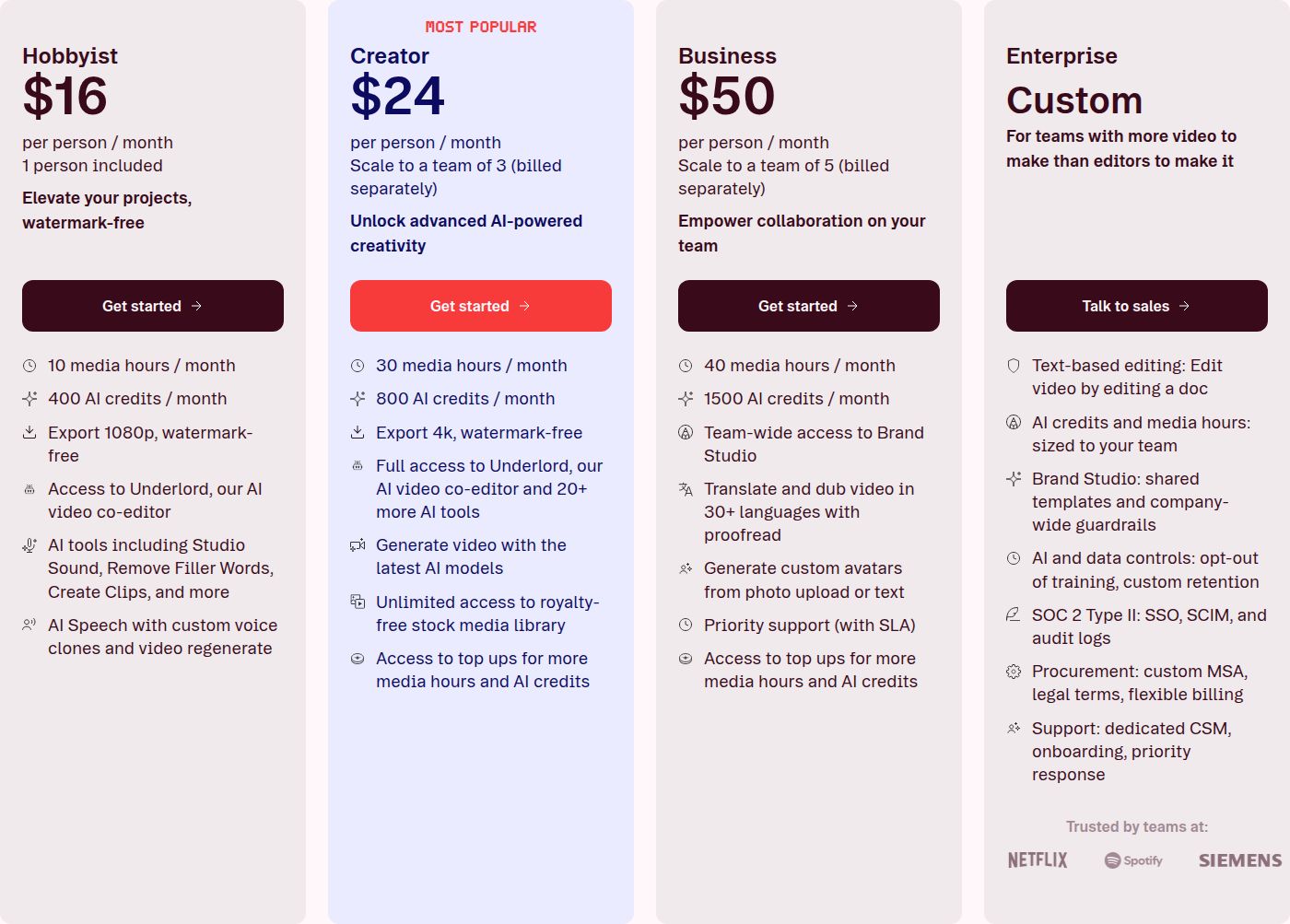 Descript's pricing page, Hobbyist plan
The limit to plan for is that Descript meters two things every month. Media hours count everything you upload or record, and AI credits track features like Underlord, Studio Sound and Remove Filler Words. The pricing page does not list how many credits each action uses, so you see the cost as you work. Descript is a good fit for readers who want that full editor and are happy to learn it. Our Descript review for short-form creators covers the workflow in more detail.
Captions

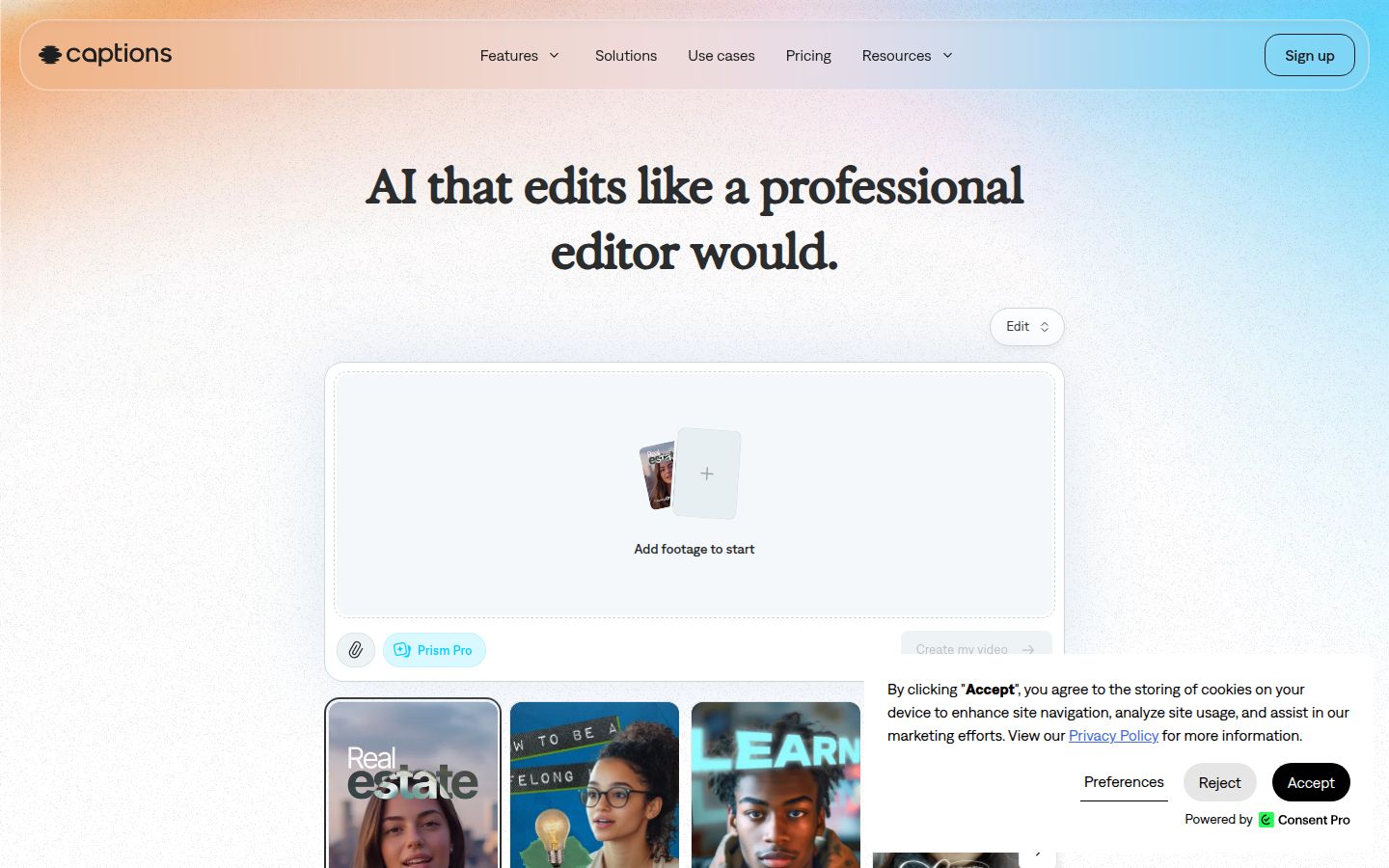
Captions is an AI video app for phones, with a web version too. It was built for talking-head creators who film on their phone. Its best-known features are automatic animated captions and AI Eye Contact, which adjusts your gaze so you appear to look at the lens while you read a script or a teleprompter. It also has an AI Edit mode that takes commands in plain text.
Captions is the strongest pick here if you film on a phone and want an app. Sycamore and Submagic run in the browser, while Captions has apps for iPhone and Android as well as a web version.
Pricing on Captions' pricing page, which shows iOS prices:
- Free: basic editing and captions, with watermarked exports. The comparison table on the page lists no AI usage credits on the Free plan.
- Max: $24.99 a month, with 500 credits a month and the generative AI tools.
- Frontier: $69.99, $139.99 or $279.99 a month, for higher credit amounts.
Captions' help center also lists a Basic plan, which it says was formerly called Pro. Third-party sources put Basic at $9.99 a month on iOS and web, but we could not confirm that on Captions' own pricing page, so check it before you buy.
The limit that matters is credits. Most AI features run on monthly credits, and the free tier has none. If you only want captions and a few edits, the paid credit plans may cost more than you need.
Vizard

Vizard turns long videos into short clips for TikTok, Instagram, YouTube Shorts and other channels. It uses a transcript-style editor, so you can clean up the text and the cuts together. It can also add contextual B-roll to talking-head footage. An independent review by AI Demos lists that B-roll on talking-head footage among Vizard's strengths.
Pricing as of October 2026, from Vizard's pricing page:
- Free: 60 credits a month, 720p export, one social account, 3 days of storage.
- Creator: $29 a month, or $14.50 a month billed yearly ($174 a year). No watermark, 4K export, scheduled social posts, six social accounts. One credit is one minute of uploaded video.
- Business: $39 a month, or $19.50 a month billed yearly ($234 a year). Adds a shared workspace, brand kit, and team invites at $5 a month per seat.
The limit to know about is the first pass. In a test by AI Demos, Vizard turned a talking-head recording into short vertical clips with less dead air, but the highlight start and end points still needed a manual check before posting. The same review says polished branding and higher-end exports sit in the paid tiers.
Vizard suits people with long recordings who want clips out of them on a regular schedule, and who are happy to check each clip before it goes live.
How to choose
Start with the job, not the tool.
- You film one talking-head video at a time and want it finished quickly. Start with Sycamore. The free plan gives you 10 minutes of video once, with no card, so you can test your own footage before you pay. The Starter plan is $19 a month for 3 hours of video.
- You have long recordings and want many clips from each. Compare OpusClip and Vizard. Look at the credit rule first, because it is charged on the full source length.
- You care most about caption styles, B-roll and publishing. Look at Submagic's Pro plan at $39 a month, and check whether the Starter plan covers the cleanup you need.
- You want a full editor that works on text. Look at Descript's Hobbyist or Creator plan, and plan for the two monthly meters.
- You film on a phone and want eye contact correction. Try Captions' free plan first, then check the current paid plan on its pricing page.
If you're still not sure, use the free plans to test your own footage. Pick the tool that gets your next video posted with the fewest steps, then check the price against how often you actually post.
For more on the workflow behind any of these tools, read How to Edit Raw Talking-Head Footage Into a Short. If you want a caption-only comparison, Best Subtitle Generators for Short Videos covers more tools.
FAQ
Is there a free AI video editor for talking-head videos?
Yes. Sycamore gives you 10 minutes of video one time with no card, and OpusClip and Vizard each have a free plan with 60 credits a month. Descript's free plan includes 60 minutes of media a month, but exports are 720p with a watermark.
How much does Submagic cost in 2026?
Submagic's Starter plan is $19 a month, Pro is $39 and Business is $69, billed monthly. Annual billing lowers each price, to $12, $23 and $41 a month.
Can Sycamore make several shorts from one long video?
No. Sycamore edits the video you upload into one finished, captioned short. For a long recording that you want cut into many clips, OpusClip or Vizard is the better fit.
Does Sycamore support languages other than English?
No. Sycamore's transcription is English only, so it's a poor choice for non-English videos. OpusClip lists support for English and more than 20 other languages on its homepage.
What does Descript's Hobbyist plan cost in 2026?
Hobbyist is $24 a month billed monthly, or $16 a month billed yearly. It includes 10 media hours and 400 AI credits a month, with 1080p export and no watermark.
Which AI editor is best for a phone-first creator who wants eye contact correction?
Captions is built for phone use and includes AI Eye Contact, which adjusts your gaze to look at the lens. Its paid plans start at Max, $24.99 a month on iOS pricing, and its free plan has watermarked exports and no AI credits.