InShot and CapCut are the two free editors most creators try first. Both can take a phone clip, trim it, add captions and export a vertical video in a few minutes. They differ in how much work they leave to you and how far they go past the basics.
Pick InShot if you edit on your phone, want the lowest price, and are happy making the cuts yourself. Pick CapCut if you want trend-ready templates and caption styles, you also edit on a laptop, and you're willing to pay for Pro to get the full set. If you film yourself talking and want the cuts, zooms and captions built in for you, Sycamore is a third option. We cover it near the end.
Prices and plan names below are as of November 2026. Store prices vary by country and can change, so check the price at checkout before you subscribe.
InShot vs CapCut at a glance
| InShot | CapCut | |
|---|---|---|
| Price | Pro at $4.99 a month, $19.99 a year or $49.99 once (US App Store) | Standard at $9.99 a month (sold in the mobile app). Pro at $19.99 a month or $179.99 a year (US). Ultra and Teams also listed |
| Free plan | Yes. Free exports can carry the InShot watermark, and the free app shows ads | Yes. Premium templates and effects are limited, and 4K export needs Pro |
| Runs on | iPhone, iPad and Android | Phone, desktop app and the browser |
| Auto captions | Yes, in multiple languages | Yes, listed as a Pro feature in CapCut's help pages |
| Does well | Simple on a phone. Manual tools such as keyframes, speed curves and chroma key | Large library of trend templates, caption styles and effects. Works on phone, desktop and browser |
| Missing or limited | Built around the phone. Fewer trend templates and advanced AI tools | Advanced AI tools and 4K export need Pro. More options to learn |
| Best for | Phone-first creators on a budget who edit by hand | Creators who want trend-led looks and edit on more than one device |
InShot

InShot is a video editor built for the phone. You import clips, trim and split them, cut out a middle section, then add text, stickers, music and transitions before you export. It goes well past basic trimming. The app includes keyframes, speed curves, picture-in-picture, chroma key green screen, motion tracking and object removal. Its auto captions cover multiple languages.
InShot suits people who want direct control over every cut. The app stays simple on a phone, so a first edit doesn't take long to learn. The free version shows ads, and exports can carry a watermark. Its paid subscription removes both.
CapCut

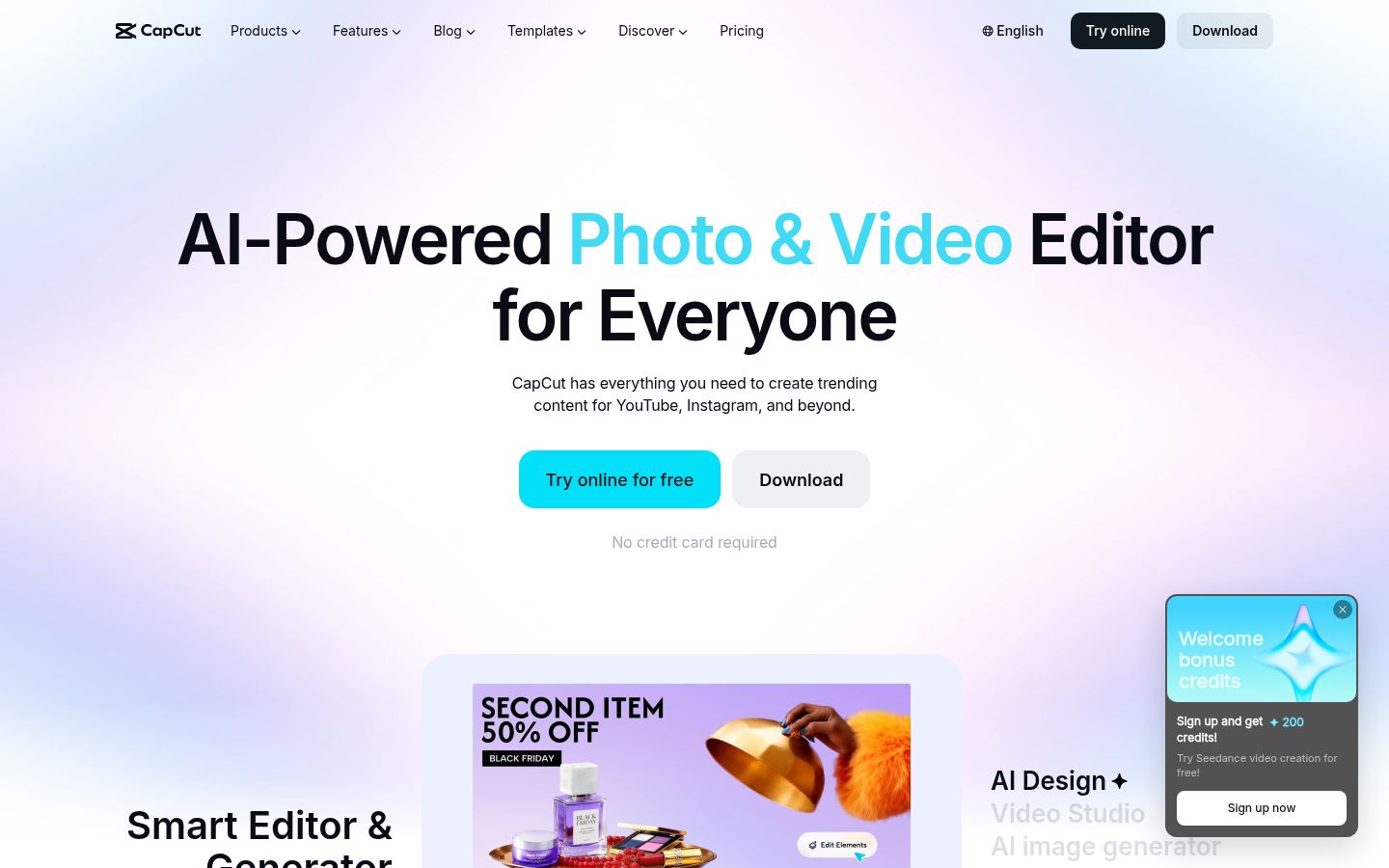
CapCut is a full video editor with a phone app, a desktop app and an online editor. Its library is the bigger of the two. You get trend templates, caption presets, filters, text animations, music and a set of AI tools, including background removal and noise reduction. The desktop app suits longer edits, and the browser editor lets you work without installing anything.
The most useful parts sit behind Pro. 4K export and the advanced AI tools are Pro features, and Pro is $19.99 a month in the US. The app also has a lot of options to work through. Heavier effects and AI tools can slow older phones.
Pricing: InShot costs less, and CapCut has more tiers
InShot Pro is listed on the US App Store at $4.99 a month, $19.99 a year, or $49.99 once for lifetime access. Removing ads is a separate $3.99 purchase.
CapCut has four plans on its website: Free, Pro, Ultra and Teams. The Standard plan at $9.99 a month is sold in the mobile app. Pro is $19.99 a month or $179.99 a year in the US. Ultra and Teams prices appear after you sign in. CapCut says the prices it shows are for reference, and the final price depends on your platform, region and any offers.
For one person paying by the year, InShot Pro costs $19.99 and CapCut Pro costs $179.99. InShot's lifetime price equals about two and a half years of its yearly plan. Check the price in the store where you'll subscribe, since that store sets the amount you pay.
Editing: InShot keeps the controls direct, and CapCut adds more AI
Both apps let you trim, split, add text and music, and export vertical video. The gap shows up in the next layer of tools.
InShot gives you direct controls: keyframes, speed curves, picture-in-picture, chroma key and tracking. For a talking-head clip, you often only need trimming, text and captions, and InShot covers those.
CapCut adds AI tools that go further. It has background removal, noise reduction and voice enhancement, plus AI video and image tools that generate content from a prompt. Pro includes a monthly allowance of AI credits for the generation tools.
Captions: both caption, and CapCut has more caption styles
Both apps transcribe speech and place captions on the video. InShot's captions cover multiple languages and are plain to edit. CapCut's caption tools come with a larger set of animated styles and templates. CapCut lists auto captions as a Pro feature in its help pages, so check your own account before you build a workflow around it.
If you want a trending caption look without building it yourself, CapCut's templates are the faster route. If a clean caption in one style is enough, InShot covers that. How to make captions in CapCut walks through the steps.
Ease of use: InShot is quicker to learn, CapCut has more to explore
InShot is easier to pick up if you've never edited. The tools sit where you expect them on a phone, and a first clip takes little time to finish.
CapCut has more to learn. The interface has many panels, Pro badges and template choices. In return, the same project works on a phone, a desktop or in the browser, which matters if you start on your phone and finish on a laptop.
Free plans and output quality
InShot's free version lets you export, but the free app shows ads and exports can carry a watermark. The paid plan removes both.
CapCut's free plan includes a set of templates and effects, but premium material is limited. 4K export is a Pro feature, so a free CapCut export tops out below 4K.
For output, your source footage matters more than the export setting. Shoot in good light with the phone held steady. A 4K export of a clip recorded at 1080p adds file size without adding detail.
Sycamore

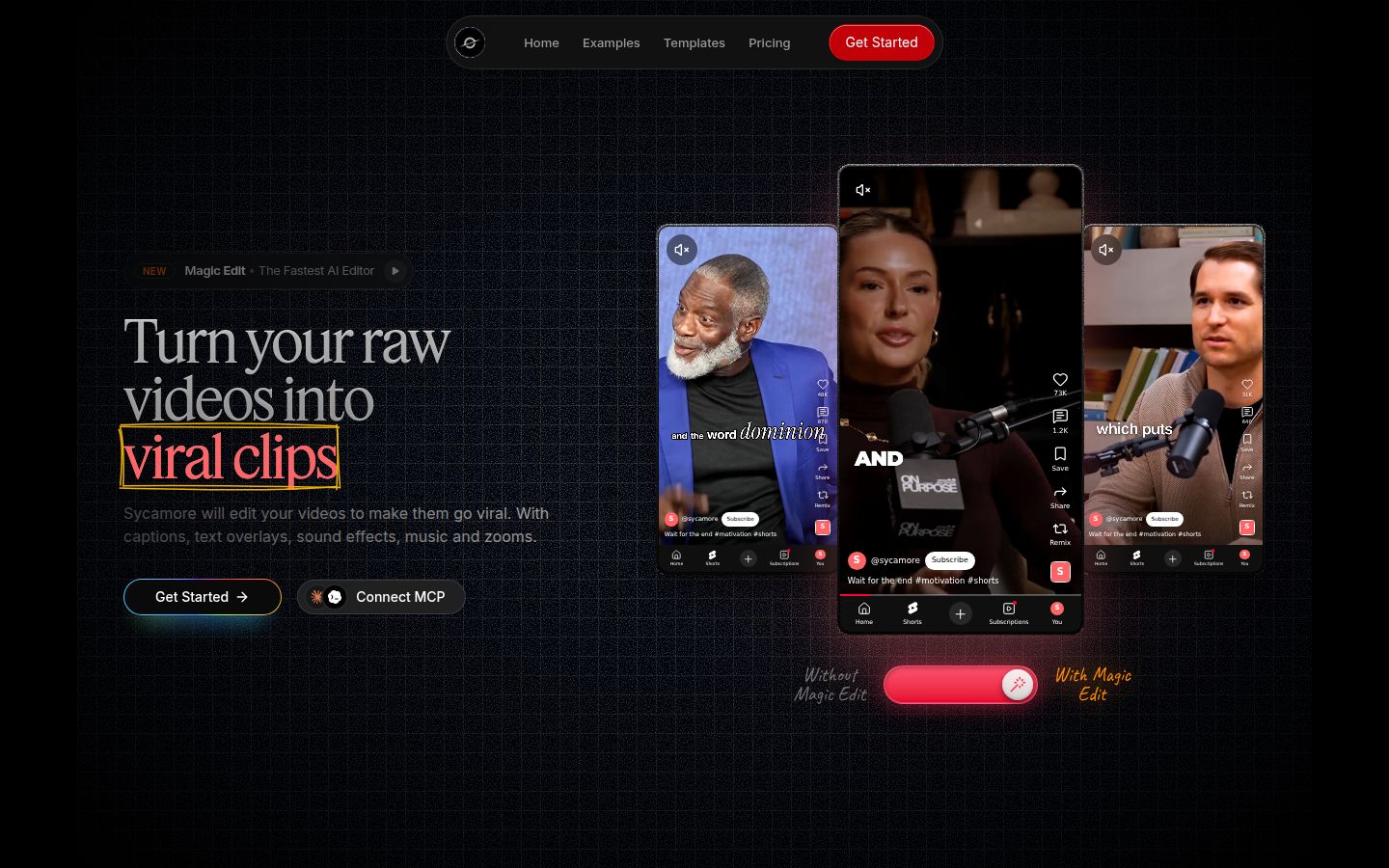
Sycamore is an AI video editor for talking-head videos. You upload raw footage, and Magic Edit cuts silences, filler words and dead air. It then adds zooms and punch-ins, emphasis on key lines, full-screen text cutaways, numbers and lists on screen, and animated captions that appear word by word. You pick one of four edit styles (Apollo, Hermes, Athena or Helios), then review the edit before you export an MP4 in 9:16, 1:1 or 16:9. It runs in the browser, so there is nothing to install.
Sycamore is built for founders, coaches and educators who film themselves and want a finished short without editing by hand. The editor works in plain words rather than a timeline. Each line can be set to Normal, Emphasis, Full screen, Number, List or Label, and you can switch the edit style without starting over.
Its limits matter for some readers. Transcription is English only. It doesn't add music or sound effects, and it has no B-roll library. It runs in a phone's browser, but there is no mobile app. If you need any of those, InShot or CapCut is the better pick.
Pricing is by minutes of video. The Free plan includes 10 minutes of video, one time, with no credit card. Starter is $19 a month for 3 hours of video, and Growth is $39 a month for 10 hours. Both paid plans have no watermark. See Sycamore pricing for the full list. If you're weighing it against CapCut for this kind of video, Sycamore vs CapCut for talking-head videos goes deeper.
Which one should you pick
- You film and edit on your phone and want the lowest cost. Pick InShot. Pro is $19.99 a year, or $49.99 once for lifetime access. Pick CapCut instead if you want a laptop editor or trend templates you can use on several devices.
- You want trend-ready looks and work across phone and laptop. Pick CapCut. Start on the free plan, and move to Pro at $19.99 a month only when you need 4K or the advanced AI tools. InShot is the better pick if you only cut, caption and export on the phone.
- You film yourself talking and want the edit done for you. Test Sycamore on the free 10 minutes first. Starter at $19 a month covers 3 hours of video. Pick InShot or CapCut if you need music, sound effects, B-roll or captions in a language other than English.
- You need captions in several languages. InShot supports multiple languages, and CapCut's web caption tool lists support for 20+ languages. Sycamore is English only.
Whichever you choose, test the free plan on one real video you'd post. Time the edit, check the export for a watermark, and decide from that result.
FAQ
Is InShot or CapCut free to use?
Both have free plans. InShot's free version shows ads and can add a watermark to exports, and its paid plan removes both. CapCut's free plan limits premium templates and effects, and 4K export needs Pro.
How much does CapCut Pro cost in 2026?
In the US, CapCut Pro is $19.99 a month or $179.99 a year. The Standard plan at $9.99 a month is sold in the mobile app. Final prices can vary by platform, region and offers.
How much does InShot Pro cost?
On the US App Store, InShot Pro is $4.99 a month, $19.99 a year or $49.99 once for lifetime access. Removing ads is a separate $3.99 purchase. Prices differ by country.
Does InShot have auto captions?
Yes. InShot generates and edits captions in multiple languages. Check the caption tool in your version of the app to see if it needs a paid plan.
Are CapCut's auto captions free?
CapCut's help pages list auto captions as a Pro feature, so the answer depends on your plan. Check the caption tool on your own account before you build a workflow around it.
Which is better for talking-head videos, InShot or CapCut?
InShot is simpler and cheaper for cutting and captioning on a phone. CapCut has more caption styles, templates and AI tools, and it also works on desktop and in the browser.
Does Sycamore have a mobile app?
No. Sycamore is a web app that runs in a phone's browser. Its free plan includes 10 minutes of video, one time, with no credit card.