Gling is worth paying for if your main problem is the raw cut. You film yourself talking, and you want the silences, "um"s, false starts and repeated takes removed so you start from a clean timeline. It does that job well, and its paid plans cost less per hour of footage than the other hour-based plans in this group. If you want a finished short with captions and on-screen styling in one pass, another tool will fit better, and we'll say which.
We make Sycamore, so read our section with that in mind. We've tried to describe every tool here the way we'd describe it to a friend who asked us which one to buy, including the places where another tool is the better choice. All prices are as of November 2026.
The short verdict
Gling is worth it for solo creators, educators and coaches who film talking-head videos on a Mac or Windows computer, edit in Premiere Pro, Final Cut Pro or DaVinci Resolve, and want the cleanup done automatically before they start.
Skip Gling if you edit on your phone, you want a finished short with captions and styling without working on a timeline, or you need exports without a watermark on a free plan.
Gling at a glance
| Tool | Free option | Paid plans (November 2026) | Best at | Limit that matters for this choice |
|---|---|---|---|---|
| Gling | 1 hour of edited media a month, MP4 export with a watermark | Plus $20/mo, Pro $40/mo, Elite $100/mo. Half price on annual billing | Removing silences, filler words and bad takes, then handing the cut to your editor | Free exports carry a watermark and don't include the XML export to your editor |
| Sycamore | 10 minutes of video, one time, no card | Starter $19/mo (3 hours), Growth $39/mo (10 hours) | Turning raw footage into a finished, captioned edit you review before export | English transcription only; no XML or SRT export |
| Descript | Free plan | Hobbyist $24/mo or $16/mo billed yearly (10 media hours). Creator $35/mo (30 media hours) | Editing audio and video by editing the text | A full editor, so more to learn for a single job |
| CapCut | Free plan | Pro plan, with 1,200 AI credits a month | Phone and desktop editing with templates and auto captions | Most of the editing is by hand unless you use the AI tools |
| AutoCut | 14-day free trial | Basic $79/yr (silence removal). AI Plan $178.80/yr (all tools) | Cleanup and captions inside Premiere Pro or DaVinci Resolve | Works only as a plugin in Premiere Pro or DaVinci Resolve |
Gling

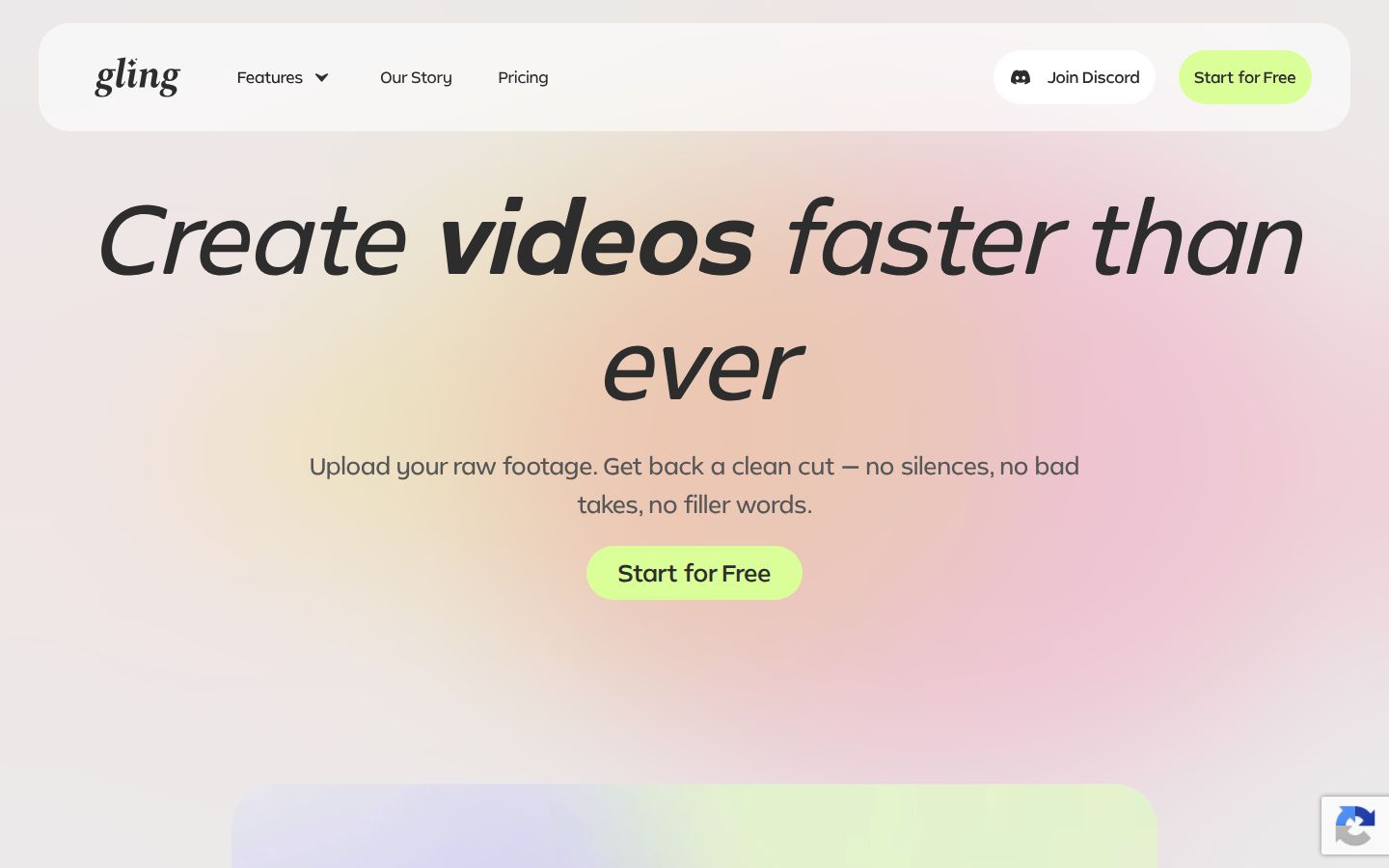
Gling is a desktop app for Mac and Windows. You import a talking-head recording, choose what to clean up, and Gling produces a cut you can check in a text-based editor. When you edit the transcript, the video follows. When you're done, you export an MP4 or MP3, or send the project to Premiere Pro, Final Cut Pro or DaVinci Resolve as an XML file.
What Gling does well
- Cleanup in one pass. It removes silences, filler words such as "um" and "uh", and bad takes. For a talking head, that's the part that eats the most time.
- A clean handoff to your editor. On paid plans you can export XML to Premiere Pro, Final Cut Pro and DaVinci Resolve, so the cuts arrive in your timeline already made. That is the main reason to pick Gling over a browser editor.
- Captions you can export. Gling generates subtitles and can export them as an .SRT file.
- Extra tools on every paid plan. Gling's pricing page lists auto framing, multicam editing, AI B-roll, speech audio enhancement, and title and chapter generators for YouTube.
Where Gling falls short
- Free exports have a watermark, and XML export needs a paid plan. The free plan gives you one hour of edited media a month. You can export the result, but with a watermark, and Gling's own pricing notes say the free version can't export to Premiere Pro, Final Cut Pro or DaVinci Resolve.
- Hours are shared across the month. The Plus plan includes 10 hours of edited media, or 300 words of generated video from a link, or a mix of the two. Anything you process uses the same allowance.
- Premium support starts on Pro. Plus doesn't include it.
- It's built around the rough cut. Gling does the cleanup well. Most people still finish the video in Premiere Pro, Final Cut Pro or DaVinci Resolve, so budget for that editor if you don't already have one.
Gling's pricing and what each plan gives you
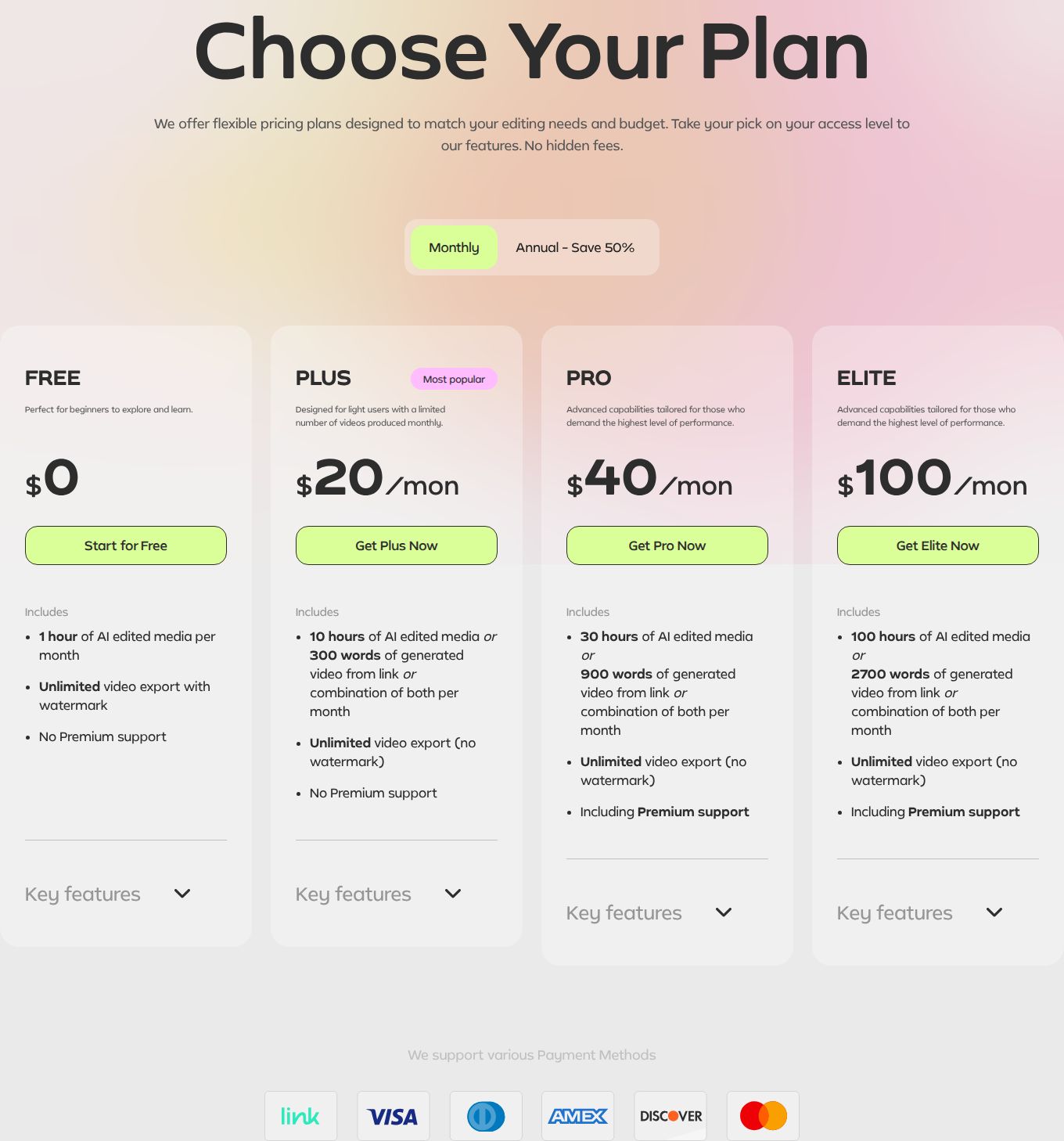
Gling has four plans. Paid plans are billed monthly or yearly, and yearly billing cuts the price in half. Every paid plan has the same features. What changes is the monthly allowance and support.
- Free: $0. One hour of AI edited media a month. Unlimited exports, with a watermark. No premium support.
- Plus: $20 a month, or $10 a month billed yearly. 10 hours of edited media a month, unlimited exports without a watermark.
- Pro: $40 a month, or $20 a month billed yearly. 30 hours a month, with premium support.
- Elite: $100 a month, or $50 a month billed yearly. 100 hours a month, with premium support.
For a creator posting one video a week, Plus is the plan most people need. Ten hours of footage covers roughly two hours of recording a week, with room for the takes you cut. If you film long episodes or run more than one channel, Pro gives you three times the hours for twice the price.
Sycamore

Sycamore is an AI video editor for talking-head footage. You upload a raw recording, and Magic Edit cuts the silences, filler words and dead air. Then it edits for attention: zooms and punch-ins, emphasis on the key lines, full-screen text cutaways for the big moments, numbers and lists on screen, and animated captions that appear word by word. You pick one of four edit styles (Apollo, Hermes, Athena or Helios), review the edit, and export an MP4 in 9:16, 1:1 or 16:9.
The editor works in plain words, not a timeline. Each line can be set to Normal, Emphasis, Full screen, Number, List or Label. You can switch the edit style without starting over. It runs in your browser, so there's nothing to install.
Where Sycamore fits best
- You want the finished edit, not a cut for another editor. That's the main difference from Gling. You upload the raw video and get back a captioned, styled short that you approve before export.
- You post on TikTok, Instagram Reels, YouTube Shorts or LinkedIn and want a polished look without learning a timeline.
- You want a free start with no card. The free plan gives you 10 minutes of video, one time. Paid plans are priced by minutes of video a month.
Where Sycamore falls short for this choice
- No XML or SRT export. You can't send the cuts to Premiere Pro, Final Cut Pro or DaVinci Resolve, and you can't download caption files. If your workflow ends in a timeline, Gling is the better fit.
- Transcription is English only.
- It edits what you filmed. It doesn't write your script or hook, and it has no B-roll library or AI voice. There's no team or collaboration feature yet.
Sycamore's pricing page lists the free plan, Starter at $19 a month for 3 hours of video, and Growth at $39 a month for 10 hours, with priority rendering.
Descript

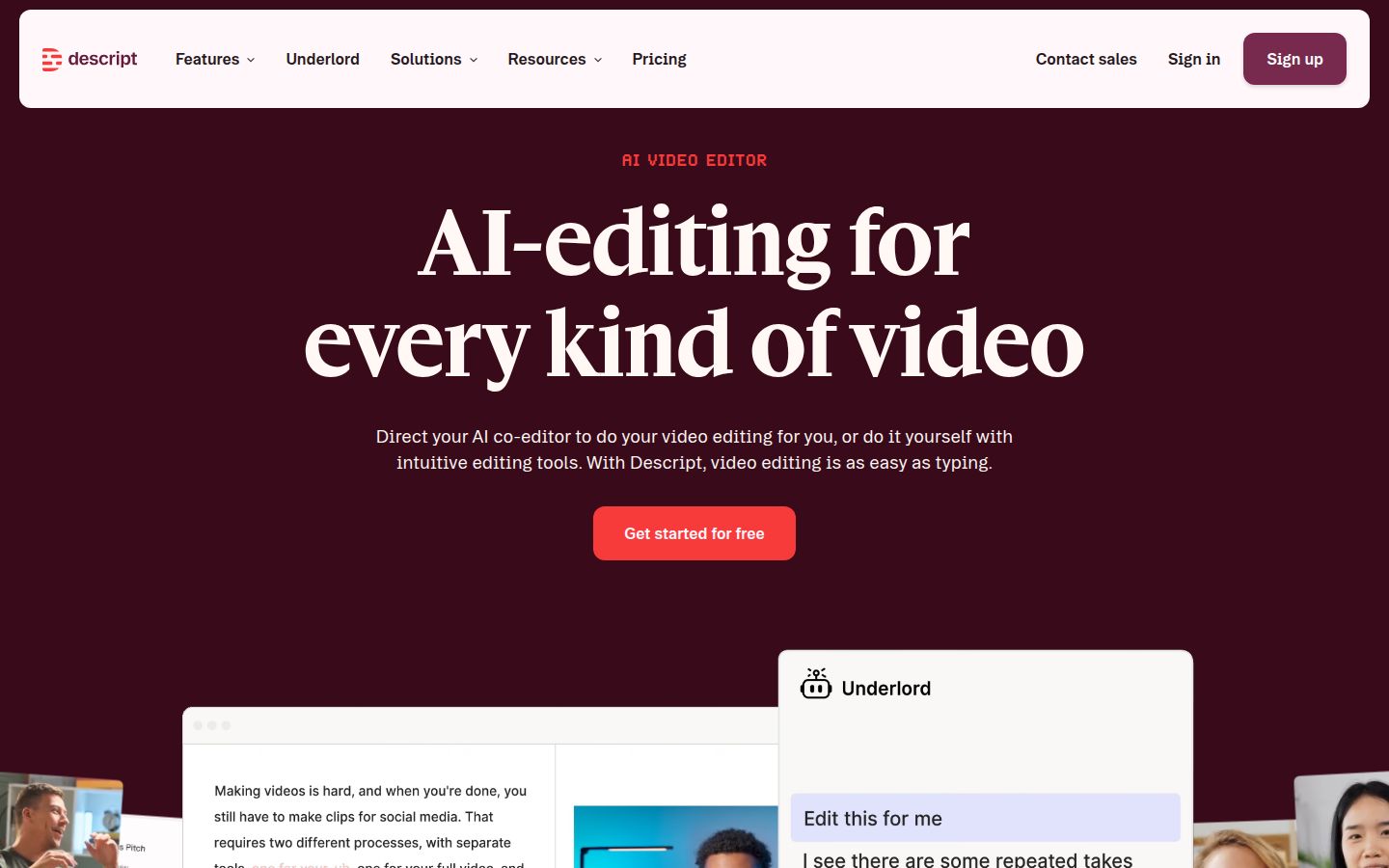
Descript is a full editor for audio and video, built around the transcript. You edit by deleting or moving text, and the video follows. It also has Studio Sound for audio cleanup, a filler-word remover, Create Clips, and Underlord, its AI co-editor. You can record your screen and video inside the app too.
Its Hobbyist plan is $24 a month, or $16 a month billed yearly. It includes 10 media hours and 1080p export without a watermark. The Creator plan is $35 a month, with 30 media hours and 4K export.
Descript is the better pick if you record podcasts or edit audio and video together, or if you like working by editing text. The trade-off is that it's a full editor, so there's more to learn than for a tool that does one job.
CapCut

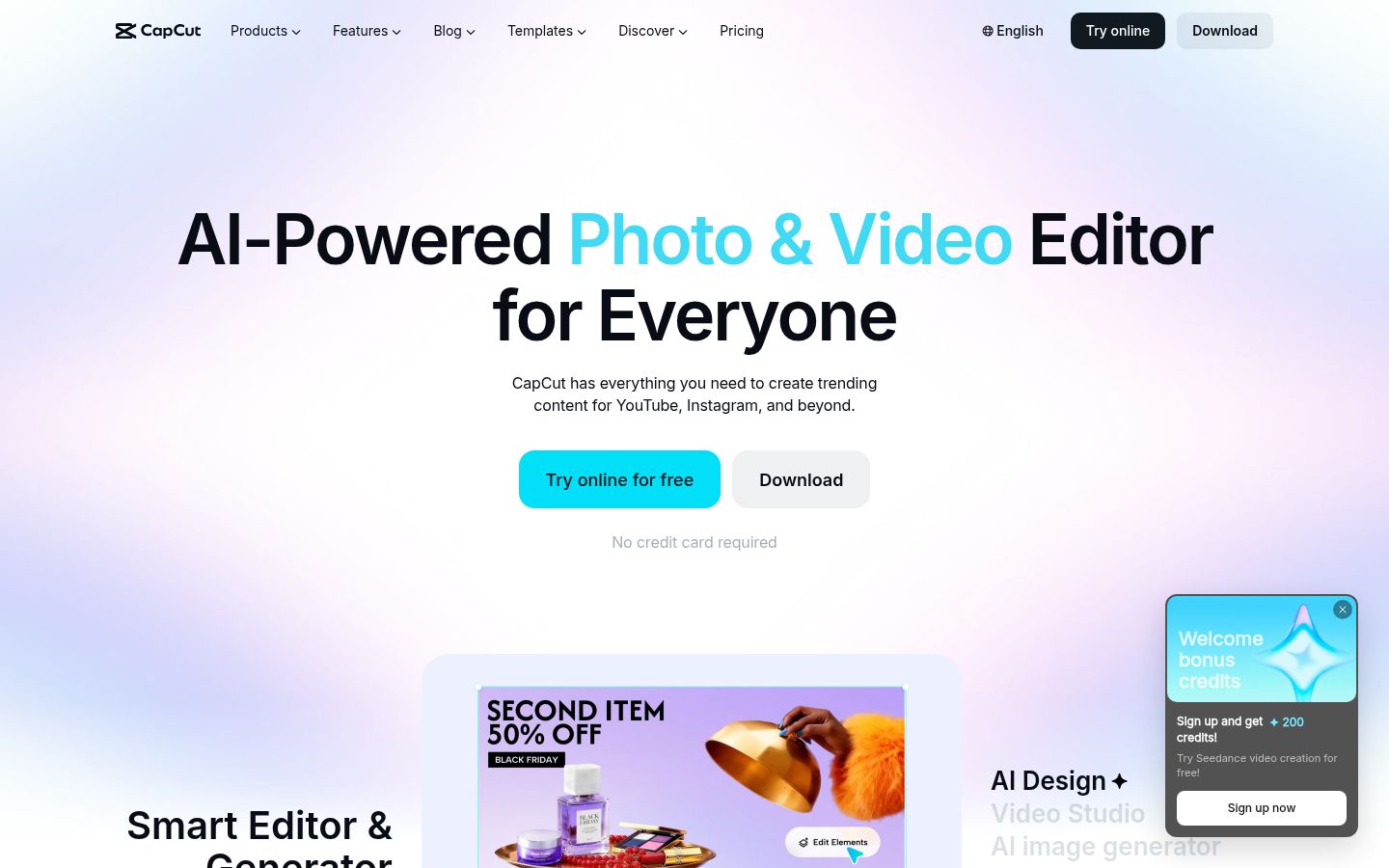
CapCut is a full video editor with desktop, online and mobile apps. It has a large template library, caption templates, auto captions, speech recognition and noise reduction. Its free plan includes the basic editing tools.
The Pro plan adds premium templates, 1 TB of storage and 1,200 AI credits a month. The official pricing page doesn't show the Pro price in the same block as the features, so check CapCut's pricing page for the current figure in your country.
CapCut is the better pick if you edit on your phone, or you like building each edit by hand with templates. The limit is the credit allowance on Pro, which covers the AI tools. Heavy AI use depends on how many credits you have left in the month.
AutoCut

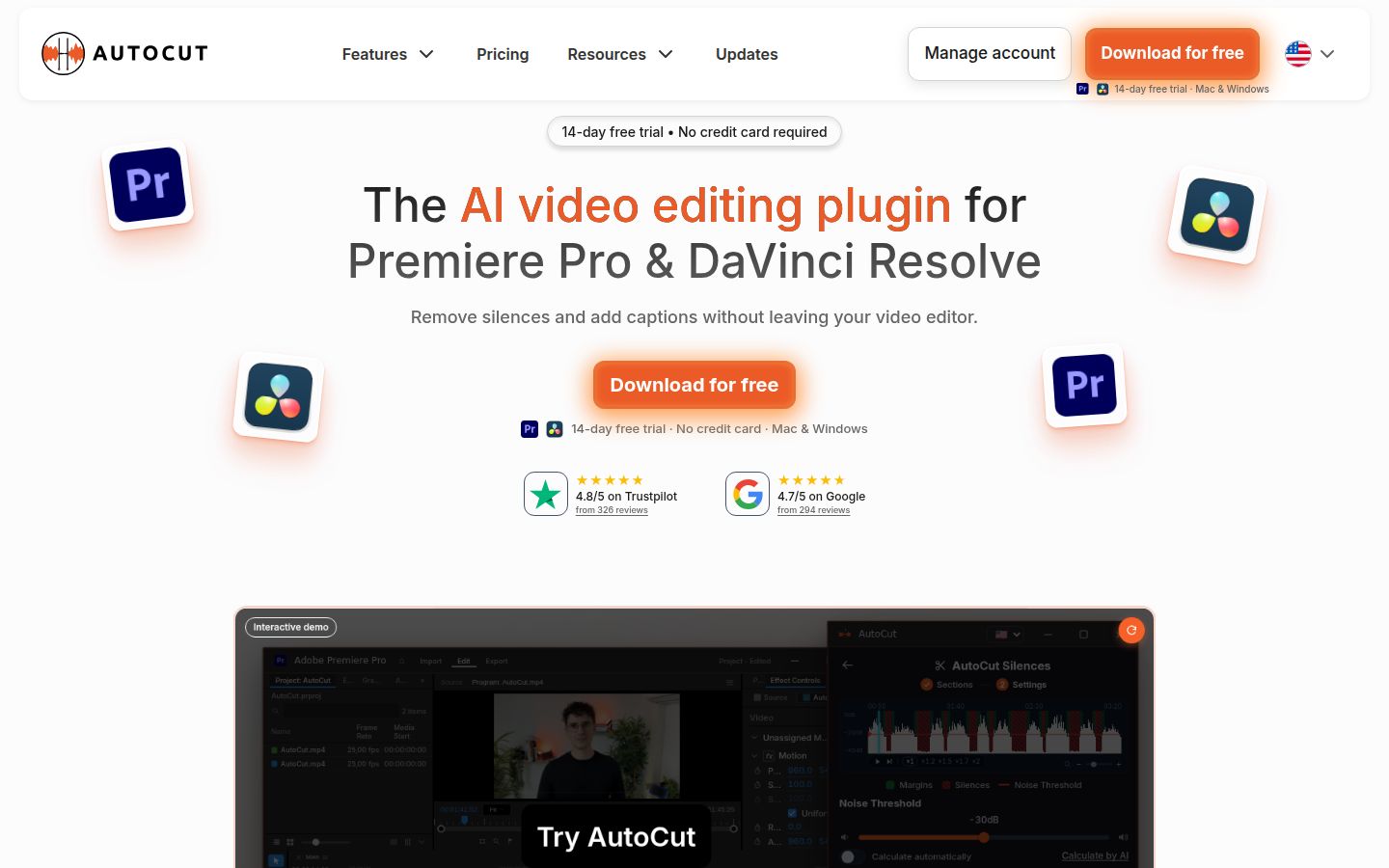
AutoCut is a plugin for Premiere Pro and DaVinci Resolve. It removes silences and adds captions without leaving your editor. Its AI Plan includes AutoZoom, AutoCut Repeat for removing bad takes, AutoCut Angles for camera switches, AutoB-Rolls, AutoChapters and more. It's available on Mac and Windows, with a 14-day free trial.
The Basic plan is $79 a year and covers silence removal only. The AI Plan is $178.80 a year, billed yearly, which works out to about $14.90 a month.
AutoCut is the better pick if you already edit in Premiere Pro or DaVinci Resolve and want the cleanup inside that timeline. It needs one of those editors to run. It's a license, not an hourly allowance, so it's easy to budget for in a yearly plan.
For a closer look at the two, read our AutoCut vs Gling comparison.
Pricing and value: which plan gives the most for your money
Each tool counts hours a little differently, so these numbers are a rough guide. They use the monthly plan prices and the included hours.
- Gling Plus: $20 for 10 hours, or $2 an hour. On yearly billing, $10 a month, or $1 an hour. Gling Pro on yearly billing works out to about $0.67 an hour.
- Descript Hobbyist: $24 for 10 media hours, or $2.40 an hour. On yearly billing, $16 a month, or $1.60 an hour.
- Sycamore Growth: $39 for 10 hours, or $3.90 an hour. Sycamore Starter: $19 for 3 hours, or about $6.33 an hour.
- CapCut and AutoCut: no hourly allowance on the plans we checked. CapCut's Pro plan is priced by credits, and AutoCut is a yearly plugin license.
On the cheapest paid hour, Gling is the lowest in this group. You pay for what you use, and the yearly plan halves the price. Sycamore costs more per hour, and you're paying for a finished edit instead of a clean rough cut. If you'd otherwise spend an hour or more in a timeline on each video, that difference may be worth it. If you already have a fast process in Premiere Pro or Final Cut Pro, Gling's per-hour price may be the better deal.
On free plans, Gling gives you more time to test: one hour of edited media a month, against 10 minutes for Sycamore in total. Gling's free exports have a watermark. Sycamore's free allowance is one time, not monthly. Its Starter and Growth exports have no watermark.
Which one should you pick?
- You cut in Premiere Pro, Final Cut Pro or DaVinci Resolve, and you want the cleanup done first. Get Gling Plus on yearly billing. It's the lowest cost per hour here, and the XML export means your cuts arrive in your editor. If you want the cleanup to run inside your editor instead, try AutoCut.
- You want a finished short with captions and styling, with no timeline. Start with Sycamore's free 10 minutes. If you post occasionally, Starter covers 3 hours a month. If you post every week, Growth covers 10 hours. Sycamore is the one built for this.
- You record podcasts or edit audio and video together. Pick Descript. The Hobbyist plan includes 10 media hours and watermark-free 1080p export.
- You edit on your phone. Pick CapCut. It has mobile apps and a free plan with basic tools.
- You're a team with several editors. Sycamore doesn't have team or collaboration features yet, so pick a tool built for shared projects.
If you're still deciding, the quickest test is to take one real recording and run it through two free plans. Keep the one that gives you the result you'd post.
FAQ
Is Gling free?
Gling has a free plan with 1 hour of AI edited media a month. Free exports carry a watermark, and the free plan doesn't include XML export to Premiere Pro, Final Cut Pro or DaVinci Resolve.
How much does Gling cost in November 2026?
Plus is $20 a month, Pro is $40 a month and Elite is $100 a month. Yearly billing halves each price, so Plus is $10 a month when billed yearly.
What is the difference between Gling and Sycamore?
Gling removes silences, filler words and bad takes, then exports a cut you finish in your own editor. Sycamore edits the raw footage into a finished captioned short that you review before export, but it has no XML or SRT export.
Does Gling export captions?
Gling generates subtitles and can export them as an SRT file.
Is there a Gling alternative that works on a phone?
CapCut has mobile apps and a free plan with basic editing tools. Gling is a desktop app for Mac and Windows.
Which is cheaper per hour of footage, Gling or Sycamore?
On monthly plans, Gling Plus is $2 an hour and Sycamore Growth is $3.90 an hour. On yearly billing, Gling Plus drops to $1 an hour.