Riverside is a strong tool for recording people. If you interview a guest, it captures each person's audio and video on their own track, at full quality, from their own device. Many podcasters and coaches stay with it for exactly that. This post is about the next step: which tool to use to edit the talking-head video you end up with, especially if you post short vertical clips to TikTok, Reels, YouTube Shorts or LinkedIn.
We cover six tools. Sycamore comes first because we make it. For each one you'll get what it does, what it costs as of October 2026, its limits, and who it suits. Pick the one that matches how you film.
Why people look for a Riverside alternative for editing
Riverside does a lot well. Its recording is built for remote guests, and it records up to 4K on its Pro plan. It also has live streaming and podcast hosting. Its editor works from the transcript, its Magic Clips feature finds moments in a long recording and turns them into short videos, and its Editor agent suggests an editing plan you can approve step by step. Plenty of people run their shows on Riverside without trouble.
The reasons people go looking tend to fall into four groups.
Price and the trial. Riverside has no free plan. It offers a 14-day free trial on its paid plans. Pro costs $29 a month, or $24 a month billed yearly. If you film alone at a desk, you pay for guest features you never use.
The download cap. Recording is unlimited, but downloading each person's separate track counts against a monthly allowance. If you edit in another app, those downloads are the hours that count. Riverside's published figures for that allowance differ between places on its site, so check the current number on its pricing page before you pick a plan.
Sync and AI clip quality. Some creators run into two problems: audio and video drifting out of sync in long sessions, and AI clip tools that miss the moments worth posting. Many creators report neither problem. But if your week depends on clean, ready-to-post clips, these issues matter a lot.
The shape of the job. Riverside is built around conversations and shows. If your footage is one person talking to a phone or webcam, and you want a finished vertical edit with the pauses cut and the key lines emphasized, a short-form editor fits that job more directly.
You don't have to replace Riverside to make this change. Many creators keep it for recording guests and move the editing to another tool.
The six tools at a glance
| Tool | Starting paid price (Oct 2026) | Free plan or trial | Best for |
|---|---|---|---|
| Sycamore | $19/month (Starter, 3 hours of video) | 10 minutes of video, one time, no card | Talking-head creators who want a finished short-form edit from raw footage |
| Descript | $16/month billed yearly, $24 billed monthly (Hobbyist) | Free plan with 60 minutes of media and a watermark | Podcasters and creators who edit by working with the transcript |
| CapCut | $19.99/month or $179.99/year (Pro, US) | Free plan | Creators who want full manual control, lots of effects and a phone app |
| Submagic | $19/month, or $12/month billed yearly (Starter) | Trial: 3 short videos, no card | Caption-first shorts, with a clip add-on for long videos |
| VEED | $20/month per user, or $12/month billed yearly (Creator) | Free plan with a watermark | Teams and marketers who want a browser editor with AI tools, avatars and dubbing |
| Captions | $9.99/month (Basic, formerly Pro) | Free plan | Phone-first creators who film, edit and post from their phone |
| Riverside (for comparison) | $29/month, or $24/month billed yearly (Pro) | 14-day trial, no free plan | Recording remote guests with separate tracks |
These are US list prices as of October 2026. Taxes, regional pricing and promotions can change what you pay, so check each tool's pricing page before you buy.
Sycamore

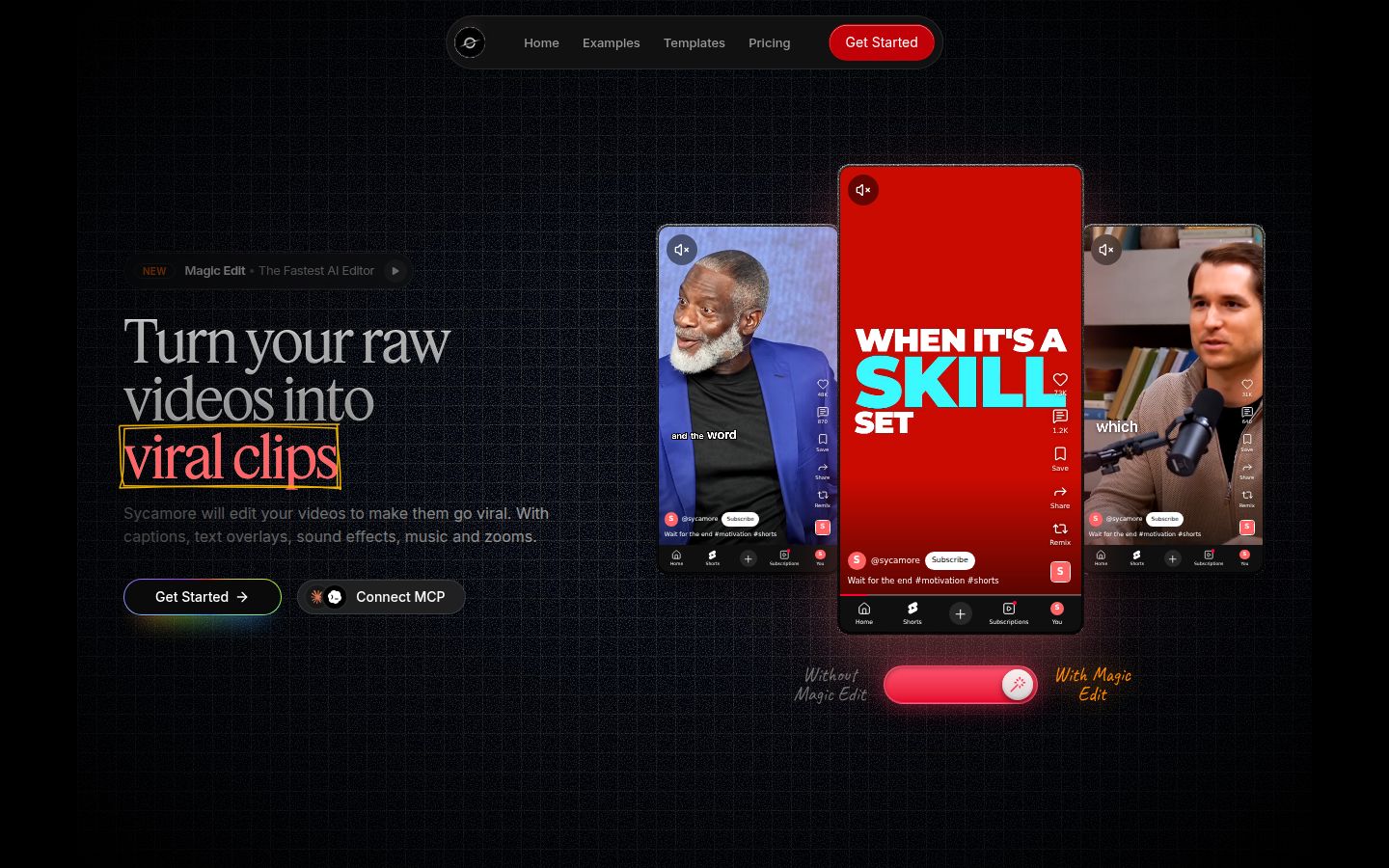
Sycamore is an AI video editor for talking-head videos. You upload raw footage of yourself talking, and it edits the whole thing into a short-form video built to hold attention. It runs in your browser, so there is nothing to install.
Magic Edit does the first pass. It cuts silences, filler words and dead air so the video moves. Then it edits for attention: zooms and punch-ins, emphasis on the key lines, full-screen text cutaways for the big moments, numbers and lists shown on screen, and animated captions that appear word by word. You pick one of four edit styles (Apollo, Hermes, Athena or Helios), review the result, and change anything before you export. You can switch the style without starting over.
The editor works in plain words, not a timeline. Each line can be set to Normal, Emphasis, Full screen, Number, List or Label. For most talking-head work, that's the whole job: read the edit, change the lines that feel off, and export an MP4 in 9:16, 1:1 or 16:9. Captions are part of the same edit. You can change any word, the font, colors, size, animation and position, and save a look as a preset.
Pricing as of October 2026. The Free plan gives you 10 minutes of video, one time, with no credit card. Starter is $19 a month for 3 hours of video, with no watermark. Growth is $39 a month for 10 hours, with no watermark and priority rendering. You can upload MP4, MOV, WebM or MP3 files up to 2 hours long. See the full list on Sycamore's pricing page.
Who it's best for. Founders, coaches, educators and creators who film themselves talking and want the result to look edited without editing by hand. If you would otherwise pay an editor or spend an evening in CapCut on each short, this is the job we built Sycamore for.
Limits to know. Transcription is English only. Sycamore edits the video you give it, so it does not cut one long recording into many clips. If you want a 90-minute podcast turned into 20 shorts, use a clipping tool such as Riverside's Magic Clips or Submagic's add-on. Sycamore also doesn't write your script or your hook, and it is a web app, not a phone app.
Descript

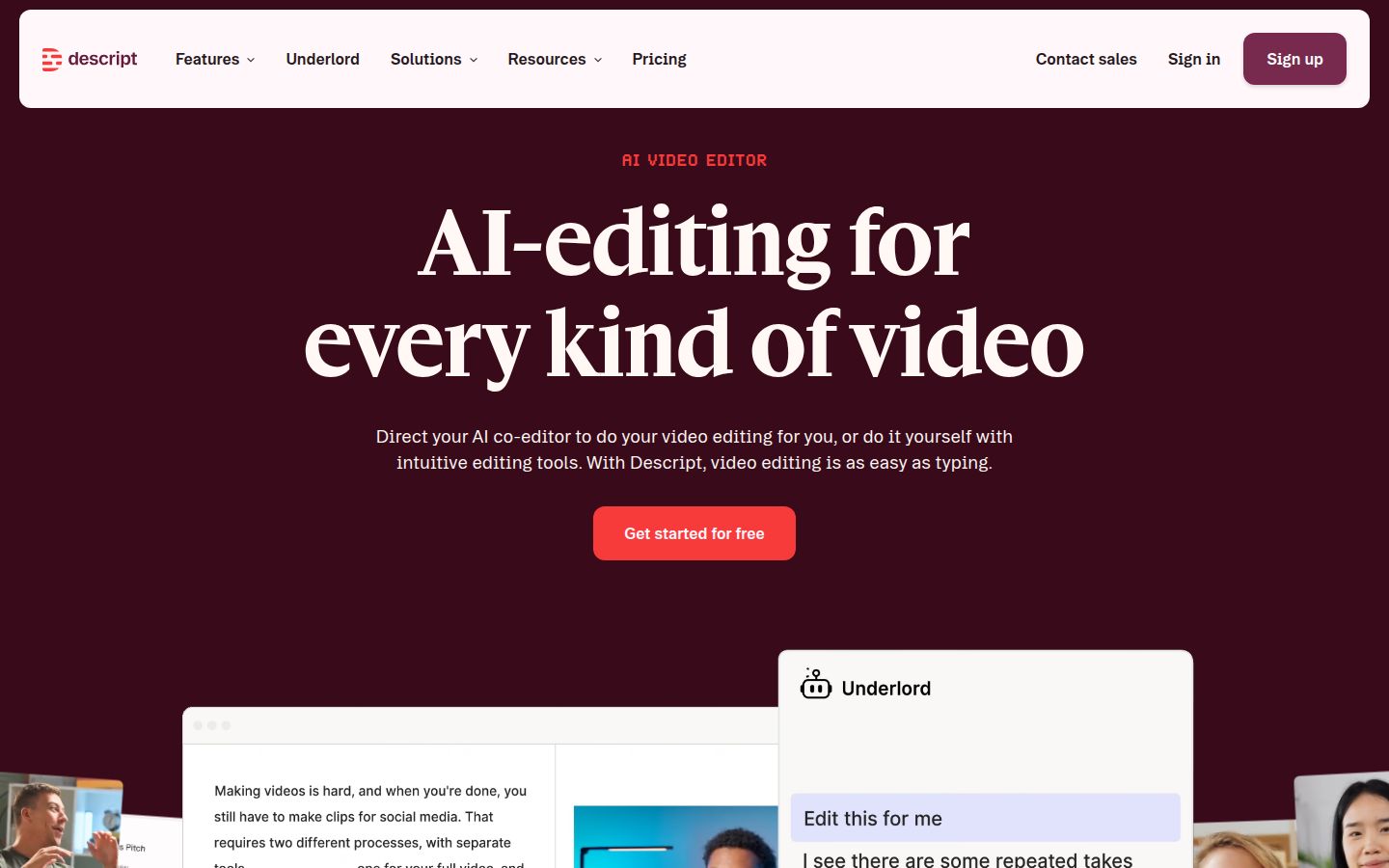
Descript is an AI video and audio editor built around the transcript. You record or upload your footage, Descript transcribes it, and you edit by deleting, moving and rewriting text. The video follows the words. If you already edit documents, the model feels familiar.
For talking-head work, its most useful tools are Remove Filler Words, which finds the ums and uhs, and Studio Sound, which cleans up the audio. Create Clips makes short clips from longer recordings. Underlord is its AI co-editor: you describe what you want, and it works through the steps with you. Descript also has its own recorder and a screen recorder, so you can record and edit in one app.
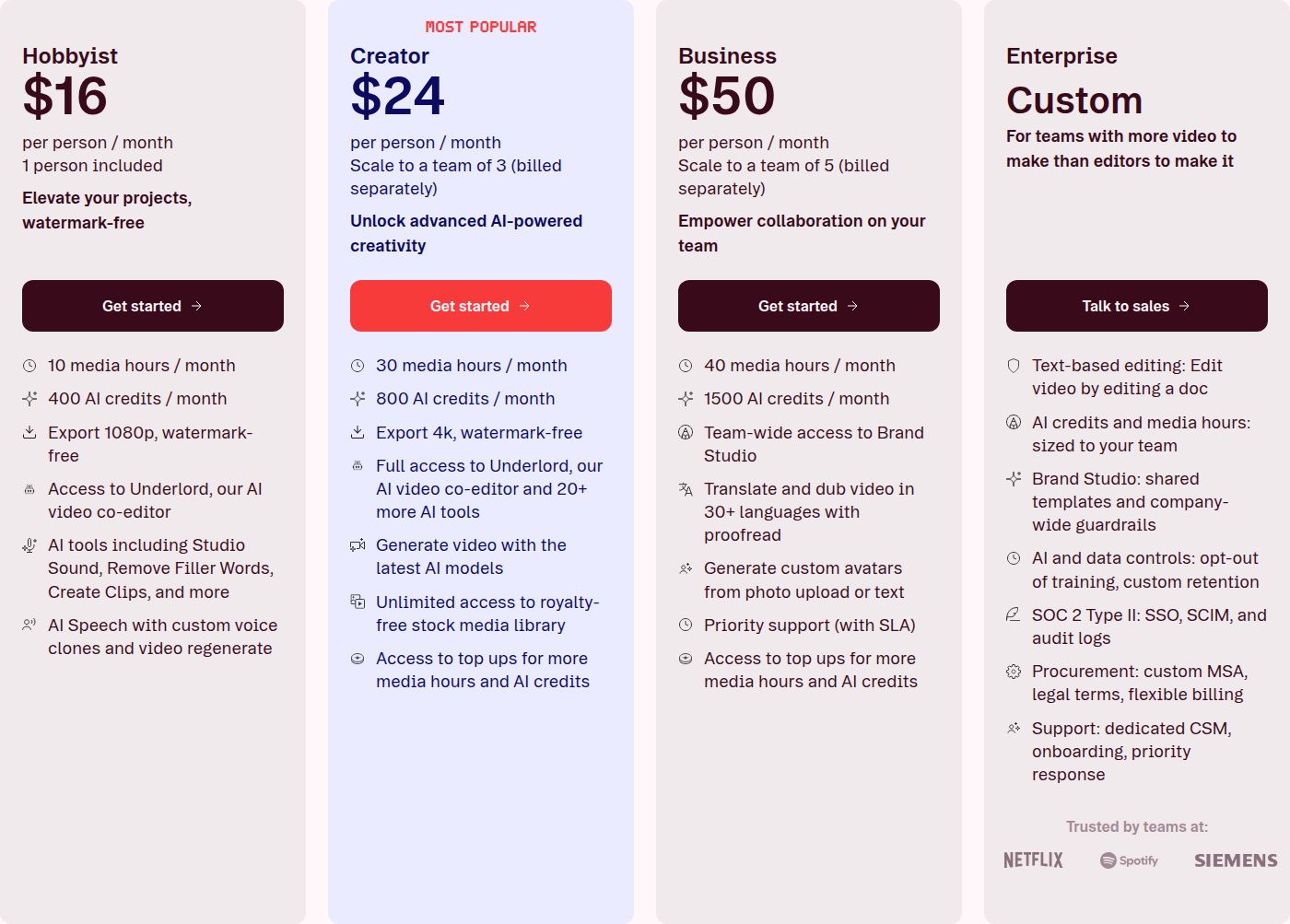
Pricing as of October 2026. Hobbyist is $16 a month billed yearly, or $24 billed monthly. It includes 10 media hours and 400 AI credits a month, with 1080p export and no watermark. Creator is $24 a month billed yearly, or $35 billed monthly. It adds 30 media hours, 800 AI credits, 4K export and seats for up to three people. The free plan gives you 60 minutes of media and exports with a watermark.
Who it's best for. Podcasters and creators who think in words, who edit audio and video together, and who want an AI co-editor. It fits well if you record a show with guests and want the audio cleanup and the video cut in the same app.
Limits to know. Descript meters two things. Media hours count every file you upload, including footage you cut out later. AI credits cover the AI tools, and the pricing page doesn't list how many credits each action costs, so you see the cost by watching the meter. Check both meters during a busy month.
CapCut

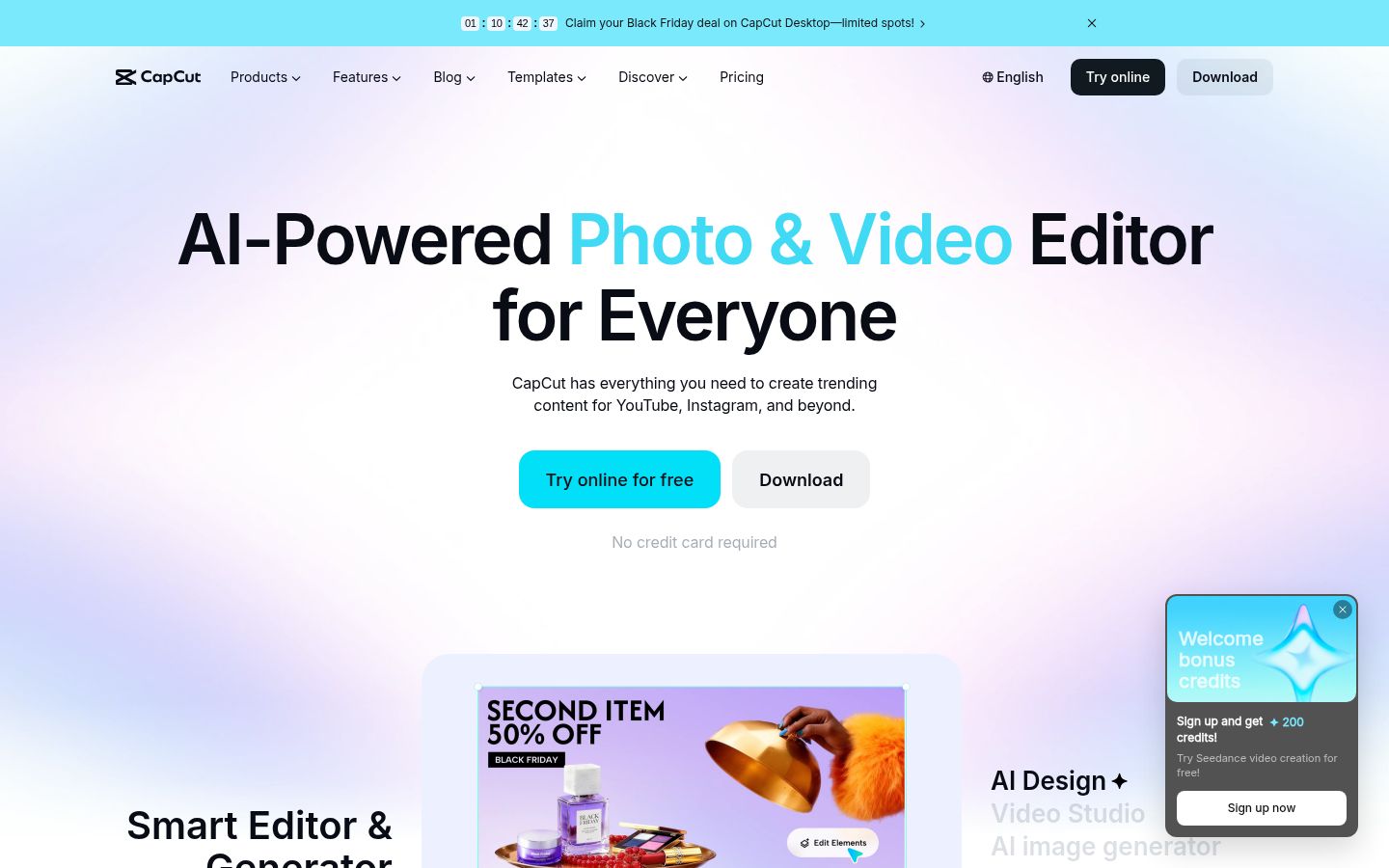
CapCut is a full video editor that works on desktop, in the browser and on your phone. It has auto captions with caption templates, speech recognition, noise reduction and voice enhancement, plus a large library of effects, transitions and text styles. Because it is a manual editor, you make the cuts, zooms and text placement yourself, with the captions and cleanup tools helping along the way.
That makes CapCut the most flexible tool on this list, and the free plan covers the core editor. If you like to shape every second by hand, you have more control here than in a one-pass tool.
Pricing as of October 2026. The Free plan covers the core editor. Pro is $19.99 a month or $179.99 a year for one user in the US, and it adds more AI credits and 1 TB of cloud storage. A Standard plan at $9.99 a month is sold in the mobile app. Prices vary by region and by where you subscribe, so check capcut.com for your price.
Who it's best for. Creators who want a free start, full manual control and a lot of effects, and who work on both a computer and a phone. It also suits people who already know CapCut and want to stay in it.
Limits to know. The edit is yours to build. A three-minute talking-head short takes longer to finish in CapCut than in a tool that makes the first cut for you. Some AI features draw on credits, so check your allowance. For a side-by-side view, read our Sycamore vs CapCut for talking-head videos comparison.
Submagic

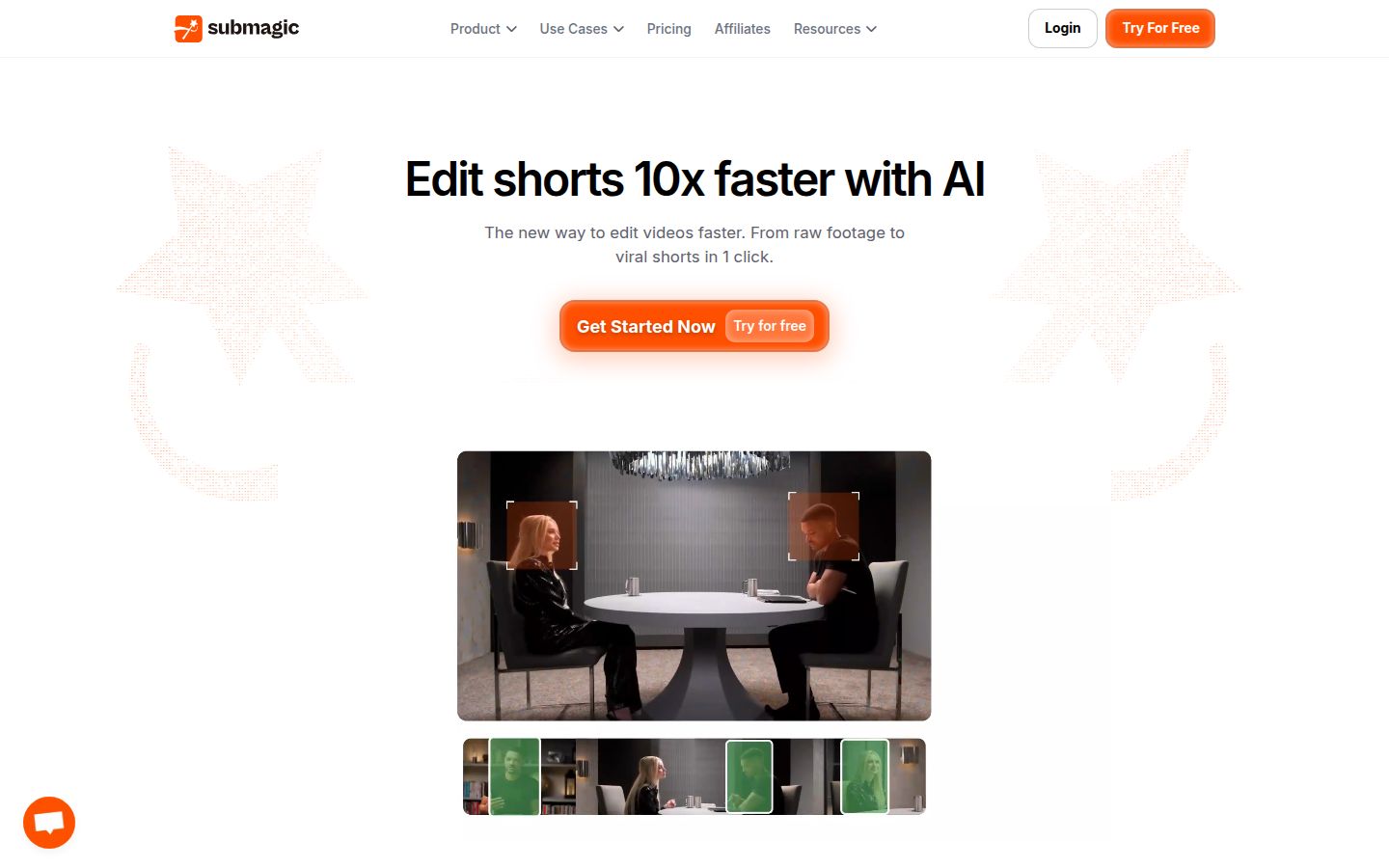
Submagic is built around captions for short videos. You upload a clip, and it adds AI captions, which are free on every plan. Starter includes free B-roll and audio. Pro adds auto zoom, AI eye contact, removal of silences, bad takes and filler words, and custom fonts. Its Magic Clips add-on cuts longer videos into short clips.
Pricing as of October 2026. Starter is $19 a month per member, or $12 a month billed yearly. Pro is $39 a month, or $23 billed yearly. Business is $69 a month, or $41 billed yearly. Starter covers 15 videos a month of up to 2 minutes each. Pro covers 40 videos of up to 5 minutes. Magic Clips is $19 a month for 10 uploads on top of any plan. The trial lets you upload three short videos with no card, and downloading them without the watermark needs a paid plan.
 Submagic's pricing plans
Who it's best for. Creators who want captions to be the main event, post a lot of short clips, and want clip-finding from long videos on the same account. For a deeper look at captions alone, see Submagic vs Descript.
Limits to know. Each plan caps the length of each video: 2 minutes on Starter and 5 minutes on Pro. The cleanup tools for silences, bad takes and filler words start on Pro, not Starter. Each upload uses credits, and Magic Clips is a separate add-on.
VEED

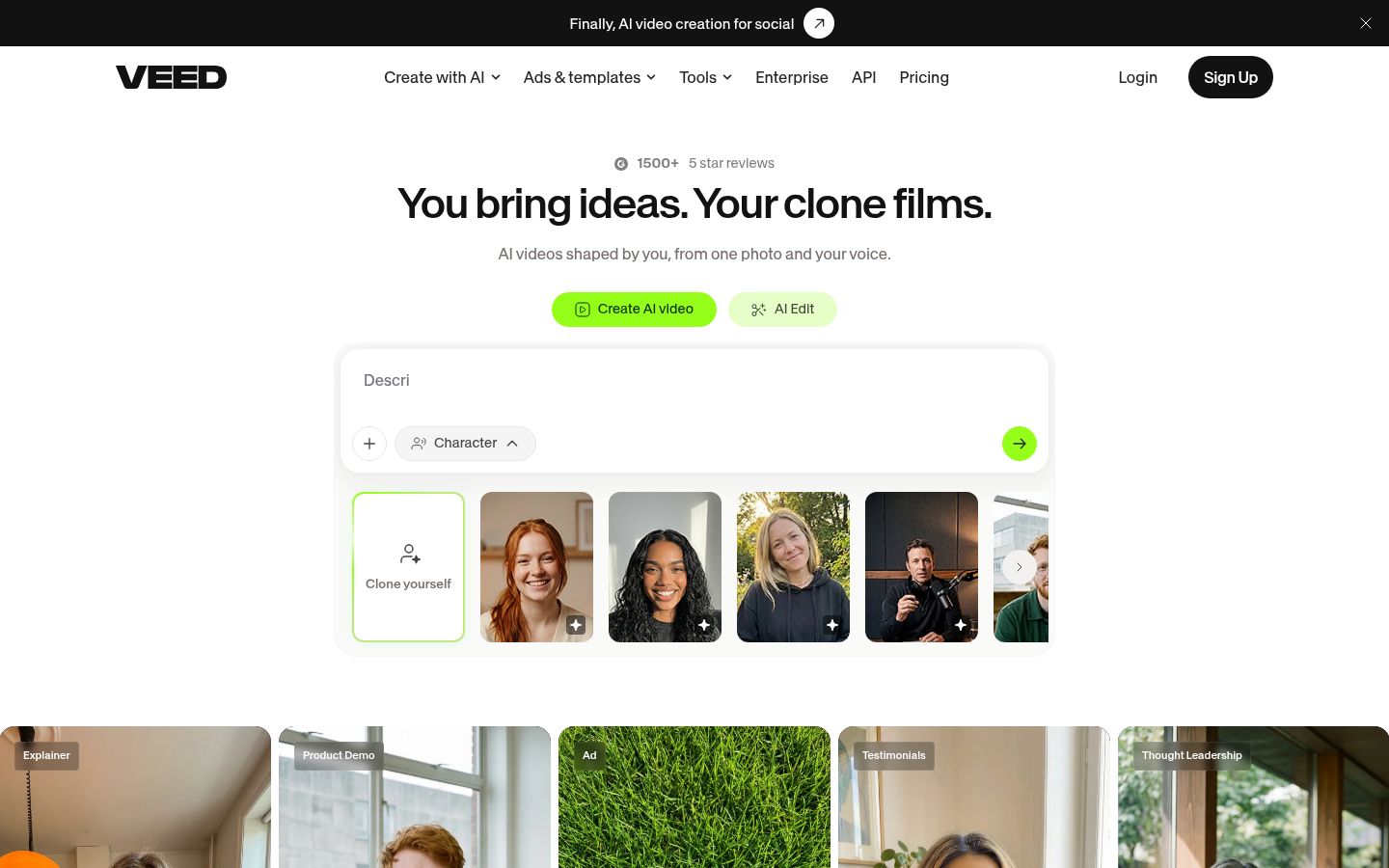
VEED is a browser-based video editor with a wide set of AI tools. It covers subtitles, AI avatars, voice tools, dubbing and templates for common platforms. You can edit a talking-head clip, add subtitles, and resize it for another platform in the same workspace, and teams can share projects.
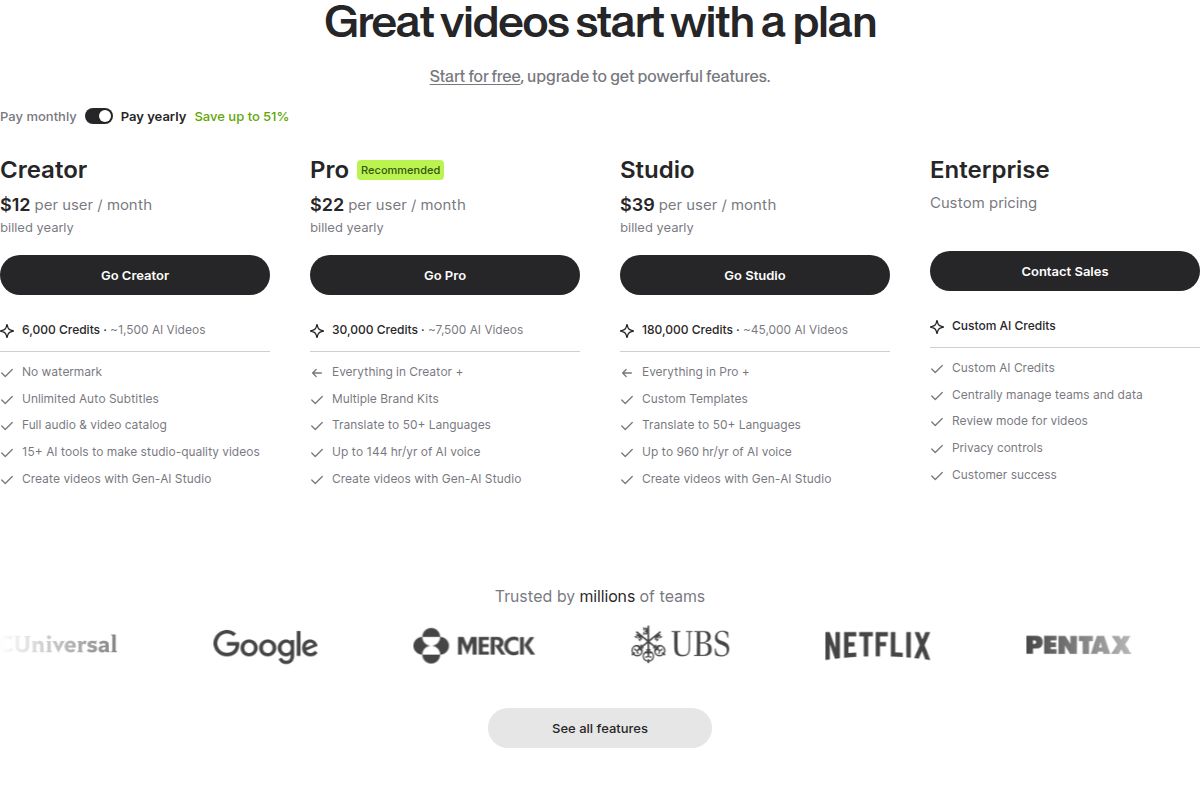
Pricing as of October 2026. Creator is $12 a user a month billed yearly, with 6,000 credits a year, no watermark and unlimited auto subtitles. Billed monthly, Creator is $20 a user. Pro is $22 a user a month billed yearly, and it adds multiple brand kits, translation into 50+ languages and up to 144 hours a year of AI voice. Studio is $39 a user a month billed yearly. The free plan exports at 720p with a watermark.
 VEED's pricing plans
Who it's best for. Marketers and small teams that make many formats, and creators who want AI avatars, voice or translation in the same tool. Sycamore does not offer translation or AI avatars, so if you need either, VEED is the better fit.
Limits to know. VEED charges per editor, so each person on a team adds to the bill. AI credits refresh when you renew and don't carry over. Free trials are for enterprise teams, so check the current trial options before you pay.
Captions

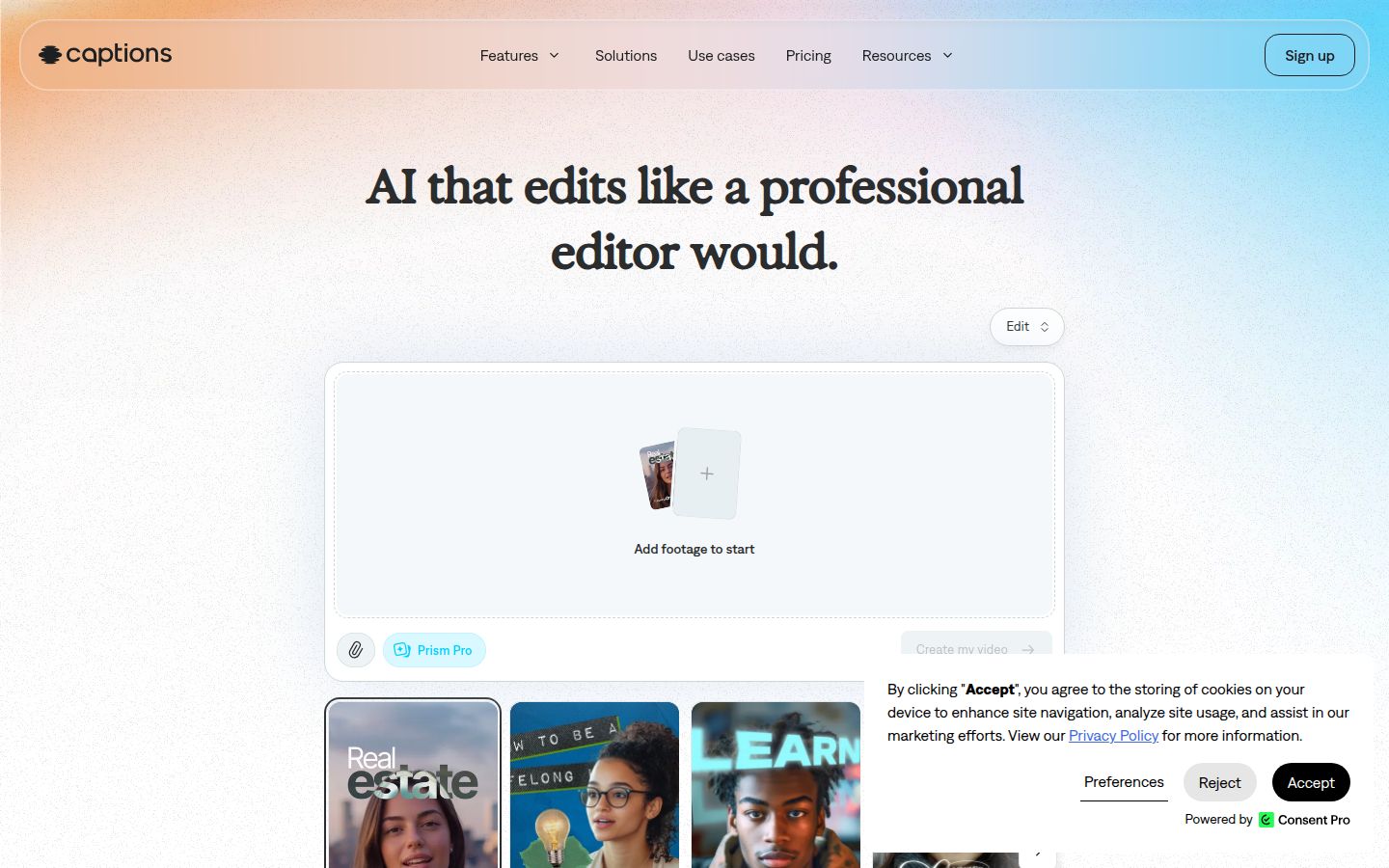
Captions is an AI video app built for filming and editing on a phone. It is the most phone-first tool on this list. Its AI Edit styles add captions, B-roll and music to footage, and a chat-based editor handles changes you describe in plain language. A teleprompter helps you film.
Pricing as of October 2026. There is a free plan. Basic, formerly called Pro, is $9.99 a month with 200 credits a month. Max is $24.99 a month with 500 credits, and it adds AI actors and turning a long video into a batch of post-ready clips. Frontier starts at $69.99 a month. Captions notes that its pricing page reflects iOS plans.
Who it's best for. Creators who film, edit and post from a phone, and anyone who wants AI actors or a chat-style editor alongside captions.
Limits to know. Credits meter the AI features, and the higher plans are built around generative AI as well as editing. If you only want the edit, check whether the plan's extras are ones you'll use.
How to choose between these tools
Start with how you film. Then pick the tool that matches the job.
- You record guests and need separate tracks. Keep Riverside for the recording. For the audio and the cut, Descript is the closest move.
- You film yourself alone and want a finished short without cutting it by hand. That's Sycamore. Its free plan gives you 10 minutes to test on.
- You want free, full manual control with lots of effects. Choose CapCut and plan on doing the cuts yourself.
- Captions come first, and you cut long videos into clips. Submagic fits that job, with Magic Clips as an add-on. Riverside's Magic Clips is another option if you already record there.
- Your team works in a browser and needs avatars, dubbing or translation. VEED covers that.
- You film and post from your phone. Try Captions, and check whether its phone plans fit your work.
If you still can't decide, run a test. Record one talking-head video of about three minutes, the way you usually film. Then run it through the free plans of two tools on this list. Time how long each takes, check how each handles the pauses and the first three seconds, and keep the one that gets you to a post you'd publish. You can run that test in an afternoon.
FAQ
Does Riverside have a free plan?
No. Riverside offers a 14-day free trial on its paid plans. As of October 2026, Pro costs $29 a month, or $24 a month billed yearly.
What is the best free alternative to Riverside for editing talking-head videos?
It depends on how you work. CapCut's free plan includes a full manual editor, Sycamore's free plan gives you 10 minutes of video one time, and Descript's free plan gives you 60 minutes of media with a watermark.
Can I record in Riverside and edit somewhere else?
Yes. Many creators record there and edit the downloaded tracks in another app. Riverside limits how many hours of separate tracks you can download each month, so check the number on your plan.
Does Sycamore turn a long recording into many short clips?
No. Sycamore edits the video you upload into one finished short-form video. For long recordings, use a clipping tool such as Riverside's Magic Clips or the Magic Clips add-on from Submagic.
Does Sycamore support languages other than English?
No. Sycamore's transcription is English only.
Which tool should I use if I only film on my phone?
Captions has its own mobile app and is built for phone-first editing. Sycamore runs in a phone's browser and makes the first edit for you. CapCut suits people who want to cut every shot by hand.