If you film yourself talking and post to TikTok, Reels, Shorts or LinkedIn, Gling probably saved you hours. It finds the silences, bad takes and filler words in a recording and hands you back a clean cut. That's a real job, and it does it well.
People still go looking for alternatives. The reasons creators most often give are the ones you'd expect: the price per hour of footage, a feature the tool doesn't have yet, and the kind of video you make. Some creators want a finished, styled edit with zooms and on-screen text, not just a clean rough cut. Some want captions that do more than sit at the bottom of the frame. Some want to work in a browser instead of installing a desktop app. Some need a tool that cuts a long recording into many clips.
This post covers six alternatives and what each one does well. Gling's own plans are in the table, so you can compare prices as they stand in October 2026. Each tool has its limits, and we list the ones that matter for this choice.
| Tool | Starting price (October 2026) | Free plan or trial | Best for |
|---|---|---|---|
| Gling (for reference) | Plus: $20 a month, 10 hours of edited media. $10 a month billed yearly | Free: 1 hour of edited media a month, watermarked export | Removing silences and bad takes, then finishing in Premiere, Final Cut or Resolve |
| Sycamore | Starter: $19 a month, 3 hours of video. Growth: $39 a month, 10 hours | Free: 10 minutes of video, once, no credit card | Turning raw talking-head footage into a finished short-form edit in one pass |
| Descript | Hobbyist: $24 a month, or $16 a month billed yearly. 10 media hours | Free: 60 minutes of media a month, watermarked exports | Editing video by editing its transcript, with a full AI toolkit |
| CapCut | Pro: $19.99 a month, or $179.99 a year (US prices) | Free plan with basic editing | A free, all-in-one editor with templates and AI tools |
| Submagic | Starter: $19 a month ($12 billed yearly), 15 videos. Pro: $39 a month ($23 billed yearly), 40 videos | Free: 3 videos a month, watermarked | Caption-first edits, priced per video |
| VEED | Creator: $12 per user a month, billed yearly. Pro: $22 per user a month | Free plan to start | Browser editing with subtitles, translation and AI tools |
| OpusClip | Starter: $15 a month. Pro: $29 a month, or $14.50 billed yearly | Free: 60 credits a month, watermarked | Turning one long recording into many short clips |
Sycamore

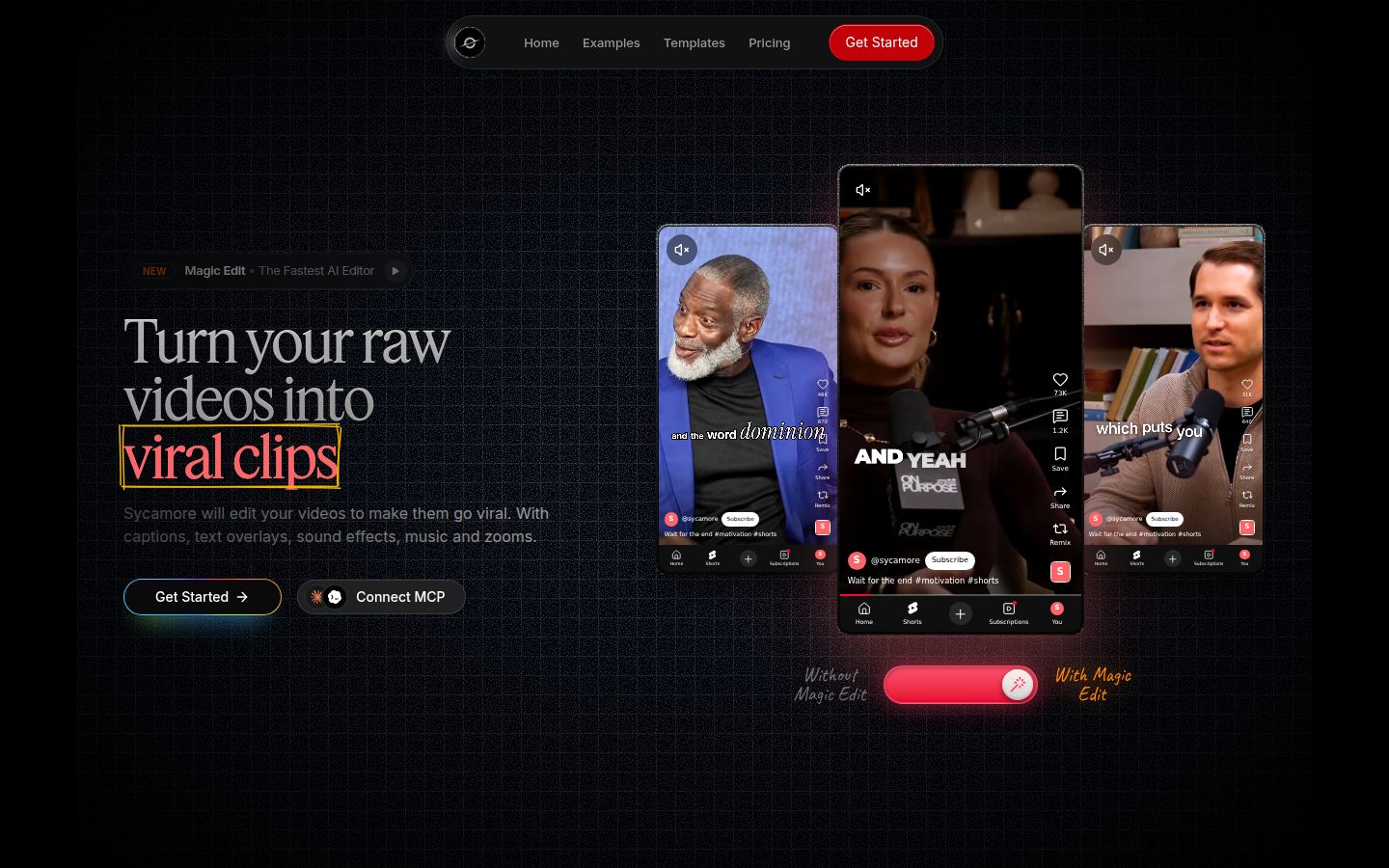
Sycamore is an AI video editor for talking-head videos. You upload raw footage of yourself talking, and it edits the whole thing into a short-form video built to hold attention. It runs in the browser, so there's nothing to install.
The edit is the main event. Magic Edit cuts silences, filler words and dead air so the video moves. Then it adds the edits that keep people watching: zooms and punch-ins, emphasis on the key lines, full-screen text for the big moments, numbers and lists on screen, and animated captions that appear word by word. You pick one of four edit styles: Apollo, Hermes, Athena or Helios. You can switch styles without starting over.
You don't work on a timeline. Each line of the video gets a type: Normal, Emphasis, Full screen, Number, List or Label. You review the whole edit, change any line or word, and then export an MP4 in 9:16, 1:1 or 16:9. Captions can be restyled with fonts, colors, size, animation and position, and a look can be saved as a preset.
Limits that matter for this choice: transcription is English only, and Sycamore exports an MP4 rather than a project file, so there's no XML round trip into Premiere, Final Cut or Resolve. It also doesn't clip a long recording into many shorts. It edits the video you give it.
Pricing (October 2026): Free gives you 10 minutes of video, one time, with no credit card. Starter is $19 a month for 3 hours of video with no watermark. Growth is $39 a month for 10 hours, with priority rendering. Uploads can be MP4, MOV, WebM or MP3, up to 2 hours long.
Best for: founders, coaches, educators and creators who film themselves talking and want a finished edit without opening a full editor. If you'd rather tune every cut on a timeline, another tool on this list fits better.
Descript

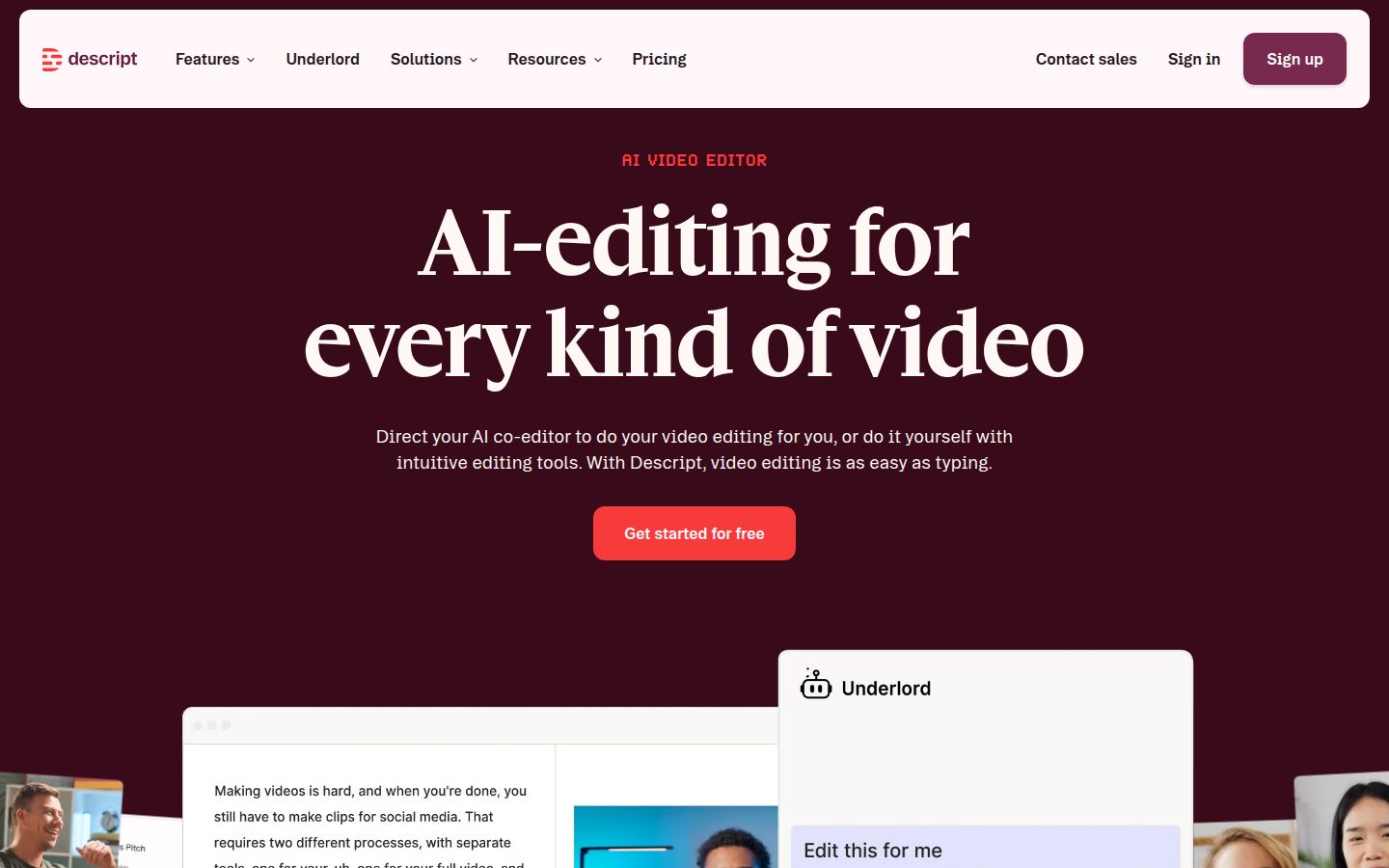
Descript is a full video and audio editor that works like a text document. You edit the transcript, and the video follows. Delete a sentence and it's cut from the video. Move a paragraph and it moves on the timeline. That's the reason many podcasters and talking-head creators reach for it.
Its AI tools include Remove Filler Words and Remove Retakes, plus Studio Sound for audio. It also has Create Clips, automatic multicam, captions, and a co-editor called Underlord that takes instructions in plain language. If you want one app for recording, editing and audio, Descript covers more ground than most of this list.
Limits: it's a full editor, so there's more to learn than in a one-click tool. The Hobbyist plan includes 10 media hours and 400 AI credits a month. Creator, at $35 a month, adds 4K export and 30 media hours.
Pricing (October 2026): Free includes 60 minutes of media a month, and its exports carry a watermark. Hobbyist is $24 a month, or $16 a month billed yearly. It includes 10 media hours, 1080p export with no watermark, and Underlord. Creator is $35 a month, with 30 media hours and 4K export. Business is $65 a month.
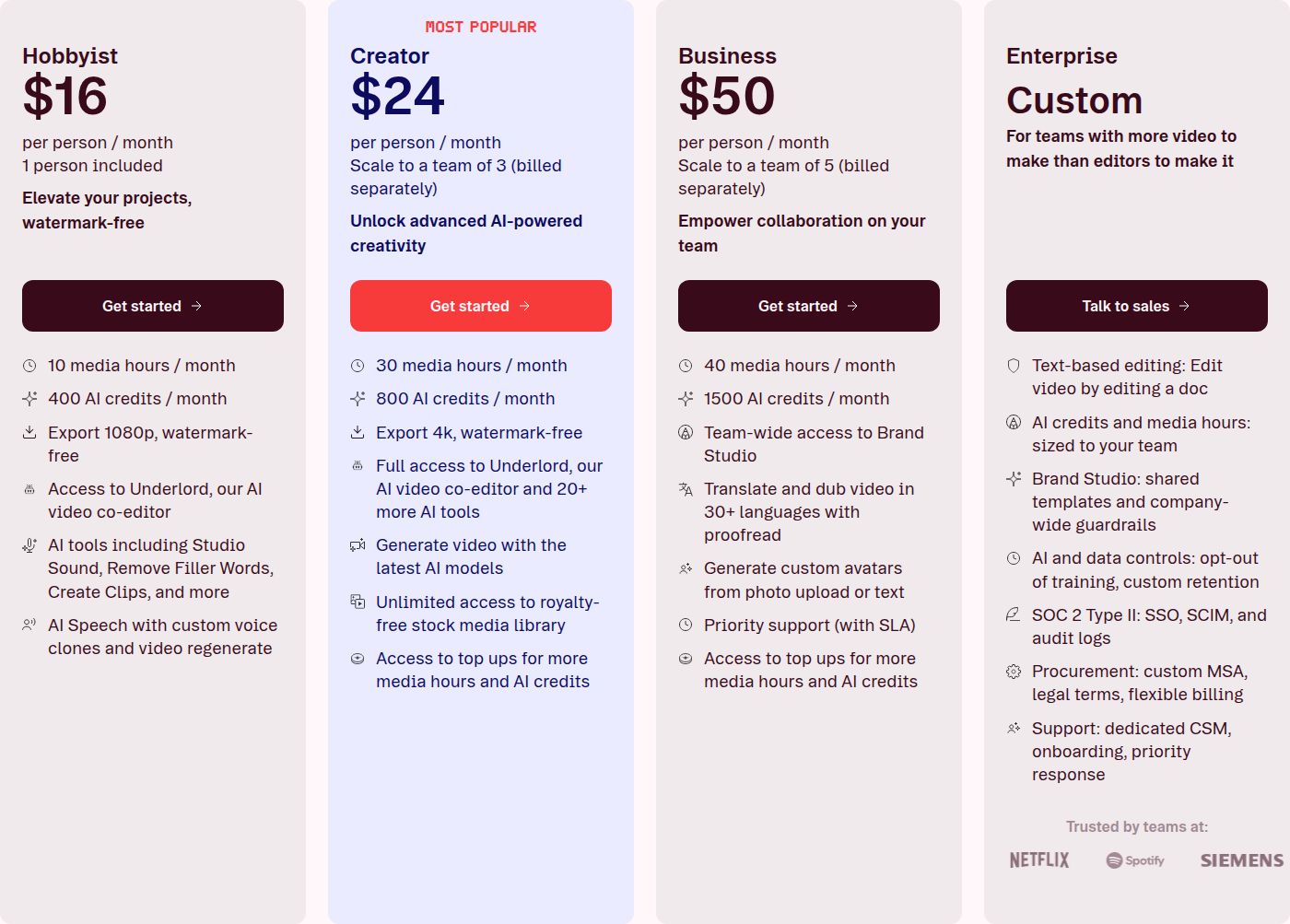 Descript's pricing plans
Best for: people who think in text. If you want to edit a video by reading and rewriting its transcript, and you want audio tools in the same app, Descript is a strong pick.
CapCut

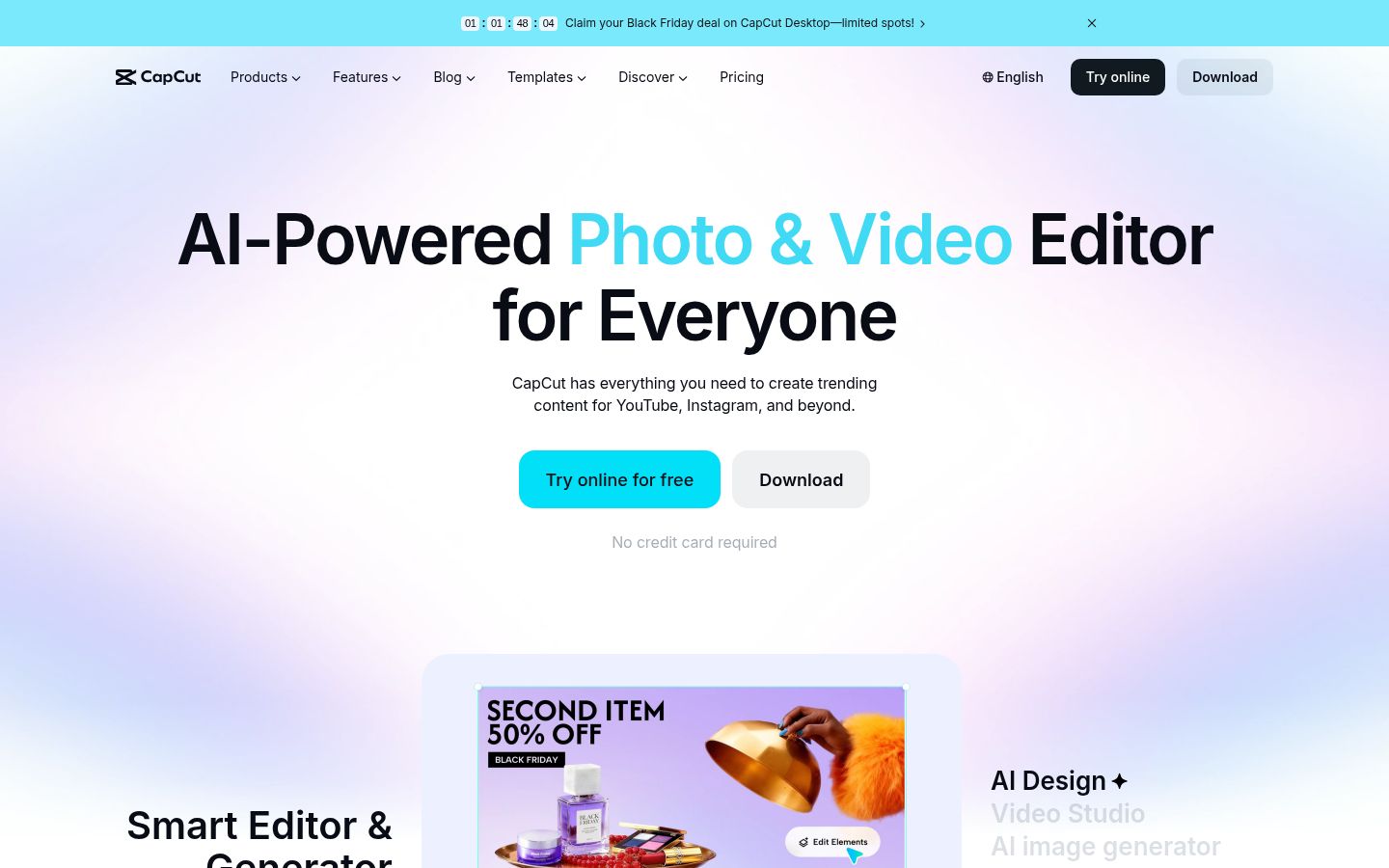
CapCut is a full video editor with desktop, online and mobile versions, plus a large library of templates. For talking-head shorts it covers the basics: trimming, cuts, text, auto captions with caption templates, speech recognition, and noise reduction. Its Pro plan adds premium templates, more AI credits and 1 TB of cloud storage.
Because it's a full editor, the cuts are yours to make. You make the cuts yourself, with its AI tools helping where you ask, and you control every frame. That's more work than a one-click edit, and more control than most short-form tools give you.
Limits: the best AI features and templates sit on paid tiers. Prices differ by region and by where you subscribe, so check the figure at checkout.
Pricing (October 2026): Free has the basics. Pro is $19.99 a month, or $179.99 a year, for US prices. The Standard plan, sold in the mobile app, costs less.
Best for: creators who want a free starting point, a phone app and one editor for everything, from shorts to ads. If you want the edit finished for you, a dedicated tool like Sycamore saves more time.
Submagic

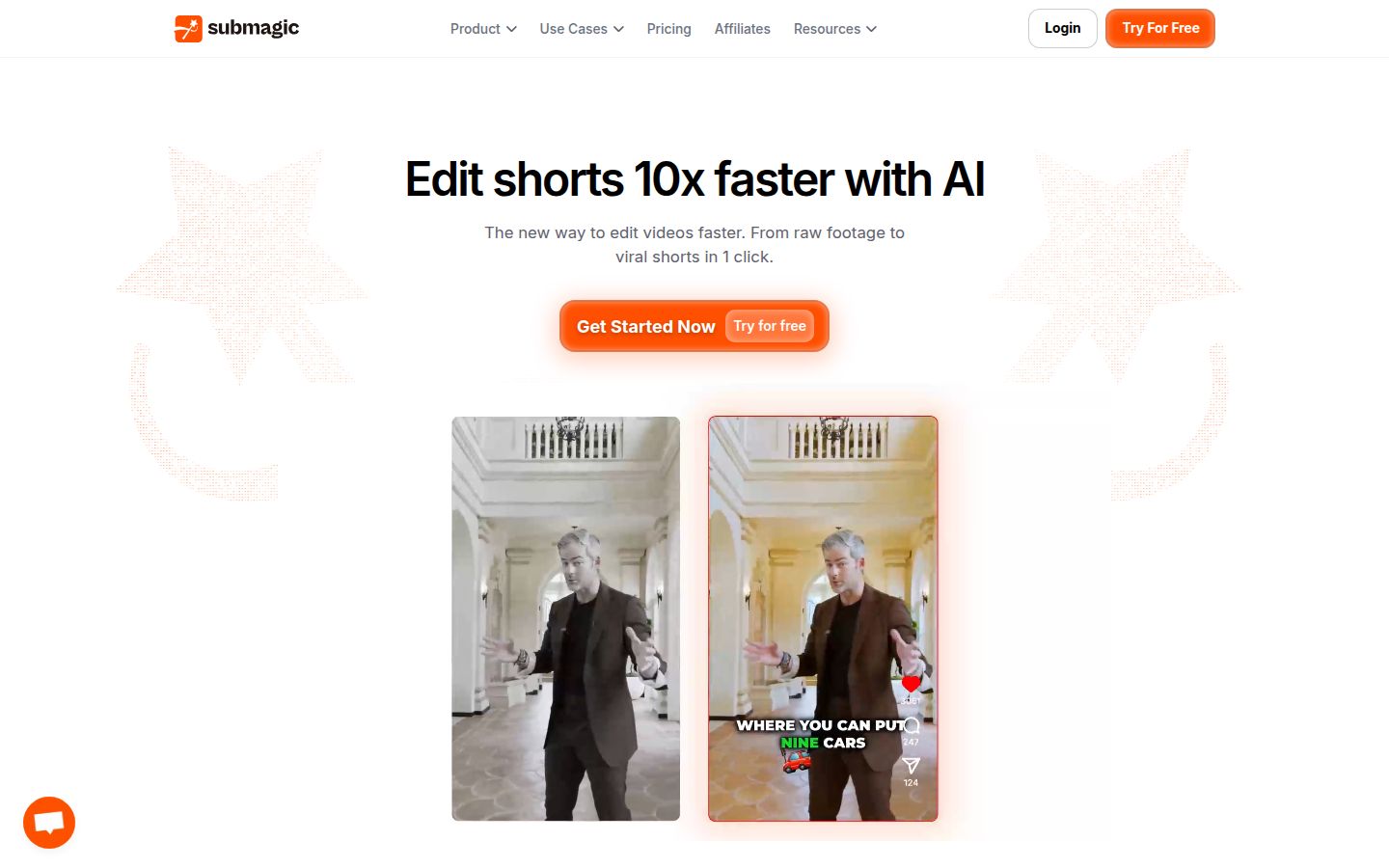
Submagic is built around captions and short clips. You upload a video, pick a caption style, and it adds animated captions, B-roll, sound effects and background music. Its Pro plan adds filler word and silence removal, bad-take detection, and eye contact correction, so it's also a cleanup tool for talking-head footage.
Its catalog is larger than ours in a few areas: B-roll, sound effects, background music and Magic Clips for turning longer videos into shorts. Sycamore doesn't have those, so if you rely on them, Submagic is the better fit.
Limits: the Starter plan caps each video at 2 minutes, and Pro at 3 minutes. The free plan covers 3 videos a month, with a watermark.
Pricing (October 2026): Starter is $19 a month, or $12 a month billed yearly, for 15 videos. Pro is $39 a month, or $23 billed yearly, for 40 videos. Business is $69 a month, or $41 billed yearly, for 100 videos.
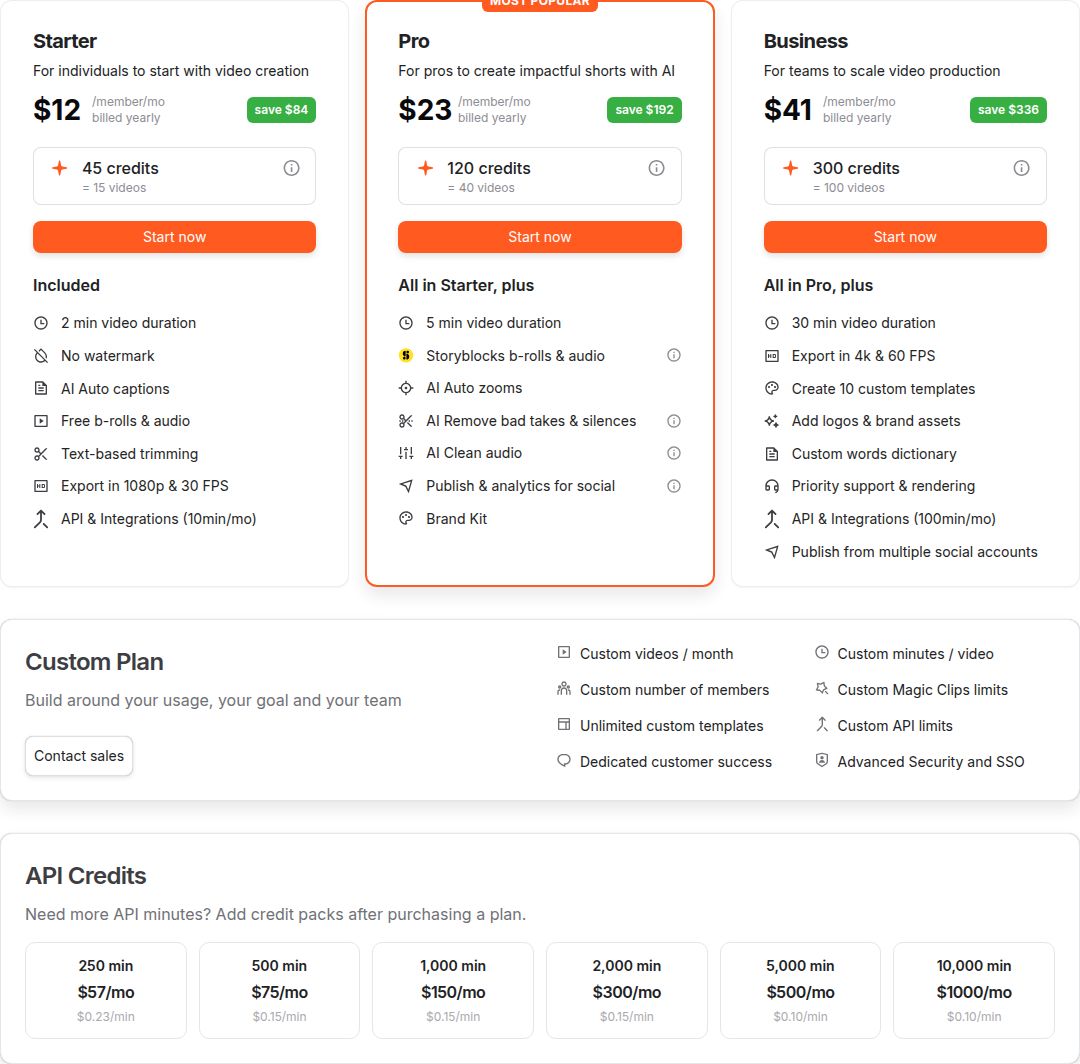 Submagic's pricing plans
Best for: creators who post a steady number of captioned shorts and want B-roll and music on hand. Pricing per video suits a predictable weekly schedule.
VEED

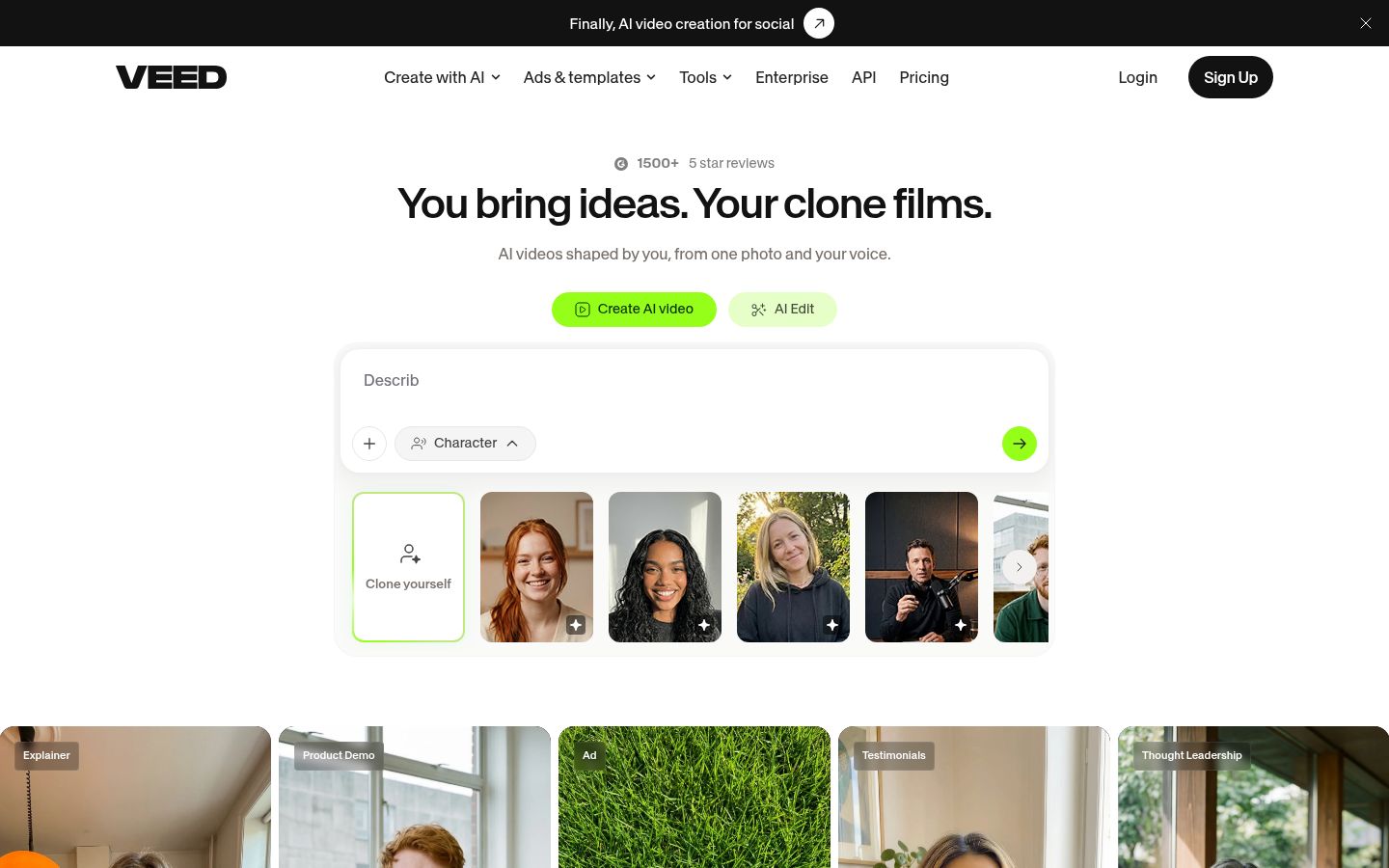
VEED is a browser-based video editor with a wide set of tools. It has an editor, auto subtitles, a video compressor, a background remover and a set of AI tools for video, voice and images. It also has templates for ads and social posts, and a Pro tier that translates subtitles into more than 50 languages.
VEED is the one on this list that goes beyond talking-head edits. If you need AI avatars, AI voice or translated captions, it covers those and Sycamore doesn't.
Limits: VEED's paid plans are priced per user, and the AI credit allowance differs by tier. Its Creator plan includes unlimited auto subtitles, with a fair-use limit of 50 hours a month.
Pricing (October 2026): Creator is $12 per user a month, billed yearly. Pro is $22 per user a month, and adds translation into 50+ languages. Studio is $39 per user a month.
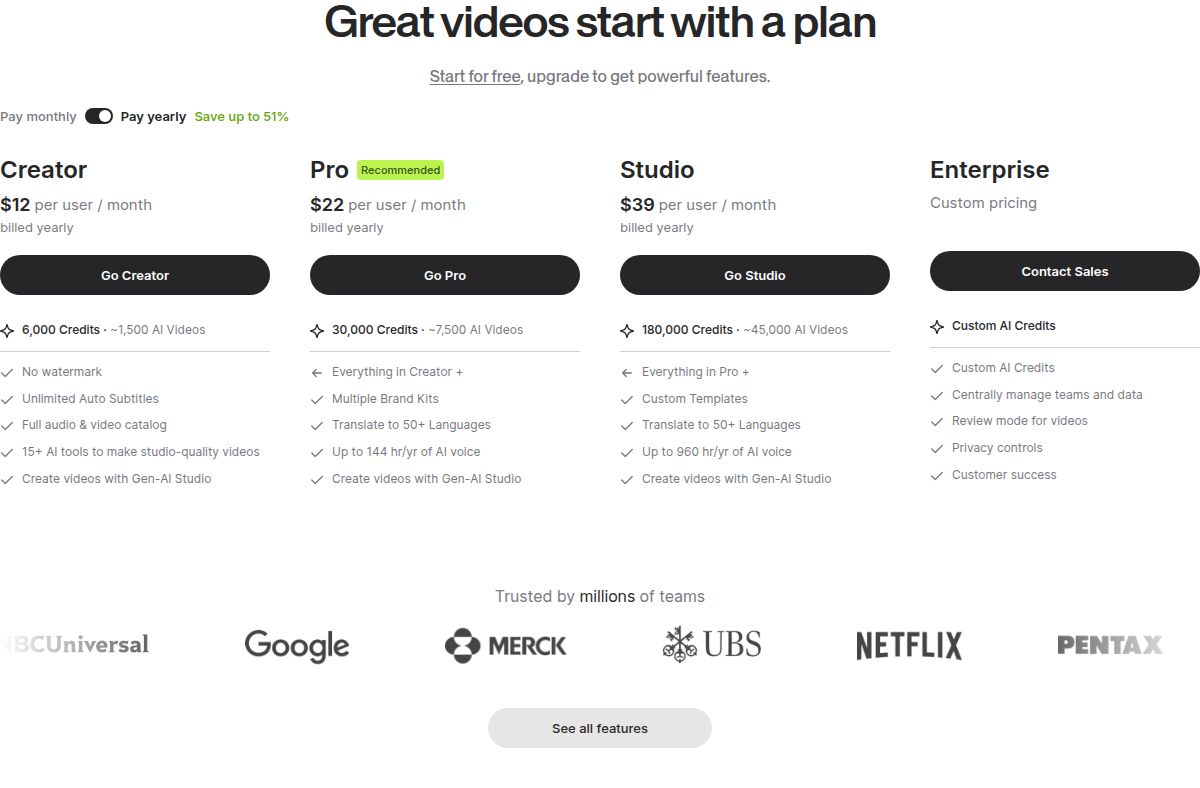 VEED's pricing plans
Best for: people who edit in the browser and want translation, AI voices or avatars, or a set of tools for ads and social posts. The per-user pricing also suits small teams.
OpusClip

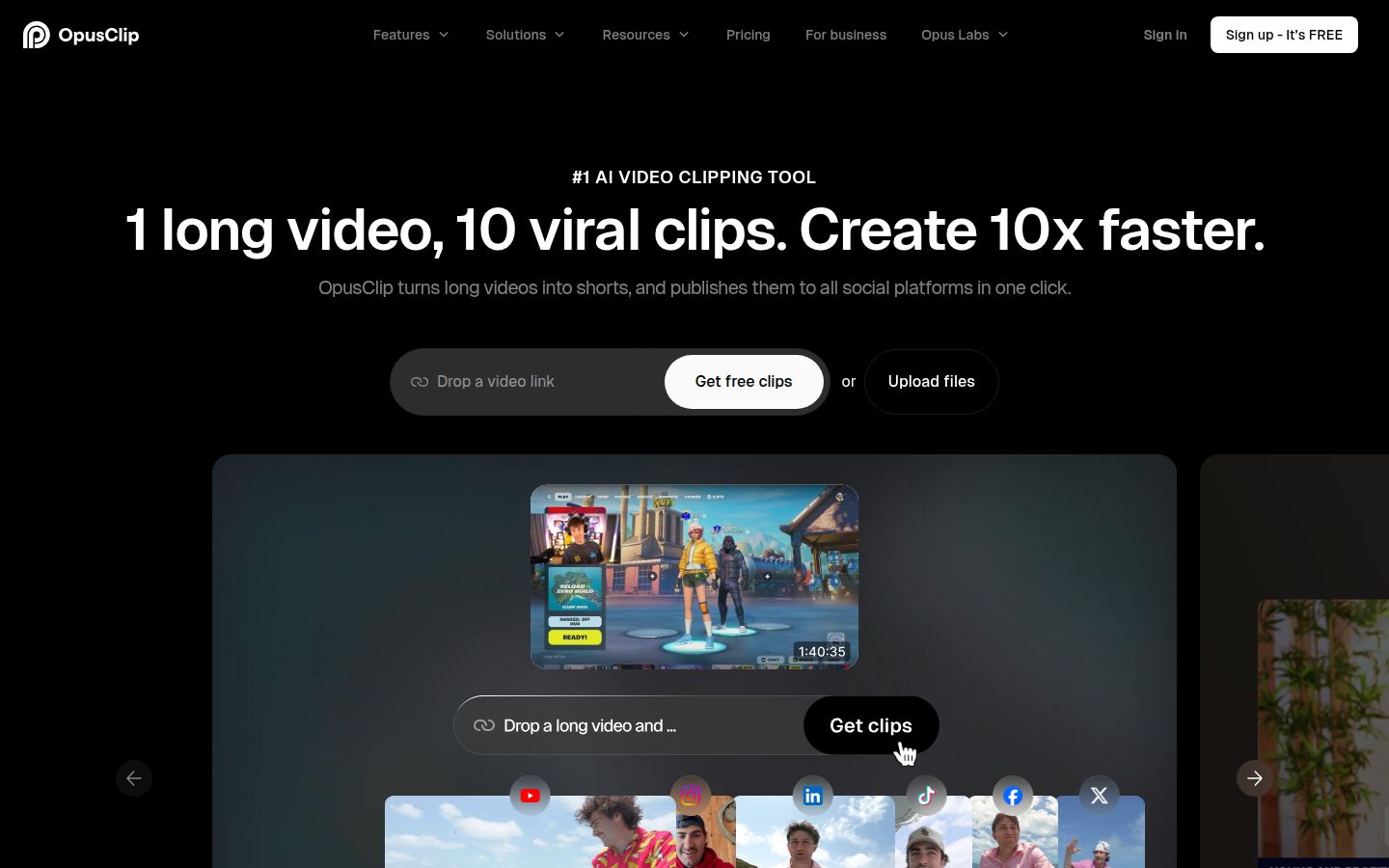
OpusClip starts from a long video and finds the parts worth cutting out as short clips. You can upload a file, or on the Pro plan paste a link from sources such as YouTube, Zoom, Riverside and StreamYard. It also adds animated captions, AI reframing for each platform, and an export to XML for Premiere Pro and DaVinci Resolve.
Clipping one long recording into many shorts is a different job from editing a single take, and Sycamore doesn't do it. If you record a 45-minute webinar and want 10 clips from it, OpusClip is built for that.
Limits: it's built for clipping long videos, so a single 90-second talking-head take is a different job. Its free plan carries a watermark on export.
Pricing (October 2026): Free is 60 credits a month, watermarked. Starter is $15 a month, with 150 credits. Pro is $29 a month, or $14.50 a month billed yearly, with 300 credits a month. Business is custom.
Best for: podcasters, webinar hosts and creators who repurpose a long recording into many clips.
How to choose
Start with the job you need done. Then pick the tool that does that job for the price you can pay.
- You want the cheapest hour of footage and an XML file for Premiere, Final Cut or Resolve. Stay with Gling. Its paid plans start at $20 a month for 10 hours, and they export XML to those editors. Its free plan can't export that file.
- You want one raw take turned into a finished, styled short. Try Sycamore. Its Starter plan is $19 a month for 3 hours, and the free trial is 10 minutes with no card.
- You want to edit by reading the transcript and need audio tools in the same app. Try Descript. Hobbyist is $16 to $24 a month for 10 media hours.
- You want a free starting point and a phone app. Try CapCut. It's the lowest-cost way to see whether a full editor suits you.
- You post a steady stream of captioned shorts and want B-roll and music. Try Submagic. Pricing is per video, so plan your weekly count first.
- You want browser editing with translation, AI voices or avatars. Try VEED. Creator is $12 per user a month, billed yearly.
- You have long recordings to cut into many clips. Try OpusClip. Its free plan gives you 60 credits to test it.
Test before you pay. Take one real video, about three minutes long, and run it through two tools on this list. Watch the cuts with your own voice. The one that makes the video feel right for your audience is the one to keep.
FAQ
Is there a free Gling alternative for talking-head videos?
Yes. CapCut has a free plan with basic editing, and Descript's free plan includes 60 minutes of media a month with watermarked exports. Sycamore's free plan gives 10 minutes of video once, with no credit card.
Which Gling alternative exports to Premiere Pro or Final Cut?
OpusClip exports XML for Premiere Pro and DaVinci Resolve on its own pages. Gling exports XML to Premiere, Final Cut and Resolve on its paid plans. Sycamore exports an MP4, so it does not give you a project file for those editors.
What is the cheapest paid option for talking-head editing in 2026?
Gling Plus is $20 a month for 10 hours of edited media, or $10 a month billed yearly, which is the lowest price per hour of footage in this list. Descript Hobbyist is $24 a month, or $16 billed yearly, for 10 media hours.
Can Sycamore edit videos in languages other than English?
No. Sycamore's transcription is English only. If you need translated subtitles, VEED's Pro plan translates into more than 50 languages.
Should I switch from Gling or try a second tool?
Try a second tool on one real video before you pay. Run the same three-minute recording through both, then compare the cuts, the captions and the export.