If you edit in Premiere Pro or DaVinci Resolve, AutoCut is a strong tool. It runs inside your timeline, removes silences, adds captions, zooms and B-roll, and works on the sequence you already have open. Plenty of editors use it for years. Most people who go looking for an alternative have one of three reasons: the price, the one feature they actually use, or the kind of video they make.
Price comes up first. AutoCut's Basic plan is $79 a year billed yearly, and it covers silence removal only. The AI Plan, which includes the full set of features, is $178.80 a year billed yearly. Annual billing is the cheaper option, and the page says it saves up to 33% over monthly. If silence removal is the only feature you use, a tool built around that one job can cost less.
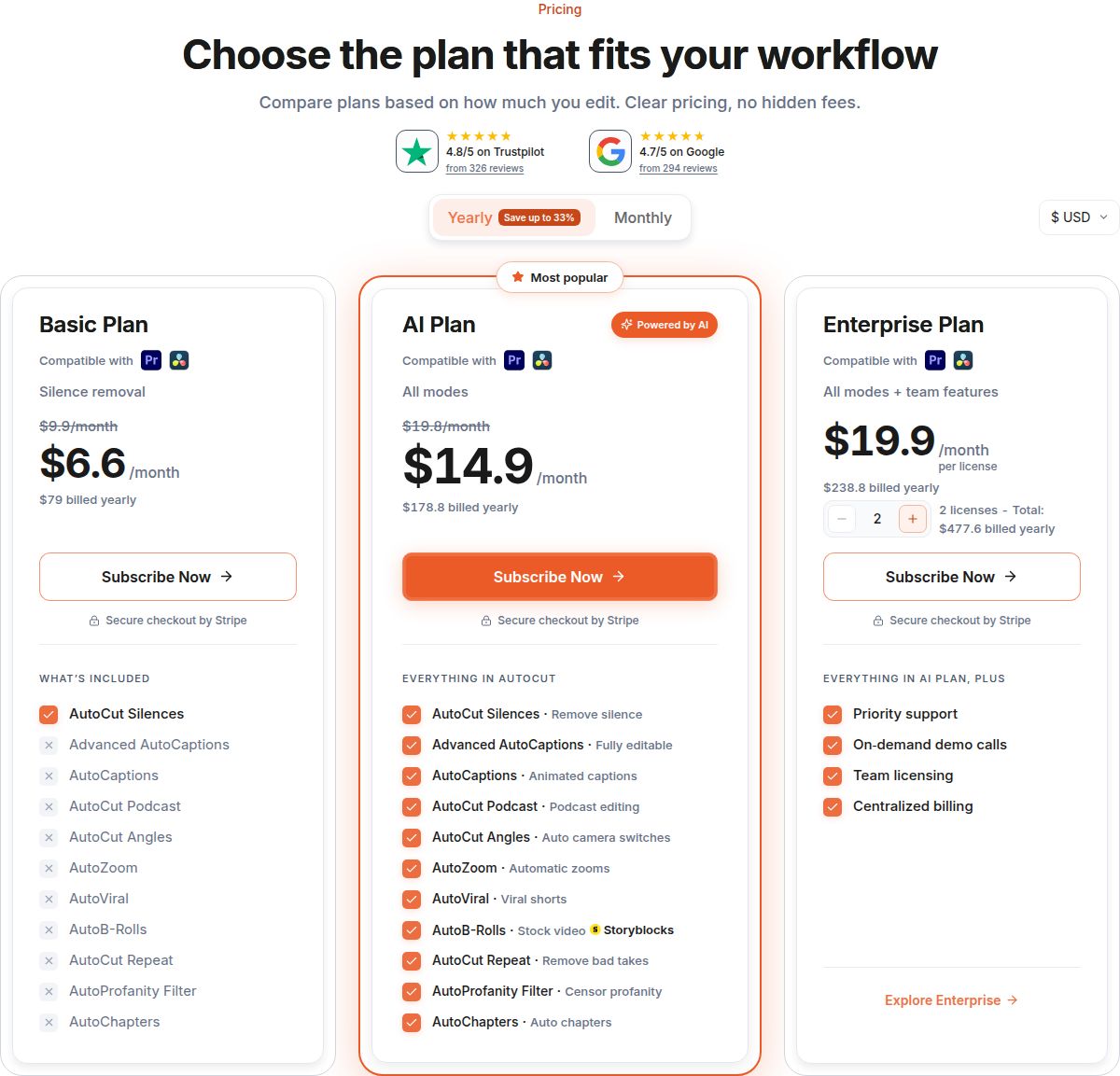 AutoCut's pricing page, showing the AI Plan and the Basic plan
The second reason is the kind of video you make. AutoCut is built for people who already work on a timeline. If you film yourself talking and want a finished short back, you may not want to open Premiere at all. The third reason is the workflow: some creators want a tool that clips long recordings into many shorts, and others want a web app they can use from any computer.
This post covers six tools, Sycamore included. Each section explains what the tool does, where it falls short, what it costs as of November 2026, and who it suits. Prices are the ones on each tool's own pricing page, or on its help page where the pricing page did not show them.
Compare the options at a glance
| Tool | Starting price (November 2026) | Free plan or trial | Best for |
|---|---|---|---|
| AutoCut (for reference) | Basic $79/year billed yearly; AI Plan $178.80/year billed yearly | 14-day free trial | Editors who already work in Premiere Pro or DaVinci Resolve |
| Sycamore | Starter $19/month | 10 minutes of video, one time, no credit card | Turning raw talking-head footage into a finished short |
| Descript | Hobbyist $24/month ($16 billed yearly) | Free plan with 1 media hour a month | Interviews and dialogue edited as text |
| CapCut | Pro about $19.99/month (US pricing) | Free plan; 7-day Pro trial | A free start, phone and desktop, and edits you build yourself |
| Submagic | Starter $19/month ($12 billed yearly) | 3 short videos free | Captions and clips for social posts |
| Opus Clip | Starter $15/month | Free plan with 60 processing minutes a month | Cutting long recordings into many clips |
| Vizard | Creator $29/month ($14.50 billed yearly) | Free plan with 60 credits a month | Long recordings, brand kit and scheduling in one place |
Sycamore

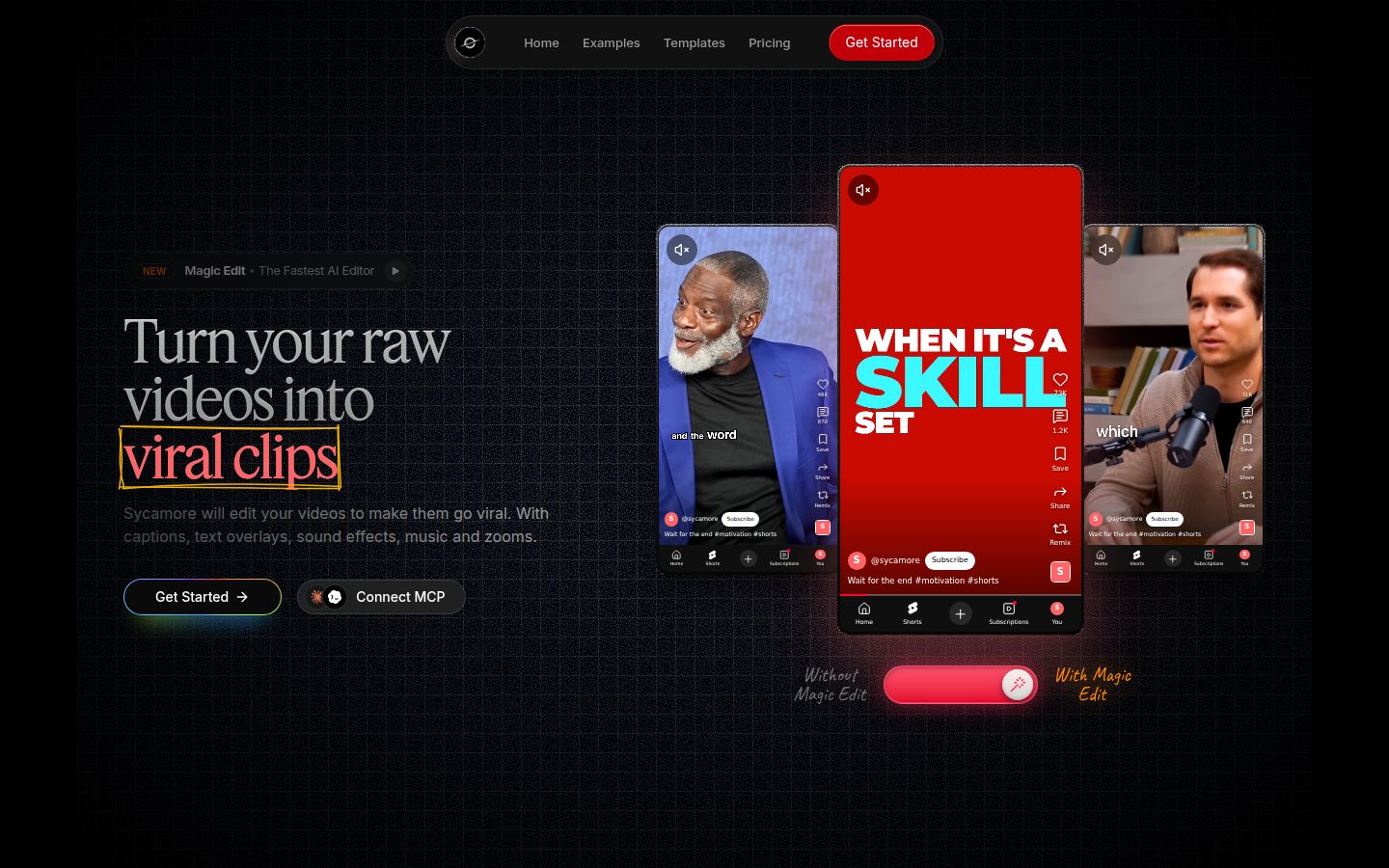
Sycamore is an AI video editor for talking-head videos. You upload raw footage of yourself talking, and it edits the whole take into a short-form video built to keep people watching. It runs in your browser, so there is nothing to install.
Magic Edit does the first pass. It cuts silences, filler words and dead air. Then it edits for attention: zooms and punch-ins, emphasis on the key lines, full-screen text for the big moments, numbers and lists on screen, and animated captions that appear word by word. You pick one of four edit styles (Apollo, Hermes, Athena or Helios) and review the result before you export. You can switch styles without starting over.
The editor works in plain words, not a timeline. Each line can be set to Normal, Emphasis, Full screen, Number, List or Label. You can edit any word, change fonts, colors, size, animation and position, and save a look as a preset. Export is an MP4 in 9:16, 1:1 or 16:9.
Limits: transcription is English only. Sycamore edits the video you give it, so it does not cut a long recording into many shorts, and it does not write your script or your hook. It is a web app, with no mobile app.
Pricing:
- Free: 10 minutes of video, one time, no credit card.
- Starter: $19 a month for 3 hours of video a month, no watermark.
- Growth: $39 a month for 10 hours of video a month, no watermark, priority rendering.
Uploads can be MP4, MOV, WebM or MP3, up to 2 hours long. See the full plan list on the Sycamore pricing page.
Best for: founders, coaches, educators and creators who film themselves talking and post several times a week. If you want the finished edit from each raw take without learning a timeline, this is the tool built for that job.
Descript

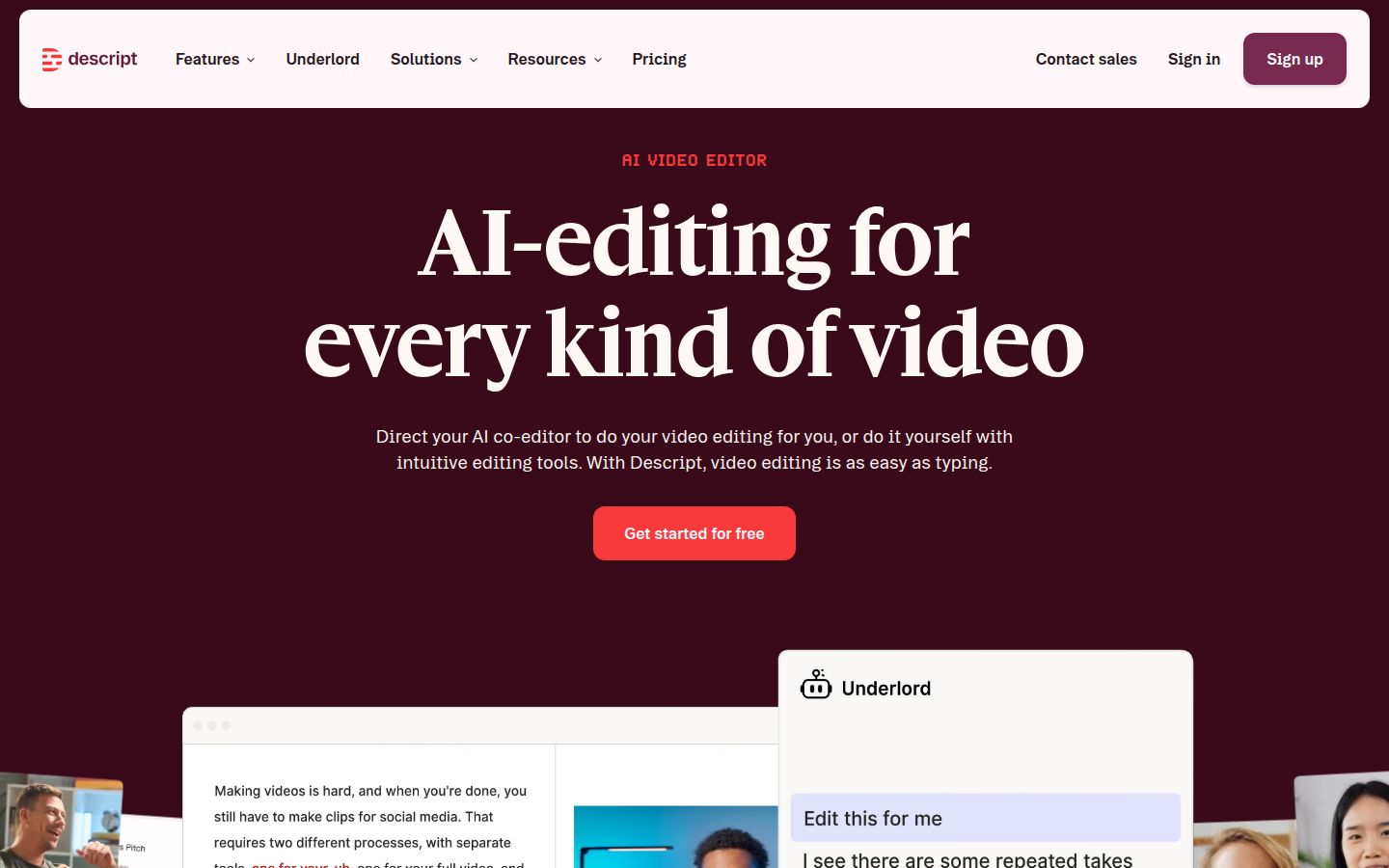
Descript is a text-based editor. You edit the transcript, and the video follows the text. Delete a sentence in the script and the matching video goes with it. Its AI tools include Remove Filler Words, which finds words like "um" and "you know" and removes them in one pass, and silence and word gap removal in the editor.
It is strongest with dialogue. Interviews, podcasts and talking-head videos with a lot of speech are easy to shape when the transcript is the thing you edit. Descript also has Studio Sound for cleaning up audio, and a Create Clips feature for short clips.
Limits: Descript is its own app. It does not run inside your Premiere Pro or DaVinci Resolve timeline, so if you finish in one of those, your footage moves in and out of it. Monthly media hours set how much footage you can work with.
Pricing:
- Free: a free plan with 1 media hour a month.
- Hobbyist: $24 a month, or $16 a month billed yearly. 10 media hours a month, 1080p export without a watermark.
- Creator: $35 a month, or $24 a month billed yearly. 30 media hours a month, 4K export, 800 AI credits a month.
- Business: priced per seat, for teams.
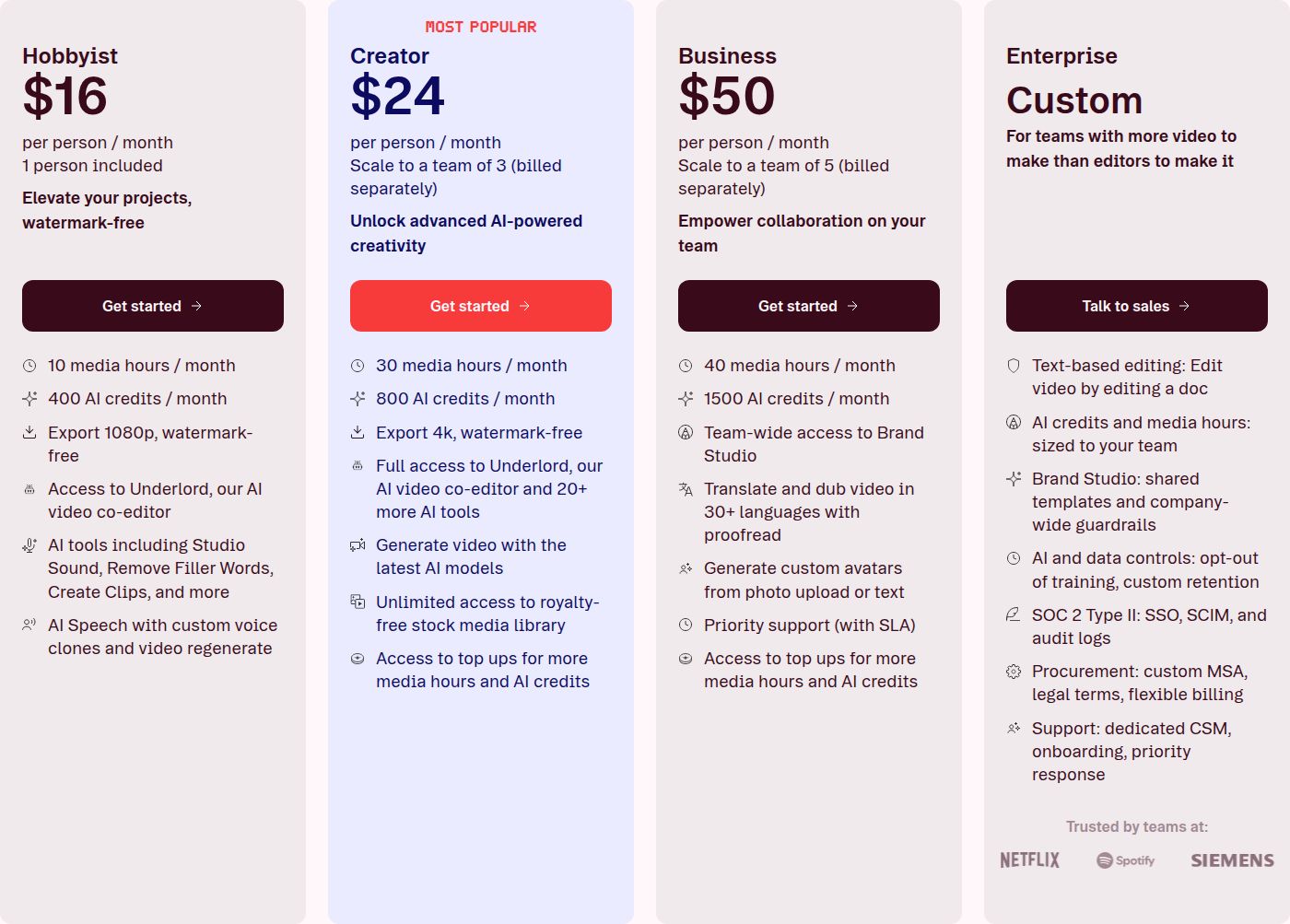 Descript's pricing page, showing the Hobbyist and Creator plans
Best for: interviews, podcasts and dialogue-heavy videos, where you want to cut by reading the transcript. For a comparison with Sycamore on talking-head work, see Descript vs CapCut.
CapCut

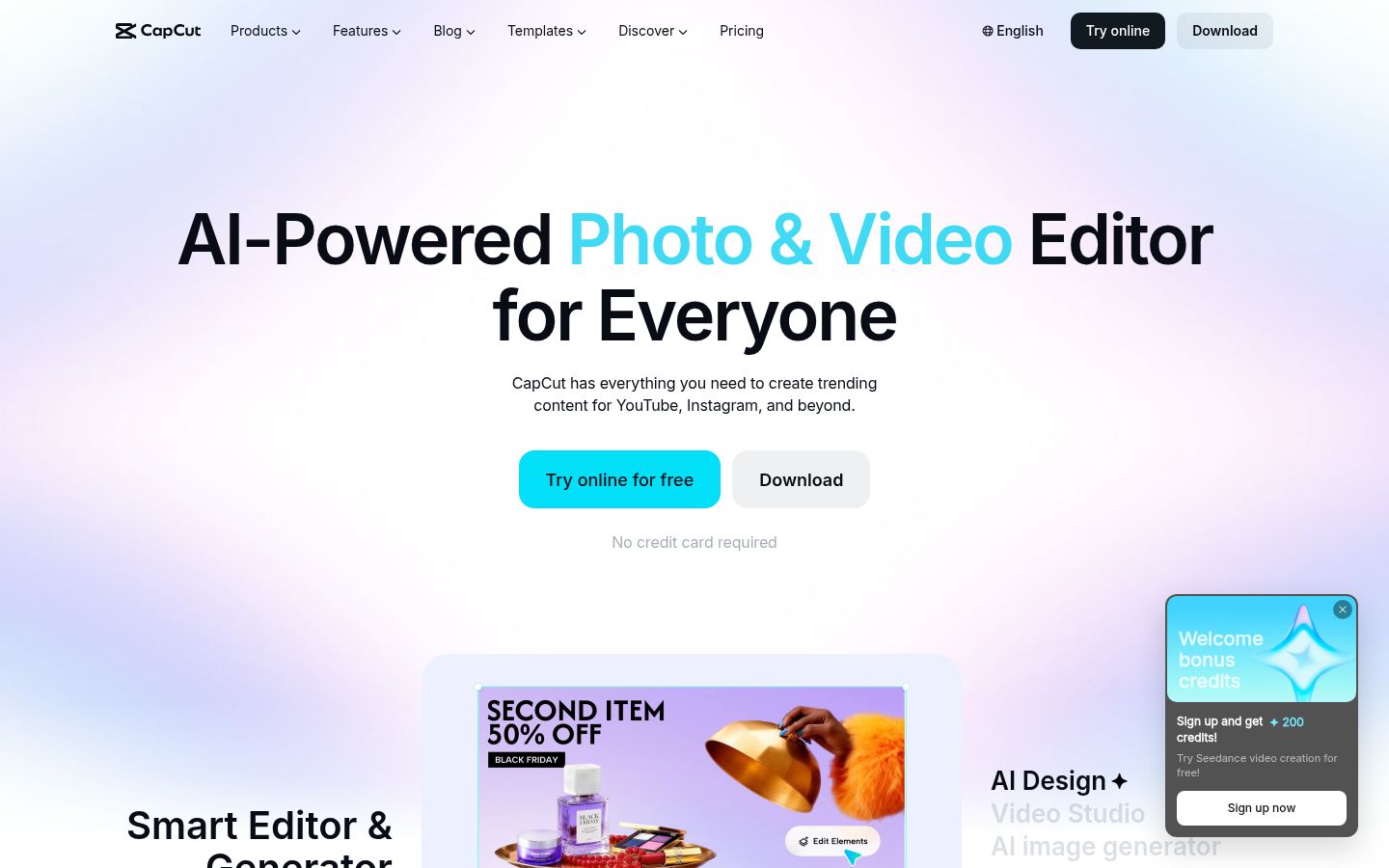
CapCut is a free video editor made by ByteDance, the company behind TikTok. It runs on desktop, online and on phones. It has auto captions, caption templates, speech recognition, noise reduction and a large template library. In the desktop editor, the transcript panel can flag silences and filler words so you can delete them in a few clicks.
CapCut is a full editor, so you build the cut yourself on the timeline. That gives you control over every frame. It also means more decisions per video than a tool that makes the first edit for you. If you already know CapCut, it can cover most of a talking-head edit.
Limits: the Pro features and AI credits are on the paid plan. Pro includes 1,200 monthly AI credits, 1 TB of storage and all premium templates.
Pricing:
- Free: free templates and basic editing tools.
- Pro: about $19.99 a month in US pricing, with a 7-day trial for new users that needs no credit card.
Prices can vary by region, so check the CapCut pricing page before you subscribe.
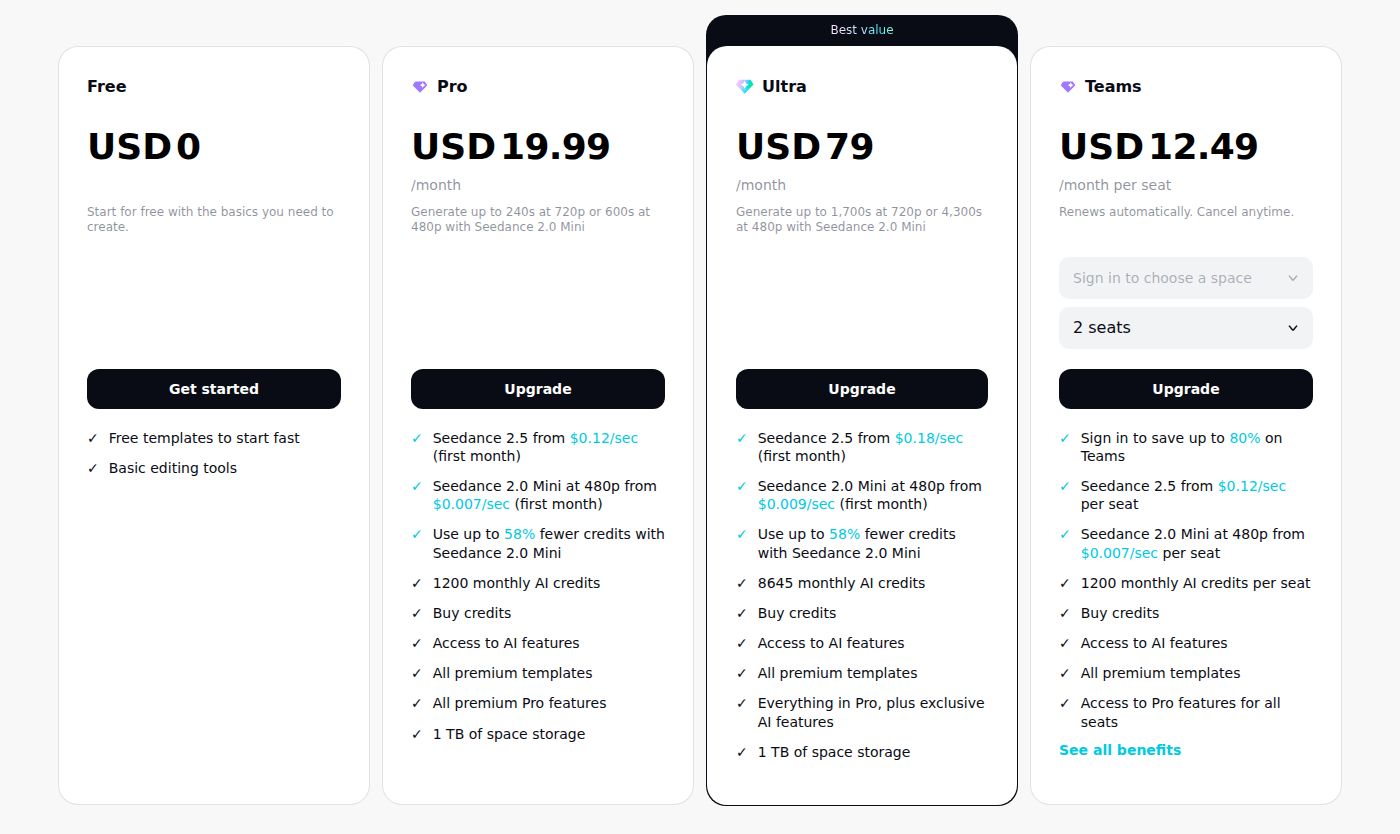 CapCut's pricing page, showing the Free and Pro plans
Best for: creators who want a free start, want to build the edit themselves, and move between a phone and a computer. Our Sycamore vs CapCut comparison for talking-head videos goes deeper on that choice.
Submagic

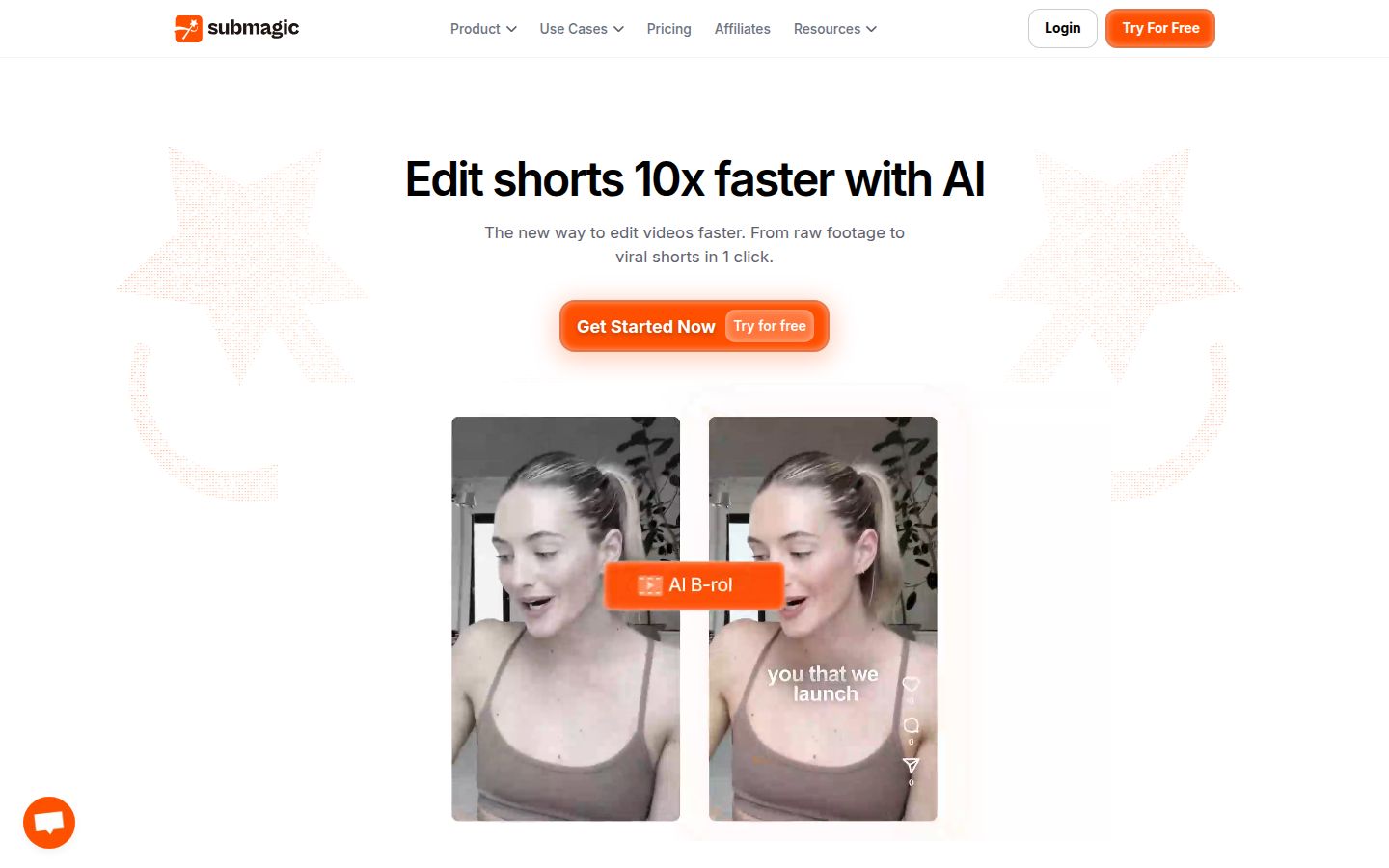
Submagic is built around captions and short clips. It adds AI captions to your video, and it has Magic Clips for finding short moments in a longer video. It also has trimming, auto zoom, B-roll and transitions. Its homepage describes the goal as going from raw footage to a short in one click.
Submagic uses one monthly credit pool. Uploading a video costs 3 credits. AI captions are free. Each extra AI feature costs between 1 and 3 credits, and each Magic Clip costs 8 credits. Because every feature draws from the same pool, count your videos and features before you choose a plan.
Limits: the free trial covers 3 short videos. Watermark-free downloads need a paid plan. Credits limit how many videos you can make with extra features in a month.
Pricing (per member, shown monthly and billed yearly):
- Starter: $19 a month, or $12 a month billed yearly ($144 a year). 45 credits a month.
- Pro: $39 a month, or $23 a month billed yearly ($276 a year). 120 credits a month, about 40 uploads with captions.
- Business: $69 a month, or $41 a month billed yearly ($492 a year). 300 credits a month.
Best for: creators who want many caption styles and a clip maker for their own footage. The Business plan is for teams and agencies.
Opus Clip

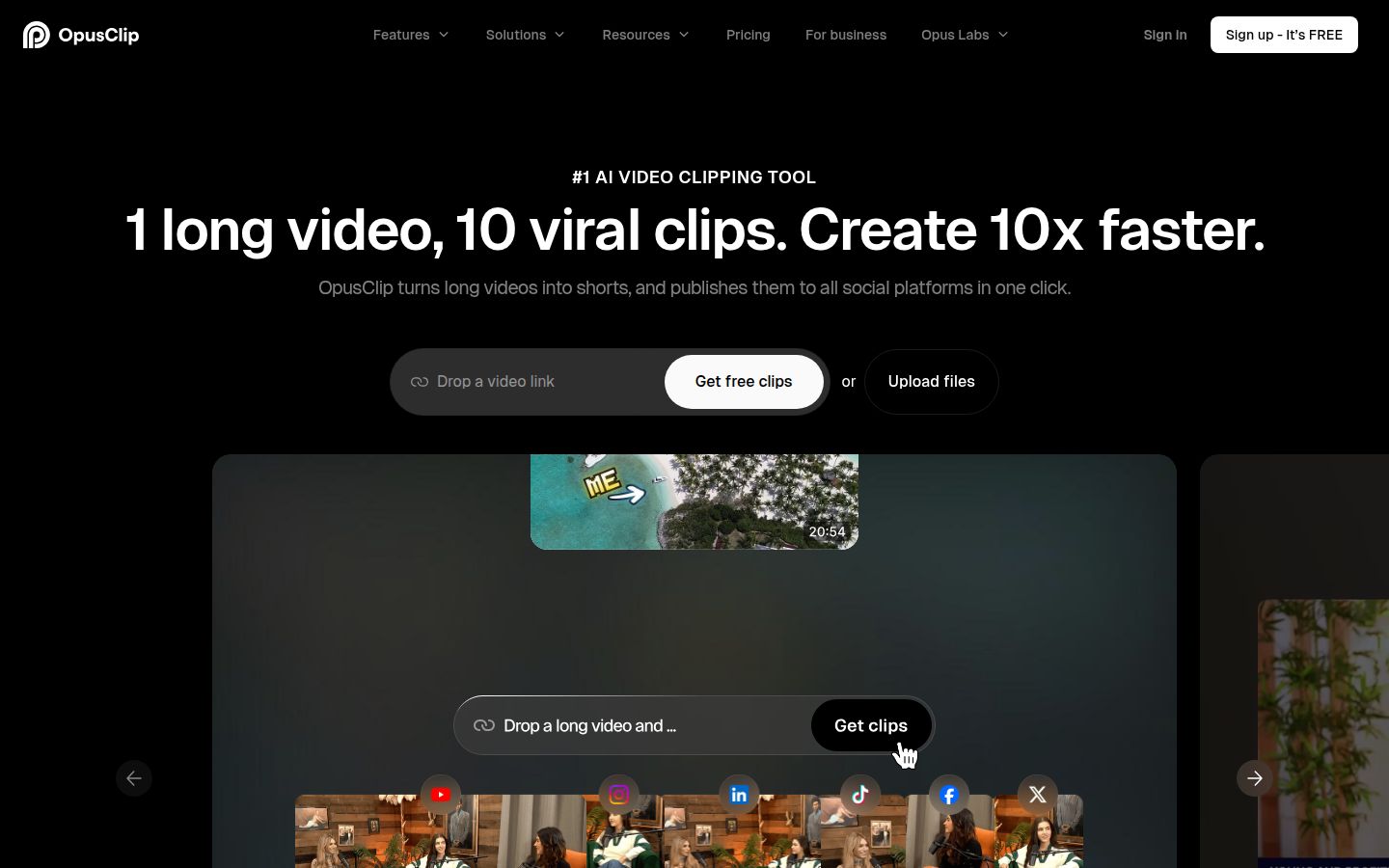
Opus Clip starts from one long video and returns several short clips. Its homepage says "1 long video, 10 viral clips." It adds animated captions, AI reframing for vertical video, speech cleanup, B-roll and a ClipAnything mode that finds clips from a prompt. The Pro plan can import from sources such as YouTube, Zoom, Riverside and Loom.
It also has an export to XML option. You can send a clip into Adobe Premiere Pro or DaVinci Resolve and keep editing there. That makes it a useful bridge for AutoCut users who clip first and finish in their timeline.
Limits: processing is counted in minutes of source video. A long recording uses your monthly minutes quickly. The clips are chosen by the tool, so you review which moments it picked. If you have one raw take and want one finished video, Opus Clip is not built for that job.
Pricing:
- Free: 60 processing minutes a month.
- Starter: $15 a month, 150 processing minutes a month.
- Pro: $29 a month, 300 processing minutes a month. On annual Pro, you get 3,600 minutes a year, billed as $174 a year.
- Business: custom pricing.
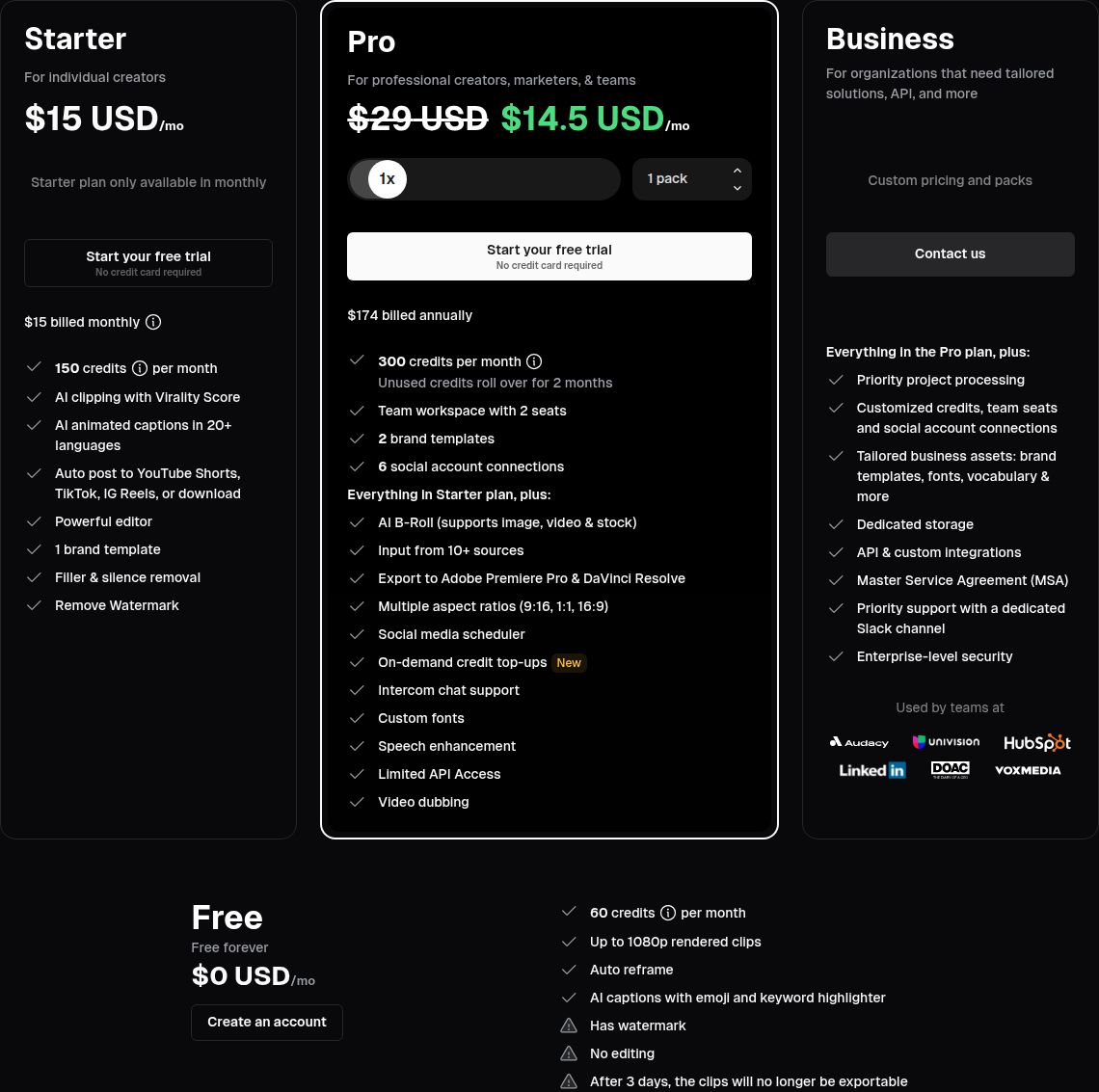 OpusClip's pricing page, showing the Free, Starter, Pro and Business plans
Best for: webinars, podcasts and long interviews that you want cut into many short clips. For a closer look at one of its rivals, see Opus Clip vs Vizard.
Vizard

Vizard is an AI tool for turning long videos into short clips. Its homepage says it turns long-form videos into clips for TikTok, Instagram and YouTube Shorts. Its Magic Clips feature finds the segments it picks as strong, and it adds captions to each clip.
The paid plans add the team and publishing features. Creator includes scheduling for social posts and no watermark. Business adds a shared workspace, a brand kit that stores your logos, fonts and colors, and team invites. Vizard's credits count by length: one credit is one minute of uploaded video.
Limits: the free plan exports 720p and keeps your files for 3 days. Vizard is built around long recordings, so its credit system is most useful when you have long footage to clip.
Pricing:
- Free: 60 credits a month, 720p export, 3-day storage.
- Creator: $29 a month, or $14.50 a month billed yearly ($174 a year). No watermark, 4K export, 6 social accounts, scheduled posts.
- Business: $39 a month, or $19.50 a month billed yearly ($234 a year). Shared workspace, 20 social accounts, brand kit and invites for team members at $5 per seat a month.
Best for: coaches, podcasters and small teams who repurpose long recordings, and want the brand kit and scheduling in the same tool. If you want the closest match to Opus Clip, see Best Vizard Alternatives.
How to choose the right alternative
Start with the footage. The right tool depends on whether you have one raw take to finish, or one long recording to cut into many shorts.
- You edit in Premiere Pro or DaVinci Resolve and want silence removal in the timeline. Stay with AutoCut. The Basic plan covers silence removal for $79 a year billed yearly, and the AI Plan covers the full feature set for $178.80 a year billed yearly. The trial is 14 days.
- You film one raw talking-head video and want a finished short. Sycamore is built for that job. Start with the free 10 minutes, which needs no card.
- You cut interviews or podcasts by reading the transcript. Descript is the closest fit.
- You want a free start and to build the cut yourself, on a phone or a computer. CapCut covers that.
- You want captions and short clips at a low monthly price. Submagic's Starter plan is the lowest on this list when billed yearly, and its free trial covers 3 videos.
- You turn long recordings into many clips. Opus Clip if you want to finish in Premiere Pro or DaVinci Resolve through its XML export. Vizard if you want a brand kit and social scheduling in the same tool.
Before you pay for any of these, test the same clip in two tools. Use a three-minute raw take you have already recorded, then compare the first minute of each result. Count your monthly minutes too, because the plan that looks cheapest on a pricing page can cost more when you post every day.
For more on the category, see Best Silence Removal Tools and AutoCut Review.
FAQ
What is the cheapest AutoCut alternative?
On annual billing, Submagic's Starter plan is $12 a month, which is the lowest starting price in this comparison. Monthly prices start at $15 for Opus Clip and $19 for Sycamore and Submagic on monthly billing.
Is there a free AutoCut alternative?
Yes. CapCut has a free plan, Descript has a free plan with one media hour a month, and Sycamore gives you 10 minutes of video once, with no credit card. Opus Clip, Vizard and Submagic also offer free tiers with limits.
Which alternative works inside Premiere Pro or DaVinci Resolve?
AutoCut is the plugin that runs inside those editors. Opus Clip is the one alternative here with an export to XML, so you can open its clips in Premiere Pro or DaVinci Resolve and keep editing there.
How much does AutoCut cost?
AutoCut's Basic plan is $79 a year billed yearly and covers silence removal only. The AI Plan is $178.80 a year billed yearly and includes all of its features. Both come with a 14-day free trial.
Can Sycamore edit videos in languages other than English?
No. Sycamore's transcription is English only, so the captions and edits work from English speech.
Which tool is best for one raw talking-head video?
Sycamore is built to turn one raw take into a finished short edit in one pass. Descript and CapCut also work, but you do more of the cutting yourself.